Learn how to set up a school’s 3D print program successfully and enjoy one of the most rewarding experiences in education. Watch students get deeply engaged in their learning process – across geography, chemistry, biology and more!
Keys to set up a school’s 3D print program
To successfully set up a school’s 3D print program one does depend on a few things, of course.
Students need to enjoy success and at the same time – admins need to manage print queues without spending crazy amounts of time doing so!
These are 3 critical indicators of a school’s 3D print program success.
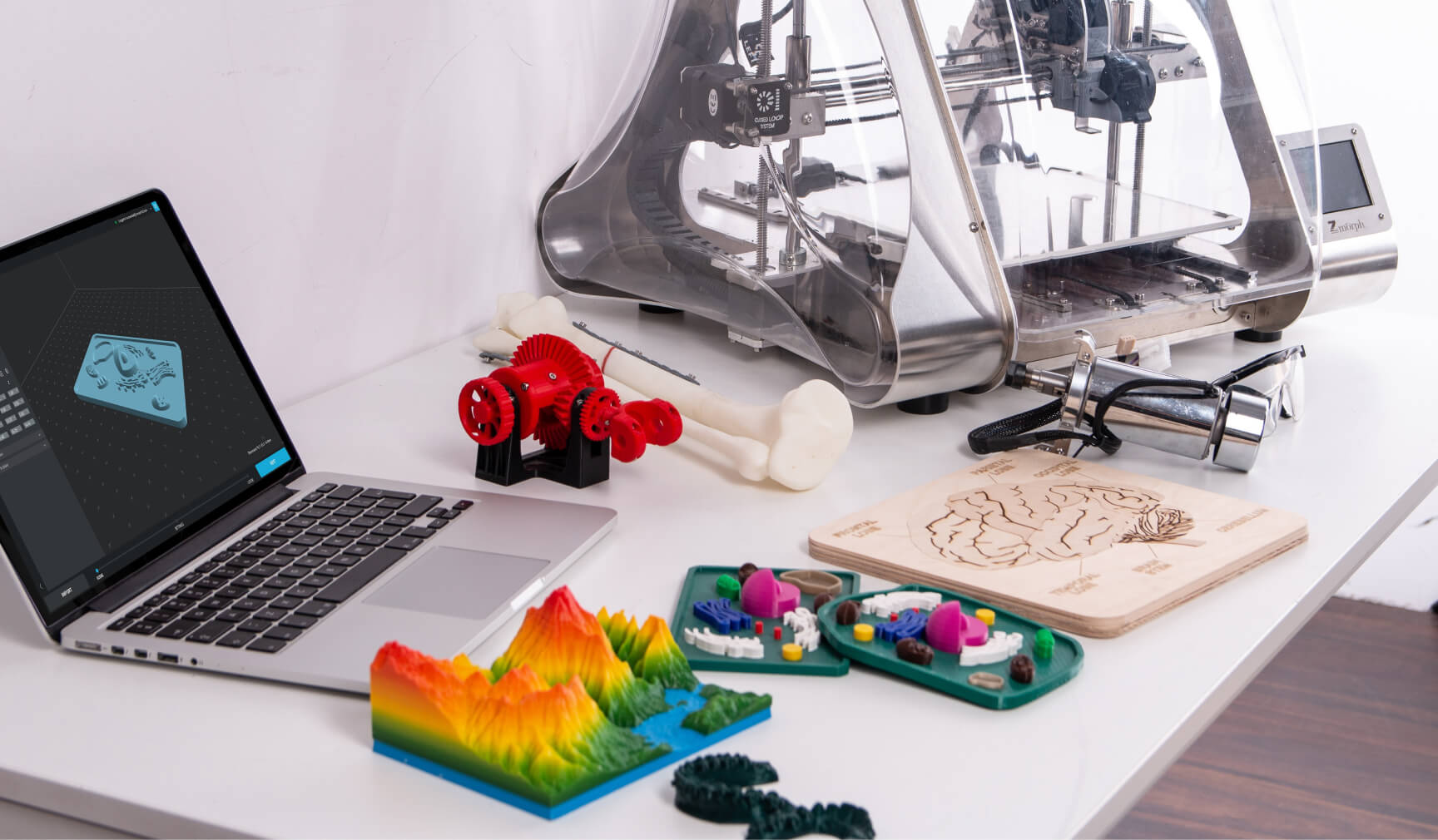
Indicator 1: Increased 3D Print Success
One piece of prime importance is optimizing everything for more successful prints.
On the one hand, you want students to push their own boundaries and accept that in doing so, they will sometimes fail. However, on the other hand, you want to minimize any frustration.
As an admin in an education related 3D printing program, you can guide them to use features that 3DPrinterOS has to offer: it can analyze your student’s 3D print file, and make recommendations as to whether it needs supports, if the first layer is touching the build plate and if the part needs repair.
This means that even if you are relatively new to 3D printing yourself, the students get to enjoy a high level of success in their projects.
Indicator 2: Reduce Admin Time
As schools build 3D printing into their curriculums, it becomes very important to help admins to run the program effectively.
Using 3DPrinterOS means staff or the students no longer need to run around with SD cards to print their files and keep track of them. Instead, students just go to a browser page and login via SSO to upload and slice their files wherever they are – even off campus.
This reduction in administrative time is a key tool that has allowed leading schools and universities to scale their 3D print programs by implementing 3DPrinterOS. Multiplying the number of student users or 3D printers does not have to equate into multiplying the number of staff needed to run those.
Indicator 3: Manage 3D Print Queues
And another challenge that admins run into (until they start using 3DPrinterOS!) is managing 3D print queues. When you have 60 eager students and 4 3D printers, it can get chaotic!
And that is one of the main reasons makerspaces start using 3DPrinterOS. In order to print each student’s project, staff need to be able to control what is being printed, on which 3D printer.
3DPrinterOS gives that complete line of sight into users, 3D printers, and files.
It’s important that this is easy, both for staff and students and. Staff shouldn’t have to jump through hoops to have a student’s project printed in time for a project deadline. Students should also be able to have their projects printed in a timely way.
3D Printing In Education
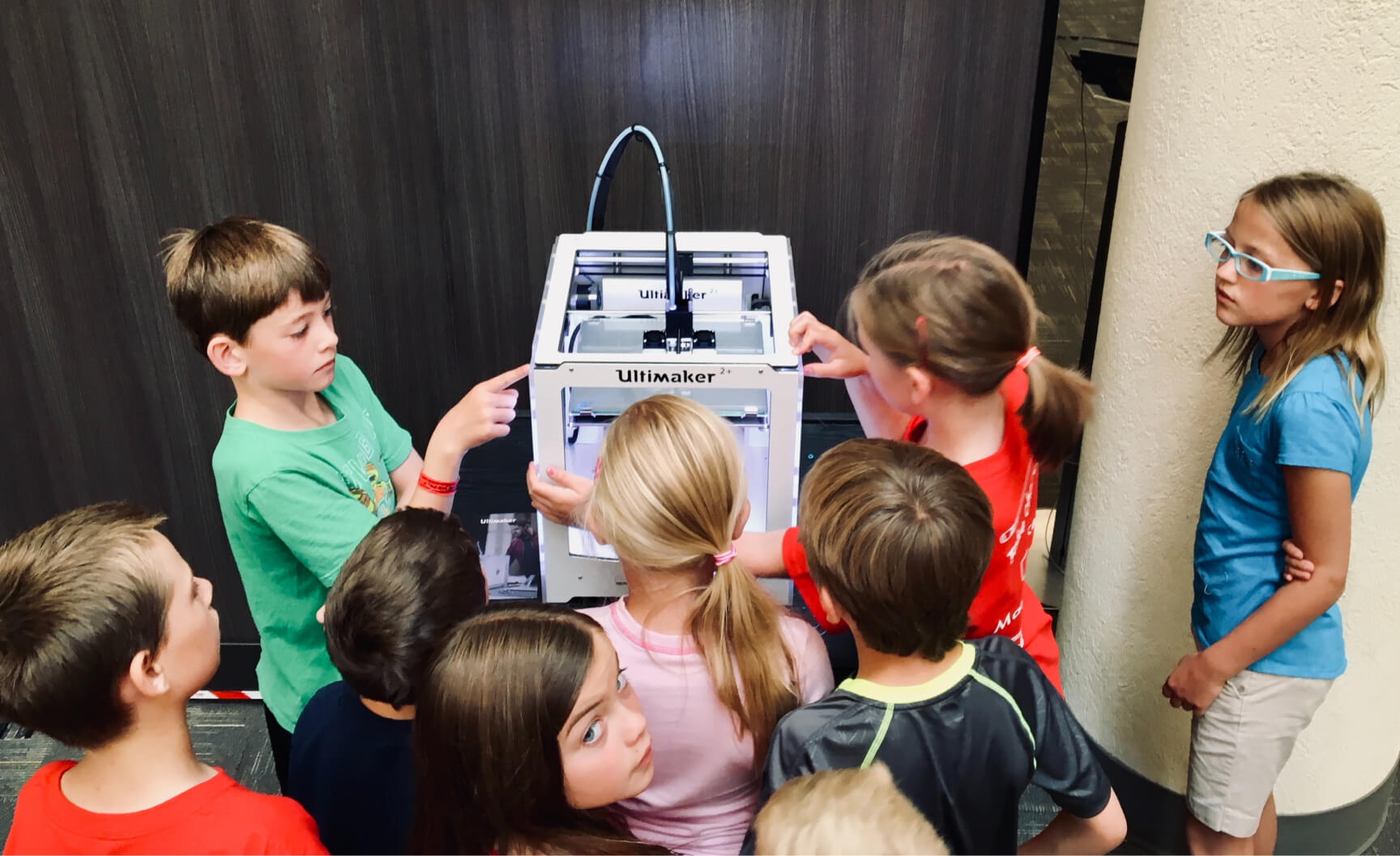
Benefits of 3D Printing in Schools
The benefits of 3D printing for educational institutions are already well known and hardly need to be emphasized here. However, in short: students love it.
This translates into a lot of excitement and a love for learning.
When you successfully set up a school’s 3D print program, you intentionally merge it with your existing curriculum. History, science, math, art and architecture… 3D printing is a resource for all of them. It’s a medium that promotes creativity, and puts cutting edge technology right into the hands of the people who will be tomorrow’s scientists, doctors, and space explorers.
3D printing also teaches students a new perspective – what’s ‘inside’?
What makes up a sphere, or a cone? What do you NOT see, in a bridge or a tunnel?
Students are naturally curious, and 3D printing taps into that curiosity.
Of course STEM/STEAM projects are ideal candidates for 3D printing. The potential for hands-on learning in a project-based framework is unlimited. Interestingly, it is also a safe way for students to ‘fail’, learn, adjust, and try again.
3D printing is a low-barrier entry point to other types of making. Students can often work on their projects from their own computers. They don’t need to have access to power tools to build their models or create their designs.
Next Step To Set Up A School’s 3D Print Program
Find Out More From Our Friendly Team
We absolutely love seeing the results of the dedicated teams that are, quite literally, building the future. Drop us a line on our education page when you’re ready to see the difference for yourself.
We can’t wait to hear from you!