If you’ve been printing on a desktop 3D printer or you’re completely new to additive manufacturing, professional on-demand services can feel intimidating. JUSTWAY makes this transition straightforward, offering accessible technologies that deliver results beyond most hobbyist equipment. Let’s explore how to get started.
Why Use an On-Demand Service?
The reasons are practical: access to materials your printer can’t handle (engineering-grade resins, nylon), larger build volumes, better surface finishes, and professional-quality results without failed prints and troubleshooting. JUSTWAY operates factories in Hangzhou, Shenzhen, and Shanghai with over 168,000 parts produced for clients from individual makers to Tesla and SpaceX. You get industrial-grade equipment without buying it.
Two Technologies Perfect for Beginners
JUSTWAY offers multiple printing technologies, but two stand out for accessibility: SLA (resin printing) and FDM (filament printing).
Stereolithography (SLA): Professional-Quality Resin Printing
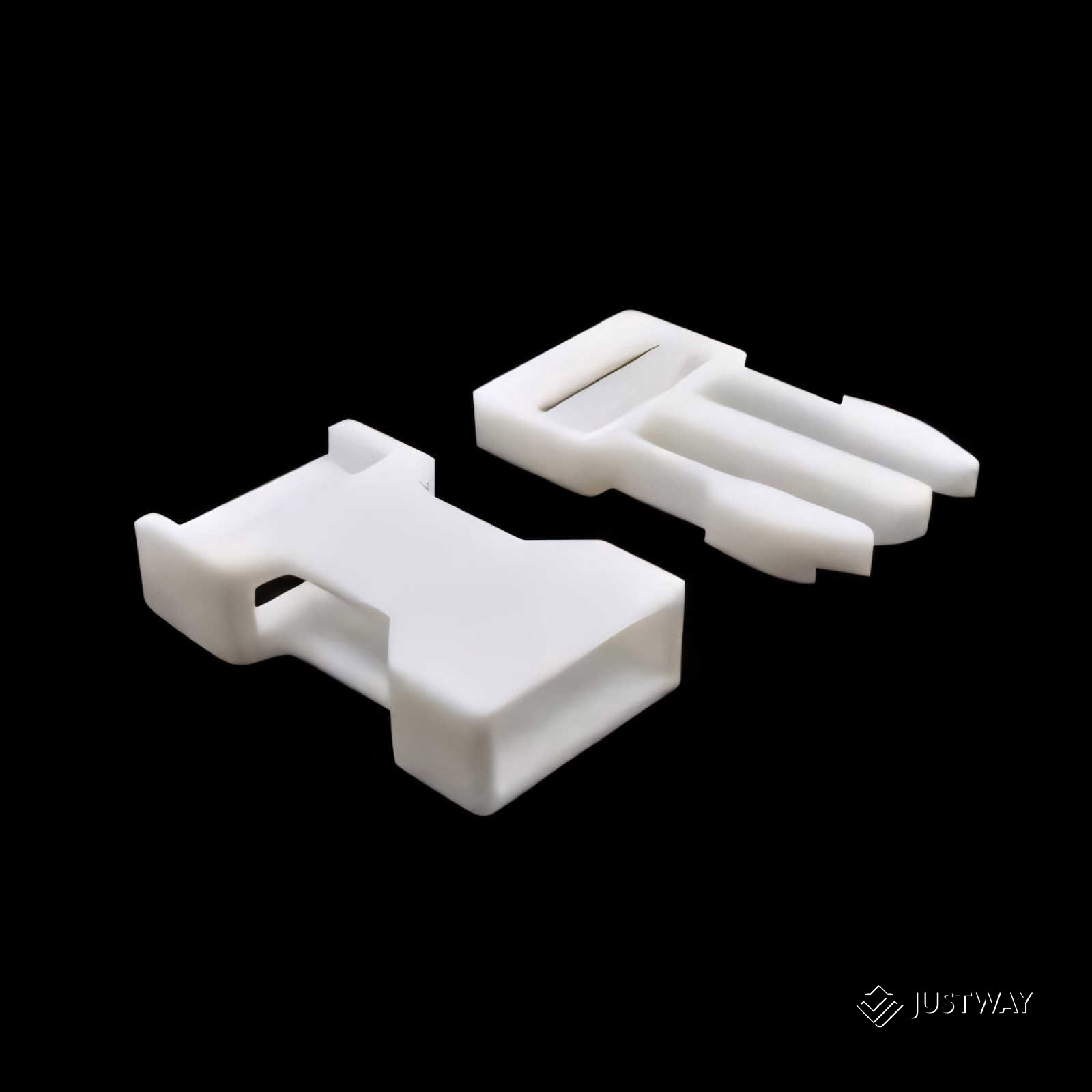
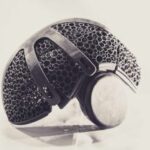
SLA uses a laser to cure liquid resin layer by layer. Layer heights can go as low as 0.01mm, producing parts with smooth surfaces that often don’t need finishing. Perfect for visual prototypes, client presentations, master patterns, and display models. The technology excels at fine details—small text, intricate patterns, and complex surface features.
JUSTWAY offers various resins, but standard options work great for beginners. One material worth noting: UTR-8100 transparent resin delivers genuine transparency (not just translucent) with Shore hardness of 83-85D and tensile strength up to 41.56 MPa. Ideal for light pipes, lenses, or any application where you need to see inside the part.
Fused Deposition Modeling (FDM): Industrial-Scale Filament Printing
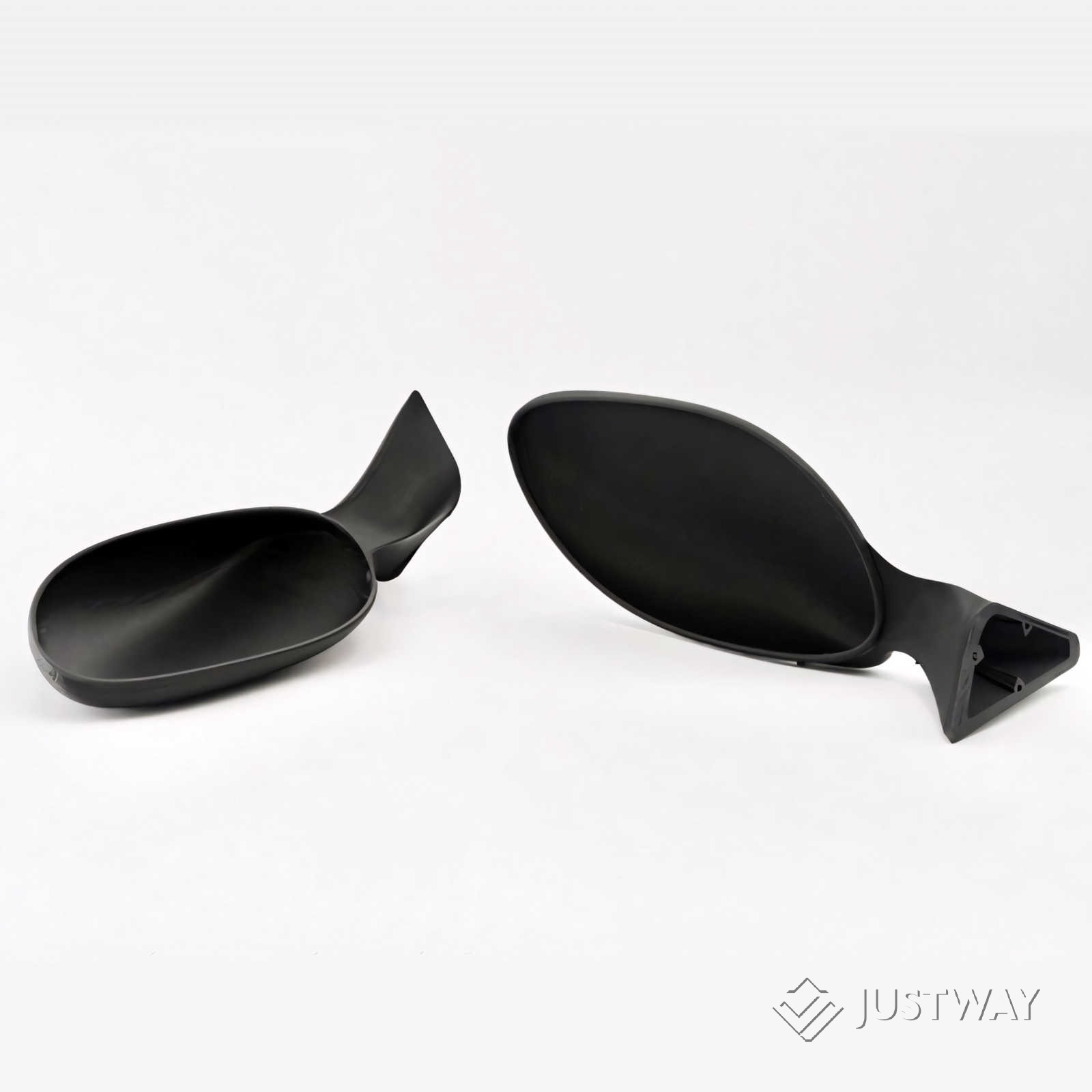
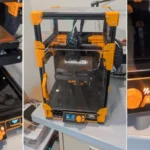
JUSTWAY’s industrial FDM machines offer larger build volumes (over 300mm), better temperature control, and tighter tolerances than consumer equipment. Materials include familiar options: PLA (biodegradable, easy), ABS (impact resistant), PETG (durable), and TPU (flexible).
The interesting addition: multicolor printing with Automatic Material System (AMS) technology—up to four colors per build. Great for assemblies needing visual distinction or marketing prototypes that would otherwise require painting. Industrial FDM also provides engineering materials like polycarbonate for high-strength applications.
The Ordering Process
Using JUSTWAY is straightforward:
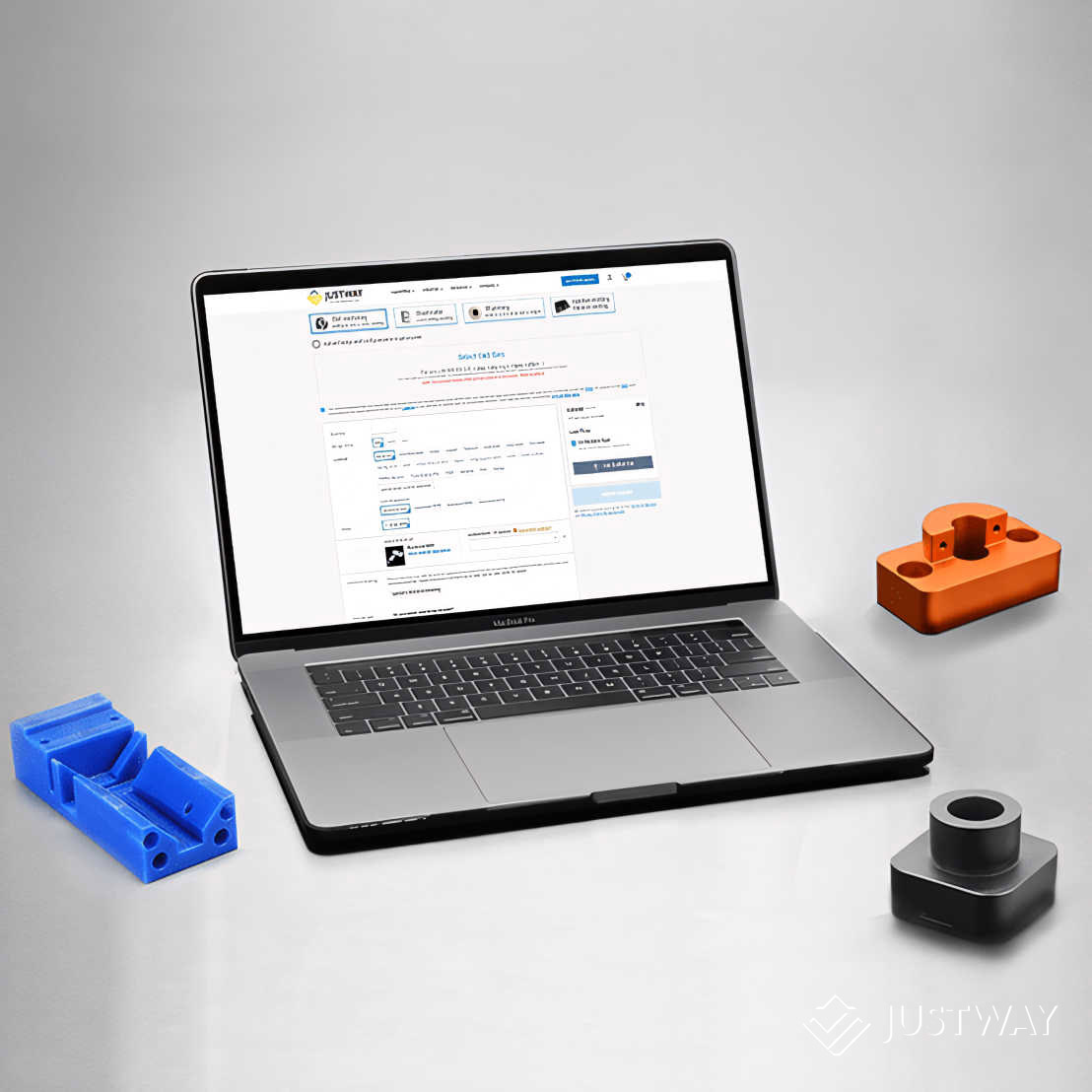
1. Upload your 3D file (STL, STEP, or OBJ formats)
2. Select your material (start with standard resin for SLA or PLA for FDM)
3. Choose quantity (single parts fine—no minimums)
4. Get instant pricing
5. Place your order
The platform runs automatic Design for Manufacturability (DFM) checks, flagging thin walls, overhangs, or features that won’t print well. This catches issues before printing starts. Real-time tracking shows when parts are printed, finished, and shipped. JUSTWAY offers free reorders or refunds if parts don’t meet specifications.
Starting Simple: Your First Order
For your first order, keep it simple. Choose a straightforward part that doesn’t push size or complexity limits.
Good first projects:
– Replacement parts for household items
– Custom electronics enclosures
– Simple design prototypes
– Display models
– Workshop jigs or fixtures
Avoid complex assemblies or critical tolerances until you’ve tested the service with something simple.
Common Beginner Questions
“How much will my part cost?” Upload for instant quotes. Generally $5-30 for smaller parts in standard materials.
“What material should I choose?” Visual models: SLA standard resin. Durable functional parts: FDM with ABS or PETG. Frequently handled prototypes: FDM with PLA.
“Will my part need supports?” SLA always uses supports (JUSTWAY removes them). FDM sometimes needs supports—the platform shows you.
“How do I know if my design will print?” The DFM system flags problems automatically. Get warnings? Adjust your design and re-upload.
“Can I get different colors?” SLA offers various resin colors (or paint finished parts). FDM has standard filament colors plus multicolor printing for up to four colors.
Building Confidence
Starting with on-demand 3D printing doesn’t require expert knowledge. JUSTWAY’s platform handles technical details—you focus on designing parts that solve problems. SLA for appearance-critical parts and FDM for functional prototypes covers most beginner needs. As you gain experience, you’ll develop intuition for which technology fits different applications, how to design for manufacturing, and when professional printing beats desktop equipment. Start with a simple part, see results, and build from there.
The barrier to entry is low: a 3D file, a few dollars, and a few days’ wait. That’s all it takes to see what industrial-grade 3D printing can do for your projects.