Moisture is the most common cause of stringing, bubbling, and weak layer adhesion in 3D prints. A filament dryer removes that moisture at the source, keeping spools dry during printing rather than just before it. Not every filament needs drying: PLA prints well from an open spool in most home environments, but PETG, TPU, Nylon, and carbon fibre composites absorb moisture quickly enough that a dryer pays for itself in failed prints avoided. The market in 2026 covers everything from compact single-spool units to four-spool drying stations and engineering-grade machines reaching 110°C. This guide covers every meaningful category with verified specifications and honest assessments of each pick’s limitations alongside its strengths.
Quick picks
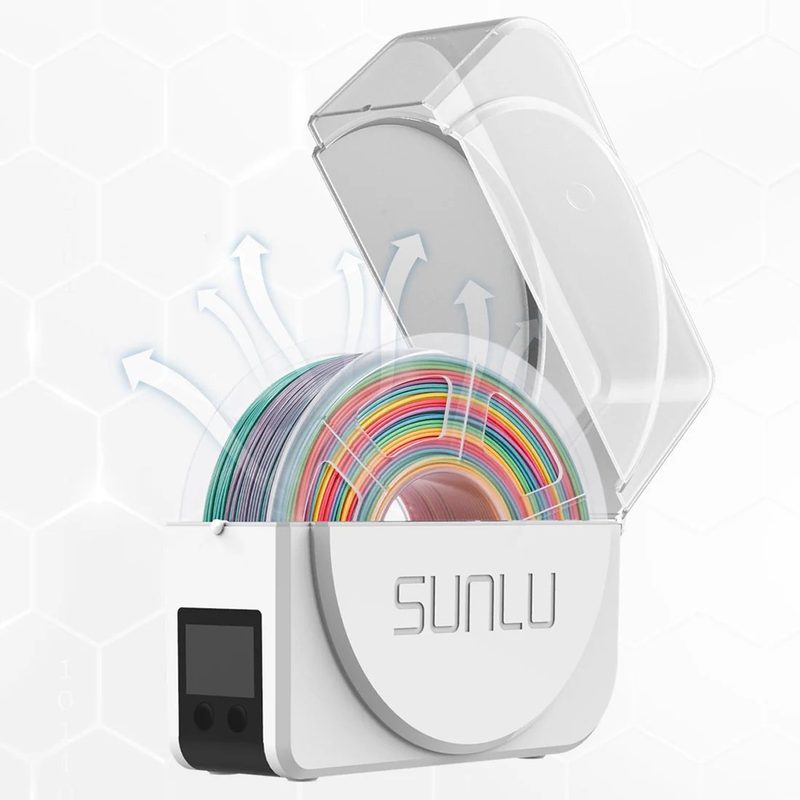
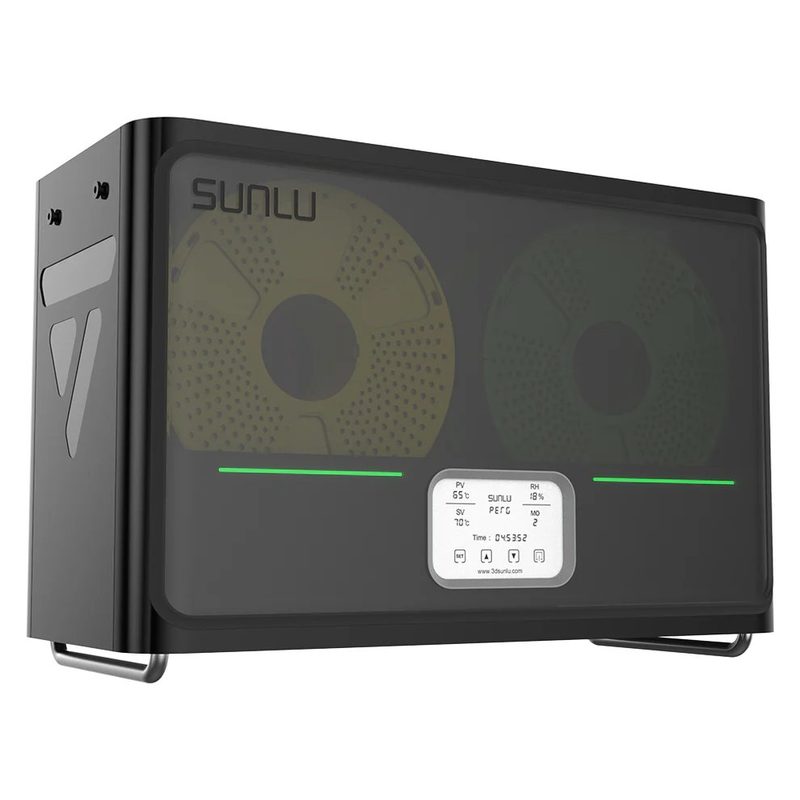
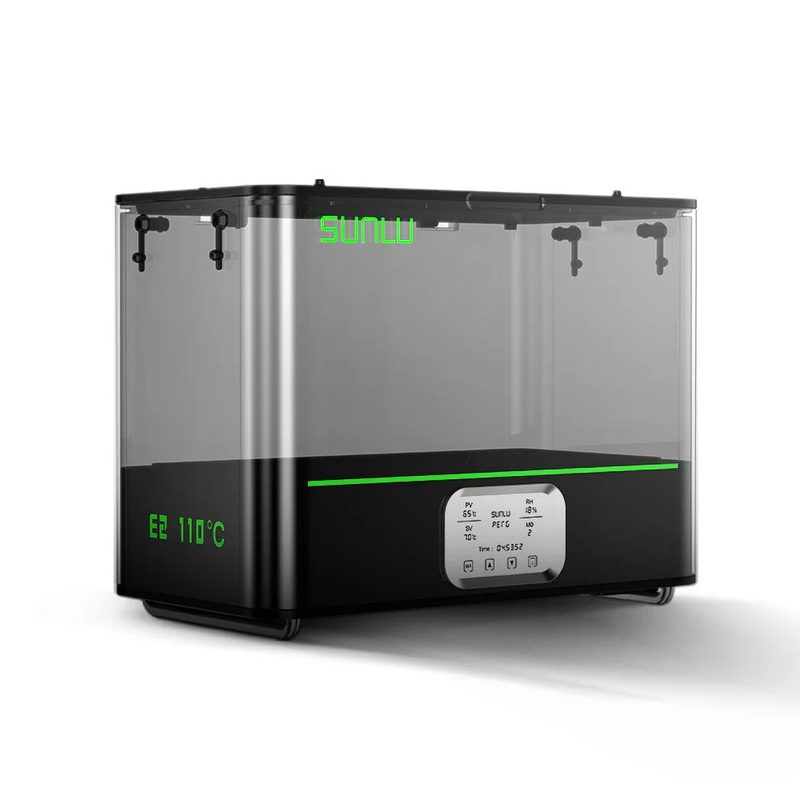
Best overall filament dryer
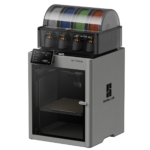
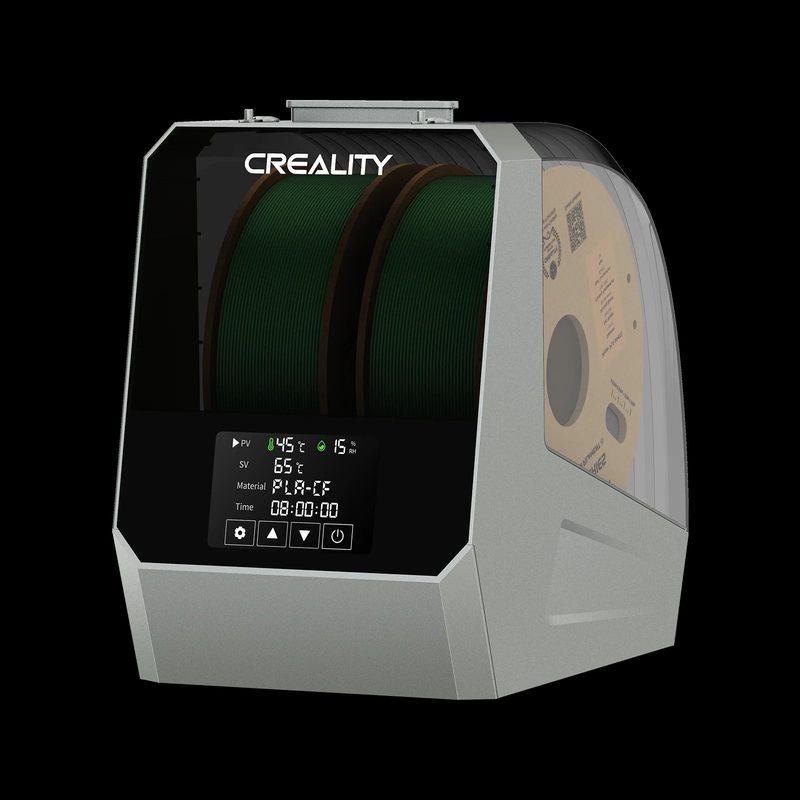
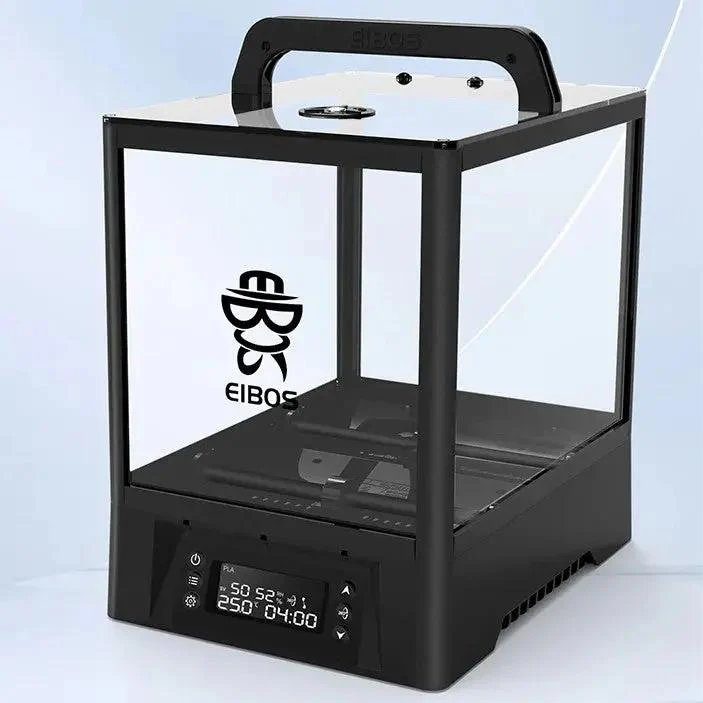
The best all-round dryer balances drying capacity, temperature range, display quality, and build quality at a price that does not require justification. For most users who print across multiple materials with one or two machines, a dual-spool dryer that reaches 70°C is the sensible default. It handles everything from PLA through to most Nylon grades, and two exit ports mean you can feed two printers simultaneously or keep a spare spool drying while the first is actively printing.
Also consider
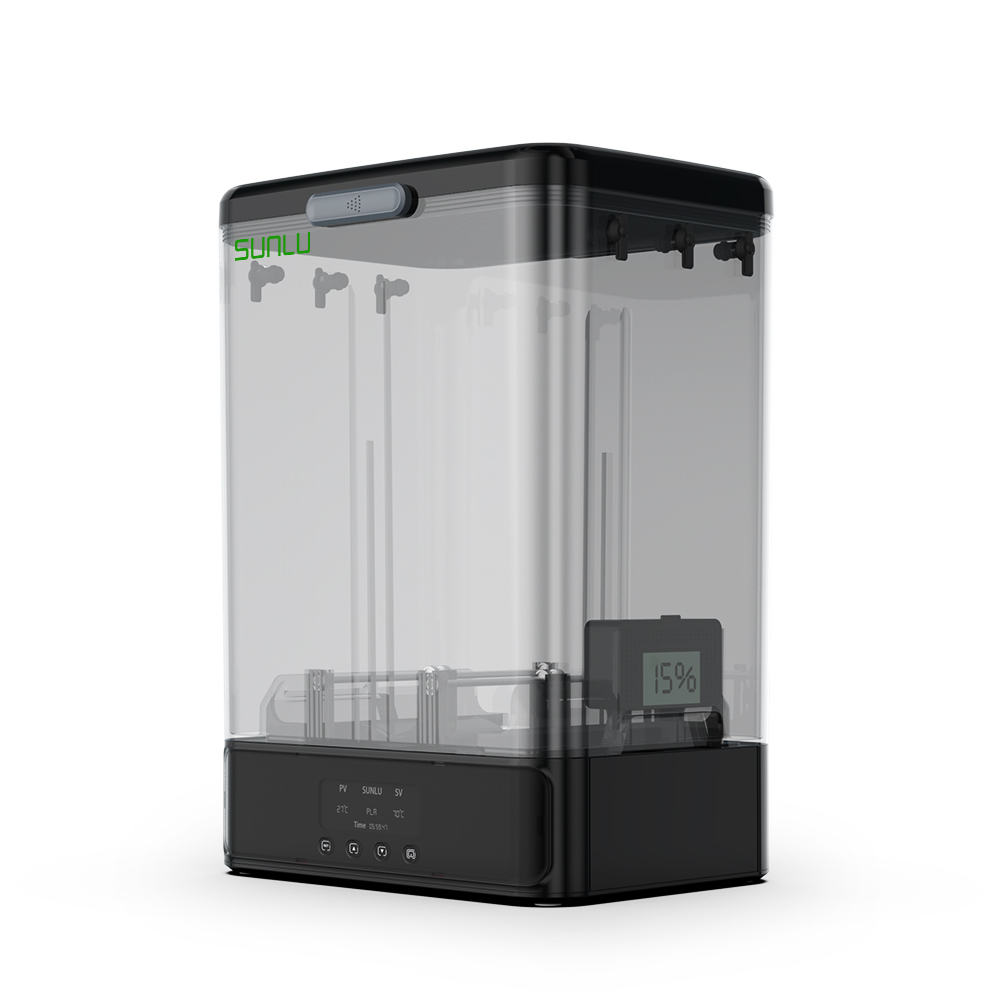
Best single-spool filament dryer
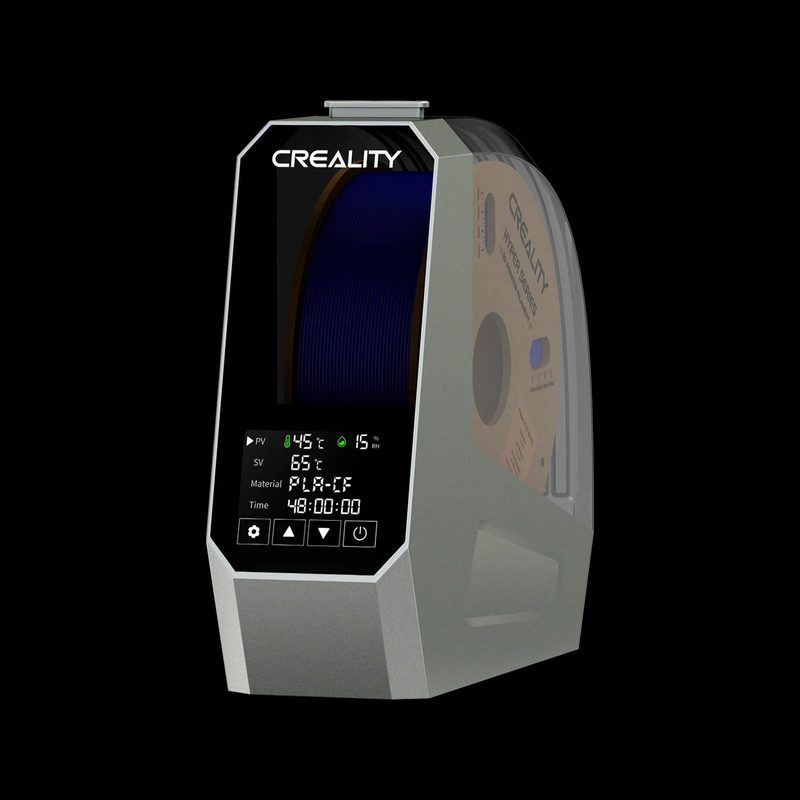
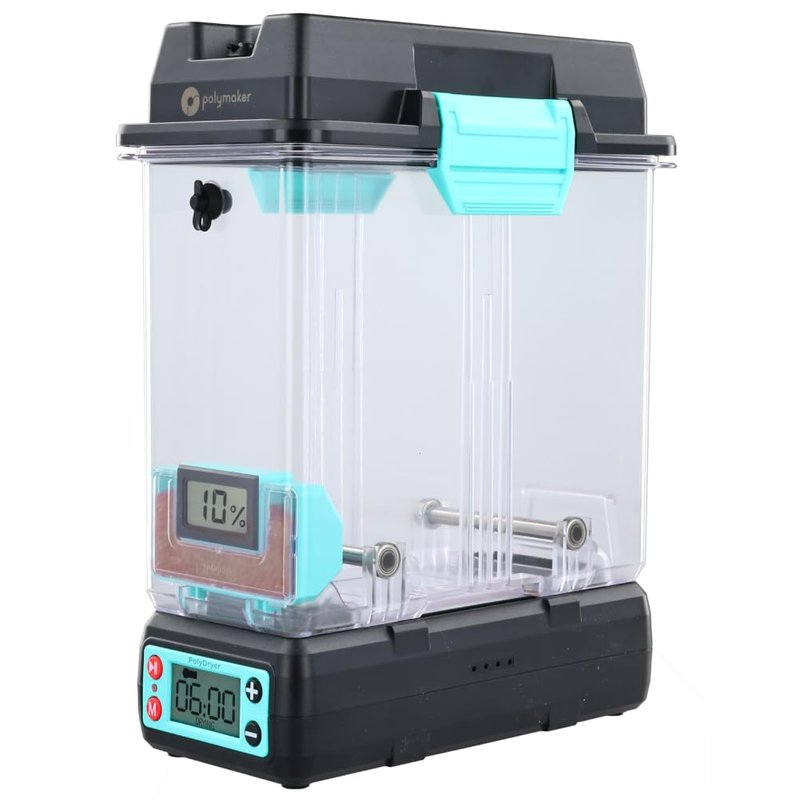
If you run one printer with one material at a time, a single-spool dryer is all you need. The smaller footprint, simpler operation, and lower cost all make sense for this use case. The key thing to avoid is sacrificing temperature ceiling for price. A single-spool dryer that reaches 70°C handles every common filament from PLA through Nylon, making it a long-term purchase rather than something you will outgrow the moment you try a new material.
Also consider
Best budget filament dryer
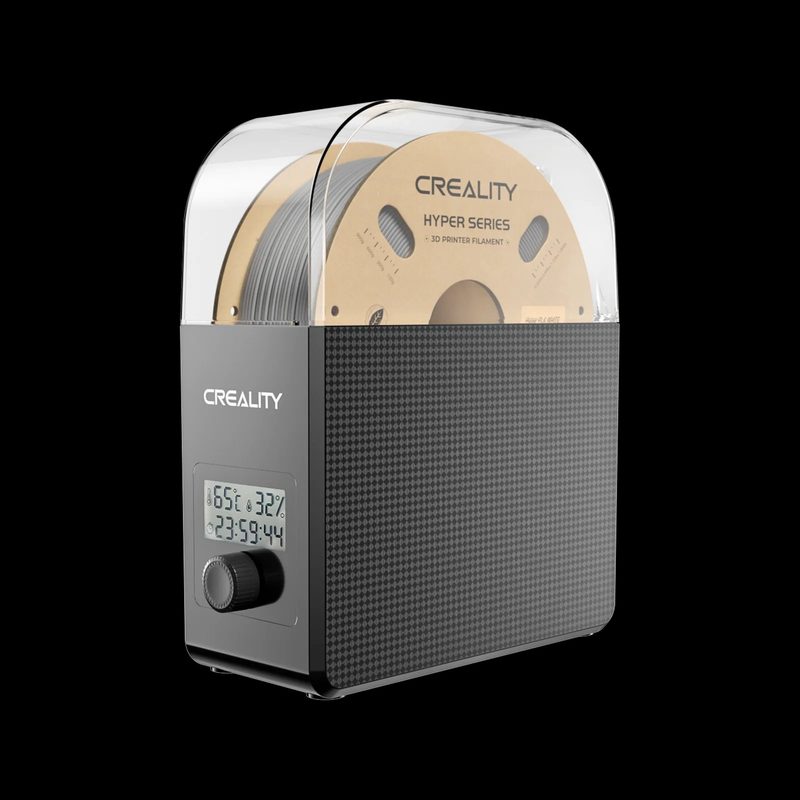
The budget category comes with an important caveat worth stating before anything else. The most affordable dryers top out at 50 to 55°C, which is sufficient for PLA, PETG, and TPU but will not effectively dry Nylon, Polycarbonate, or carbon fibre composites, all of which require 65 to 80°C. If you primarily print PLA and PETG, a budget dryer is genuinely all you need. If you expect to work with engineering materials in the future, spending a little more on the Creality Space Pi now will save you a second purchase later.
Also consider
Best multi-spool filament dryer
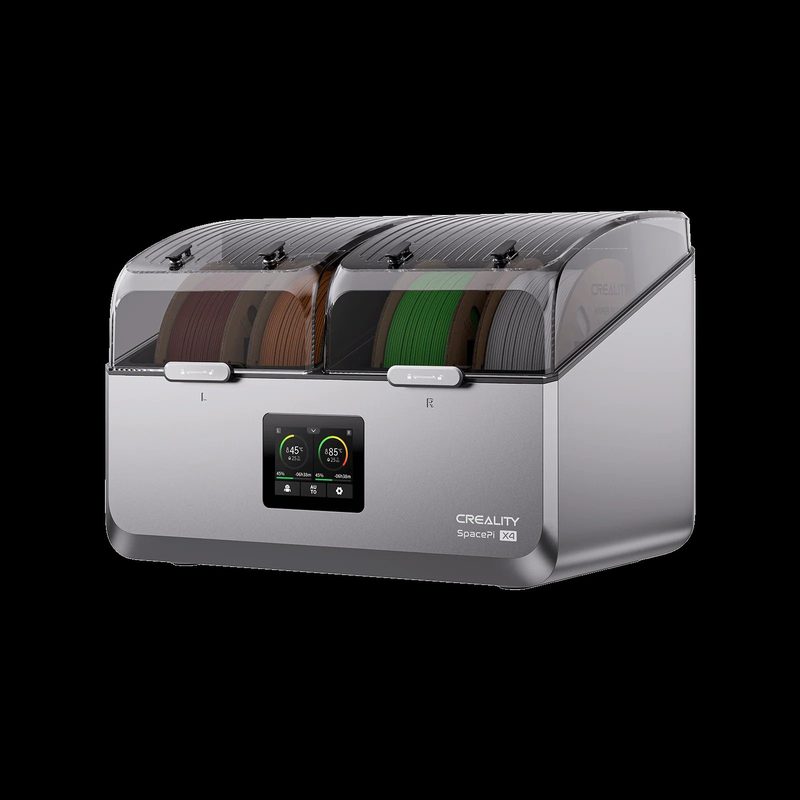
Multi-spool dryers are essential for multi-material printer setups, especially the Bambu Lab AMS, which uses four spools simultaneously and is notably sensitive to wet filament. They are also valuable for small workshops or anyone who keeps several active materials on the go. The key distinction to check in this category is whether the dryer offers independent heating zones. Shared-chamber dryers are more affordable but force all spools to the same temperature, which becomes a real limitation if you need to dry PLA at 45°C and Nylon at 70°C at the same time.
Also consider
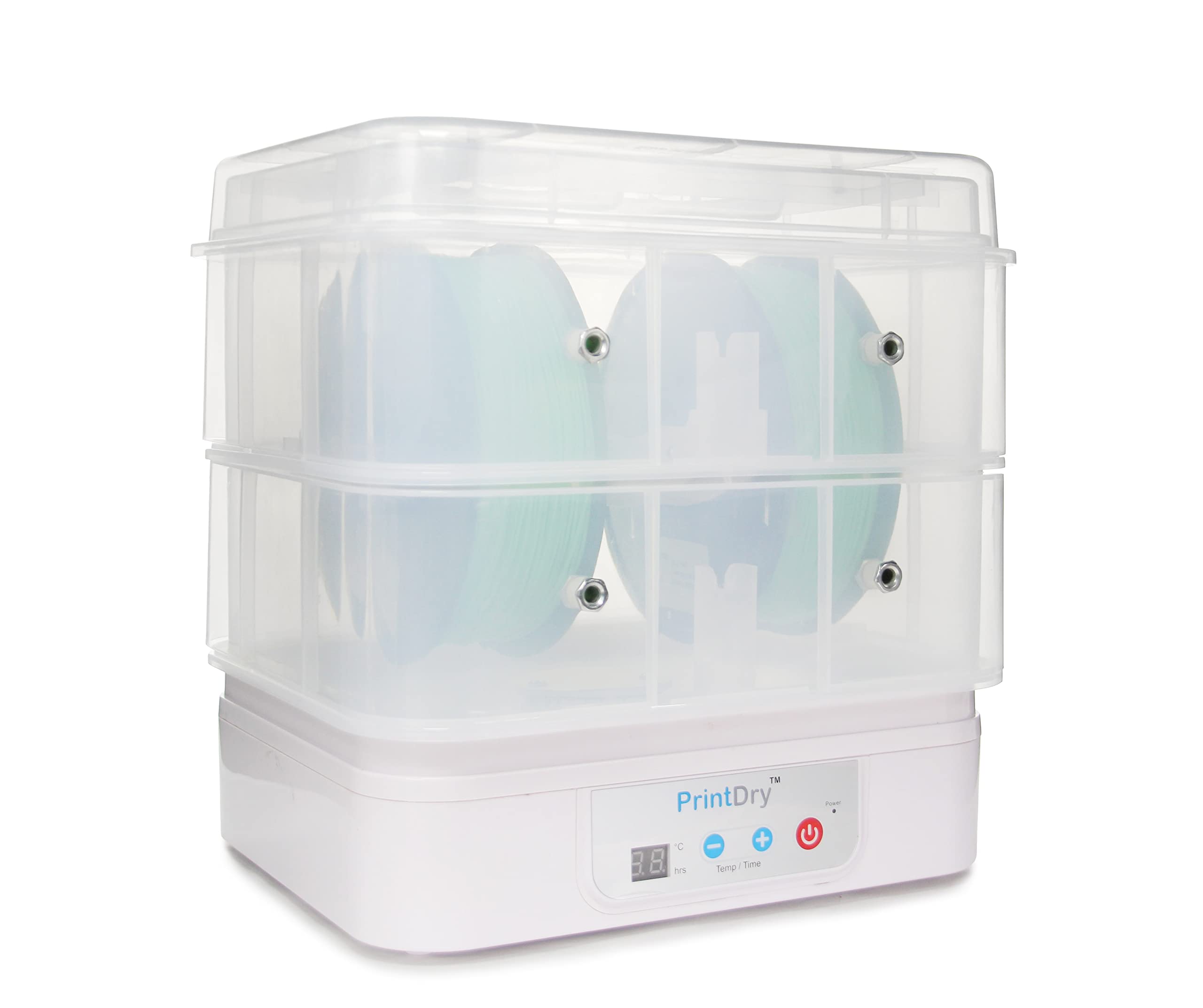
Best filament dryer for engineering materials
Nylon, Polycarbonate, PA-CF, and PVA support material are among the most hygroscopic filaments in common use. They absorb moisture quickly and require drying at 65 to 80°C, often for 8 to 12 hours, to reach optimal print-ready condition. Most standard dryers cannot reach these temperatures reliably. If engineering-grade materials form a significant part of your workflow, the temperature ceiling is the specification that matters most, and it is worth verifying that ceiling through independent sources rather than relying on marketing materials alone.
Also consider
How to choose a filament dryer
The temperature ceiling is the most important specification
Different filaments require different drying temperatures. PLA dries at 40 to 45°C; PETG and TPU at 55 to 65°C; most Nylon grades (PA6, PA12) at 65 to 80°C; Polycarbonate and PA-CF at 80°C and above. A dryer that tops out at 55°C will not effectively dry Nylon regardless of how long you run it. Before buying, check whether your current and planned materials fall within the dryer's verified operating range, not just the headline number from the product page.
Active drying and passive storage solve different problems
Active dryers, which cover all picks in this guide, use PTC heating and a fan to drive existing moisture out of a spool. Passive storage solutions such as vacuum bags and airtight containers with desiccant prevent moisture from getting in but will not rescue a spool that is already wet. The best practice combines both approaches: use an active dryer to restore wet spools and prepare filament before long prints, then store everything in airtight containers with desiccant when not in use. A dryer is not a replacement for proper storage; the two work together.
Shared versus independent heating chambers
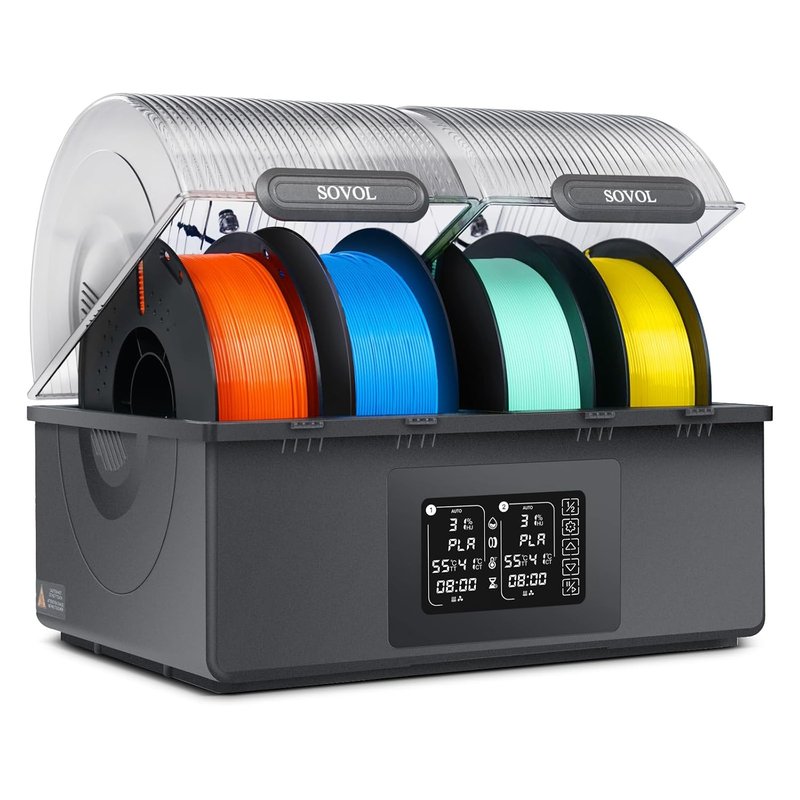
Multi-spool dryers come in two types: shared-chamber (such as the Sunlu S4) and independent-chamber (such as the Creality Space Pi X4 and Sovol SH03). In a shared-chamber dryer, every spool must be dried at the same temperature, which is fine when you always dry the same material but becomes a limitation when you want to dry PLA and Nylon at the same time. Independent-chamber dryers cost more but give you genuine flexibility across mixed-material workflows. If you regularly work across materials with significantly different drying temperatures, the premium is justified.
Printing while drying versus pre-drying only
Most modern dryers include a filament exit port that lets you feed directly from the dryer to your printer throughout the entire print. This is significantly better than pre-drying and then printing from an open spool, which begins reabsorbing moisture immediately after you remove the lid. Printing directly from the dryer is particularly important for multi-hour jobs with hygroscopic materials. Before buying, check that the exit port is positioned conveniently for your printer setup and that the PTFE tube length is sufficient.
How long does drying actually take?
As a general guide: PLA needs 4 to 6 hours at 45°C; PETG around 6 to 8 hours at 65°C; Nylon 8 to 12 hours at 70 to 80°C. Spools left open for weeks may need a full overnight cycle. A dryer with a real-time humidity display is a meaningful upgrade over a timer-only unit: it tells you when the spool has actually reached target humidity rather than requiring you to estimate based on elapsed time alone. Every top pick in this guide includes humidity monitoring for this reason.
Does PLA really need drying?
PLA is the least hygroscopic of the common filaments and prints well from an open spool in most home environments. That said, PLA left open for months in a humid climate can still benefit from a short 4-hour dry at 45°C, particularly for fine-detail or multi-day prints where surface quality matters. If you are seeing unexpected stringing or poor surface finish on PLA that previously printed cleanly, moisture is worth ruling out before making changes to your slicer settings.
Filament drying temperature reference
Frequently asked questions
Can I use a food dehydrator instead of a filament dryer?
Yes, and for years it was the standard workaround before purpose-built filament dryers existed at reasonable prices. The main limitations are that most food dehydrators lack a filament exit port for printing while drying, temperature control tends to be less precise, and the round tray format rarely fits standard spool sizes cleanly. At current filament dryer prices, a purpose-built unit is the better choice for most users. A food dehydrator remains a workable option for occasional pre-drying if you already own one.
Why is the Sunlu S2 not in this guide?
We did not include the Sunlu S2 for a specific reason. Community testing, including a detailed head-to-head comparison on the Bambu Lab forum, found it performs noticeably worse than the Creality Space Pi at a similar price point. Reviewers flagged inconsistent temperature accuracy and reports of the heater getting stuck at maximum temperature. The Creality Space Pi is a meaningfully better buy at a comparable price. We kept the S1 Plus as our budget pick because it occupies a lower price position where direct comparison with the Space Pi is less relevant.
Can I leave a filament dryer running overnight?
Yes. All picks in this guide are designed for extended drying cycles including overnight use, and most include a programmable timer with automatic shutoff. Running a dryer overnight is standard practice for Nylon and PA-CF, which require 8 to 12 hours to fully dry. The Sunlu FilaDryer E2 includes over-temperature protection and its external surface stays below 60°C even at full power, which is a useful safety consideration for overnight operation.
Does a filament dryer replace proper storage?
No. A dryer rescues wet filament but does not prevent it from reabsorbing moisture once it is powered off and left open. The most effective approach uses both tools together: dry the spool before a long print, then store it in an airtight container or vacuum bag with desiccant when not in use.
Do resin 3D printers need filament dryers?
No. Filament dryers are specific to FDM printers that use spooled filament. Resin printers use liquid photopolymer resin, which has entirely different storage and handling requirements.
What is the best filament dryer for Bambu Lab AMS?
The Sunlu FilaDryer S4 is the community consensus pick for Bambu Lab AMS setups. Its four-spool capacity matches the AMS four-filament system exactly, and there is a popular community mod that integrates it directly into the AMS workflow. The Creality Space Pi X4 is the stronger alternative if you mix materials that need different drying temperatures simultaneously, thanks to its independent dual heating chambers. For Bambu's newer H series printers with built-in AMS moisture management, check whether your specific model already handles drying before purchasing a standalone dryer.