Open-frame 3D printers offer freedom and easy access, but they print into whatever environment surrounds them. Temperature drafts warp ABS corners. Ambient humidity softens Nylon. Stepper motor noise travels through walls. For resin printers, the stakes are higher still: photopolymer resin releases volatile organic compounds that are toxic in an unventilated space, making a proper enclosure a health necessity rather than just a print quality upgrade. This guide covers every meaningful category across both FDM and resin printing, from budget fabric tents through premium insulated enclosures, rigid acrylic cabinets, and full furniture-grade workstations, to purpose-built resin enclosures with active carbon filtration and UV-blocking windows.
Quick picks
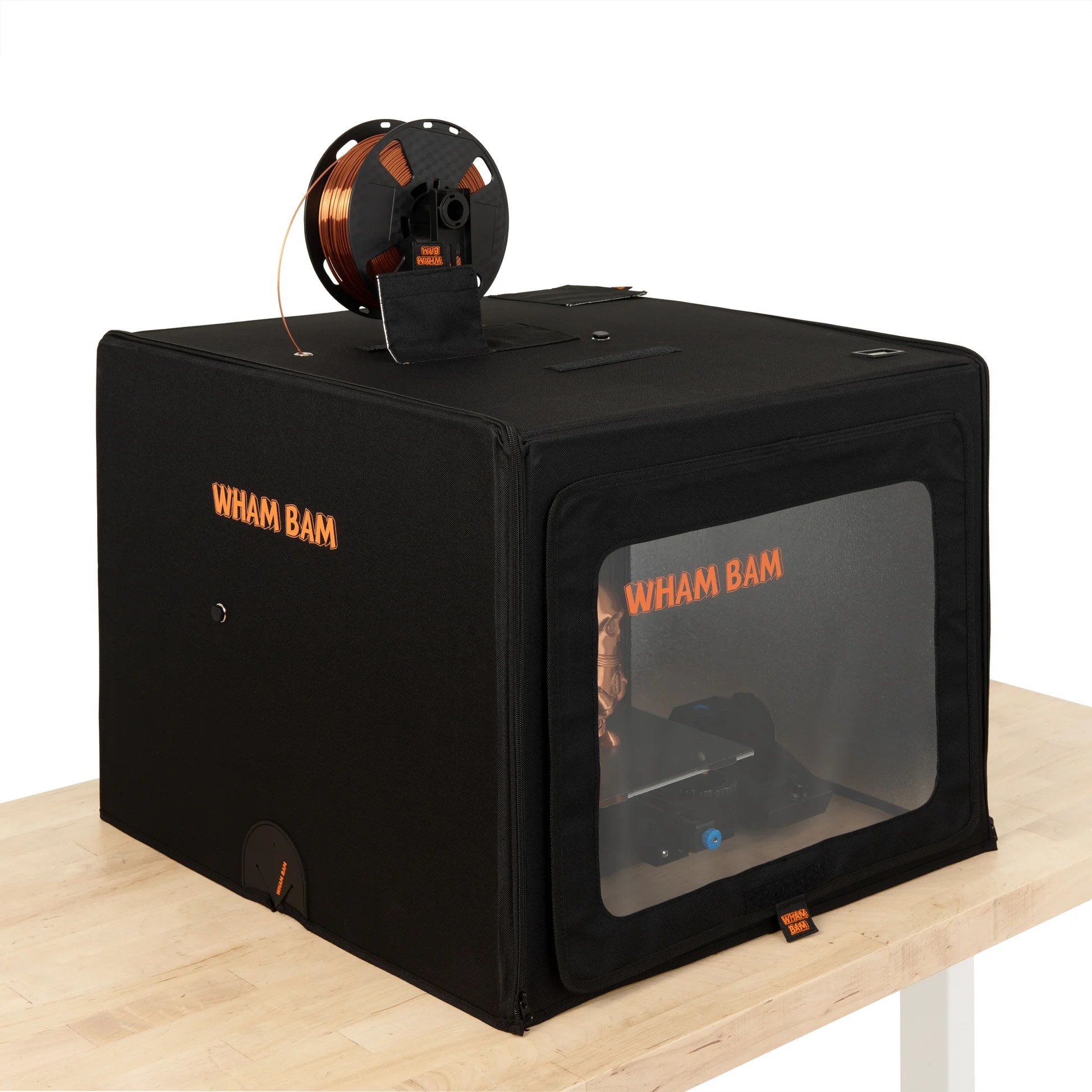
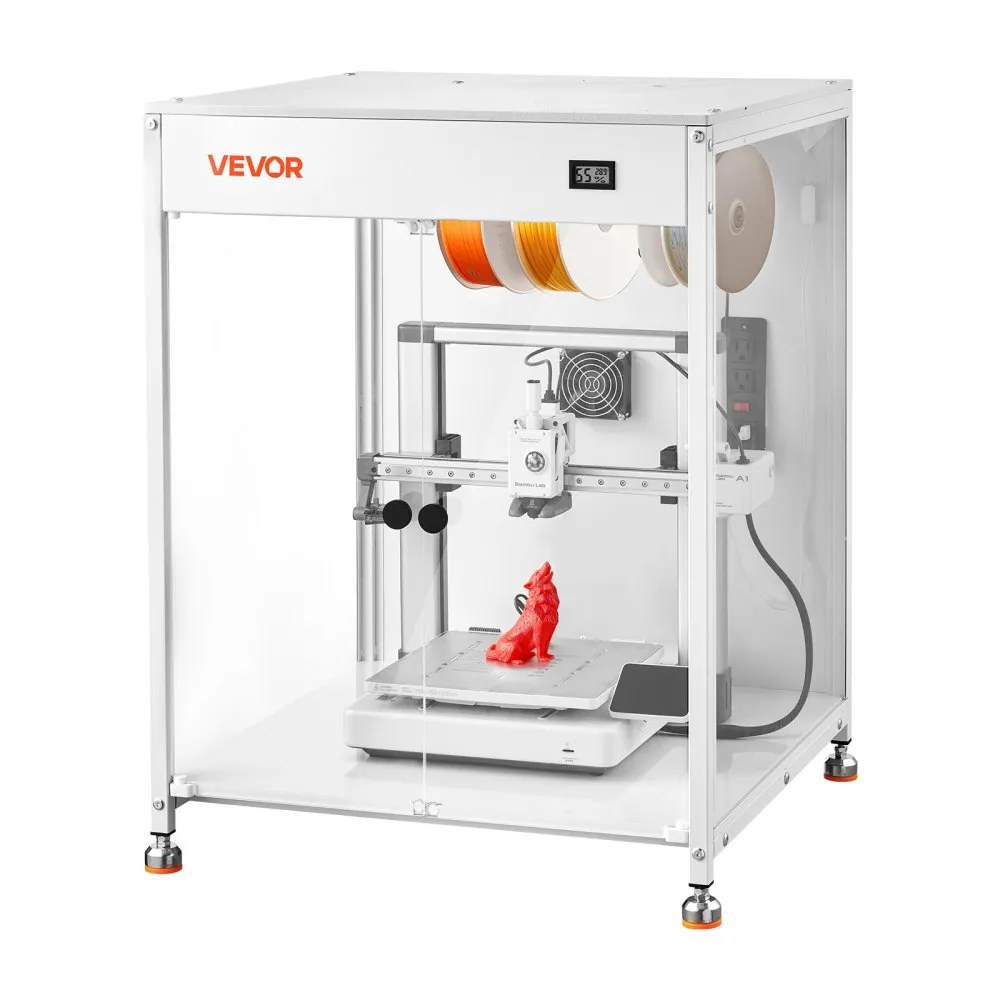
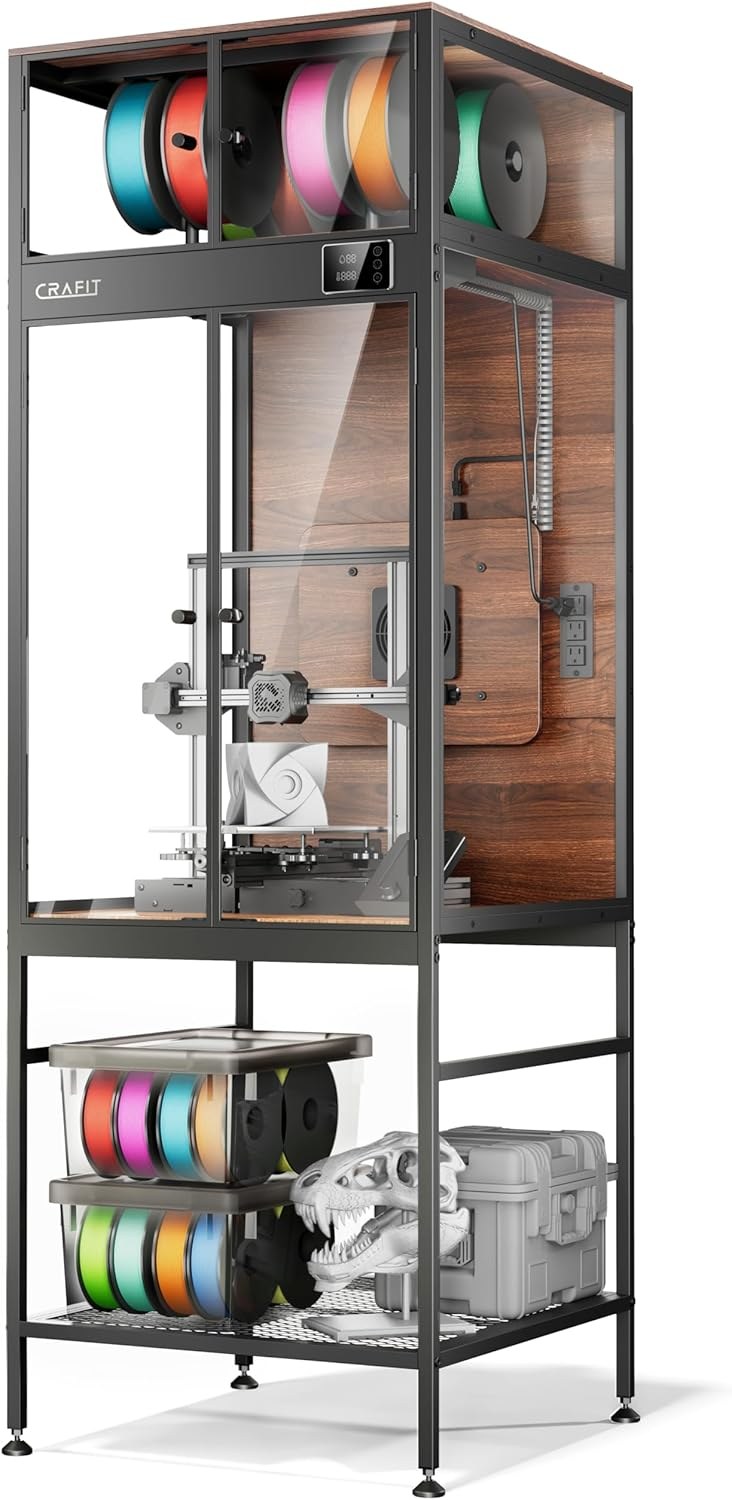
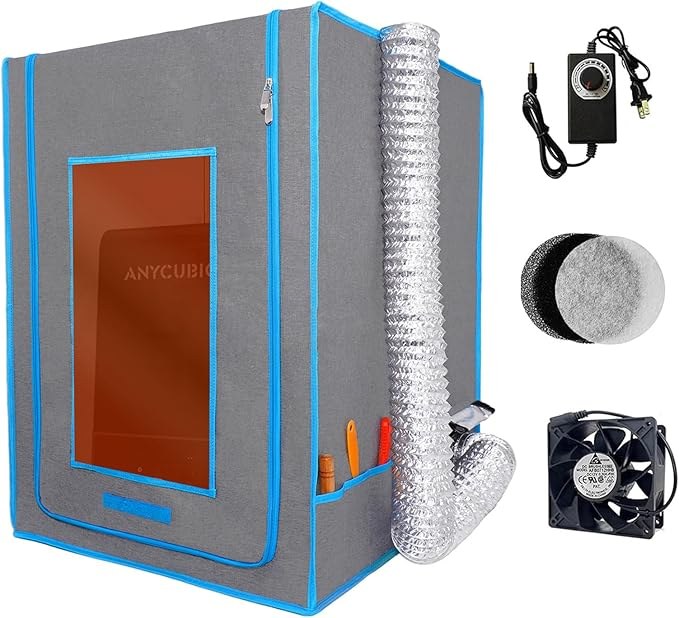
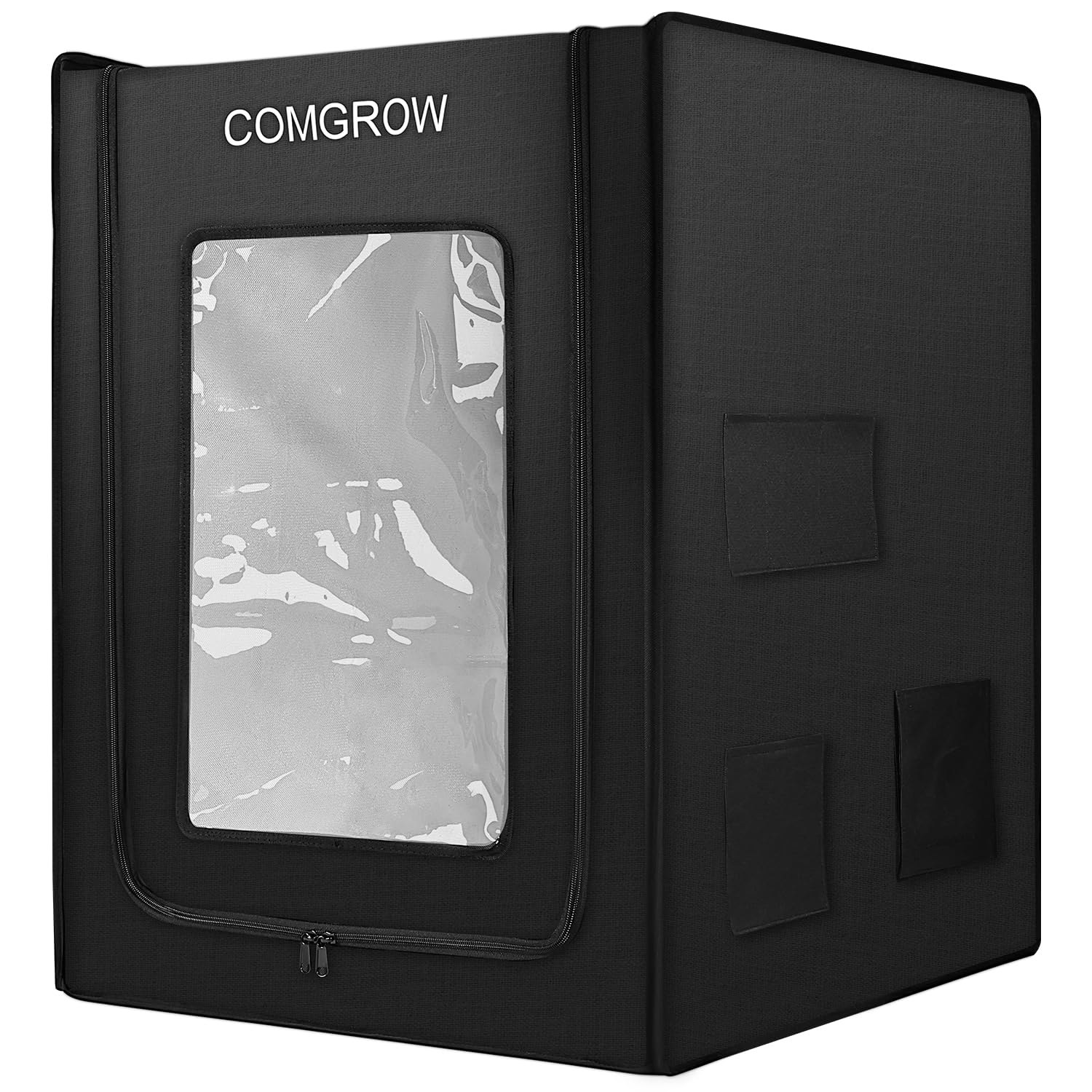
Best budget 3D printer enclosure tent
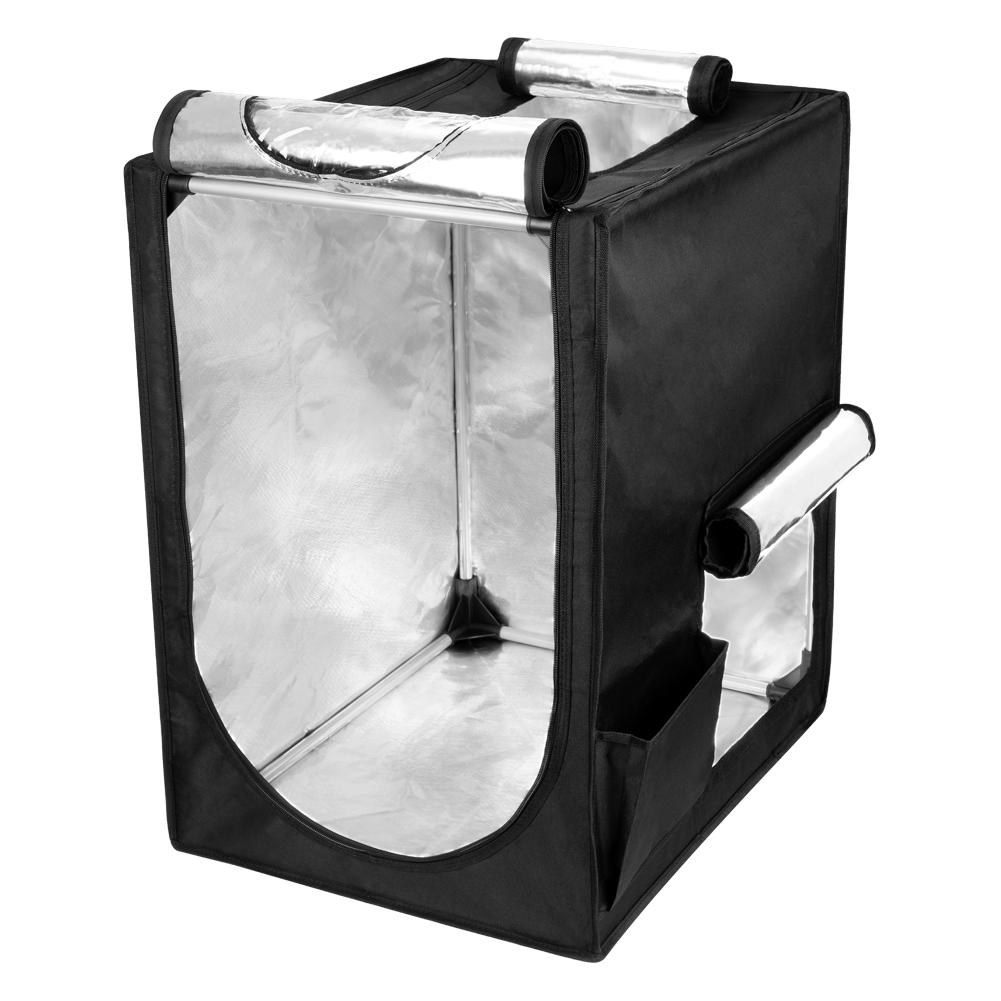
A budget fabric tent provides the two things that matter most for most users: draft protection and basic thermal stability. In a room where the heating cycles on and off or where a window is open, even a thin fabric tent makes a measurable difference to print consistency with ABS and ASA. Budget tents fold away in minutes when not in use, need no tools to assemble, and cost less than a spool of quality filament. Their main limitation is insulation quality: single-layer fabric with a basic aluminum lining retains chamber heat less effectively than the engineered tri-layer construction of premium options. For occasional ABS or ASA printing in a reasonably controlled indoor environment, that difference rarely matters in practice.
Also consider
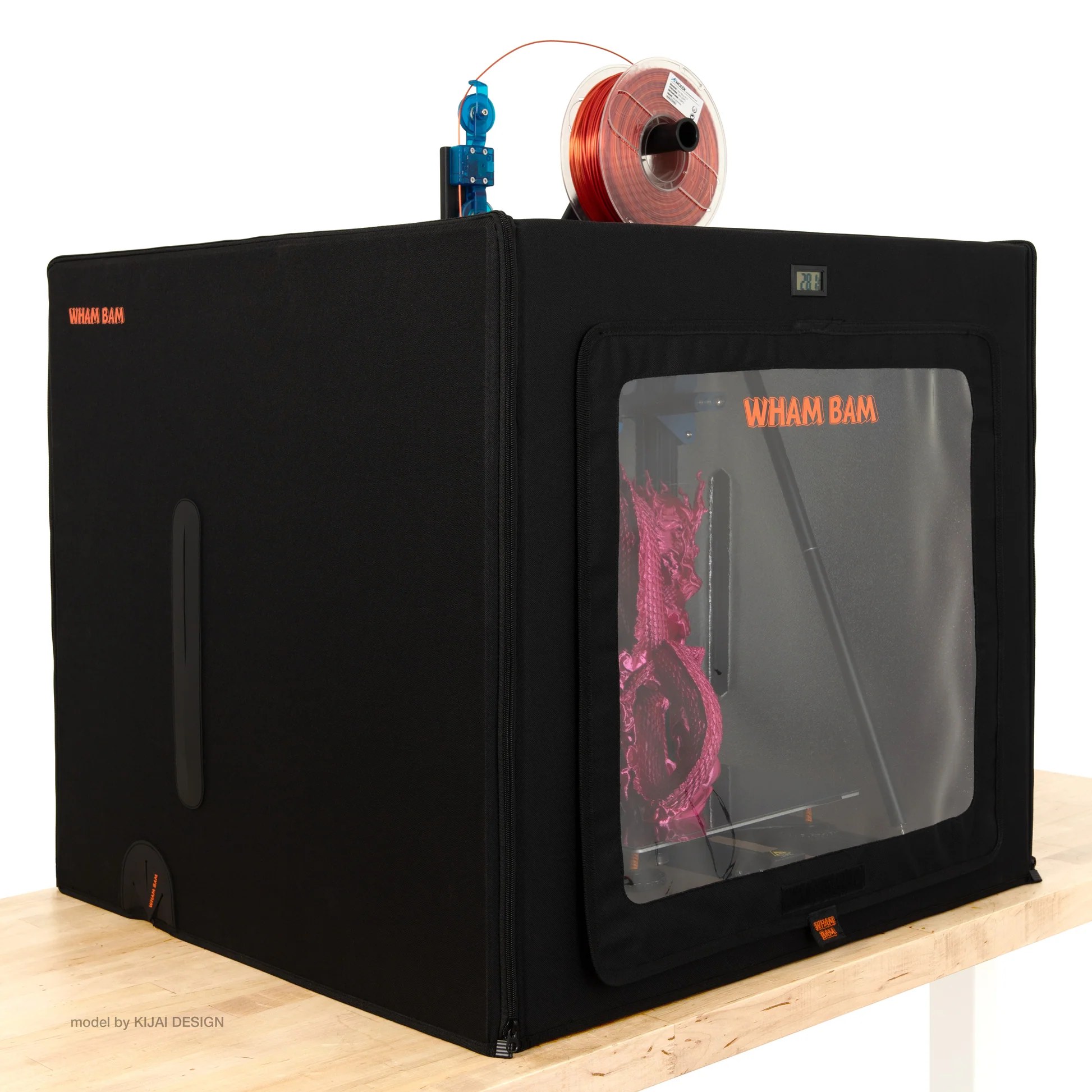
Best premium insulated 3D printer enclosure
Premium insulated enclosures are a different product to a budget tent. Rather than a single fabric layer with a reflective lining, they use engineered multi-layer construction. This typically means an outer fabric shell, a mid-layer of insulating foam or honeycomb material, and a reflective inner lining. The result is an enclosure that maintains chamber temperature significantly better in cold environments and at the extremes of what ABS, ASA, and Nylon printing demands. The difference is most visible in an unheated garage or basement in winter, where a budget tent may only reach 35°C passively while a well-insulated enclosure reaches 50°C under the same conditions.
Also consider
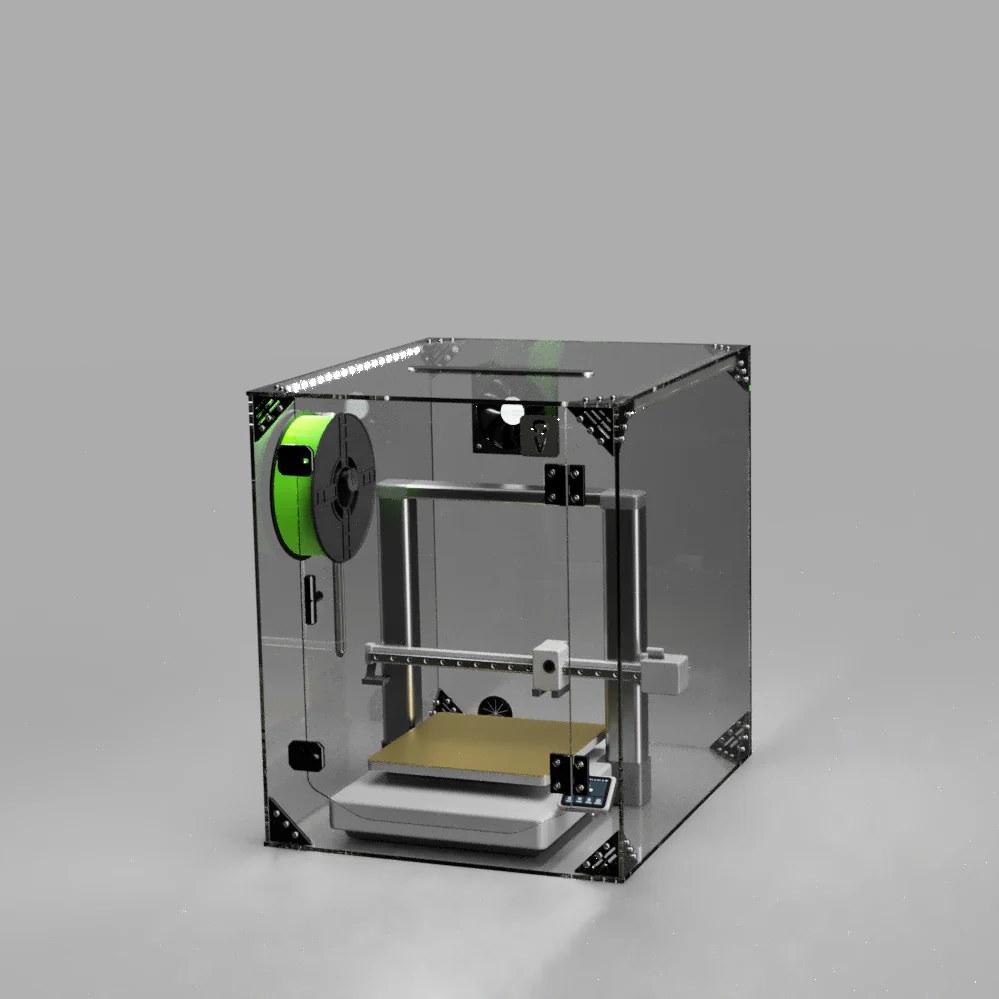
Best rigid acrylic 3D printer enclosure
Rigid acrylic enclosures replace soft fabric with solid transparent panels, and the difference shows in two important ways. First, visibility: a clear acrylic enclosure lets you monitor every layer of a print from any angle without opening anything, whereas a fabric tent offers only a small, often fogged, PVC window. Second, sealing: rigid panels with fitted edges hold chamber heat and contain fumes more effectively than a fabric zip, which matters when printing ABS in a room where air quality is a concern. The trade-off is permanence, a rigid enclosure cannot be folded away between print sessions and occupies its footprint on the bench full time.
Also consider
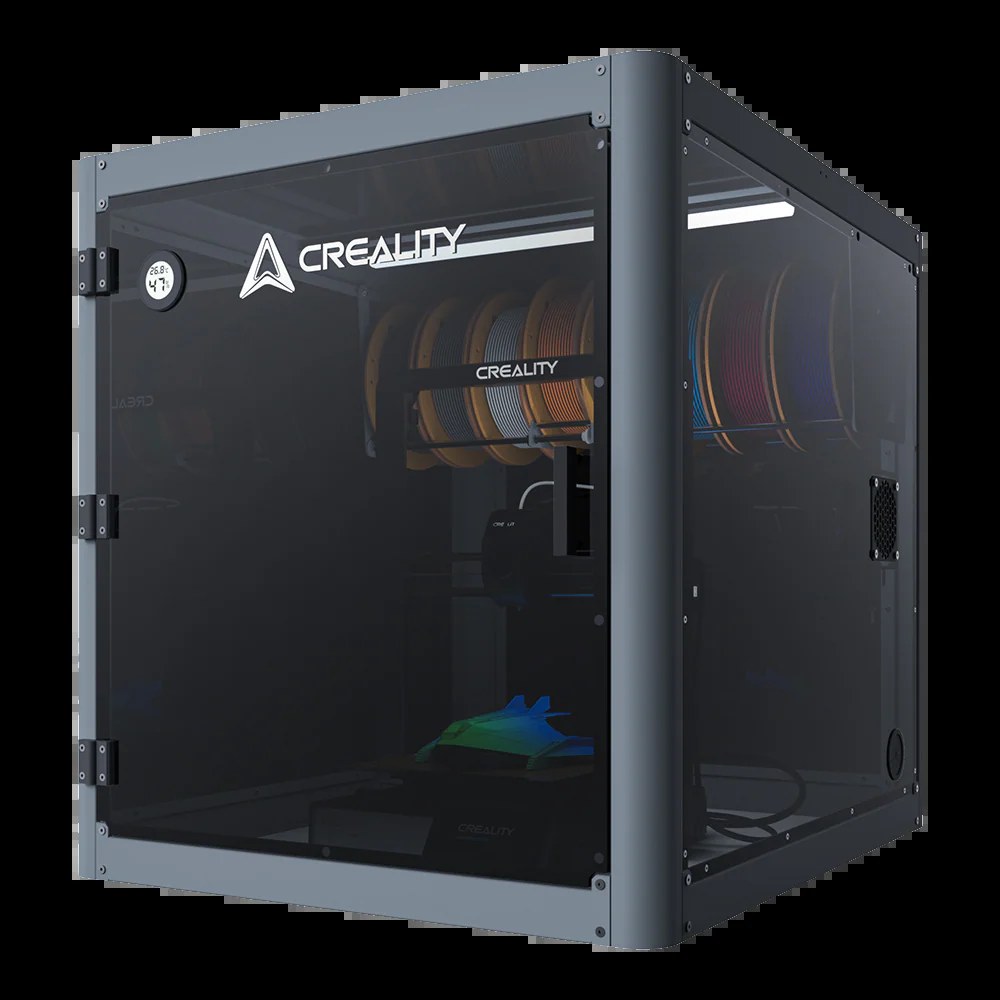
Best 3D printer furniture cabinet
A furniture-grade cabinet is a different product category from an enclosure that happens to sit around your printer. Rather than wrapping around a machine, a full cabinet integrates the printer as one component of a purpose-built workstation. The result is a unit that looks at home in a living room or home office, stores filament alongside the printer, significantly reduces noise transmission through its heavy panel construction, and provides a stable, consistent printing environment, all without the camping-tent aesthetic of a fabric enclosure. The trade-off is cost, assembly time, and floor space: these are large, permanent pieces of furniture.
Also consider
Best resin 3D printer enclosures
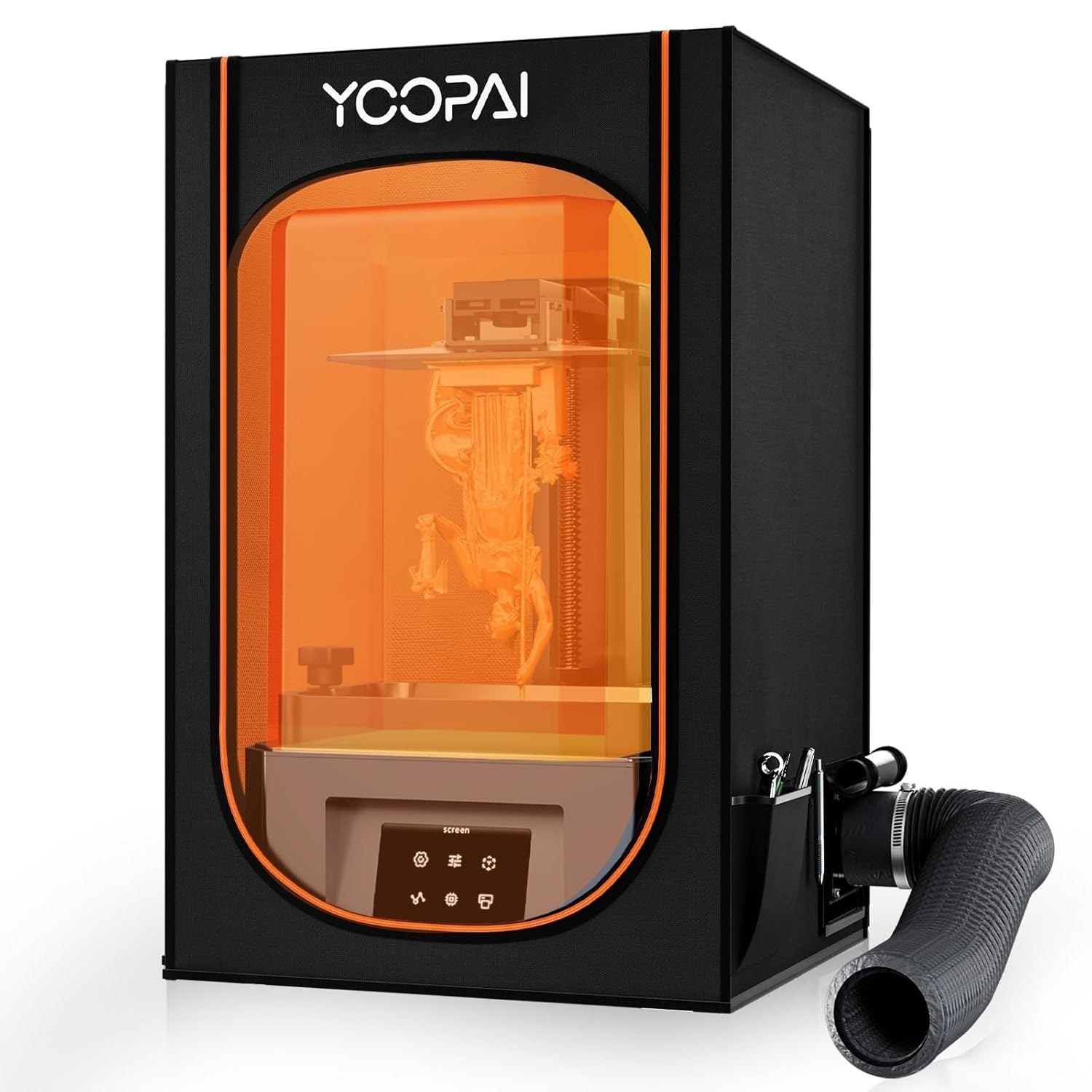
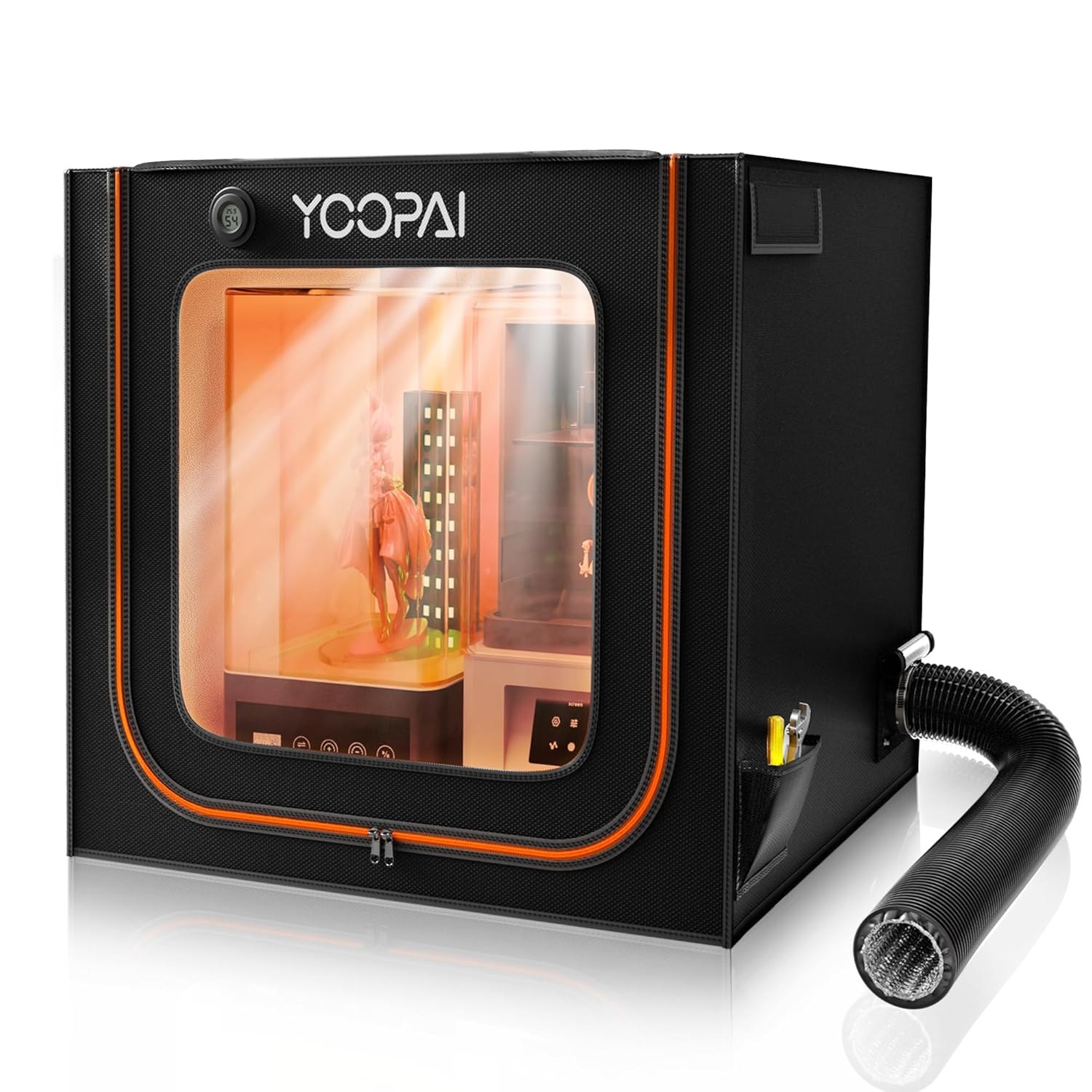
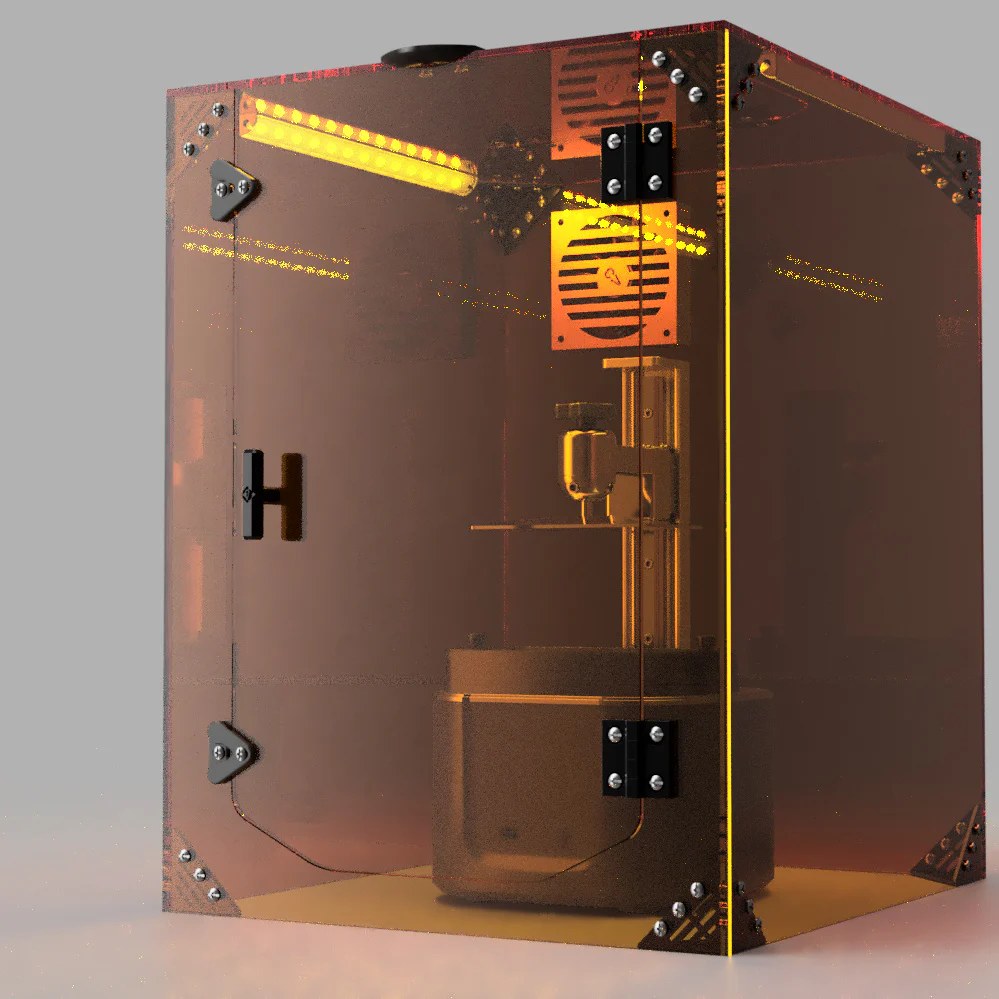
Resin printer enclosures solve a fundamentally different problem to FDM enclosures. Where FDM enclosures are primarily about temperature stability and noise, resin enclosures exist first and foremost for health and safety. Photopolymer resins release volatile organic compounds (VOCs) during printing that are toxic, and some resins also emit compounds that are sensitising with repeated exposure even at low concentrations. Printing resin in an unventilated room, even occasionally, is not a safe practice. A proper resin enclosure addresses this with a six-sided fully sealed structure, an active ventilation fan that draws air through a carbon filter before exhausting it (ideally outside), and a UV-blocking observation window that lets you monitor prints without opening the enclosure or exposing uncured resin to ambient light. These are not optional extras. They are the core function of the product.
What to look for in a resin enclosure
External ventilation is not optional, it is the point. An enclosure without active extraction to outside concentrates fumes inside and delivers a burst of high-concentration VOCs the moment you open the door. It is worse than printing in a ventilated room without an enclosure. The correct setup is a sealed enclosure with a fan and ducting routed outside a window. The carbon filter reduces odour for your neighbours but does not make filtration-only use safe. Variable-speed fan: You want slow speed during printing for quiet operation, and full speed before and while opening the enclosure to clear the concentrated fumes inside. A fixed-speed fan cannot do this. 3-layer carbon filtration: Single-sheet carbon filters exhaust quickly with heavy or engineering resins. Multi-layer filtration lasts longer and handles higher VOC loads. Purpose-built UV-blocking window: Standard PVC lets through enough UV to slowly cure exposed resin, clouding the vat. A UV-blocking observation window prevents this. Sealed base panel: Resin fumes are denser than air and pool downward. An enclosure without a base, like most FDM tents, lets fumes escape at floor level regardless of how well the sides are sealed. Dimensions: Measure your printer with the build plate at maximum height and lid fully open. The flip-up lid on machines like the Saturn 4 Ultra needs overhead clearance inside the enclosure.
Also consider
For heavy users and multi-printer setups
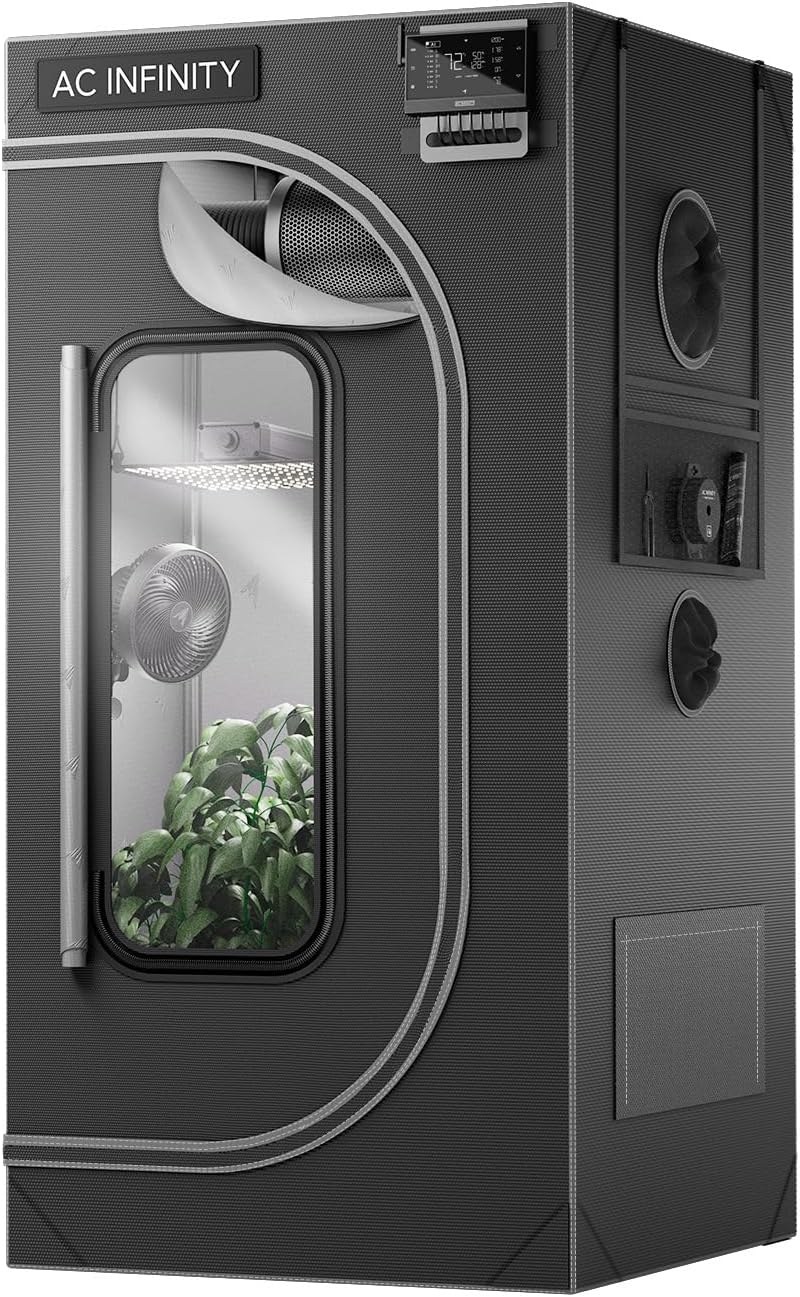
The purpose-built resin enclosures above are the right solution for most people printing on one or two machines. If you print heavily, daily sessions, multiple printers, or a small production setup, serious resin users consistently land on a different approach: a grow tent paired with a dedicated inline duct fan and carbon filter. The internal volume is typically three to four times larger than a purpose-built resin enclosure, the ventilation is significantly more powerful, and the build quality of the better grow tent brands exceeds anything designed specifically for 3D printing. The tradeoff is that it requires assembling three separate components (tent plus fan plus filter plus ducting), takes more floor space, and is not something you fold away between sessions.
How to choose a 3D printer enclosure
FDM or resin? The enclosure requirements are completely different
FDM enclosures are primarily about temperature stability (keeping a warm chamber to prevent ABS and ASA warping) and secondarily about noise reduction. Ventilation is optional. Resin enclosures are the opposite: ventilation is the primary function, temperature is rarely relevant, and the enclosure exists principally to protect your health by containing VOCs. If you print resin, you need a sealed six-sided enclosure with an active fan, carbon filtration, and a UV-blocking window. A standard FDM tent is not a substitute. If you print both, you need separate enclosures or a purpose-built unit that addresses both use cases.
Start by asking whether you actually need one (FDM)
PLA prints reliably in the open in most home environments. If you print primarily PLA and occasionally PETG, a draft-free room is all the enclosure you need and the money is better spent on filament or a better printer. The genuine use cases for an enclosure are: ABS and ASA, which warp aggressively without a stable chamber temperature of at least 40 to 50°C; Nylon, which is highly moisture-sensitive and benefits from both temperature stability and fume containment; Polycarbonate, which requires high chamber temperatures and is better suited to an already-enclosed printer; and any situation where fume containment or noise reduction in a shared living space is the primary goal.
Measure your printer before buying
Printer dimensions in a spec sheet describe the frame and build volume, not the total clearance needed inside an enclosure. The actual space required is larger: account for the spool holder position (top or side), any filament buffer or AMS unit mounted on or beside the printer, cable runs, and the Z-axis maximum travel height on bed-slinger printers where the gantry rises. Measure the full height with the gantry at its highest position, then add at least 50mm of overhead clearance. For resin printers, account for the full arc of the flip-up lid if your printer has one. Most compatibility issues occur at the top of the enclosure, not the sides.
Fabric tent versus rigid enclosure (FDM)
A fabric tent is portable, foldable, and inexpensive. A rigid acrylic enclosure provides better visibility, a tighter seal, and a more permanent solution. The practical choice comes down to how often the enclosure will be in use and whether it needs to disappear when not needed. For printers that live on a desk shared with other work, a fabric tent that folds in five minutes is the pragmatic option. For a dedicated 3D printing bench where the enclosure will stay up permanently, a rigid cabinet is worth the extra cost and footprint.
Insulation quality determines how cold an environment the enclosure can handle
In a warm indoor room of 20°C or above, any enclosure (including a budget single-layer fabric tent) provides enough thermal benefit for ABS and ASA printing. The insulation quality gap between budget and premium tents becomes significant in colder environments: an unheated garage in winter, a basement, or any space that drops below around 15°C when the heating is off. In those conditions, a tri-layer insulated enclosure like the Wham Bam HotBox holds its chamber temperature meaningfully better than a single-layer alternative. If you print in a consistently warm indoor space, a budget tent is sufficient. If you print in variable or cold conditions, the premium insulation justifies the cost.
Fume management and fire safety
For FDM printing, most thermoplastics release ultrafine particles and VOCs when heated, less toxic than resin, but worth managing over long sessions in a closed room. A ventilation fan with carbon filtration addresses this adequately for ABS, ASA, and similar materials. For resin printing, the situation is categorically different and a point worth stating clearly: an enclosure without active ventilation to outside does not make indoor resin printing safe. It makes it more dangerous. Fumes accumulate inside rather than dispersing, and opening the enclosure delivers a concentrated burst of VOCs directly to your face at the worst possible moment. The correct setup is a sealed enclosure with a fan and ducting routed outside, every time. Carbon filtration is useful for your neighbours but is not a substitute for external extraction. VOC concentrations from resin printing remain elevated for hours after a print ends (confirmed by a 2025 review of 47 studies cited by AmeraLabs), so ventilating after the print is as important as during it. On fire safety: all enclosures covered on this page use fire-retardant materials, but keeping the printer clear of other flammables and running a monitored first print in any new enclosure remains good practice.
3D printer enclosure comparison
| Product | Category | Size | Key advantage |
|---|---|---|---|
| Creality Official Enclosure | Budget tent (FDM) | 480×600×720mm | Best value, Creality ecosystem fit |
| Comgrow Enclosure | Budget tent (FDM) | 550×650×750mm | Slightly larger interior, 600D Oxford cloth |
| Wham Bam HotBox | Premium tent (FDM) | 568×568×484mm | Tri-layer insulation, best for cold environments |
| Wham Bam HotBox Mega | Premium tent (FDM) | 685×685×633mm | Same as HotBox, 300×300 bed printers |
| VEVOR Acrylic Enclosure | Rigid acrylic (FDM) | 600×600×800mm | Full visibility, thermo-hygrometer, ventilation |
| Clearview Utility Line | Rigid acrylic (FDM) | 605×605×600mm | US-made, universal fit, optically clear front |
| Crafit Cabinet | Furniture cabinet (FDM) | 21.6 × 22 × 28.7 in max | 48-spool storage, 40% noise reduction, full workstation |
| Creality Multifunctional Cover | Furniture cabinet (FDM) | 600 × 700 × 648mm | 8-spool rack, carbon filtration, Creality ecosystem pick |
| DORUNDEA Resin Enclosure | Resin enclosure | 21×25×29.5 inches | Stainless frame, 3-layer filter, variable-speed fan, UV-block window |
| YOOPAI Resin Enclosure | Resin enclosure | 395×425×685mm internal | Lower cost, larger internal footprint, Saturn 4 Ultra fits |
| YOOPAI Large Resin + LED | Resin enclosure | Larger format | Fits larger printers + wash/cure station combo |
| Clearview SLA V2.0 | Resin enclosure | 3 size options | Rigid acrylic, stackable, US-made, permanent install |
| AC Infinity CLOUDLAB 422 + fan kit | Resin, heavy use | 610×610×1220mm | 3× volume, 165 CFM inline fan, smart speed control, DIY setup |
Frequently asked questions
Do I need an enclosure for PLA?
No, in most cases. PLA has a low glass transition temperature and does not require a warm chamber to prevent warping. It prints reliably on an open-frame printer in a normal room temperature environment. The only situations where an enclosure adds meaningful benefit for PLA are: large flat prints where even a slight draft causes one corner to lift, or very humid environments where the filament has absorbed moisture and a drying enclosure doubles as a solution. If you print exclusively PLA, an enclosure is unlikely to improve your results and the money is better spent elsewhere.
Is a resin printer enclosure actually necessary?
Yes, for any regular indoor resin printing. Photopolymer resins release VOCs and in many cases isocyanates during printing. These are compounds that are acutely toxic at higher concentrations and can cause sensitisation (essentially developing an allergy) with repeated lower-level exposure. Opening a window helps but does not solve the problem for extended print sessions. A proper enclosure with an active fan, carbon filtration, and exhaust ducting routed outside is the correct solution. Treating resin printing as low-risk because you cannot smell it is a mistake; many of the concerning compounds are odourless or odour-masked by the resin's own scent. Always wear nitrile gloves when handling resin regardless of enclosure quality.
Can I use an FDM tent enclosure for resin printing?
Not effectively. Standard FDM tent enclosures are not sealed at the base, which means resin fumes (which are denser than air) will pool and escape from the bottom regardless of how well the sides are closed. The PVC viewing windows in most budget tents are also not UV-blocking, which means ambient light can cause slow curing of exposed resin in the vat. A purpose-built resin enclosure with a sealed base, UV-blocking window, and active fan ventilation is the correct tool. The YOOPAI resin enclosure on this page is specifically designed for this and costs comparably to a budget FDM tent.
Will an enclosure overheat my printer's electronics?
This is a genuine concern, particularly for printers with electronics mounted inside the printing area or with poor internal airflow. Chamber temperatures of 40 to 50°C, typical for ABS printing, are within the operating range of most 3D printer electronics, but sustained temperatures above 60°C can shorten component lifespan. The practical mitigations are: ensure the enclosure has a ventilation path that directs hot air away from the electronics board and power supply, avoid enclosing a printer for filaments that do not require it, and monitor internal temperatures with the built-in thermometer during the first few prints. Printers with electronics bays vented through the base are generally lower risk than those with electronics on the side or inside the print chamber.
What chamber temperature do I need for ABS?
A chamber temperature of 40 to 50°C is the practical target for reliable ABS printing. At this range, the material stays above the point at which thermal contraction causes corner warping and layer separation. Most enclosures achieve this passively from the heat generated by the bed and hotend alone. You do not need to add a separate heater for ABS in most environments. In a cold room below 15°C ambient, passive heating from the printer may only reach 30 to 35°C inside a budget tent, which is not quite enough for large ABS parts. This is where the better insulation of a premium tent like the Wham Bam HotBox makes a measurable difference.
How often should I replace my enclosure's carbon filter?
For resin printing, every 3 to 6 months depending on volume and resin type. Standard resins produce moderate VOC loads; flexible, tough, and engineering resins typically produce higher concentrations and exhaust the carbon faster. The reliable indicator is smell: if you can detect resin odour during printing with the enclosure closed, the filter is saturated and needs replacing. For FDM ABS and ASA printing, carbon filters in furniture cabinets like the Crafit or Creality Multifunctional Cover typically last 6 to 12 months under regular use. Activated carbon filtration is not infinite, treating it as a one-time purchase is a mistake.
Can I print Nylon without an enclosure?
Technically yes, but the failure rate is high enough that it is not recommended. Nylon is both moisture-sensitive and prone to warping from thermal contraction. Without enclosure-level temperature stability, large Nylon parts will typically delaminate or warp even when printed on a properly adhesion-treated bed. Small Nylon parts with minimal flat surface area sometimes print successfully in the open, but anything functional or structurally significant should be printed in an enclosed environment with the chamber at 45 to 70°C depending on the specific grade. PA-CF and PA-GF composites are even more demanding and should always be printed in an enclosed printer or with an enclosure.
Do 3D printer enclosures reduce noise?
Yes, meaningfully. The most audible noise from a 3D printer at speed is the high-frequency whine of stepper motors and the resonance that travels through the frame and bench surface. A fabric enclosure typically reduces this by 8 to 12 dB, which is a noticeable but not dramatic improvement. The Wham Bam HotBox's semi-rigid honeycomb construction delivers meaningful noise reduction. Wham Bam quote a nearly 20% reduction figure for their P1P-specific model, and the standard HotBox uses identical construction. The Crafit cabinet, with its heavy steel and wood panel construction, achieves approximately 40% reduction, which moves a printer from clearly audible in an adjacent room to much less intrusive. For anyone printing overnight in a home where sound travels through walls, the Crafit's noise reduction is its most practically valuable feature.
Should I add a heater to my enclosure?
For most users, no. The heat generated by a 60 to 100°C print bed alone typically raises enclosure temperature to 40 to 50°C, which covers ABS, ASA, and most Nylon grades without any additional heater. Adding a heater becomes worthwhile in two specific situations: printing in a cold environment below 10°C where passive heating cannot reach the target range even in a well-insulated enclosure, or printing Polycarbonate which benefits from chamber temperatures of 55 to 60°C that passive heating from a standard bed may not sustain. If you do add a heater, use a purpose-built PTC printer heater with thermal cutoff protection rather than a generic space heater, and monitor chamber temperature carefully during the first few sessions.
Can I use a grow tent as a resin printer enclosure?
Yes, and it is the preferred approach for heavy resin users. Grow tents designed for indoor cultivation, particularly the AC Infinity CLOUDLAB, Spider Farmer, and Mars Hydro lines, use thick light-blocking canvas with multiple duct ports specifically designed for inline fans and carbon filters, making them well suited to resin fume containment when paired with an inline duct fan and carbon filter. The AC Infinity CLOUDLAB 422 (24×24×48 inches) is the most commonly recommended size for a single-printer setup with wash and cure station included. Spider Farmer and Mars Hydro offer similar 1680D canvas tents at slightly lower price points. Both are adequate, though the AC Infinity 2000D canvas and 22mm poles are noticeably higher quality. The key caveat: grow tent interiors are lined with reflective mylar, not UV-blocking material, so cover open resin vats when working inside with a light source. The blackout exterior does prevent ambient room light from entering during printing, which addresses the premature curing risk for active prints.