
3D printing for kids is one of the most rewarding ways to get a child into hands-on FDM making, and in 2026 the machines are easier and safer than ever. The short version: pick a filament printer (not resin) for anyone under 13, choose one that prints straight out of the box, and supervise the hot parts. A child can design a keychain in a free browser app and hold the finished object an hour later. This guide covers the best printers by age, what supervision actually looks like, project ideas, the skills it builds, and how to run 3D printing in a classroom. If you are shopping beyond kid-specific machines, our flagship best 3D printers guide ranks the whole market at every price and skill level.
Best 3D printer for kids, at a glance
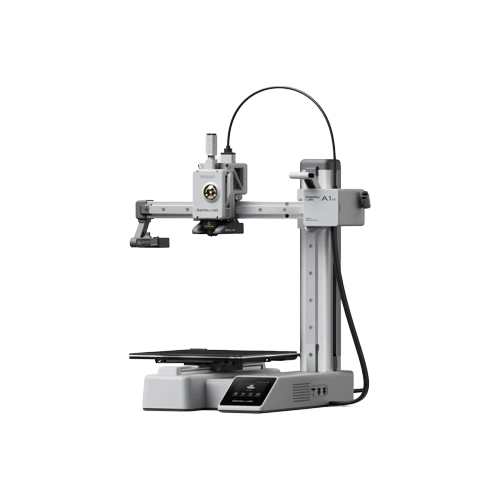
Best overall (8-12)
Bambu Lab A1 mini
Prints in 15 minutes from the box. The default answer for most families.
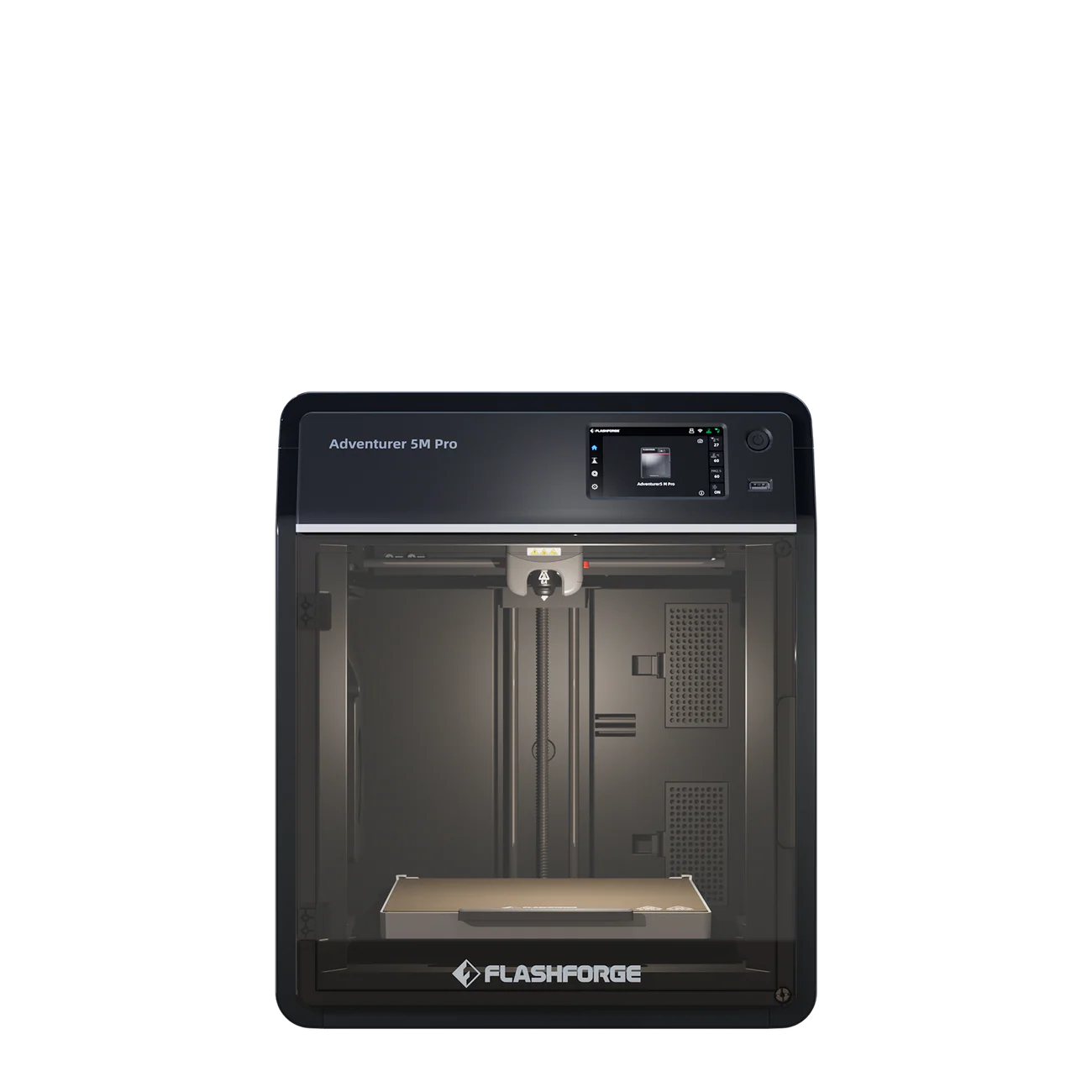
Best for classrooms
FlashForge Adventurer 5M Pro
Enclosed and filtered, with a simple interface for shared use.
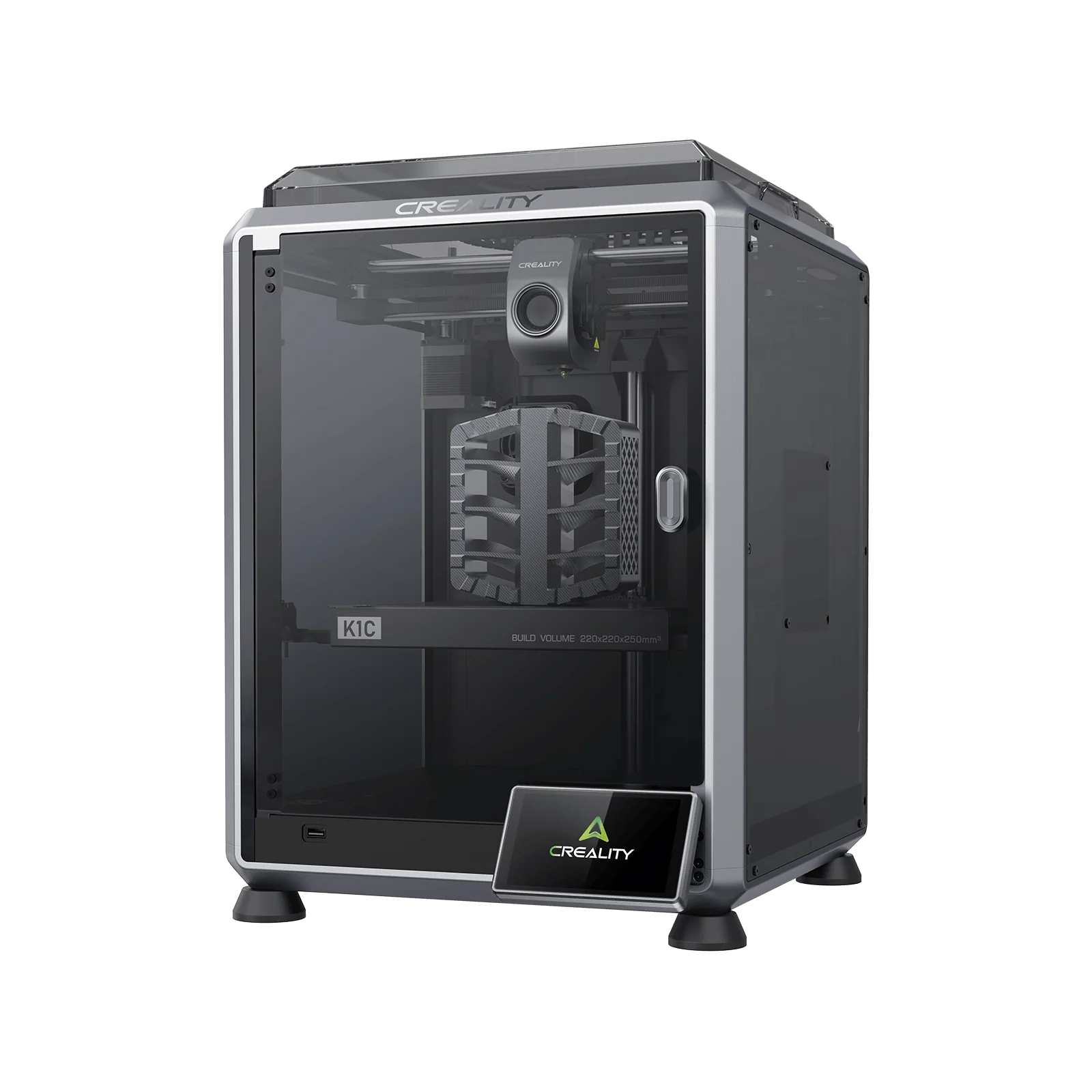
Best for teens (13+)
Creality K1C
Enclosed CoreXY that handles tougher materials and bigger projects.
Jump to menu
Is 3D printing good and safe for kids?
Yes, on both counts, with the qualifier that the right machine and the right supervision do most of the work. A child who designs an object, watches it print, and then fixes the parts that did not work is practising design thinking, spatial reasoning, patience, and a tight build-test-improve loop. It is one of the few screen-adjacent activities that ends with a physical thing in the child’s hand, which is exactly why it holds attention where a worksheet does not.
The safety picture is reassuring for filament printing and more demanding for resin. Printing PLA on an FDM machine in a ventilated room sits in the same risk category as running a hot glue gun: the nozzle and bed get hot enough to cause a burn, but the emissions from PLA are low and the moving parts are slow. That is why every recommendation on this page for children is an FDM printer, and why resin is held back for supervised teenagers. For the full risk breakdown, including ventilation and burns, see our 3D printing safety guide.
Best 3D printers for kids
Every pick below is an FDM machine that prints PLA, the safest common material for a young maker, and every one prints out of the box with no kit assembly. They are ordered roughly from the youngest user up to a well-funded classroom, so the badge on each card tells you the age or setting it fits best. Prices are approximate and move with sales. Some product links open a brand’s US store; every brand here also runs regional stores, so if the landing page does not match your region, use the store’s own region or country switcher.
About $299
Best for ages 5-8
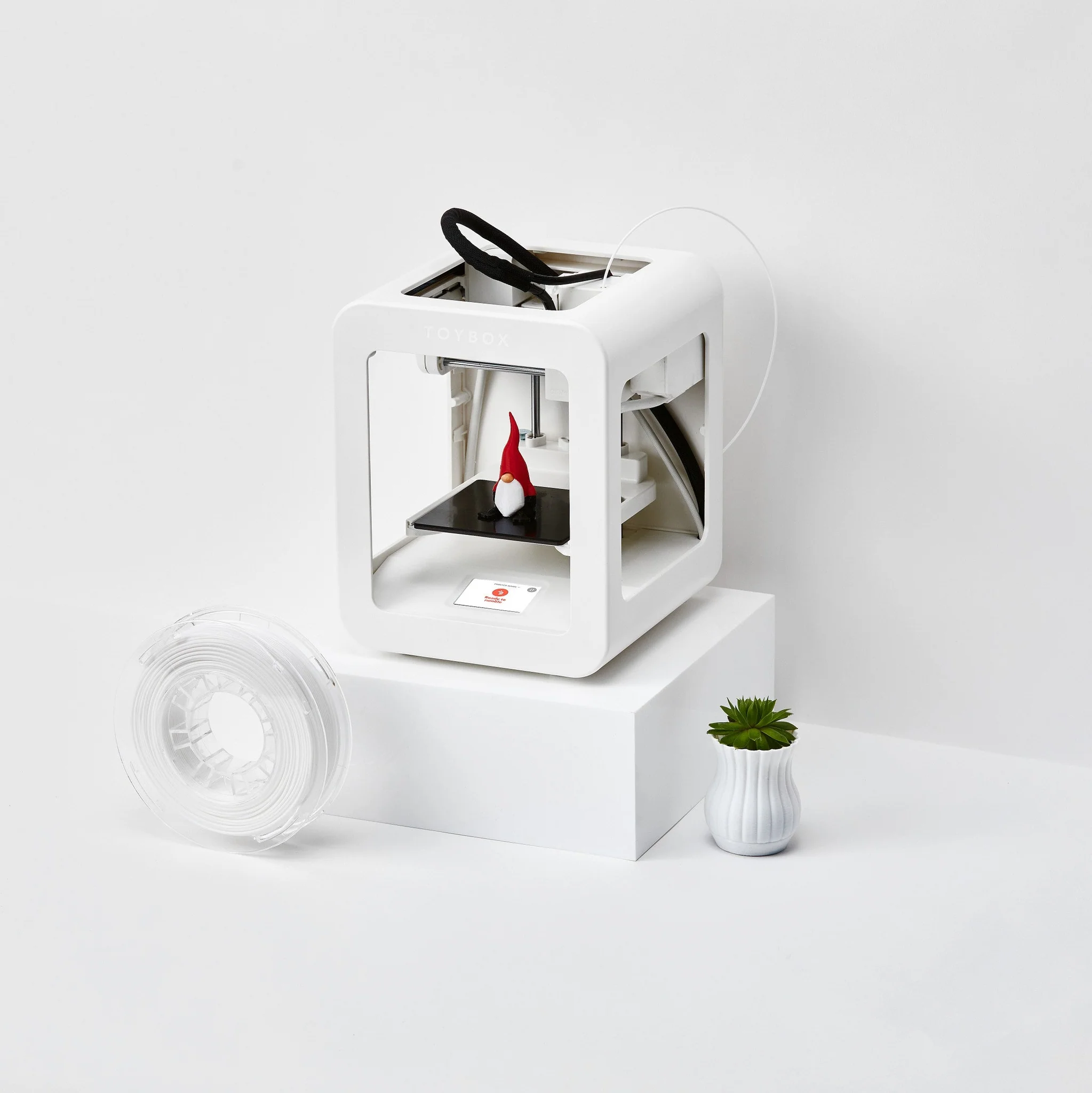
Toybox
Build 70 x 80 x 90 mm · one-touch printing · kid-safe enclosed design · app and Wi-Fi
One of the only printers genuinely built for small children. A child taps a single button and a finished toy appears, choosing from a catalogue of thousands of ready-made models that includes licensed favourites, or drawing their own creature in the kid-friendly app. The build area is tiny and you will outgrow it, but for a five to eight year old it is the lowest-friction way into 3D printing, and the contained design keeps fingers away from the hot parts.
About $199-249
Best overall · ages 8-12
Bambu Lab A1 mini
Build 180 mm · full auto-calibration · open frame · one-click MakerWorld models
The answer to almost every “what printer for my kid” question. It prints within fifteen minutes of unboxing with no bed leveling or calibration ritual, and MakerWorld hosts thousands of free models already tuned for it, so a child downloads a file and has a finished figure in an hour or two. The one caveat is the open frame: the bed and nozzle are exposed, so an adult should handle removal until a child is old enough to respect the heat.
About $399 (with AMS lite ~$559)
Best for bigger and multicolour projects
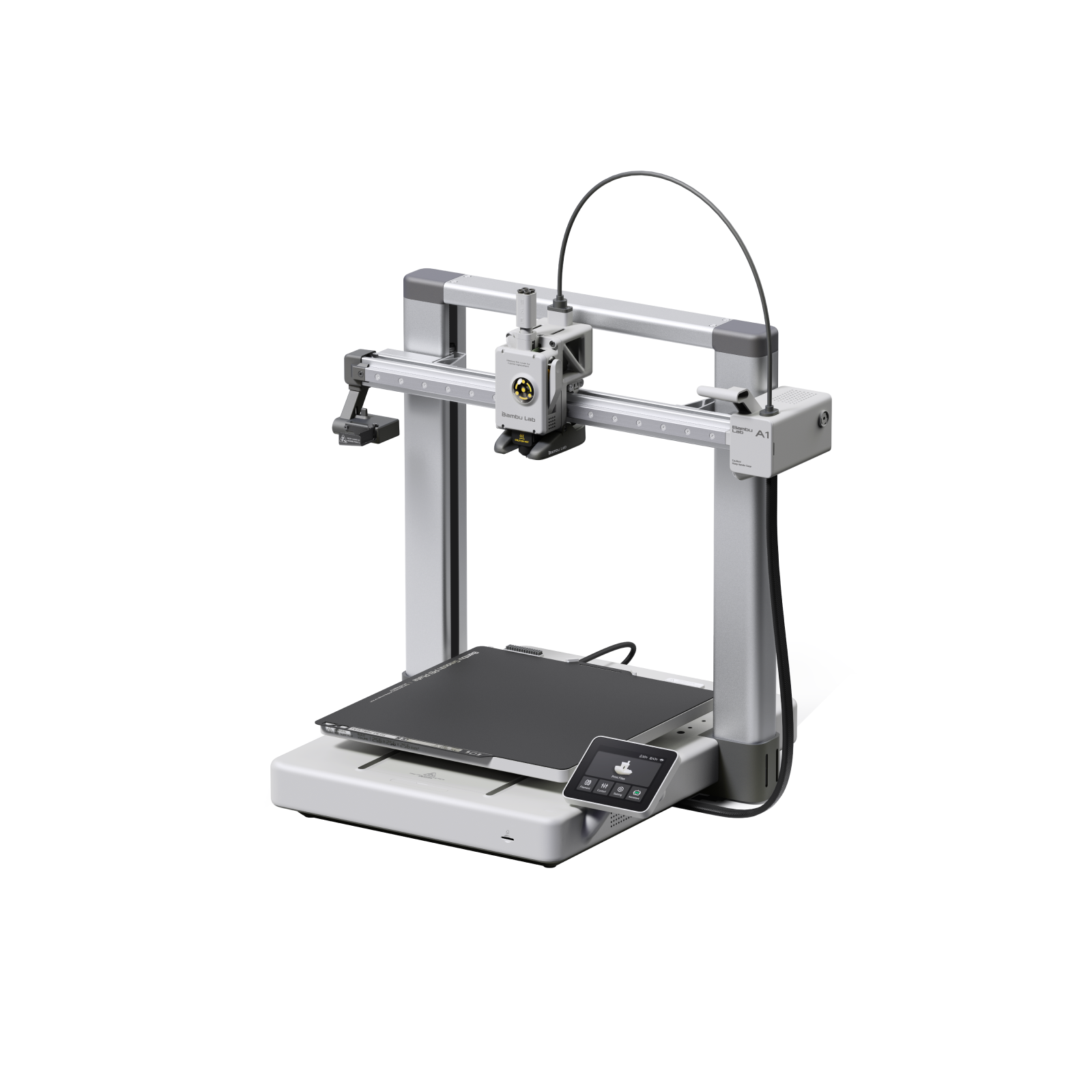
Bambu Lab A1
Build 256 mm · full auto-calibration · optional 4-colour AMS lite · open frame
The same effortless workflow as the mini on a bigger bed, which matters once a child wants to print something larger than a palm. Add the optional AMS lite and it prints in four colours, and nothing holds a kid’s attention like a rainbow dragon that came out in one go. A good choice when one mini already feels too small or when a family wants colour without the cost of a higher tier.
About $199
Best budget pick
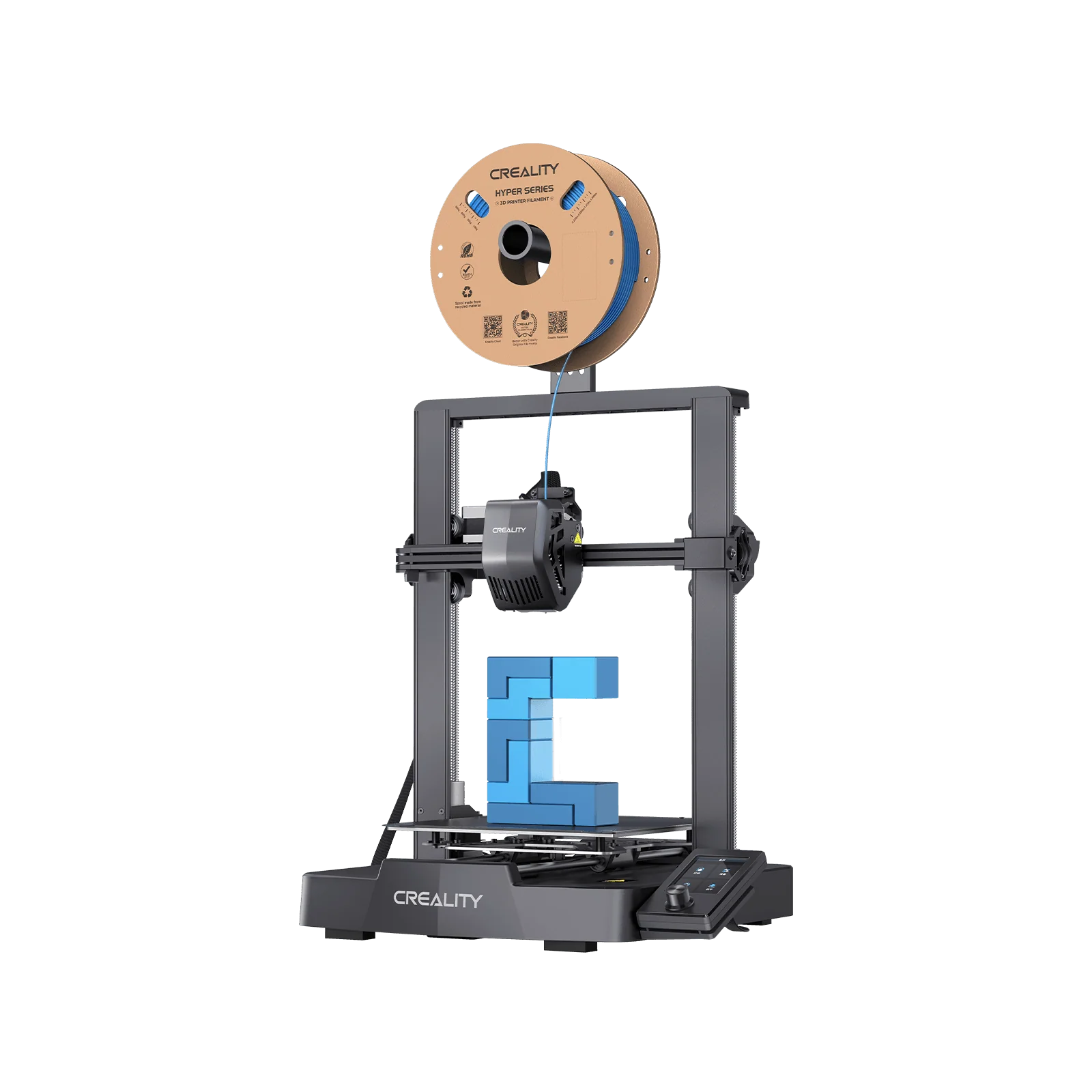
Creality Ender-3 V3 SE
Build 220 x 220 x 250 mm · auto-leveling (CR Touch) · direct drive · open frame
The most printer for the least money. Auto bed leveling and a direct-drive extruder make it far friendlier than the bargain-bin Enders of a few years ago, so a patient older child can run it with light help. It is open-framed, which is why it suits supervised nine-and-ups rather than the youngest, and an inexpensive aftermarket enclosure adds both safety and the ability to print warmer materials later.
About $279-369
Best for teens (13+)
Creality K1C
Build 220 mm · enclosed CoreXY · hardened nozzle · up to 600 mm/s
For a teenager who has outgrown simple toys and wants functional parts, cosplay props, and bigger builds. The enclosed CoreXY is fast, the hardened nozzle handles carbon-fibre and tougher composites, and the closed chamber keeps both heat and noise contained. A strong fit for grades 10 to 12 and for serious home hobbyists who will keep using it for years.
About $399
Best for classrooms
FlashForge Adventurer 5M Pro
Build 220 mm · fully enclosed · HEPA and carbon filter · touchscreen, auto-leveling
Built for shared hands. The full enclosure is a safety barrier around the hot end, the built-in filtration handles the shared-room air, and the simple touchscreen keeps a class of students moving without an adult at every step. Auto-leveling and fast printing mean less troubleshooting during a lesson, which is why it turns up so often in primary and middle-school maker spaces.
About $699+
Premium classroom workhorse
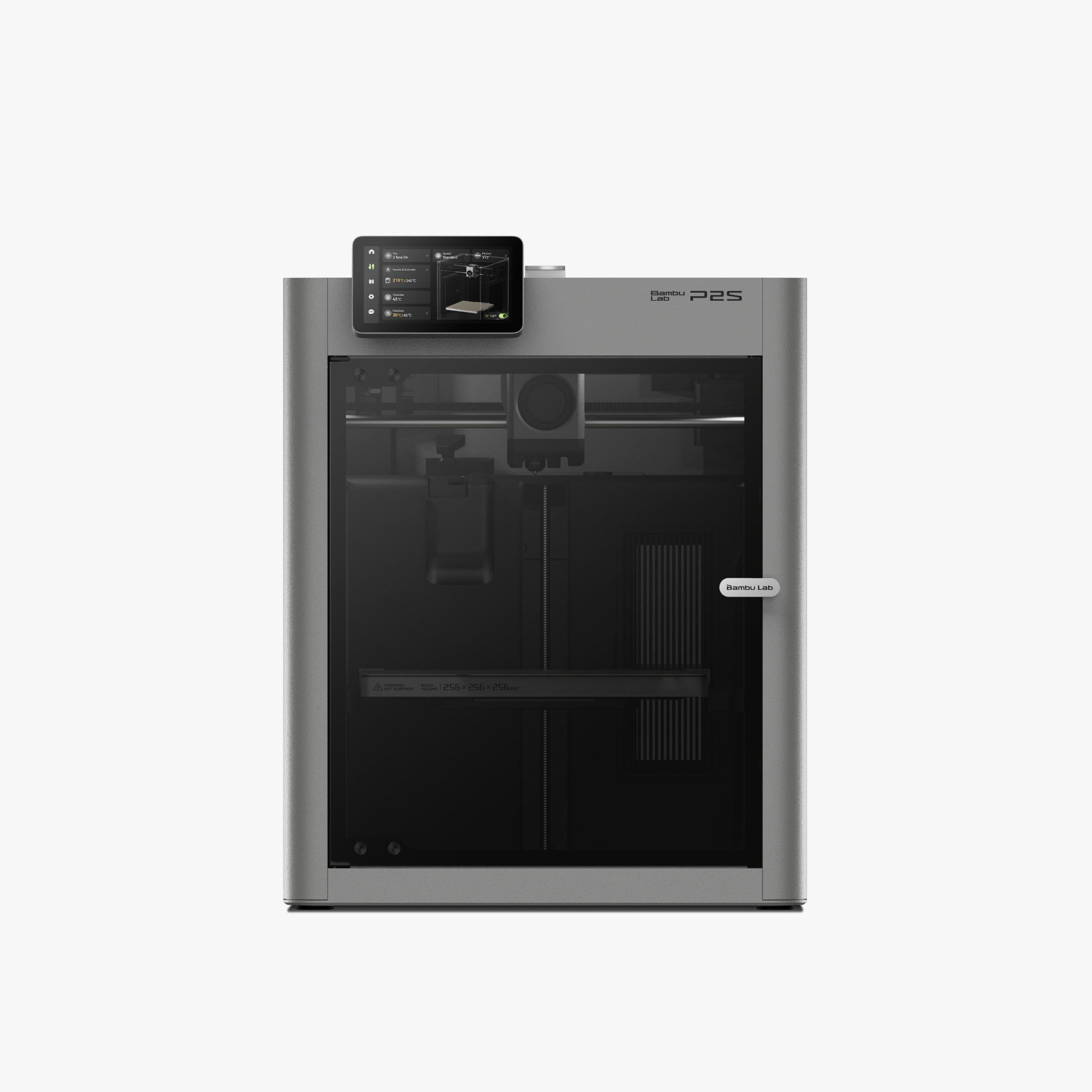
Bambu Lab P2S
Build 256 mm cube · enclosed CoreXY · HEPA H13 and carbon · AMS 2 Pro compatible
The step up for a well-funded lab that wants one machine to last. Dual-stage HEPA and activated-carbon filtration handles both ultrafine particles and fumes, the magnetic door keeps students out of the hot zone, and the polished interface plus multicolour AMS support make it a pleasure for class projects. The cleanest plug-and-play choice for a serious K-12 program, at a price that makes the education discount worth chasing.
On the rock-bottom budget end, the Entina Tina2 comes up often because it is cheap and compact. It can work for a curious young learner, but its bundled slicer software is buggy enough that you will likely fight it, so treat it as a gamble rather than a confident pick. If the budget can stretch, the A1 mini is a different league of experience for not much more. For the wider beginner field beyond kid-specific machines, see our best 3D printers for beginners guide.
How to choose a 3D printer for a child
The shortlist above covers most situations, but if you are weighing options yourself, a few factors matter more for a child than they would for an adult buyer. The order below is roughly the order of importance.
- Prints out of the box. Auto-leveling and pre-tuned profiles are the single biggest predictor of whether a printer gets used or quietly abandoned in a closet. A child loses interest fast if the first session is an hour of bed-leveling, so this outranks every spec sheet number.
- Enclosed or open frame. An enclosure is a physical barrier around the hot end, runs quieter, and handles more materials, which is why it suits younger children and shared classrooms. An open-frame machine like the A1 mini is cheaper and perfectly fine for PLA with supervision.
- A large, kid-friendly model library. Before a child can design their own parts, the fun comes from printing things they recognise. One-click access to a big library like MakerWorld or Printables keeps a young maker engaged through the first weeks.
- Footprint and noise. The printer needs a home that is not a bedroom, on a stable surface, quiet enough to run while the family is in the room. Compact machines win here, and most kid-appropriate printers are small by design.
- Durability and support. Children are harder on hardware than careful adults. Favour brands with easy parts availability and responsive support, since a nozzle swap or a replacement build plate should be a five-minute errand, not a project.
- Right-sized build volume. A small bed is genuinely fine for kids; most of what they print is palm-sized. Do not overpay for a large-format machine a child will rarely fill.
- Safety certifications. Check for CE, UL, FCC, and RoHS marks. They confirm the printer meets electrical-safety and electromagnetic standards and is free of hazardous materials like lead, which is reassurance worth having on a device a child operates.
Weighed against that list, the picks sort themselves: the A1 mini hits nearly every point, which is why it is the default recommendation; the Toybox trades capability for the lowest possible friction for small children; and enclosed machines like the FlashForge earn their higher price in classrooms and with younger kids where the door does real safety work.
Beyond the printer: other ways kids can start
A 3D printer is not the only entry point, and for the youngest children or a tighter budget it may not be the first one. A few alternatives build the same spatial and creative skills with less heat and less cost, and they make a good way to test whether the interest is real before you commit to a machine.
3D pens: drawing in three dimensions
A 3D pen extrudes warm plastic a child draws with in the air, hardening as it cools. It costs a fraction of a printer, needs no computer, and builds the same spatial intuition that printing rewards later. Pick by age, since the safe low-temperature pens for little ones differ from the more capable pens older kids want.
Safest, ages 6+
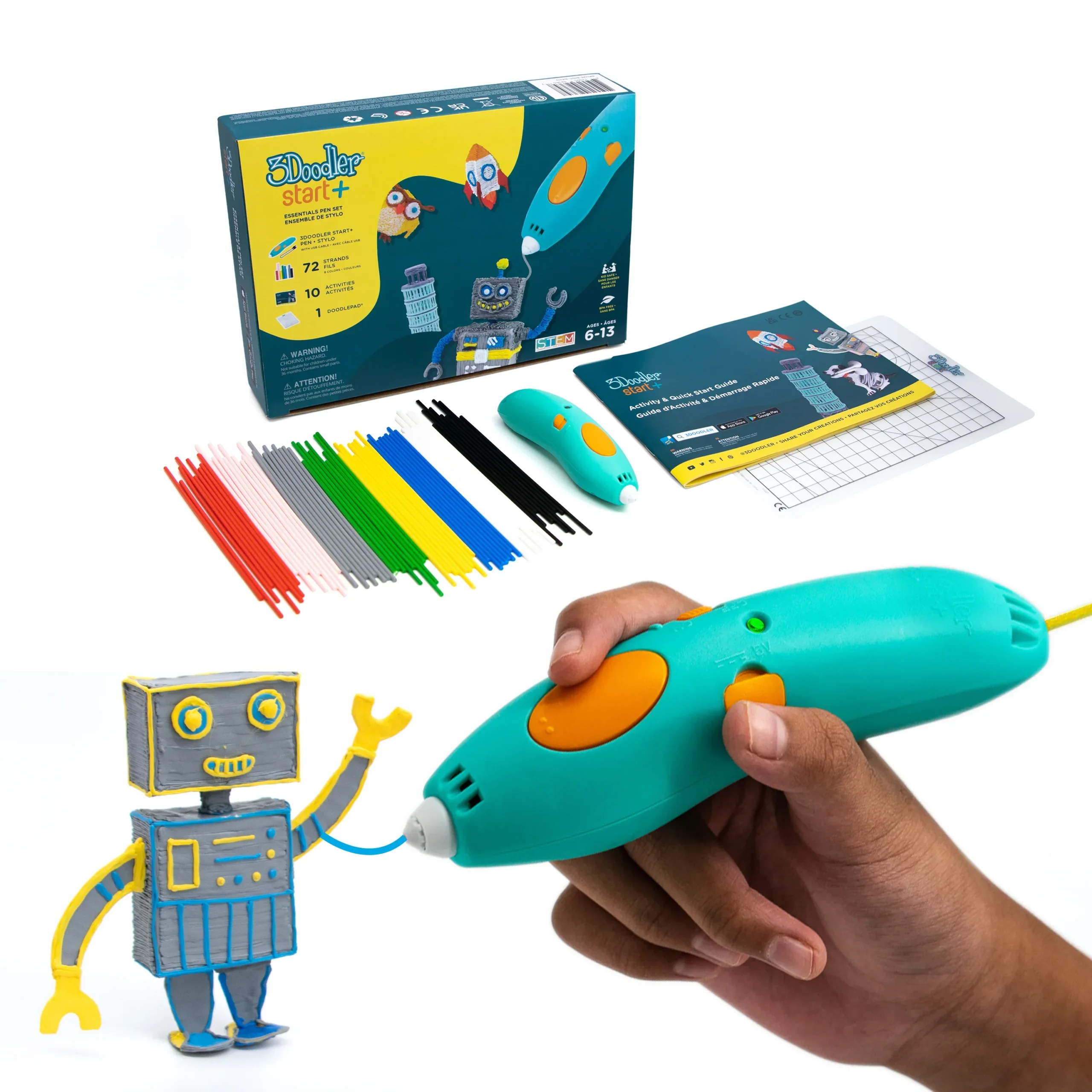
3Doodler Start+
A completely cool-touch nozzle and low-temperature eco-plastic that melts at around 35C make this the one pen genuinely safe for kids as young as six. No burn risk, no fumes, just draw.
Best budget
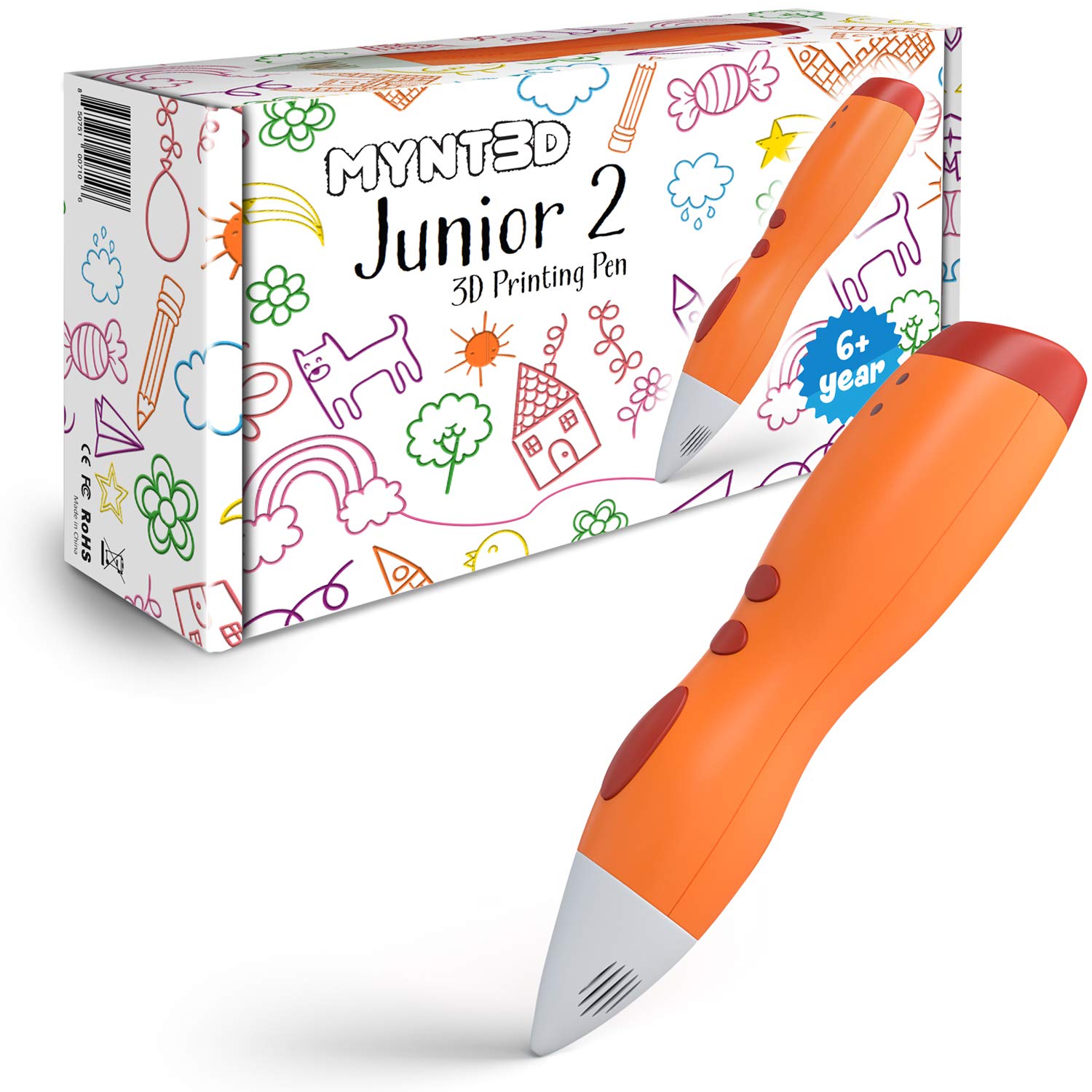
MYNT3D Junior2
No exposed hot nozzle and a single simple speed make this an easy, low-cost first pen. A little less polished than the 3Doodler, but hard to beat for the price as a starter.
Best for older kids
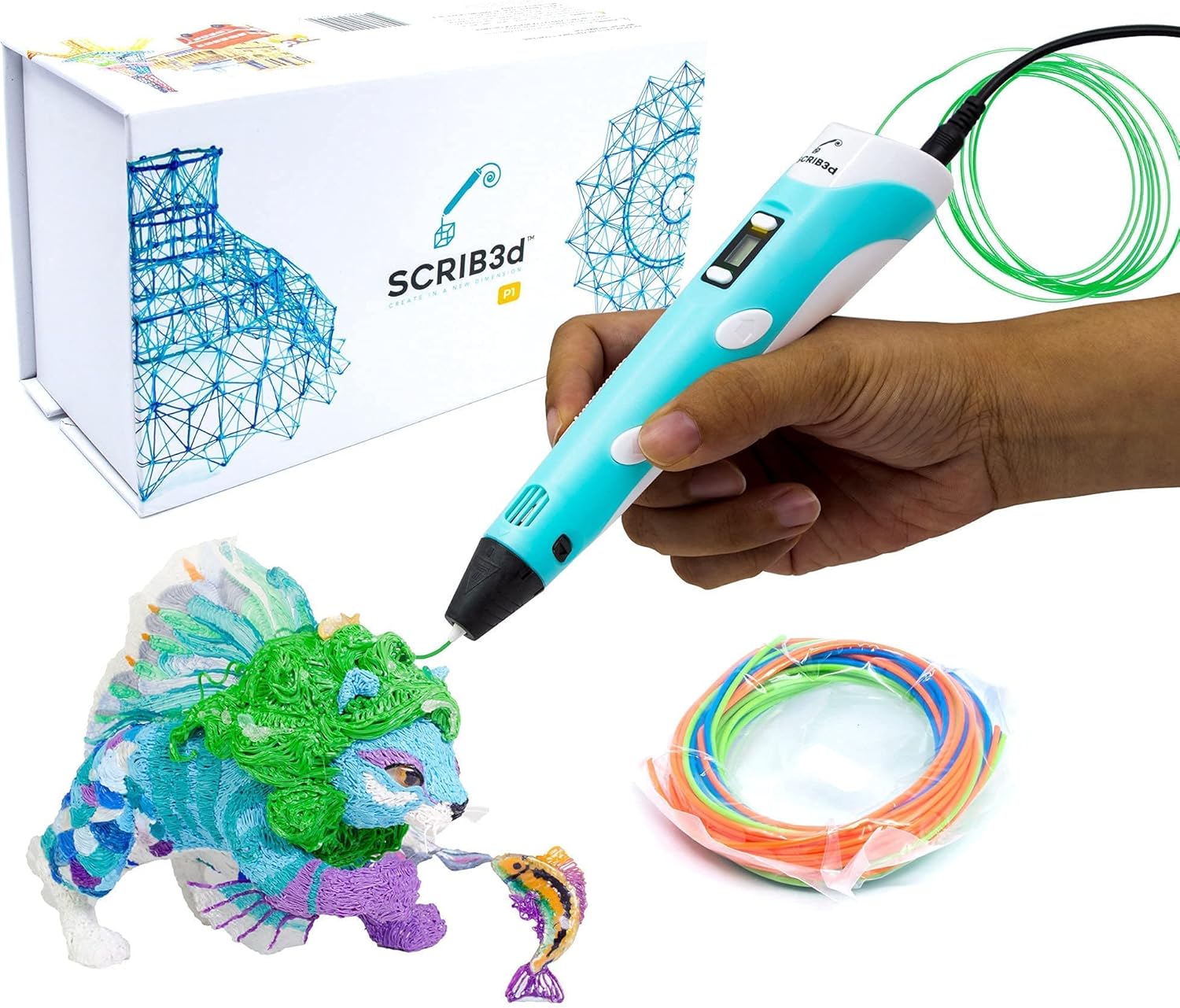
SCRIB3D P1
Temperature control and support for both PLA and ABS give older kids real creative range, with a ceramic nozzle and auto-off for safety. It runs hotter, so it suits supervised ten-and-ups rather than little ones.
STEM and robotics kits
Kits that pair building with coding teach engineering and design alongside making, and the better ones accept 3D-printed add-ons, so a kit and a printer reinforce each other. These suit a child who would rather build and program than only print.
Best overall, ages 8+
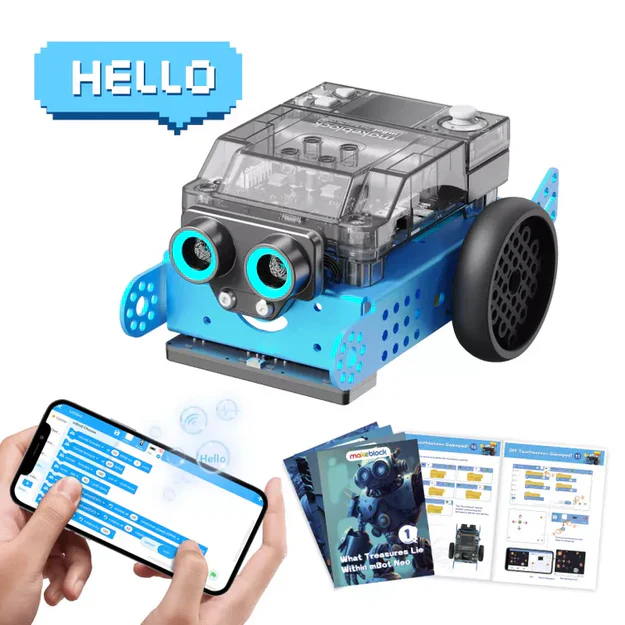
Makeblock mBot2
An accessible build-and-code robot that grows with a child, from block coding to Python. Standard mounting points make it easy to bolt on custom 3D-printed parts as projects get ambitious.
Best all-in-one
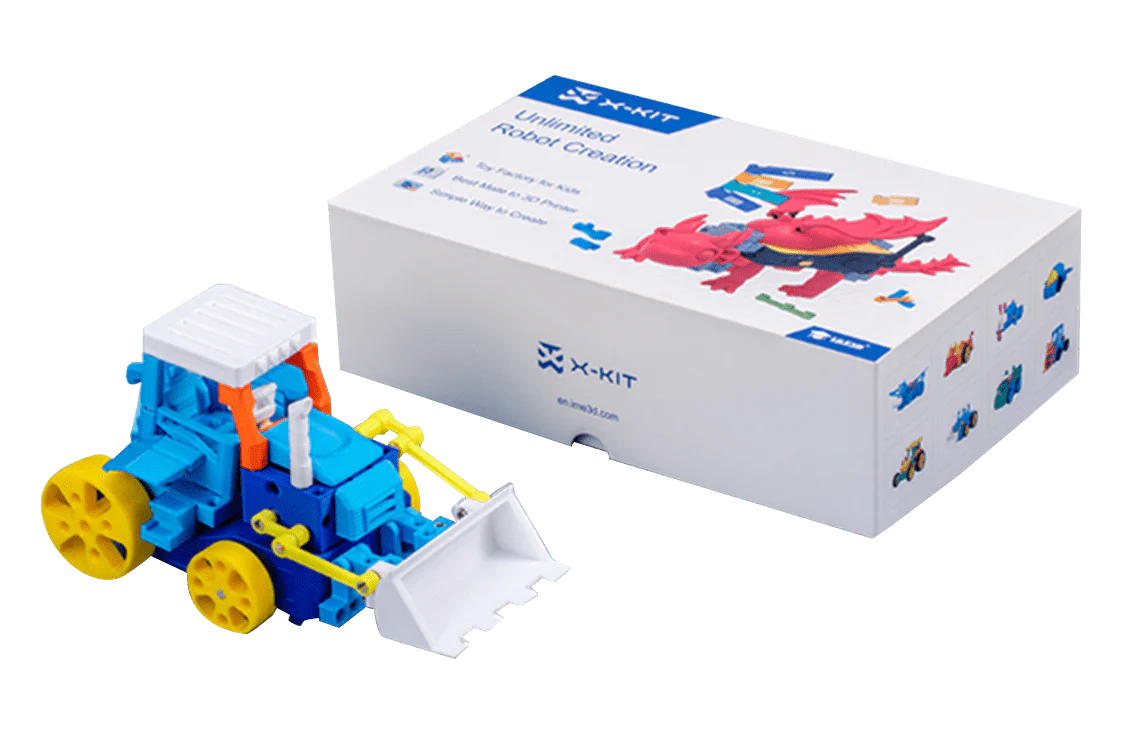
AOSEED X-KIT
A combined kit that pairs a kid-friendly 3D printer with block-based coding and build-it projects out of the box. A neat single-purchase way for a young learner to design, print, and program in one place.
Best for teens
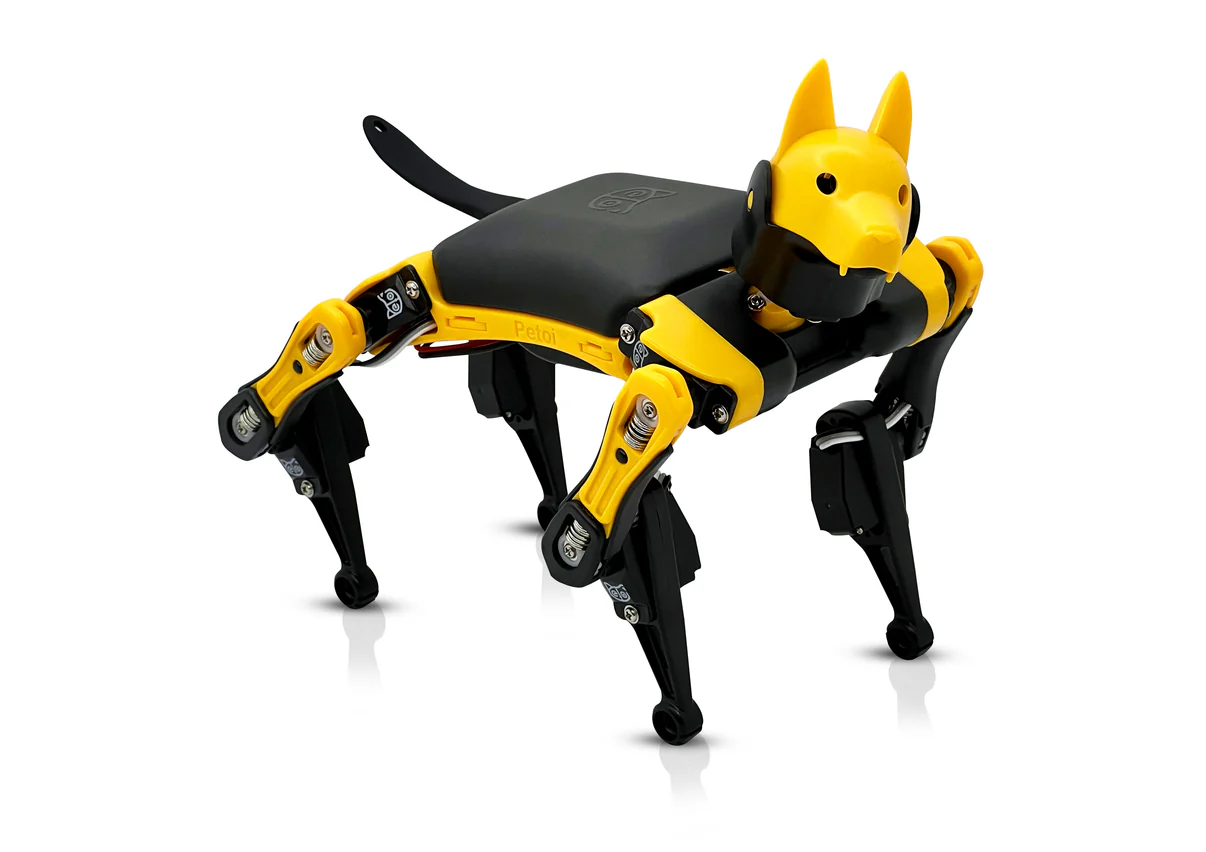
Petoi Bittle X
An open-source programmable robot dog that teens build and then code in Blockly, Python, or C. Its parts are 3D-printable, so it loops straight back to the printer: design a mod, print it, and bolt it on. Real engineering depth for an older child ready for more than a toy.
Free design apps to start with
Before buying any hardware, a free design app lets a child test whether the interest is real. All three below cost nothing, run in a browser, and feed straight into printing once you do buy a machine.
Best for ages 9+
Tinkercad
The standard kids’ CAD tool: free, browser-based, drag-and-drop, and gentle enough for a nine year old, with a teacher curriculum behind it. Where most young designers start.
Best for coders
BlocksCAD
Pairs 3D modeling with block-based coding, so a younger child builds models by snapping logic blocks together. A natural bridge for kids who already enjoy Scratch.
Step up for teens
Autodesk Fusion
Free for education, this is the parametric CAD that older students grow into for precise, real-engineering design. The natural next step once Tinkercad starts to feel limiting.
Age guidelines: what’s appropriate when
These are starting points, not hard rules. A careful 9 year old can do more than a distracted 14 year old, so match the printer’s hazards to the child’s ability to follow workshop discipline rather than to a birthday. The one firm line is resin, which waits until the teen years because of the chemical handling involved.
Supervision and safety for young makers
For FDM with PLA the real hazards are few and easy to manage. The nozzle runs around 200C and the bed around 60C, both hot enough to cause a burn on contact, so the rule that does the most work is simple: nobody reaches into the machine while it is running or before the bed has cooled. An enclosed printer with a door makes this almost automatic, which is part of why enclosed machines suit younger and shared use.
Two smaller points round it out. Ventilation matters less for PLA than for engineering plastics, but a room that is not a bedroom is still the right call for any regular printing. And small printed parts are a choking hazard for younger siblings, so finished prints should not be left within reach of toddlers. The deeper treatment of fumes, burns, fire, and electrical safety lives in our 3D printing safety guide, which is worth reading once before the first print.
What about resin for teens?
Resin printing produces far finer detail than FDM, which makes it tempting for teenagers into miniatures or models. It is also a genuine chemical-handling activity, not a toy. Uncured resin is a skin and respiratory irritant that can cause a permanent sensitisation reaction with repeated exposure, the cleanup involves isopropyl alcohol, and the waste counts as hazardous. For those reasons resin is not appropriate for children and should wait until 13 at the earliest, and even then only with full PPE (nitrile gloves, splash glasses, a respirator), external ventilation, and an adult present for the whole workflow.
Supervised teens only
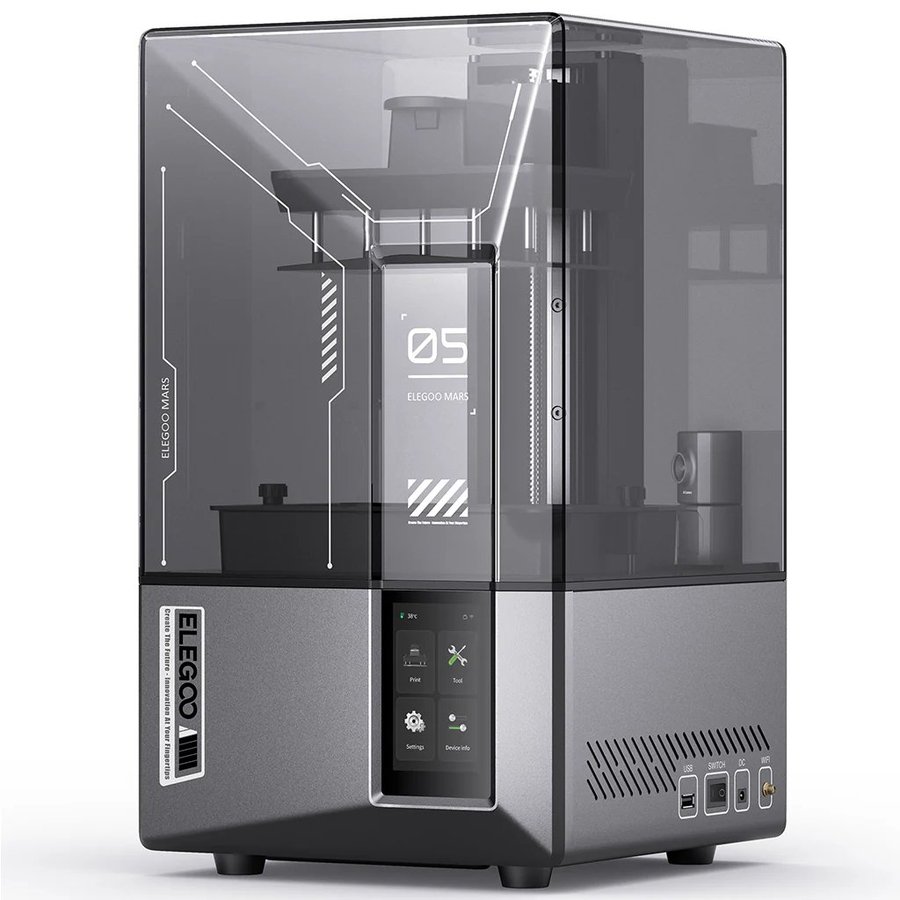
Elegoo Mars 5 Ultra
A reliable, well-supported entry resin printer if a teenager is ready for the responsibility and the household can provide ventilation and PPE. Pair it with a wash-and-cure station to keep the messy steps contained.
Before you buy resin
Read the resin handling and ventilation sections of the safety guide first, and weigh the trade-offs in our FDM vs resin comparison.
If there is any doubt about whether a teen will follow the PPE routine every single time, stay with FDM. The detail gap is real, but so is the sensitisation risk.
Project ideas by age group
The fastest way to lose a child’s interest is a four-hour print of something they did not choose. Start small, start personal, and let the first wins be quick. Free model libraries like MakerWorld, Printables, and Thingiverse cover most of what follows, so a child can have a finished object before any design work begins.
Good starting points by stage:
- Ages 5 to 8: name keychains, cookie cutters, simple animals, and articulated print-in-place toys that come out moving with no assembly. Quick prints keep the magic alive.
- Ages 9 to 12: board-game pieces, phone stands, desk organisers, and their first Tinkercad designs such as a personalised nameplate. This is where designing rather than only printing starts to click.
- Teens: functional parts that solve a real problem, cosplay props, model kits, and a step up into Fusion for parametric design. The motivation shifts from novelty to making something genuinely useful.
What 3D printing teaches
Beyond the novelty, the learning is real and it spans subjects. Designing a part teaches spatial reasoning and measurement. Watching a first attempt fail and adjusting it teaches the iterative problem-solving loop that sits at the heart of engineering. Slicing introduces concepts like tolerance and support without naming them as such, and the wait for a print teaches a kind of patience that is in short supply.
In a school setting these map cleanly onto hands-on science and engineering standards, which is why 3D printing has become a fixture of Next Generation Science Standards aligned design challenges. A balloon-powered car the students design, print, and race teaches force and motion more memorably than any diagram. The tool is a way into the concept, not the concept itself, which is the right way to use it.
3D printing in the classroom and STEM programs
A classroom changes the equation in three ways: many hands share each machine, the room has compliance considerations a home does not, and the budget comes from somewhere specific. The hardware answer is an enclosed, filtered, simple-interface printer like the FlashForge Adventurer 5M Pro or Bambu’s enclosed models, because the door is a safety barrier and the filter handles the shared air. For the ventilation and supervision rules that apply to a room full of students, the safety guide’s classroom section is the reference.
The software is the easy part and it is free. Tinkercad is the de facto classroom CAD tool, free for education and gentle enough for a nine year old, with BlocksCAD adding block-based coding for younger classes and Autodesk Fusion as the free step up for older students. For structured curriculum rather than one-off activities, PrintLab sells classroom courses built around Tinkercad and Fusion, and platforms like MakerWorld and Printables host education sections with vetted, ready-to-print projects.
The logistics surprise most new teachers: one printer cannot keep up with thirty students in real time. The workflow that actually works is to separate design from printing. Students design on laptops or tablets in Tinkercad during the lesson, then the teacher batches the files and runs them through the day or overnight, since a single print can take an hour or more. A shared print queue with a clear file-naming convention prevents the pile-up, and a rotating “print captain” role lets students share responsibility for starting jobs and clearing the bed once it has cooled. Plan for one printer per five or six students if you want prints finished within a class block rather than days later.
Lessons that consistently land, across science and design:
- Balloon-powered cars: students design, print, and race them, then iterate on weight and shape. A memorable way into force and motion.
- Personalised name tags or hieroglyphic obelisks: a gentle Tinkercad introduction that doubles as a history or language tie-in.
- Replacement parts for classroom equipment: a real problem with a printed solution, which is the most motivating brief of all.
- Science models such as topographic maps, molecules, or cell cross-sections: making an abstract concept physical and handheld.
If you would rather follow a structured sequence than assemble lessons piecemeal, PrintLab and Tinkercad’s teacher curriculum both provide graded units with rubrics, so the assessment side is handled rather than improvised.
Buying for a school: discounts, bulk orders, and grants
Buying for a classroom rarely means paying the price you see on a product page. Every major brand runs an education channel, and the sequence that saves the most money is to choose the printer first, then go through that channel rather than checking out at the cart. Three levers are usually on the table: a verified educator discount, deeper volume pricing on multiple units, and a purchase-order or tax-exempt workflow that a school finance office needs anyway.
The verified discount is the easy win. Most brands take roughly 5 to 6 percent off once you confirm educator or student status with a school email or a verification service. Here is where to start with each:

Discount + tax-exempt
Bambu Lab
Student and Teacher Purchase Program with special pricing and tax-exempt account setup.
Discount + bulk
Creality
Educator and student discount, with bulk school orders handled by the sales team.

Education program
Prusa
Dedicated education program: custom offers, parts packages, and a project database.

Purchase orders
FlashForge
Takes school purchase orders and includes a filament trial on a verified school email.
For more than a couple of machines, the real saving is a quote rather than a coupon. Contacting a brand’s education or sales team gets you tiered volume pricing that scales with order size, discounted shipping, and the purchase-order or net-terms billing that procurement departments expect. A class set of three to five printers is exactly the point where asking for a quote beats clicking buy.
If putting everything on one purchase order is simpler, an education reseller is the path of least resistance, and MatterHackers is the established US option. Pairing the curriculum with the machine is often the difference between a printer that gets used every week and one that ends up in a closet.

One-stop reseller
MatterHackers Education
The established US reseller: educator and library pricing, purchase orders, tax-exempt handling, and free lifetime support across every brand it carries. The simplest single point of contact for a school.

Best classroom buy
Education bundles
Printer-plus-PrintLab Classroom bundles, so the lesson plans, projects, and assessment rubrics arrive with the hardware. The strongest single purchase for getting a classroom up and running.
Funding is the lever schools overlook most. Many districts hold maker-space, STEM, or CTE budget lines earmarked for exactly this kind of equipment, and there are classroom-technology grants worth chasing before any money leaves a teacher’s own pocket. Ask your CTE or technology office first, since the budget may already exist, and search education-technology grant databases for anything that fits your program.
Costs for families and schools
For a family, a capable first setup runs roughly $200 to $350: the printer, a few rolls of PLA, and a basic toolkit. A Toybox sits at the low end, the A1 mini in the middle, and the consumables are cheap, with a kilogram of PLA running about $20 to $25 and lasting through dozens of small prints. For a classroom, the maths is per-station plus shared accessories, and an enclosed machine pushes the per-unit figure up, so a small set of three to five printers is a four-figure line item before filament. Our 3D printing cost guide breaks down both the hobby and the small-operation scenarios in detail, including the consumables most people forget to budget for.
Frequently asked questions
What is the best 3D printer for a kid in 2026?
For most children aged 8 to 12, the Bambu Lab A1 mini is the best pick: it prints within 15 minutes of unboxing and pairs with thousands of free, pre-configured models. For ages 5 to 8, the Toybox is the easier kid-first choice, and for shared classroom use an enclosed machine like the FlashForge Adventurer 5M Pro fits better.
At what age can a child start 3D printing?
Around 8 with the right printer and adult supervision is a comfortable starting point. Children aged 5 to 7 can use a simplified machine like the Toybox with close supervision. Under 5, a child can choose models and watch, but should not operate the printer, since the hot nozzle and bed are a genuine burn risk.
Is 3D printing safe for kids?
FDM printing with PLA is low-risk and comparable to using a hot glue gun: supervise the hot parts and ventilate the room. Resin printing is a different category and is not appropriate for children. Keep kids on filament printers, and read the safety guide before the first print.
FDM or resin for kids?
FDM, without question, for anyone under 13. FDM with PLA is clean and forgiving, while resin involves chemical handling, fumes, and a sensitisation risk that rules it out for children. Resin can be appropriate for a supervised teenager with full PPE and ventilation.
Is PLA filament toxic or safe for children?
PLA is a plant-based plastic and is the cleanest common filament, releasing low emissions when printed at around 200C. It is the right material for kids. Avoid ABS and other high-temperature plastics for children’s printing, as those release more concerning fumes and need an enclosure and ventilation.
What is the best 3D printer for a classroom?
An enclosed, filtered, simple-interface machine such as the FlashForge Adventurer 5M Pro or an enclosed Bambu Lab model. The enclosure acts as a safety barrier for many hands, the filter manages shared-room air, and a clean touchscreen keeps a class of students moving without an adult at every step.
Do schools need enclosed printers?
Strongly recommended. In a room full of students an enclosure physically separates curious hands from the hot end and contains the print, and a filtered enclosure also helps with the shared air for any material beyond PLA. Open-frame printers can work with strict supervision, but enclosed machines remove most of the risk by design.
What software do kids use to design 3D prints?
Tinkercad is the standard: free, browser-based, and approachable for a nine year old, with a teacher-facing 3D printing curriculum. Older students step up to Autodesk Fusion, also free for education. Younger children can skip design entirely and print from free libraries like MakerWorld and Printables.
How much does a 3D printer for a kid cost?
A capable home setup runs about $200 to $350 including the printer, a few rolls of PLA, and a basic toolkit. Filament is cheap at roughly $20 to $25 per kilogram. Our cost guide covers both home and classroom budgets in detail.
Is resin printing safe for teenagers?
It can be, for a responsible teen aged 13 or older, but only with full PPE (nitrile gloves, splash-rated glasses, a respirator), external ventilation, and an adult present for the whole process. Uncured resin is an irritant that can cause permanent sensitisation, so if the PPE routine will not be followed every time, stay with FDM.
Keep going
The guides that pair with this one, for buying, safety, and budgeting, including the best budget 3D printers guide:
The wider beginner field beyond kid-specific machines, with the enclosed picks that suit families.
Fumes, burns, supervision, and the classroom section, the read-it-once reference before the first print.
Why FDM is the right call for kids, and what changes if a teen moves to resin.
Year-one budgets for home and small classroom setups, including the consumables.
The flagship guide: the whole market ranked across every category and budget.
When a supervised teen is ready for resin detail, these are the machines worth buying.
For terminology, see the 3D Printing Glossary. For the conceptual overview, see What is 3D Printing? And for an engineering-minded teen printing carbon-fibre filaments, there is our best carbon fiber 3D printers guide.