The best resin 3D printers in 2026 cover an extraordinary range, from $169 entry-level machines that produce tabletop-grade detail to $9,999 professional systems that run for production. Resin 3D printing is the right tool for sharp detail, smooth surfaces, and small parts that sand and paint cleanly. Where FDM excels at functional shapes and large prints, resin excels at miniatures, jewellery models, dental work, and any object where fine detail matters more than mechanical strength. If tabletop work is the whole mission, our best 3D printers for miniatures guide ranks that bracket end to end. This guide is split into three price tiers so you can find the best resin 3D printer for your project, your skill level, and your budget.
Resin is one half of the market; if you are still weighing it against filament printing or want the full field in one place, our flagship best 3D printers guide covers every category and budget.
What to look for in a resin 3D printer
- A tilt-vat mechanism. The resin tank tilts to release each layer with low peel force, which dramatically reduces the failure mode where prints stick to the bottom film instead of the build plate. The Mars 5 Ultra, Saturn 4 Ultra, and Jupiter 2 all use tilt-vat designs.
- Auto-leveling or factory-calibrated leveling. Manual 4-point leveling on most resin printers is a one-time setup, but leveling-free designs (Photon Mono M7 series, Saturn 4 Ultra) remove that step entirely.
- Smart sensors. Resin level monitoring, residue detection, AI failure detection, and integrated tank heating are quality-of-life features that genuinely save prints. Above $500 they should be standard; under $500 they’re a bonus.
- Mature slicer support. Chitubox and Lychee Slicer support nearly all consumer LCD printers. Avoid printers locked to a proprietary slicer with a small user community; community support catches problems faster than manufacturer support tickets.
- Resolution suited to your use case. 14K is plenty for miniatures and jewellery. 16K is the current ceiling and shows visible benefit only on the smallest features. 8K is fine for medium-sized prints. Anything below 6K is dated for new purchases in 2026.
- Build volume that fits your typical project. Most miniatures fit in 75x75x100mm. Most jewellery fits in 50x50x80mm. Hobbyist-scale work fits in 200x125x200mm. Buy bigger only if you genuinely need it; larger plates mean more wasted resin per failed print.
What to avoid as a resin buyer
- Resin printing without ventilation. Uncured resin is a skin and respiratory irritant, and even sealed printers emit detectable VOCs (the airborne plastic compounds released during printing). Print in a window-vented room, in a filtered enclosure, or under a fume hood. Do not print in a bedroom.
- Buying without a wash and cure plan. Manual washing in IPA is fine for one-off prints but tedious and inconsistent. See our Best Wash and Cure Stations guide for matched-budget recommendations.
- Chasing the highest K resolution without context. 16K on a Mars-class printer is meaningless if you’re printing terrain at 50mm scale. 8K on a large-format printer is plenty if you’re producing helmets and busts. Match resolution to scale.
- Printers under $150 from unfamiliar brands. The bottom of the resin market is flooded with rebranded machines that lack slicer support, replacement parts, and community knowledge. The Anycubic Photon Mono 4 at $169 is the price floor for credible new purchases.
- Outdated LCD models with under 6K screens. The pixel grid becomes visible on prints, and replacement screens for older models are increasingly hard to source. Buying a 2022-era 4K printer used can be a trap.
- Skipping safety equipment. Nitrile gloves, safety glasses, and a dedicated workspace away from food prep are non-negotiable. If your space can’t accommodate these, start with FDM and revisit resin later.
Jump to section
The best resin 3D printers at a glance
One standout per category, from $169 entry to $3,499 professional.
Best resin 3D printers under $500
Five picks ordered by ascending price, from the $169 entry-level Photon Mono 4 to the $459-plus Halot Mage S 14K. All five are credible new purchases in 2026 and produce print quality good enough for tabletop miniatures, jewellery prototypes, and most hobbyist work.
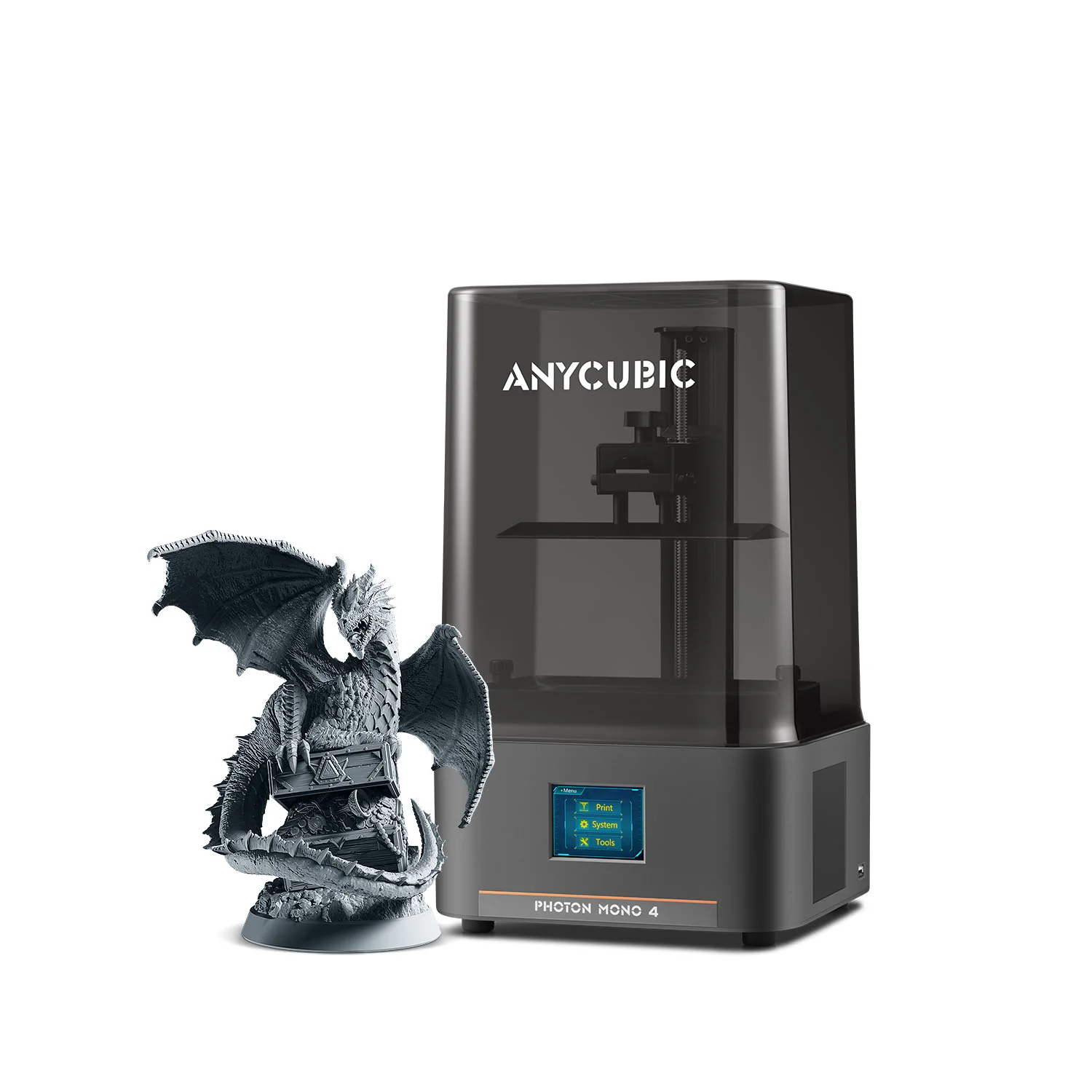
Anycubic Photon Mono 4
Anycubic | 153 x 77 x 165 mm, 10K | $169 to $189
If you want to test resin printing before committing serious money, the Photon Mono 4 is the printer to buy. Genuine 10K resolution on a 7-inch screen, a small vat (less wasted resin while you learn), and Anycubic’s mature slicer support behind it. The 4-point first-time leveling takes a few minutes and never needs to be repeated. The trade-off versus the Mars 5 Ultra is the absence of the tilt-vat mechanism, which means slightly higher peel forces on the FEP film. At less than half the Mars 5 Ultra’s price, that’s a reasonable trade. Pairs naturally with the Anycubic Wash and Cure 3.0.
Best for: first-time resin buyers on the tightest budget, smallest footprint, anyone wanting to test whether resin is for them before committing more.
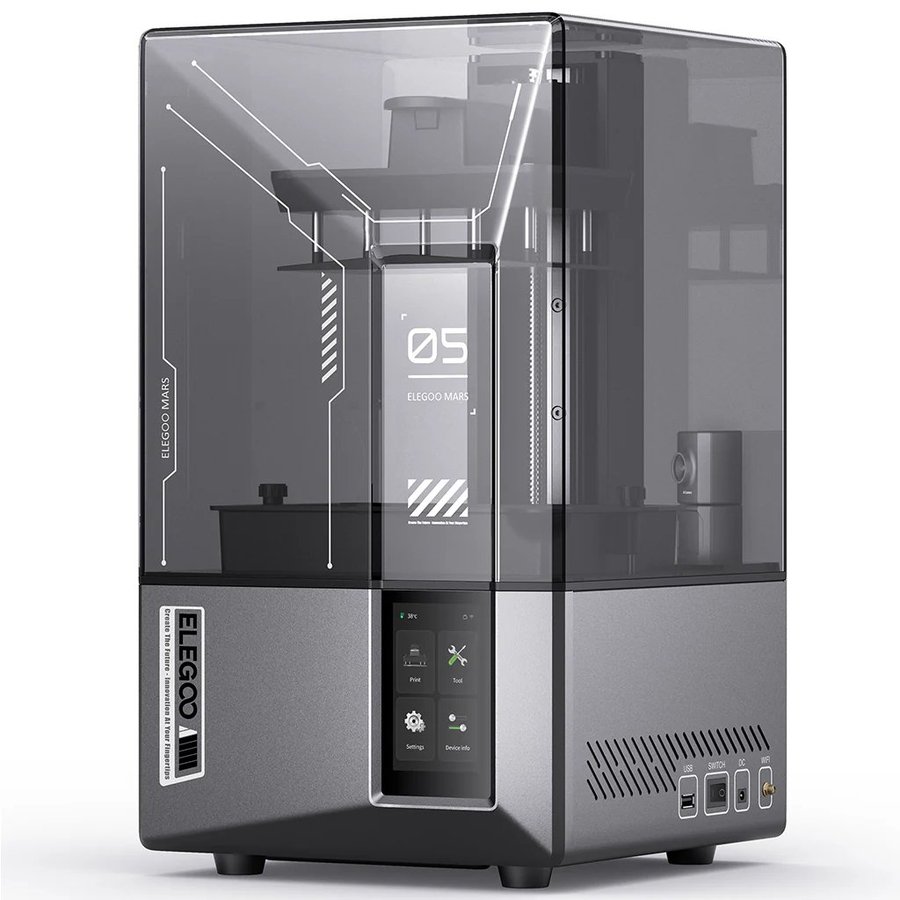
Elegoo Mars 5 Ultra
Elegoo | 153 x 77 x 165 mm, 9K | $269 to $338
The Mars 5 Ultra is the clearest first-resin recommendation in 2026 if you can stretch to its price. The headline feature is a tilt-vat mechanism that releases each layer with low peel force, which eliminates the failure mode that frustrates new resin users most: prints sticking to the FEP film at the bottom of the vat instead of the build plate. There is no manual bed-leveling pass. The 9K screen delivers 18-micron XY resolution that is plenty for tabletop miniatures and detail work. Widely recommended as the gaming-miniatures pick of 2026, and the detail-ceiling pick in our best 3D printers for miniatures guide. Pairs naturally with the Elegoo Mercury Plus V3.0.
Best for: first-time resin buyers who want minis-grade detail without manual leveling or peel-force tuning. The default starter pick.
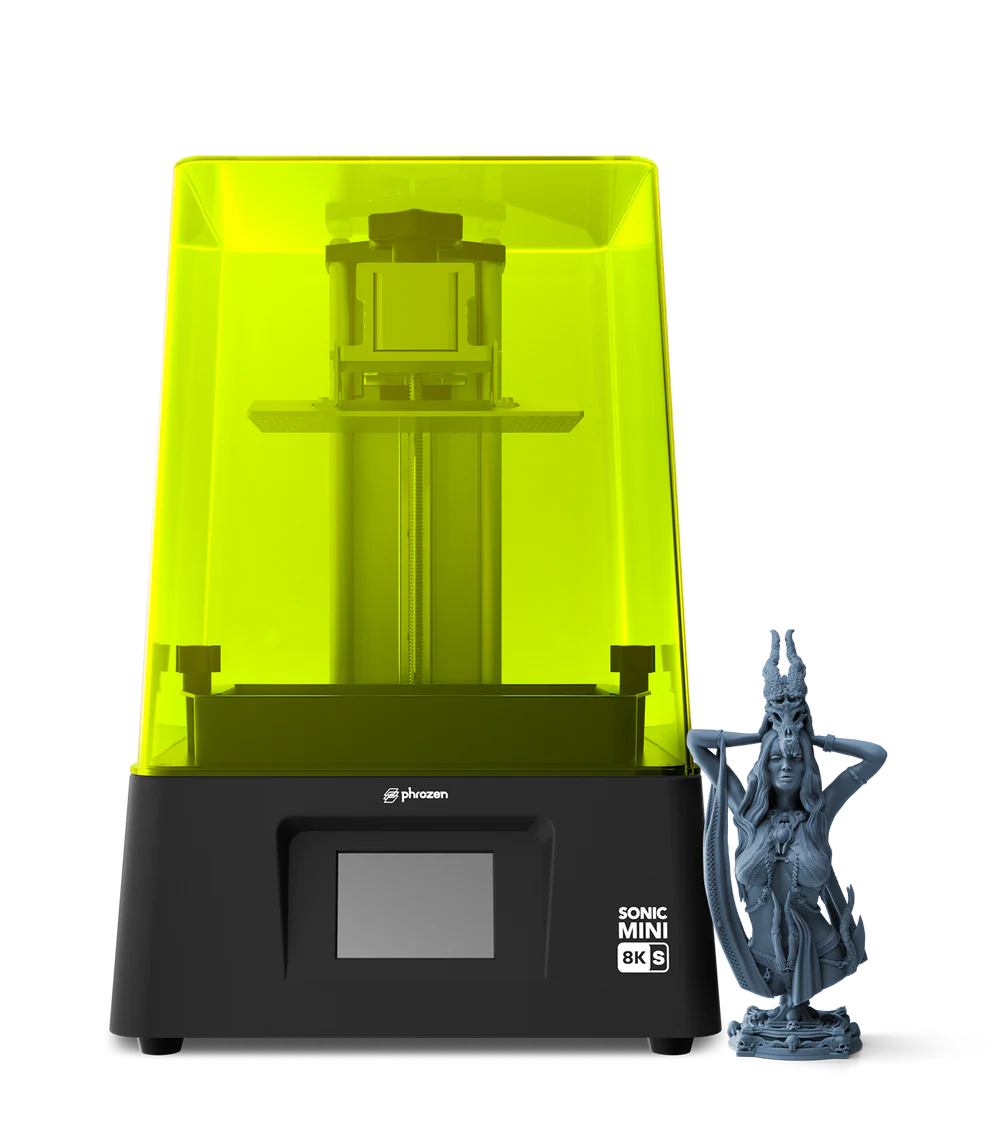
Phrozen Sonic Mini 8K S
Phrozen | 165 x 72 x 180 mm, 8K | ~$349
The long-running miniatures favourite. The Sonic Mini 8K S has been on tabletop and jewellery printers’ desks for two product cycles, and it earned that loyalty with 22-micron precision, third-party slicer compatibility (Chitubox, Lychee), and Phrozen’s solid documentation. It is also the only pick in this section with a meaningful following among jewellery casters. The Mars 5 Ultra has leapfrogged it on workflow ergonomics with the tilt mechanism, but Phrozen still owns the “I print competition-grade minis” niche. Pairs naturally with the Phrozen Cure V2.
Best for: tabletop miniatures, jewellery casting, anyone wanting Phrozen’s long-running community and broad slicer support.
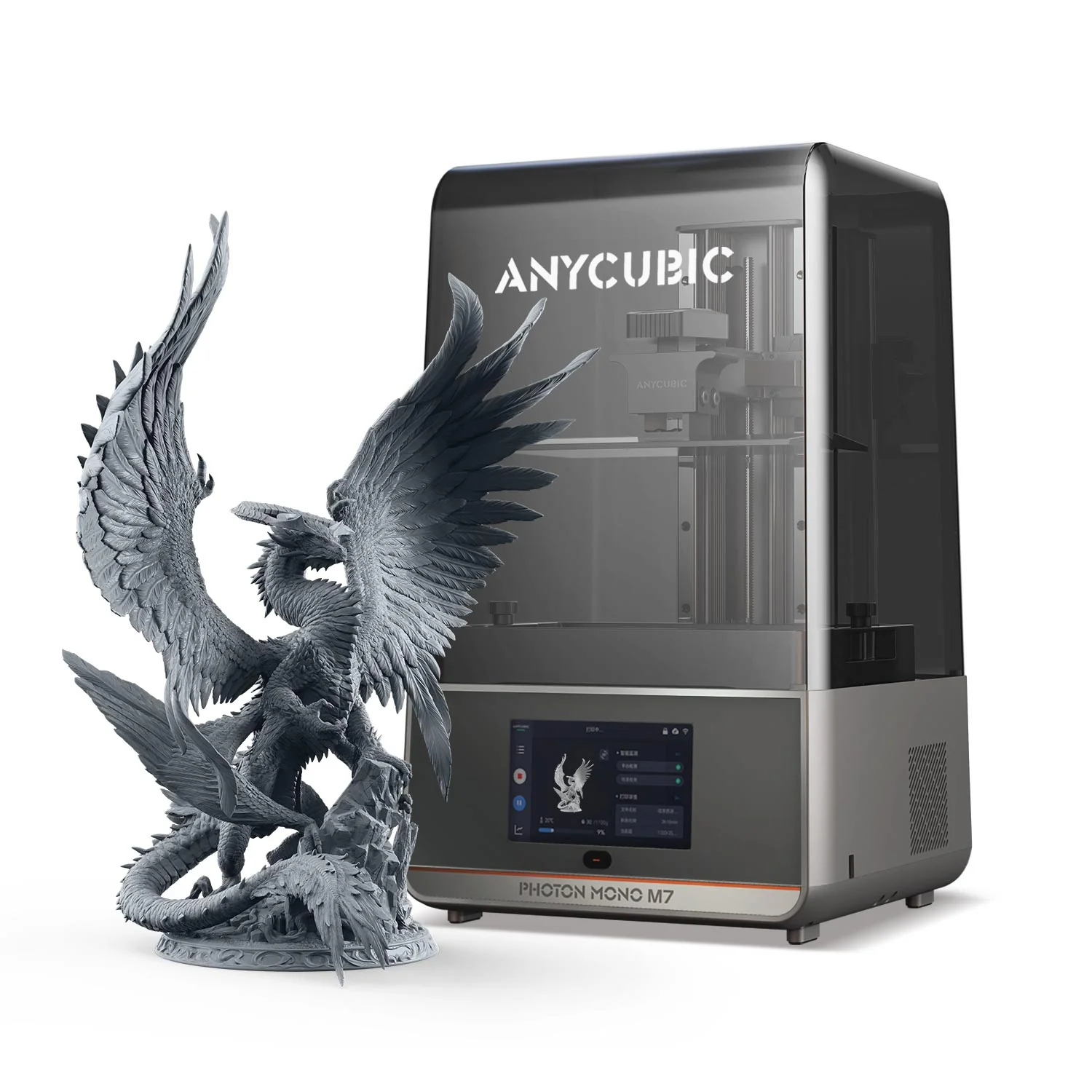
Anycubic Photon Mono M7
Anycubic | 223 x 126 x 230 mm, 14K | $400 to $450
14K resolution at under $500 is the standout value position of 2026. The standard M7 (without the Pro suffix) skips the auto-resin refill and AI camera that come on the Pro, but keeps the 10.1-inch 14K LCD, the leveling-free floating platform, and a vat heater for cold-room reliability. Build volume is meaningfully larger than the Mars-class machines (6.5 litres vs 1.9 litres). The M7 Pro at $549 adds the auto features; the standard M7 keeps the pixels and the build size at a hundred dollars less. Pairs naturally with the Anycubic Wash and Cure Max.
Best for: buyers who want maximum resolution at this price tier without paying for auto-refill convenience features. Strong fit for serious miniatures painters and jewellery designers.
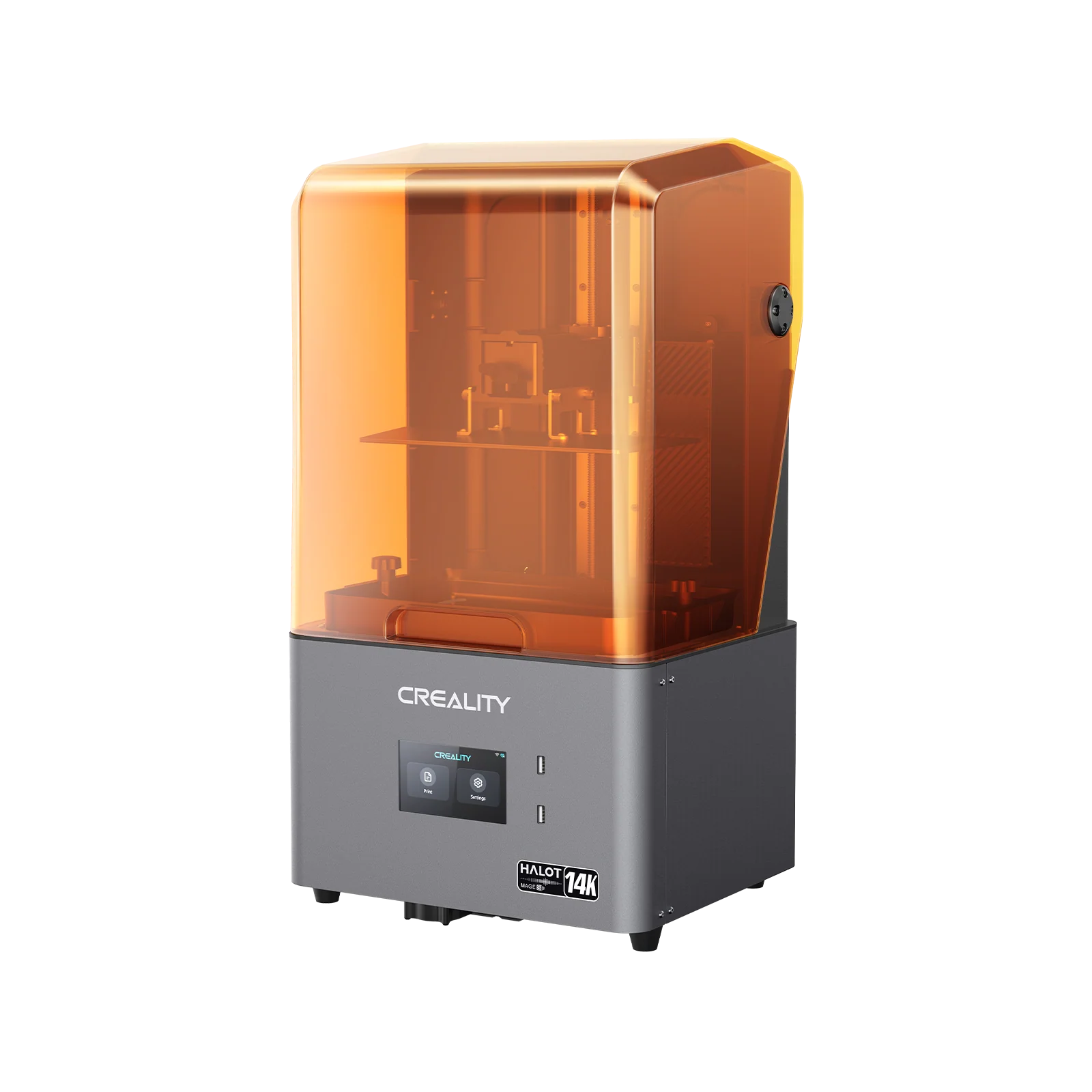
Creality Halot Mage S 14K
Creality | 218 x 123 x 230 mm, 14K | $459 to $499 on sale, up to $750 retail
The Halot Mage S 14K is the bigger-plate option at this tier. The 10.1-inch 14K LCD delivers 16.8 x 24.8 micron pixels, 90%-plus light uniformity, and Dynax+ printing speed up to 150mm per hour. Build volume is similar to the M7 (slightly smaller in width, similar in height). It’s less universally recommended than Anycubic and Elegoo at this price point, mostly because the Halot Box slicer is rougher than Chitubox or Lychee, but owners who buy it tend to keep it. Plan to use Chitubox in production. Pairs naturally with the Creality UW-03.
Best for: buyers who want a larger build plate than Mars-class machines plus 14K resolution, and are happy to use Chitubox as their daily slicer. Strong fit for tabletop terrain.
Best resin 3D printers if you have a bigger budget ($500 to $1500)
For buyers ready to step up: bigger build plates, smart features (auto-fill, AI cameras, heated tanks, WiFi cluster), production-grade reliability, or specialist workflows. Five picks ordered by ascending price, all 16K-capable except where size or speed take priority over peak resolution.
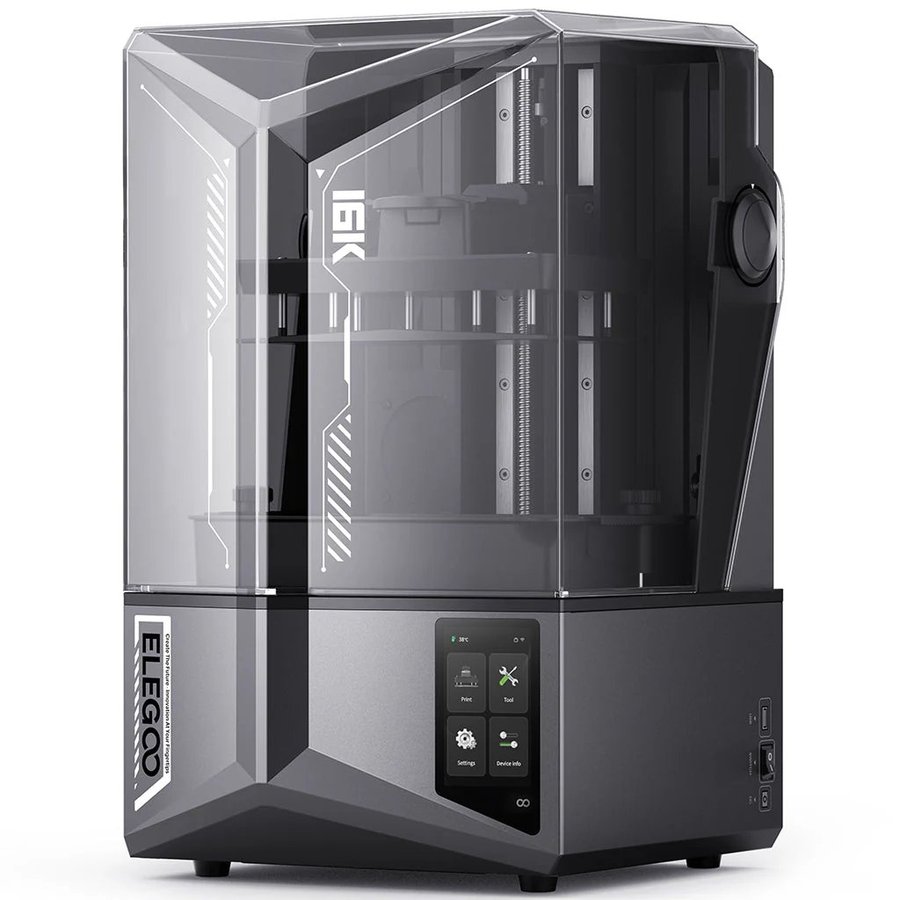
Elegoo Saturn 4 Ultra 16K
Elegoo | 211.68 x 118.37 x 220 mm, 16K | $549 to $599
The standout best-overall pick of 2026. The Saturn 4 Ultra 16K launched in January 2025 with a smart tank heating system that maintains resin at 30C for optimal layer adhesion (especially valuable in cold rooms), an AI camera for real-time failure detection, and WiFi cluster printing for running multiple printers from one workflow. The 16K LCD delivers 14 x 19 micron pixels, sharper than nearly anything at this price. Combined with the tilt-vat mechanism inherited from the Saturn 4 Ultra, it’s the genuine all-rounder of the 2026 lineup. Pairs naturally with the Elegoo Mercury Plus V3.0 (matched footprint).
Best for: buyers who want one printer that does everything well. The default upgrade pick from any sub-$500 starter.
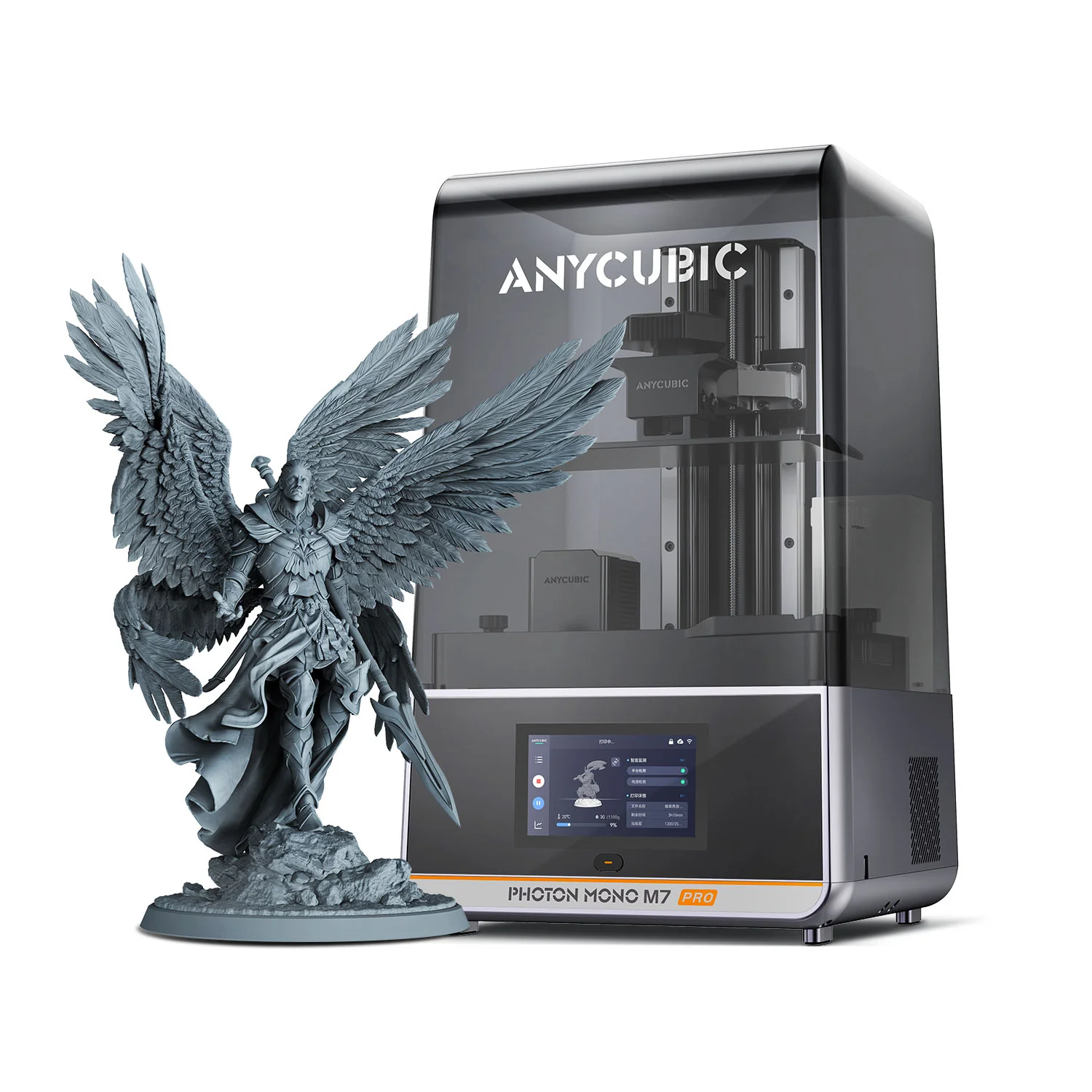
Anycubic Photon Mono M7 Pro
Anycubic | 198 x 122 x 200 mm, 14K | $549 to $599
The M7 Pro is the resolution-and-speed pick at this price tier. 14K screen, auto-resin refill, auto-adaptive temperature control, and meaningful print-time reductions of 40 to 50 percent over standard machines. Anycubic’s dedicated vat-heater (rather than chamber heater) directly maintains resin at the right temperature, dramatically improving print reliability in cold environments. Best appreciated by users who already understand resin printing and want to scale up volume; for true first-timers the M7 Pro’s polish is wasted budget. Pairs naturally with the Anycubic Wash and Cure Max.
Best for: buyers stepping up from a first resin printer who want speed, auto-refill, and 14K detail. Strong for miniatures painters and jewellery designers running batch jobs.
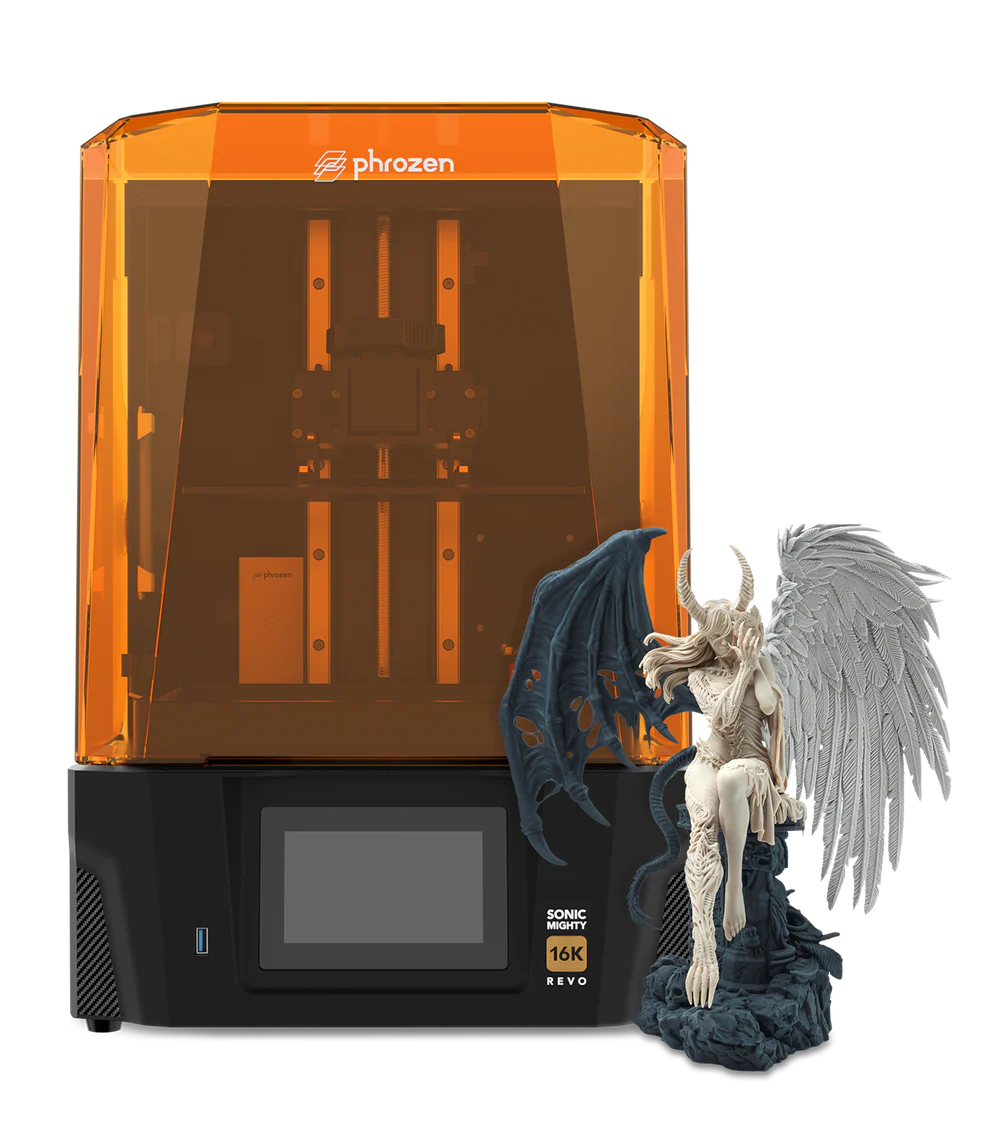
Phrozen Sonic Mighty Revo 16K
Phrozen | 211.68 x 118.37 x 235 mm, 16K | $895
The premium reliability pick. The Sonic Mighty Revo 16K uses an aerospace-grade aluminium frame, dual linear rails on the Z axis paired with a ball screw, a sealed base, residue detection, integrated 30C chamber heating, and Phrozen’s GO app for monitoring. The 16K LCD delivers 14 x 19 micron non-square pixels and is rated for 2000-plus hours of service life. Existing Phrozen Revo 12K owners can purchase the 16K Upgrade Kit and install it themselves without replacing the frame, ball screw, or motion system. The trade-off versus the Saturn 4 Ultra 16K is that you’re paying for build quality and longevity, not headline specs; the prints look the same, but the machine should outlast its competitors by years. Pairs naturally with the Phrozen Cure Mega.
Best for: serious hobbyists prioritising long-term reliability over up-front cost. Existing Revo 12K owners should grab the 16K upgrade kit instead of buying new.
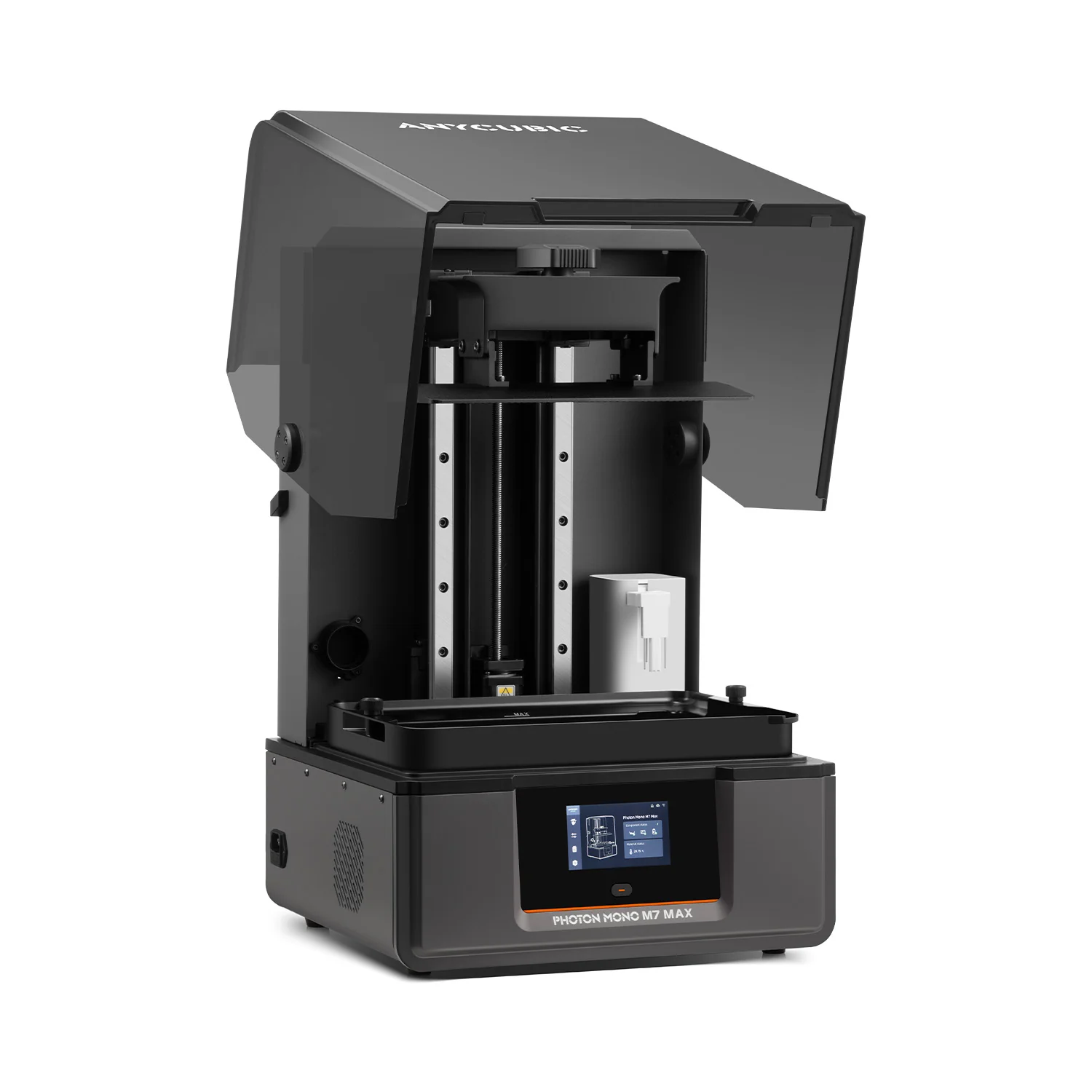
Anycubic Photon Mono M7 Max
Anycubic | 298 x 164 x 300 mm, 7K | $899
The large-format desktop pick. The M7 Max delivers a 14.7-litre build volume, big enough to print full helmets, statues, large terrain pieces, or batches of smaller objects in a single pass. The 13.6-inch 7K LCD has 46 x 46 micron pixels (lower per-pixel resolution than the Saturn 4 Ultra 16K, but at this build size the eye barely notices). LighTurbo 3.0 UV optical system delivers 90 percent light uniformity. The M7 Max ships factory-leveled, with full setup taking about five minutes. Automatic resin management refills the vat as needed. Pairs naturally with the Anycubic Wash and Cure Plus (matched build size).
Best for: cosplayers, prop builders, terrain printers, and anyone who needs to print large objects at scale on a desktop. Lower per-pixel detail than the Saturn 4 Ultra 16K, but you can fit four times as much print volume in one go.
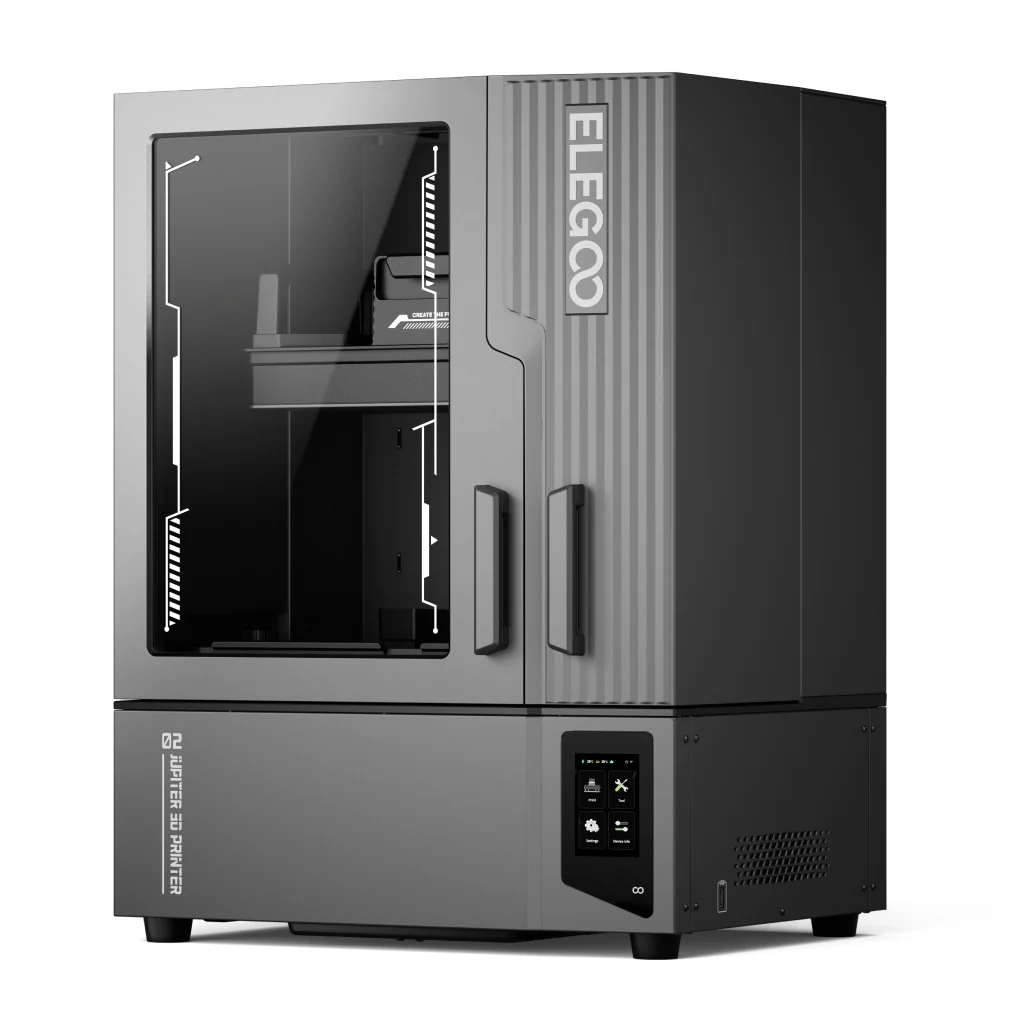
Elegoo Jupiter 2
Elegoo | 302.4 x 162 x 300 mm, 16K | $849 early bird, $949 retail (ships Q3 2026)
Elegoo’s Jupiter 2 launched in April 2026 and ships Q3 2026. It pairs the Saturn 4 Ultra’s smart-feature workflow with the M7 Max’s large-format build volume, at a price between the two. The 14-inch 16K LCD delivers 20 x 26 micron XY resolution (lower per-pixel than the 16K Saturn 4 Ultra at 14 x 19, but better than the M7 Max’s 7K). The smart resin management system uses a two-way pump and a 2 kg resin bottle to automatically refill and empty excess as needed; multi-point auto-leveling uses four independent force sensors. If pricing holds and the launch ships on schedule, this is the new large-format value pick. Pairs naturally with the Elegoo Mercury Wash 4.0.
Best for: buyers who want 16K resolution at large-format build size and are comfortable waiting for Q3 2026 shipping. The early-bird $849 price is competitive against the M7 Max’s $899 standard pricing.
Best professional and large-format resin 3D printers ($2000 and up)
Four picks for dental labs, jewellery casters at scale, engineering teams prototyping for clients, small-batch production, and any commercial output. Two technology paths represented here: scaled-up LCD/MSLA from Phrozen, and Formlabs’s professional LFD ecosystem with FDA-cleared dental resins. Order is by ascending price.
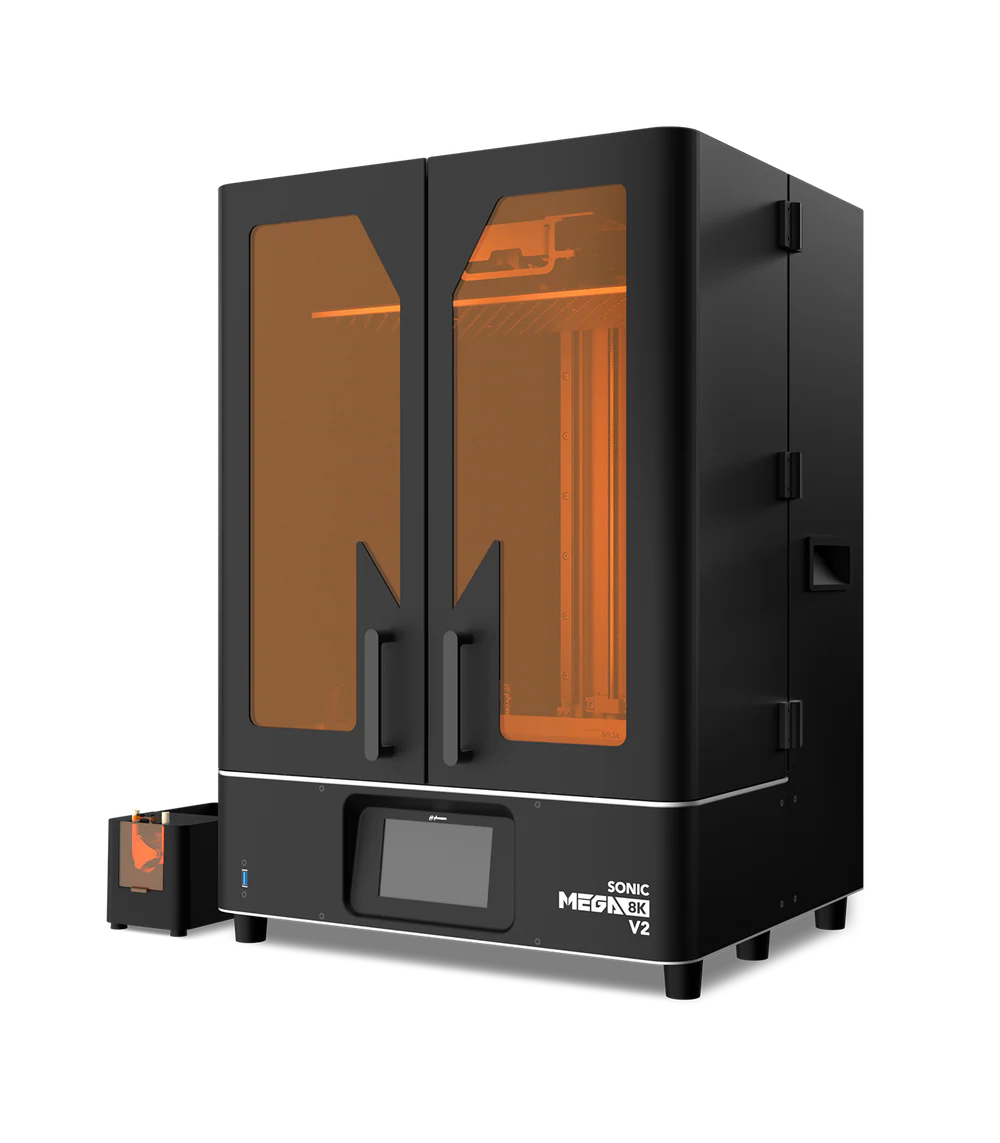
Phrozen Sonic Mega 8K V2
Phrozen | 330 x 185 x 400 mm, 8K | $1,500 to $2,800 depending on bundle and region
The print-farm entry pick. The Mega 8K V2 is a refresh of the original Mega 8K with quality-of-life improvements (most visibly the hinged tilt-back lid). All-metal frame, dual linear rails on Z, ball screw drive, factory-calibrated. 8K is not a meaningful limitation at this build size; the human eye barely distinguishes 8K from 12K when prints are this large. Build volume of 24.4 litres dwarfs the M7 Max and Jupiter 2 at roughly half the per-litre price. Buy this for production output, large-batch hobbyist work, or commercial commission jobs where throughput matters more than peak detail. Pairs naturally with a large-format wash and cure setup; the Phrozen Cure Mega is a reasonable matched option, though most production users build custom wash stations to handle the volume.
Best for: small-batch production, large-scale hobbyist work, print farms, commercial commission output. Buy this for size and throughput, not peak detail.
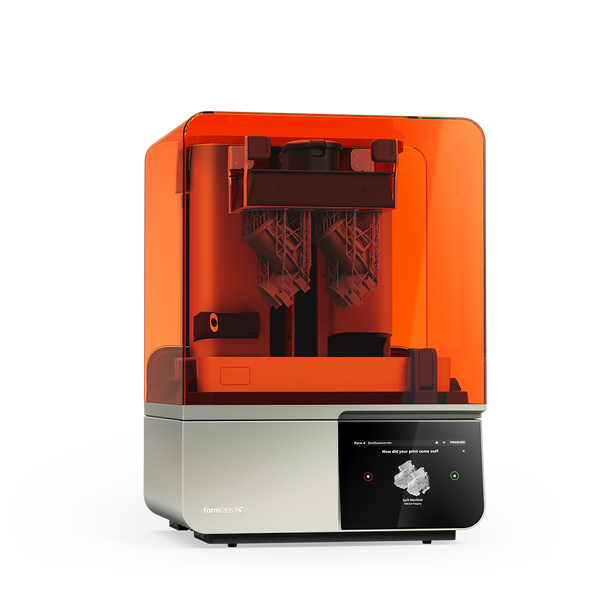
Formlabs Form 4
Formlabs | 200 x 125 x 210 mm, LFD | $3,499
The desktop professional benchmark. The Form 4 uses Formlabs’s Low Force Display (LFD) print engine, an evolution of LCD/MSLA that combines a custom backlight with a proprietary tank-and-film system to dramatically reduce peel forces. Result: parts in under two hours at up to 100 mm/hour, a 99 percent print success rate, and repeatable batch quality across hundreds of prints. PreForm software and the Formlabs Dashboard cloud platform are best-in-class. The Open Material Mode upgrade (~$875) unlocks third-party 405nm resins and turns the Form 4 from a closed-ecosystem printer into a hybrid open platform. FDA-cleared dental resins and a wide jewellery casting resin lineup are core differentiators. The hidden cost: Formlabs resins run $150-$200 per litre vs $30-$60 for open-market alternatives, so plan for material cost over the printer’s life. Pairs naturally with the Form Wash and Form Cure (the matched Formlabs ecosystem).
Best for: dental clinics, jewellery casting at scale, engineering prototyping for paying clients, anyone who needs FDA-cleared resins or audit-trail batch repeatability.
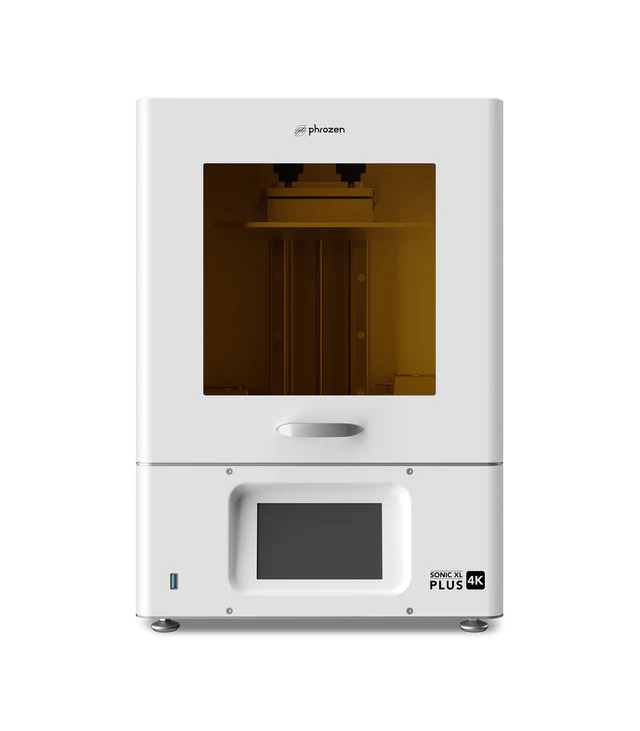
Phrozen Sonic XL 4K Plus
Phrozen | 198 x 122 x 200 mm, 4K | $3,500
The dental specialty pick. Phrozen designed the Sonic XL 4K Plus specifically for dental labs and clinics doing crowns, bridges, removable dies, and aligner thermoforming models. Lower resolution than other picks at this price tier (4K, not 14K) is a deliberate choice: dental workflows prioritise dimensional accuracy over visual detail, and 4K calibration is well-understood for crown and bridge work. Phrozen’s dental resin lineup (Wax-like Dental Green for casting, Dental Model Burgundy for study models) is well-developed and affordable per litre vs Formlabs’s FDA-cleared resins. The accessible dental option for labs that don’t need Asiga’s $5,000-plus price tag. Pairs naturally with the Phrozen Cure Mega for general curing or with a dental-specific UV chamber for clinical workflows.
Best for: dental labs, dental clinics, and orthodontic practices producing aligner models. Lower-cost dental specialty pick than Asiga or Formlabs.
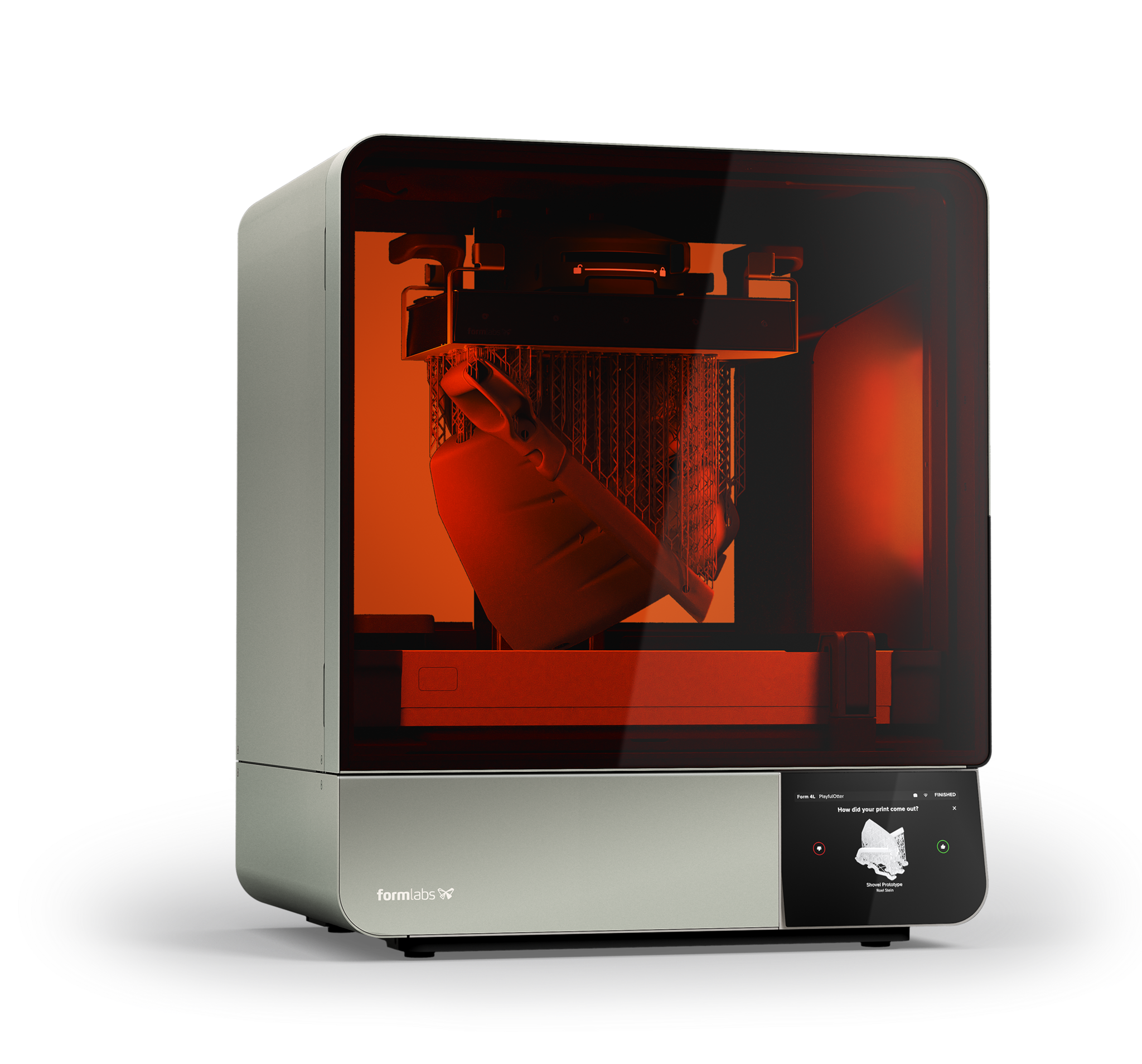
Formlabs Form 4L
Formlabs | 350 x 200 x 350 mm, LFD | $9,999
The large-format professional ceiling. The Form 4L delivers 4.9 times the build volume of the Form 4 with the same LFD print engine and 99 percent reliability standard. Large-scale prints complete in under six hours at up to 80 mm per hour. The new cartridge system reduces plastic waste and dispenses resin faster than the Form 3L it replaces. Compatible with 23-plus Formlabs materials, including all FDA-cleared dental resins and the full jewellery and engineering resin lineup. Industrial-class footprint and weight; not a desk machine. Buy this for production scale, full-prosthetic batch printing, large-prototype work where six-hour cycle times pay back the equipment cost, or dental labs running aligner production at volume. Pairs naturally with the Form Wash L and Form Cure L (matched large-format Formlabs ecosystem).
Best for: production scale, full-prosthetic dental batch printing, large prototype runs, and any commercial output where the 4.9x build volume over the Form 4 pays back the price.
The best resin 3D printers compared
All 14 picks at a glance, in the order they appear on this page. Use this to scan price, build size, and intended use against each other. Click any name to jump to its full review.
Best resin 3D printer by use case
If you already know what you’ll be printing, here are the natural picks across budget tiers. Match the row to your project, then jump back to the dedicated card above for the full review.
Recommended resins for these printers
The resin you choose matters as much as the printer. The same hardware can produce competition-grade miniatures with the right resin or brittle disasters with the wrong one, so a starter resin shopping list belongs alongside any resin printer buyer’s guide. The six picks below cover the most common resin categories across hobbyist and prosumer printing.
Each pick was selected for broad printer compatibility (works on any LCD MSLA machine without unusual calibration), mature exposure profiles in Chitubox and Lychee Slicer, global availability through Amazon and brand stores, and proven real-world performance across the tabletop, jewellery, and engineering communities. None of these picks are exotic; all are recommendable to a resin printer owner without further research.
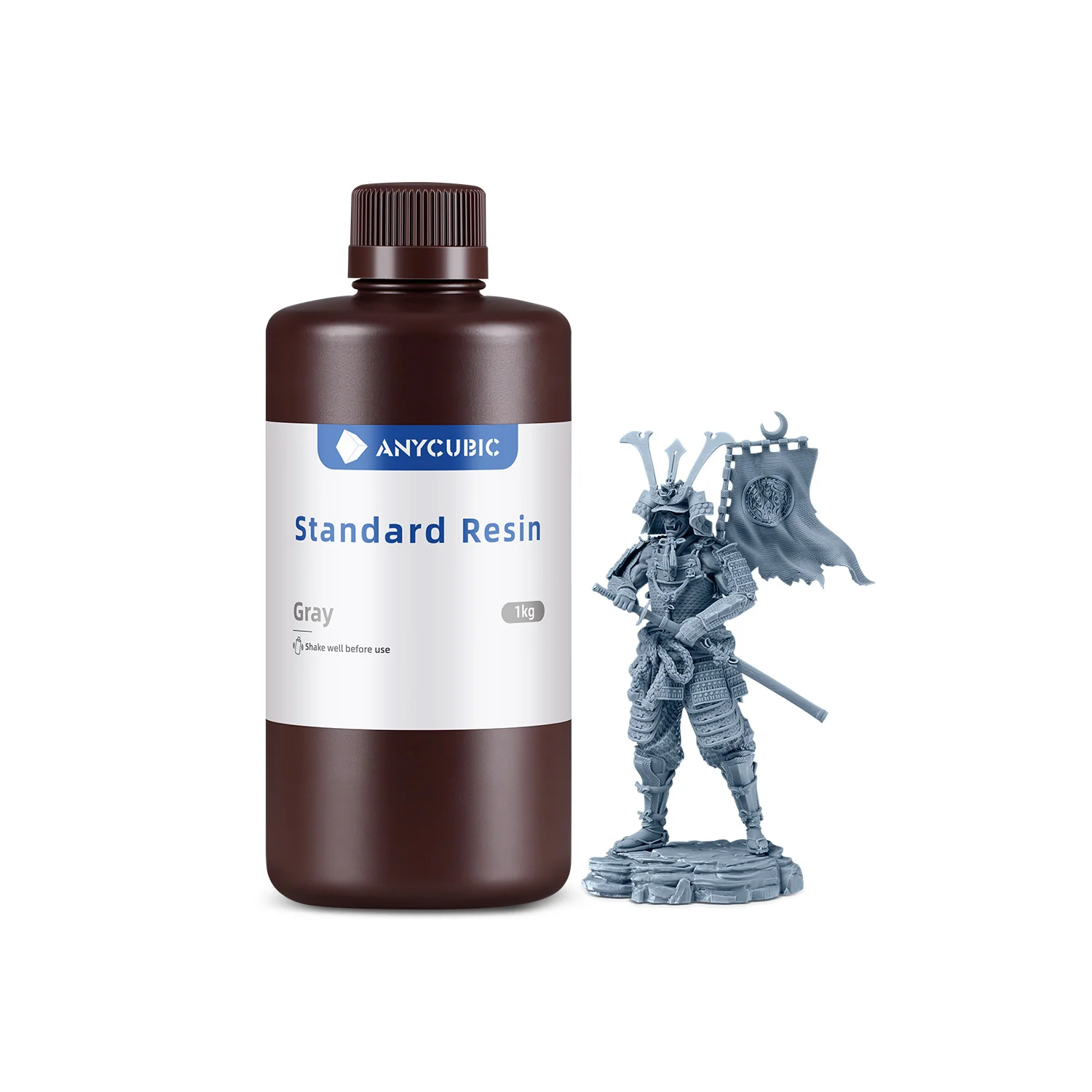
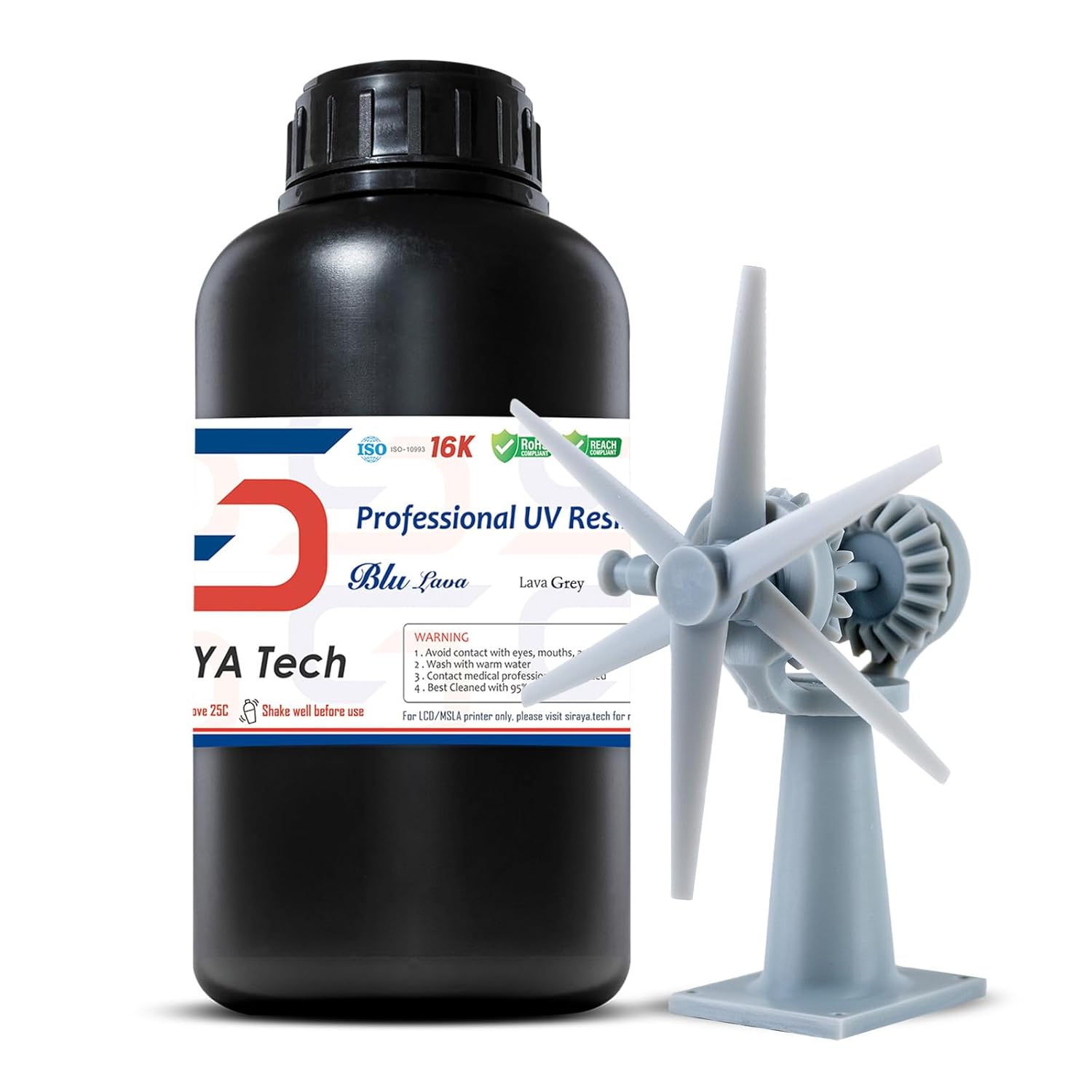
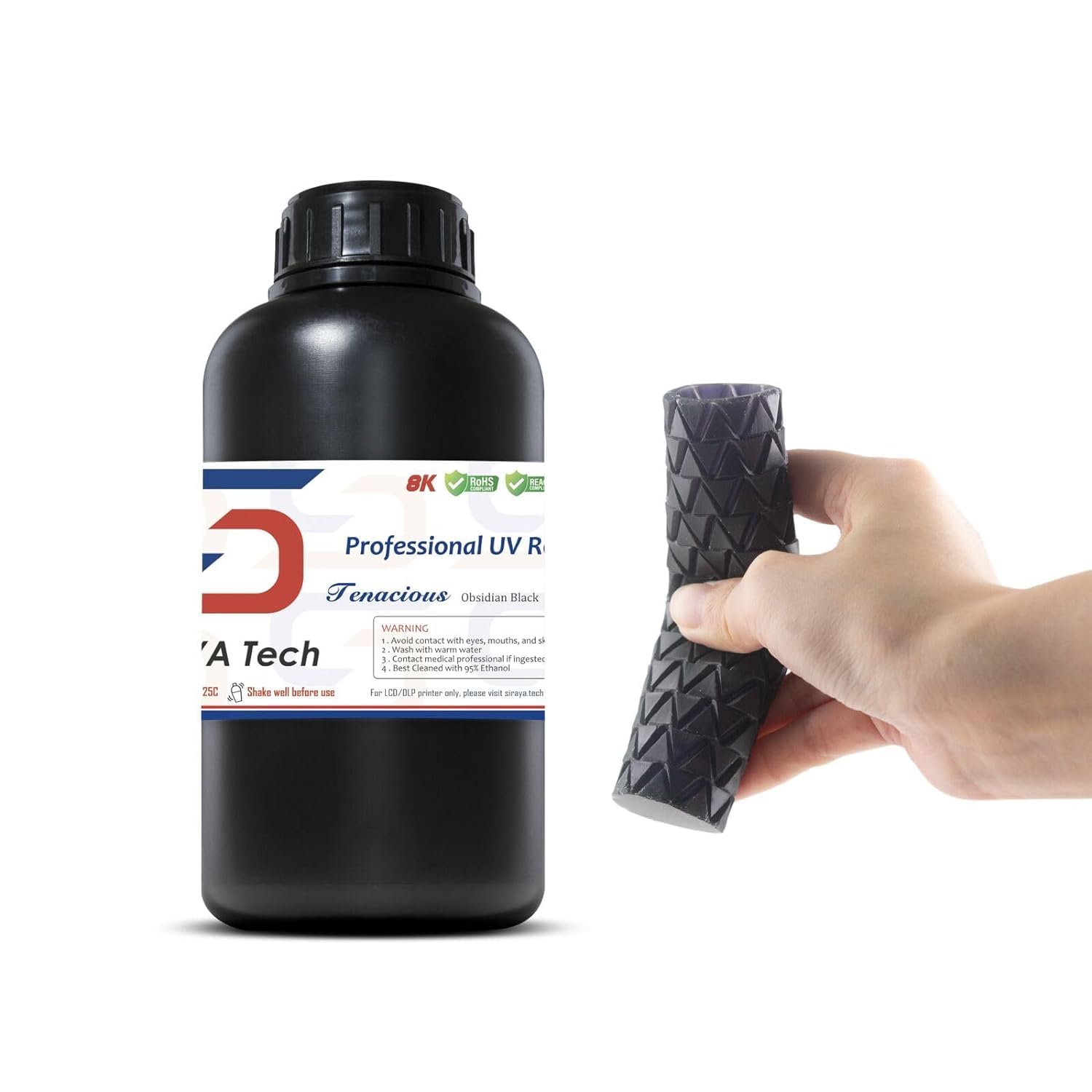
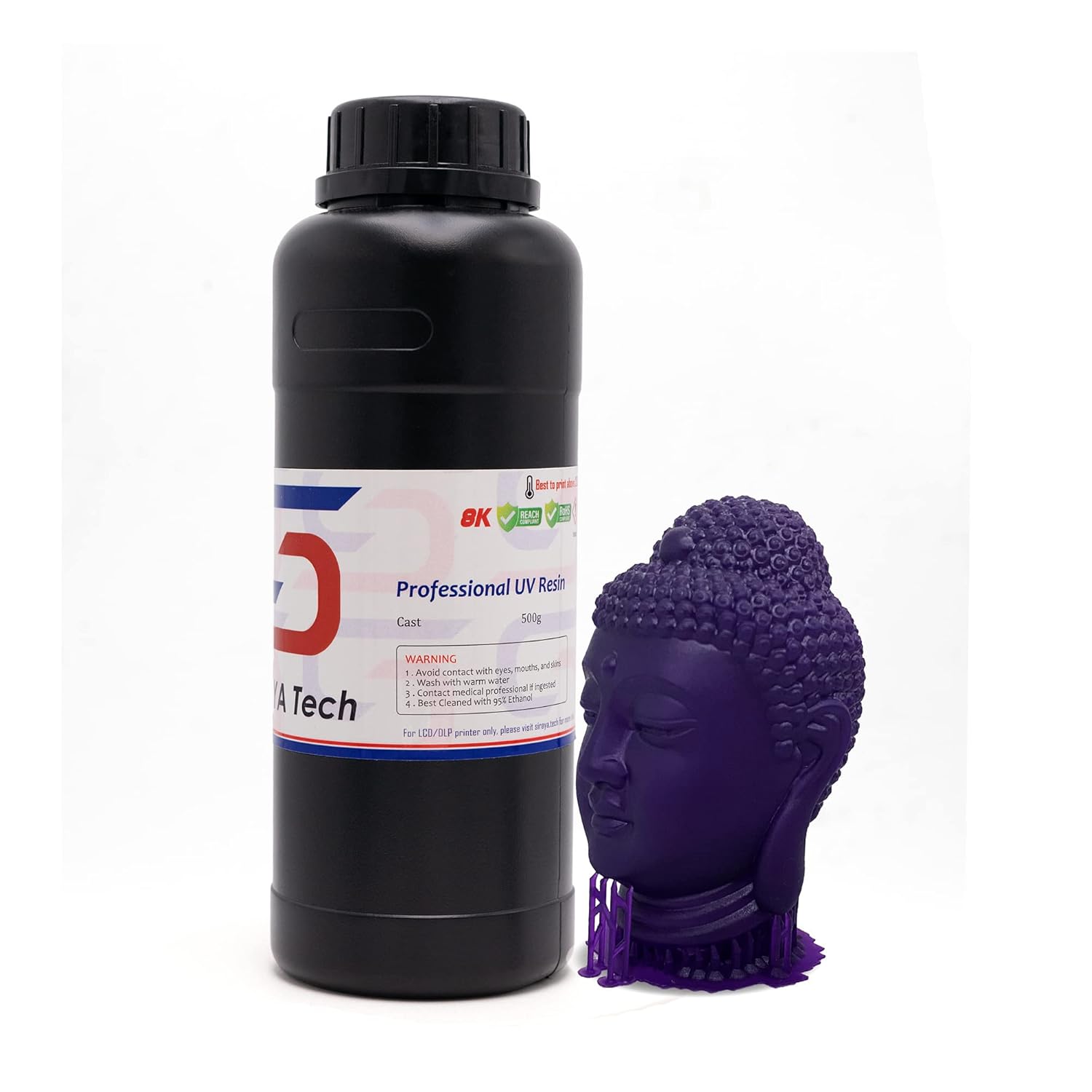
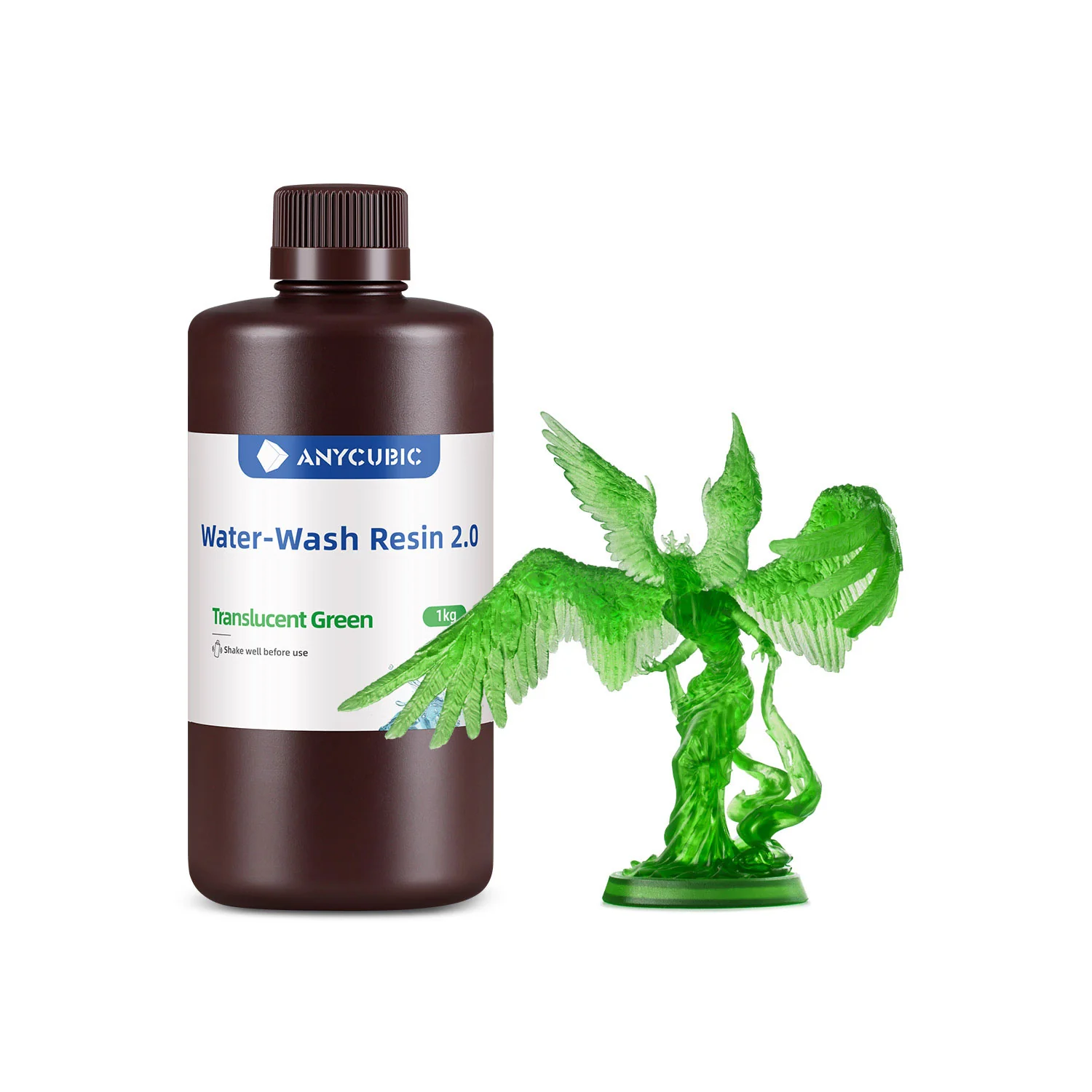
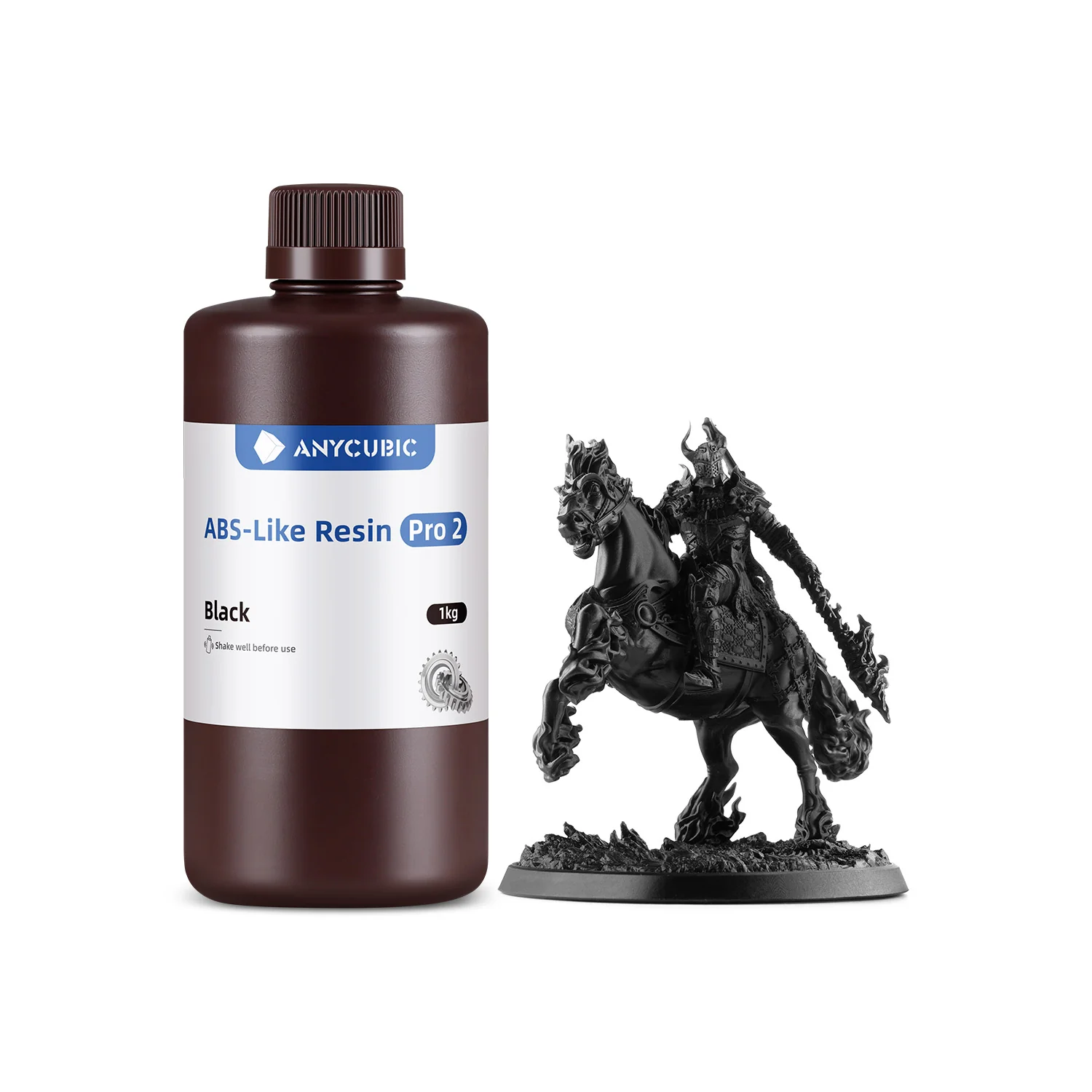
The application-specific deep-dives are here. Each of these resin categories now has its own dedicated buyer guide: best resin for miniatures, best tough and ABS-like resin, best water-washable resin, best castable resin, and best flexible resin, all indexed from our 3D printer resin guide, which also covers resin types, safety, and the wash-and-cure workflow. For wash and cure pairings, see our Best Wash and Cure Stations guide; matched-brand stations (Anycubic Wash and Cure 3.0 with the Mono 4 and M7 family, Elegoo Mercury Plus V3.0 with the Mars and Saturn lines, Phrozen Cure series with Sonic models) are the safest pairings for size and workflow.
Buying guide for resin 3D printer shoppers
The questions that actually come up before a serious resin purchase, in the order they tend to come up.
What does K resolution actually mean for a resin printer?
It refers to the LCD screen’s horizontal pixel count: 8K is roughly 7,680 pixels wide, 14K is about 13,320 pixels wide, 16K is about 15,000 pixels wide. More pixels means smaller pixels, which means finer detail in printed parts. The benefit is real up to about 14K for typical consumer applications. Beyond that the human eye can barely tell the difference, and post-processing (sanding and painting) hides the rest. Don’t pay a premium for 16K over 14K unless you’re doing competition-grade miniatures or jewellery prototyping.
Build size: how much do you actually need?
Most miniatures fit in 75 x 75 x 100 mm. Most jewellery prints fit in 50 x 50 x 80 mm. Mid-format machines (around 200 x 125 x 200 mm) cover roughly 95 percent of hobbyist work. Large-format printers (over 250 x 150 x 250 mm) only matter for cosplay, terrain, full prosthetics, or production batches. Bigger plates mean more wasted resin per failed print, so don’t oversize.
Tilt-vat versus standard MSLA mechanism
The tilt mechanism (Mars 5 Ultra, Saturn 4 Ultra 16K, Jupiter 2) tilts the resin tank during peel, dramatically reducing the force pulling each layer off the FEP film at the bottom. Lower forces mean fewer prints failing because they stuck to the bottom of the vat. Standard MSLA (Photon Mono 4, Sonic Mini 8K S) is fine but more sensitive to bed adhesion and resin temperature. If you’re new to resin and on a budget, prioritising a tilt-vat machine is the single biggest reliability win you can make.
Auto-leveling versus manual leveling
Manual leveling on most resin printers is a one-time setup (typically 4 thumbscrews), much easier than the FDM auto-leveling debates suggest. Beginner resin printers often still use manual leveling because it’s a non-issue once done. Leveling-free designs (Photon Mono M7 series with floating platform, Saturn 4 Ultra 16K) are a genuine quality-of-life improvement but not transformative.
Smart features that actually matter in 2026
Auto resin top-up (M7 Pro, M7 Max, Jupiter 2) saves you from monitoring during a long print. AI camera (Saturn 4 Ultra 16K) catches detached prints early. Smart tank heating (Saturn 4 Ultra 16K, Mighty Revo 16K) maintains print quality in cold rooms. WiFi cluster printing (Saturn 4 Ultra 16K) lets you run multiple printers from one workflow. Ignore features you won’t use; pay for ones that match your workflow.
The hidden cost of resin printing
Plan another $150 to $200 for consumables in the first six months: nitrile gloves, paper towels, isopropyl alcohol, replacement FEP films, and a wash and cure station. A failed FDM print costs cents. A failed resin print can spill an entire vat. Plan the workspace around easy cleanup. See our wash and cure station guide for matched-budget recommendations.
Resin types and what to start with
Start with standard greyscale or “rapid” resin from a reputable maker (Anycubic, Elegoo, Phrozen, Siraya Tech). Then specialty resins as projects demand: tough resin for functional parts, water-washable for lower IPA cost, dental resin for clinical work, castable resin for jewellery. Don’t start with castable or specialty; the exposure curves are different and you’ll waste material learning. Standard resin is the calibration baseline for everything that follows.
LCD screen lifespan and replacement cost
Modern monochrome LCDs last 2,000 to 3,000 print hours. The Phrozen Sonic Mighty Revo 16K rates 2,000-plus hours. After the screen dies, replacement cost runs $80 to $150 depending on screen size. Factor this into total ownership cost if you print heavily. Formlabs LFD print engines (Form 4 and 4L) have longer service life but proprietary parts that only Formlabs services.
Do you need an enclosure or fume hood?
Resin smells. Even sealed, modern printers emit detectable VOCs (the airborne plastic compounds released during printing) during operation. A filtered enclosure or window-vented workspace is strongly recommended. See our resin fume management guide for the full setup. See our 3D printer enclosure guide for resin-specific options. Larger printers (M7 Max, Mega 8K V2, Form 4L) often need dedicated workshop space rather than a corner of an apartment.
When does upgrading to professional make sense?
If you’re producing dental models for clinical use, jewellery for casting volume, engineering prototypes for paying clients, or running a small print farm, the prosumer and professional tier (Formlabs Form 4 and 4L, Phrozen Sonic Mega 8K V2, Phrozen Sonic XL 4K Plus) earns its price tag through reliability, platform maturity, and material compliance. The Formlabs Form 4 specifically offers FDA-cleared dental resins, professional software (PreForm and Dashboard), and an Open Material Mode upgrade. For pure hobbyist or small-shop output, the Saturn 4 Ultra 16K and Photon Mono M7 Pro at one-sixth the price will produce visually similar prints. The Formlabs justifies its cost through repeatability across batches and audit-trail compliance, not through better-looking parts.
LCD versus LFD versus DLP technology at the high end
Most consumer resin printers use LCD/MSLA, where an LCD screen masks UV light to cure each layer. Formlabs’s Form 4 and 4L use LFD (Low Force Display), an evolution that combines LCD-style masking with a custom backlight and proprietary tank-and-film system to cut peel forces and improve repeatability. DLP (Anycubic Photon D2 in consumer space, Asiga Pro 4K and similar at professional tiers) uses a single-point UV source bouncing off a digital micromirror array; sharper edges and 20,000-hour engine life vs LCD’s 2,000-hour screen, but significantly more expensive per cubic millimetre. For most readers, LCD is the right choice. For dental and jewellery production, DLP starts to make sense at higher budgets.
Wash and cure: do you need a dedicated station?
Yes, for any serious printing. Manual washing in IPA is fine for one-off prints but tedious and inconsistent. Cured prints need 2 to 10 minutes under UV light to reach final hardness; eyeballing this leads to brittle or under-cured surfaces. Most maker brands sell matched wash-and-cure stations: Mercury Plus V3.0 from Elegoo, Wash and Cure 3.0 from Anycubic, Cure Luna and Sonic from Phrozen. See our Best Wash and Cure Stations guide for tier-matched recommendations.
What HEPA filters do and don’t capture
A common safety misconception worth correcting. HEPA filters capture particles (dust, fibres, microparticles) but they do not capture VOCs (Volatile Organic Compounds, the airborne chemical compounds that resin actually emits during printing). To remove resin VOCs from your air, you need activated carbon filtration. Many “filtered enclosures” sold for 3D printing market themselves on HEPA filtration only and give buyers a false sense of safety on the chemical-exposure question. When evaluating an enclosure or fume extractor for resin use, look specifically for “activated carbon” or “VOC filtration” in the product specs, not just HEPA. The Flashforge Adventurer 5M Pro pairs both HEPA and activated carbon and is one of the few integrated solutions that genuinely addresses both filtration needs. For most resin workflows, window ventilation remains the simplest and cheapest primary control; a fume extractor with activated carbon adds defence in depth.
Brand reliability and long-term support
After three to five years of resin printing across brands, here’s the honest picture. Anycubic has the most consistent product cadence and the largest pre-tested slicer profile library, but has occasionally shipped firmware bugs that needed user-level fixes; the company supports current models well, older models less so. Elegoo has steadily improved over recent years, with the Saturn 4 Ultra 16K representing a real maturity peak; slicer support and customer service are now solid. Phrozen built its reputation on miniatures-grade detail and remains the choice for tabletop and jewellery work, though community feedback has flagged QC drift on certain newer products; the Mighty Revo 16K is a return to form. Creality has the largest community knowledge base in 3D printing, but customer service and replacement parts can be uneven; budget on community help rather than RMA. Formlabs is the professional benchmark with audit-trail support and enterprise service plans, but the closed ecosystem and high-margin resin pricing mean total ownership cost is high. For most hobbyists, Elegoo and Anycubic are the safest brand bets in 2026; Phrozen rewards research; Creality rewards community engagement; Formlabs only justifies its cost in regulated or commercial contexts.
Community slicer profiles and setup time
Practical setup time on a new resin printer depends as much on community-maintained Chitubox and Lychee profiles as on the printer itself. The Anycubic and Elegoo product lines have hundreds of community-tested exposure profiles for any common resin you’d buy. The Phrozen Sonic line has solid community coverage. The Creality Halot line has thinner community support; expect to calibrate exposure yourself. Brand-new launches like the Elegoo Jupiter 2 (April 2026, shipping Q3 2026) won’t have mature community profiles for several months after release; early buyers should expect to do their own calibration trials. As a rule, choose a printer with active community forums (Reddit’s r/resinprinting, brand-specific Discord servers, manufacturer-run forums) if you don’t want to do all calibration yourself. The community profile gap is the single biggest hidden cost of switching to a less-popular brand.
Responsible resin disposal and waste handling
Resin printing generates waste that needs proper handling: uncured resin (skin and respiratory hazard, hazardous waste), used IPA (flammable, can be filtered and reused), FEP films (general waste, ideally recycled), and end-of-life LCDs (electronic waste). Uncured resin should never go down the drain; cure it under UV light (sunlight or a curing station) until fully solidified, then dispose as general plastic waste. Used IPA can be filtered through a coffee filter and reused multiple times before disposal at a hazardous-waste facility. Many municipalities run dedicated chemical disposal programmes; check your local rules. For the full handling protocol including PPE and first aid, see our Resin Handling and IPA guide. The greener long-term path is water-washable resins (Anycubic Water-Wash Resin 2.0, Elegoo Water-Washable), which eliminate IPA from the workflow entirely and reduce both consumable cost and environmental impact. End-of-life printers themselves should go through electronic-waste channels, not general refuse, due to LCD and electronic components.
Explore the printer guides
This guide is part of our printer series. The flagship best 3D printers guide covers the whole market; the sibling guides pick the best printers for beginners, the best carbon fiber 3D printers, and the right machines for kids and schools. Feeding this machine? Start with our 3D printer resin guide.
Frequently asked questions