
Flexible filaments are the materials you reach for when a part needs to bend, compress, grip, seal, or absorb impact rather than hold rigid form. The category is dominated by TPU (thermoplastic polyurethane), which covers a wide range of hardness levels from near-rigid to genuinely rubber-like. Within that spectrum, high-flow variants have emerged for fast printers, and speciality materials like foaming TPU and PEBA address applications that standard TPU cannot match.
The single most important constraint in this category is your extruder type. A direct-drive extruder pushes filament from motor to nozzle in a short, straight path. A Bowden setup runs filament through a long PTFE tube before it reaches the hotend. Flexible filament bends sideways under pressure, and the softer the material, the worse the problem. Standard 95A TPU can barely manage a Bowden at low speed. Anything softer than 95A requires direct drive without exception. Before choosing a material, confirm your setup.
Jump to menu
Jump to section
Quick picks by category
One standout recommendation per flexible filament type.
TPU 95A: the standard flexible filament
Shore 95A is the recommended entry point for anyone printing flexible filament for the first time. At 95A the material is semi-flexible. It bends and compresses noticeably but holds enough column strength to feed through a printer without buckling. This makes it the only hardness level that can be attempted on a Bowden extruder, though a direct-drive setup will always produce better results. The feel is comparable to a shopping cart wheel or the hard rubber heel of a boot: clearly flexible, but structured enough to maintain shape under moderate load.
The vast majority of consumer flexible printing use cases live in this tier: phone cases, cable strain reliefs, gaskets, O-rings, RC tires, drone landing pads, tool grips, and vibration isolation feet. Abrasion resistance is one of TPU’s signature properties. It dramatically outperforms PLA and ABS in any application involving repeated contact with surfaces. Tensile strength typically lands at 30 to 50 MPa depending on formulation, with elongation at break between 300 and 600 percent.
The critical operational rule for all TPU: dry thoroughly before every print session. TPU absorbs moisture from ambient air quickly, within hours of being open, and wet TPU produces stringing, popping sounds at the nozzle, weak layer adhesion, and inconsistent extrusion. Dry at 50 to 55 degrees C for 6 to 8 hours, and print from a sealed dry box where possible. This is not optional for consistent results.
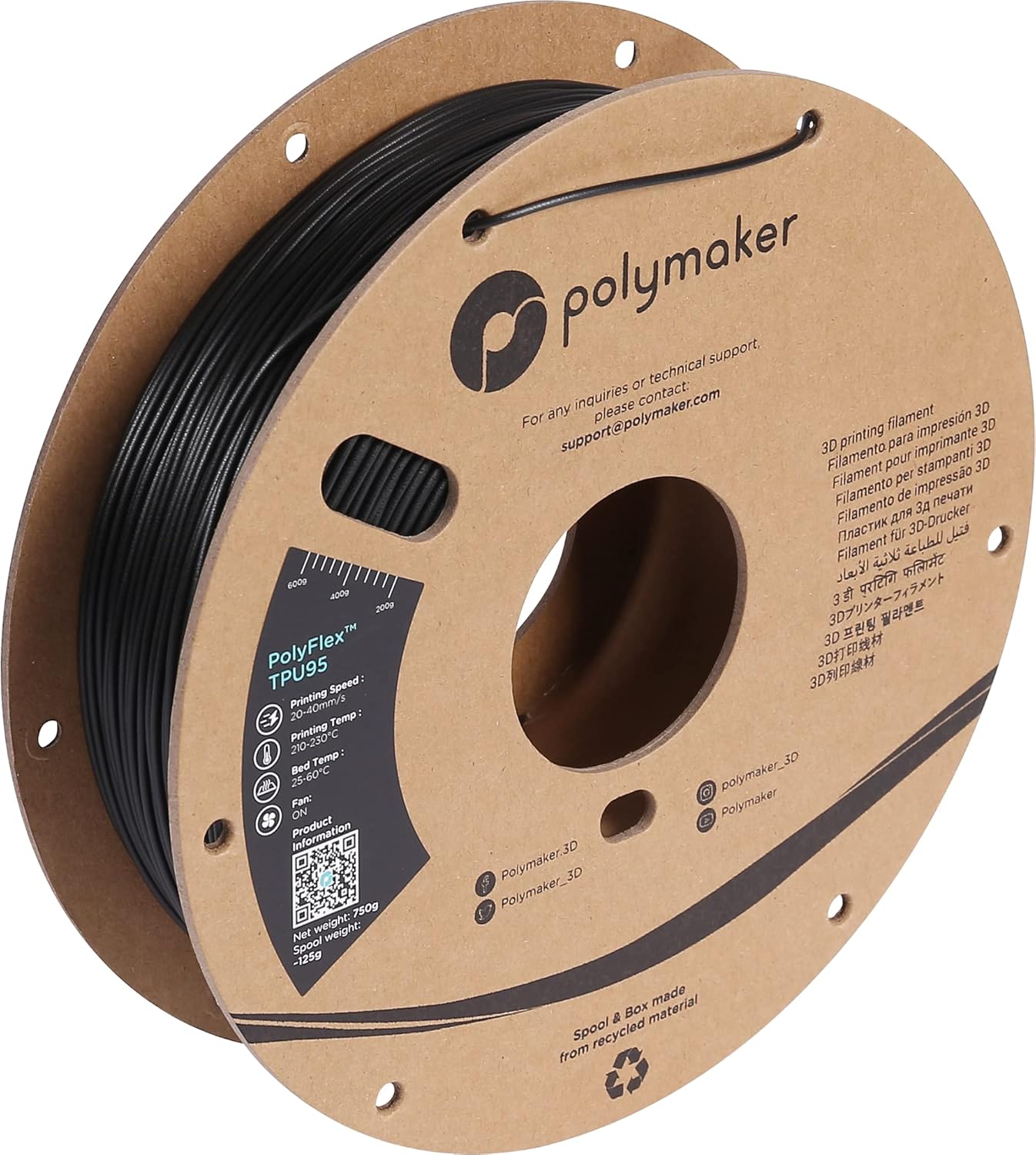
Polymaker PolyFlex TPU95
Polymaker | 1.75mm | 1kg spools
PolyFlex TPU95 is the most consistently recommended 95A TPU across independent reviews and community testing, and the benchmark against which other brands are usually compared. Polymaker’s Jam-Free technology combines vibration-resistant compounding with a precisely controlled melt index, resulting in smoother extrusion and fewer feed issues than generic 95A competitors at equivalent speeds. The surface finish on PolyFlex prints is noticeably cleaner than budget alternatives, particularly on curved or overhanging surfaces where cheaper TPU tends to ooze and string. Shore hardness is a genuine 95A, which gives the printed parts a rubber-like feel while remaining stiff enough to print reliably on most direct-drive setups. The filament stretches to more than three times its original length before breaking. Print speed is standard for the category at 20 to 40 mm/s; for high-speed Bambu users, Polymaker’s TPU95-HF variant in the next section is the correct choice. PolyFlex TPU95 is available in a wide colour range and on Polymaker’s cardboard spools, which are AMS-compatible in dimensions but cannot feed TPU through AMS tubing due to the material’s flexibility.
Best for: First-time TPU users, phone cases, cable management, gaskets, O-rings, RC tires, drone bumpers, and any application where printability and surface finish matter more than maximum flexibility.
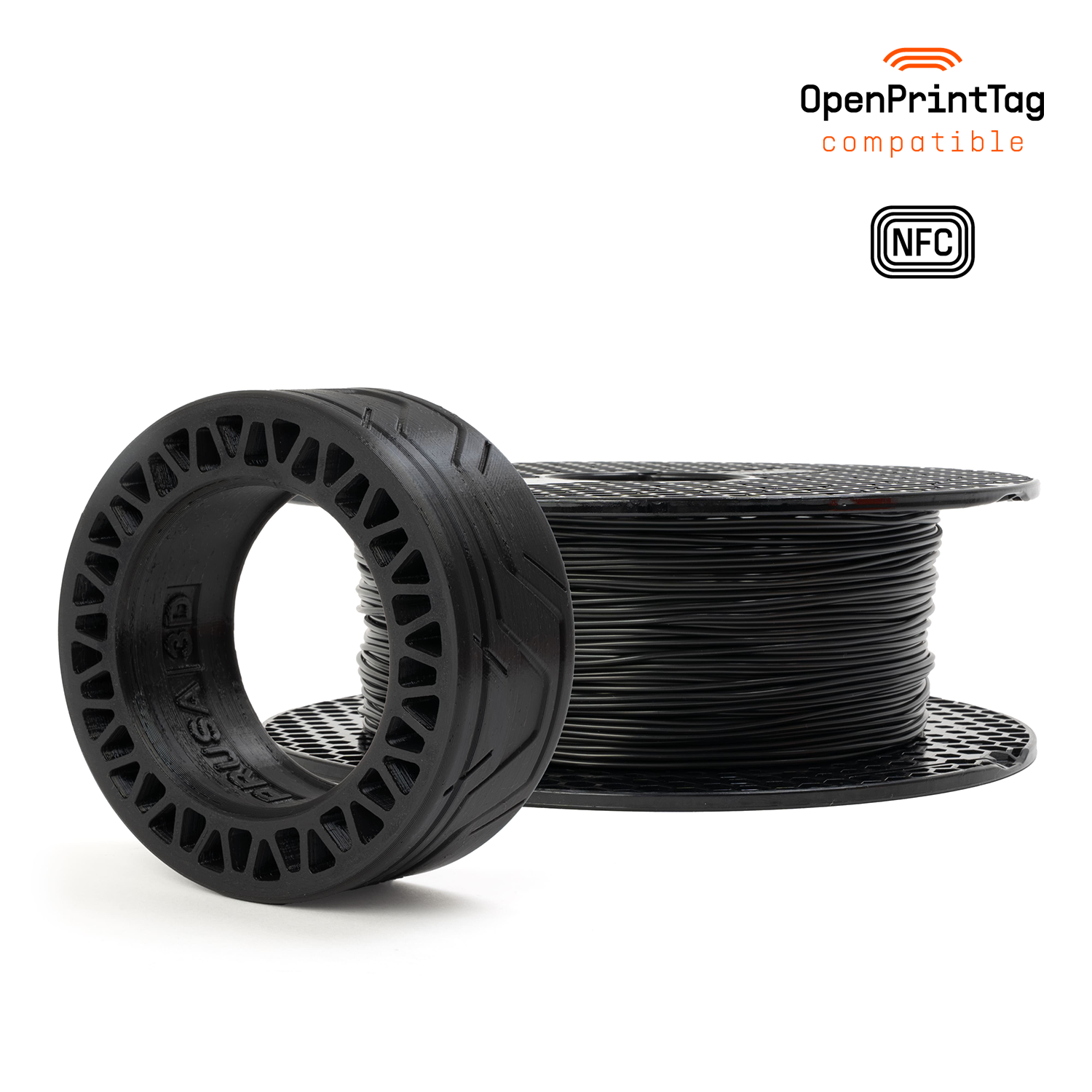
Prusament TPU 95A
Prusa Research (Czech Republic) | 1.75mm | 500g spools
Prusament TPU 95A was released in 2025 and applies the same quality infrastructure that makes Prusament PLA and PETG reference-grade to the flexible category. Diameter tolerance is held to plus or minus 0.06mm, wider than Prusament’s rigid filaments but tighter than most TPU competitors. Every spool ships with a QR code linking to batch-specific production data including diameter measurements and mechanical test results. This level of traceability is unique in the TPU category, where most manufacturers publish no per-batch data at all. The formulation is optimised specifically for Prusa MK4, MK4S, XL, and Core One hardware, with pre-configured slicer profiles in PrusaSlicer that give excellent out-of-the-box results. The material has high mechanical resistance and print reliability that Prusa describes as among the most printable flexible materials they have tested. The main limitation versus PolyFlex is that Prusament TPU currently comes in limited colour options and ships only on 500g spools at a price point roughly 50 to 70 percent higher per kilogram. It is priced as a premium product and positioned accordingly.
Best for: Prusa MK4, MK4S, XL, and Core One owners who want pre-configured profiles and per-batch traceability, production runs where spool-to-spool consistency is critical, users who already buy Prusament for other materials and want to stay within one ecosystem.
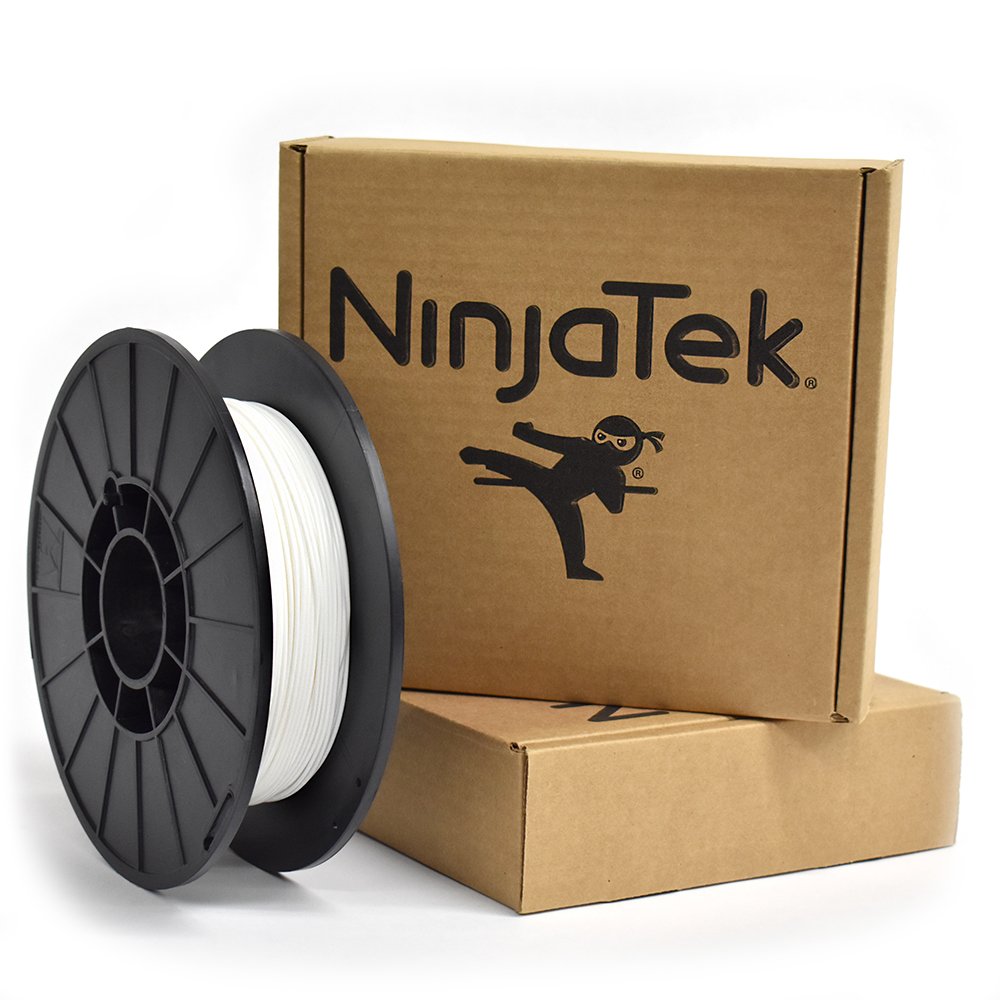
NinjaTek Cheetah 95A
NinjaTek (USA) | 1.75mm and 3mm | 0.5kg, 1kg, and 2kg spools
NinjaTek Cheetah is the TPU specifically engineered to work on Bowden extruders, the long-tube setups found on Ender 3, Ender 5, and similar legacy printers where most flexible filament jams within minutes. At a genuine 95A shore hardness with a patented low-friction exterior coating, Cheetah feeds through a PTFE tube without folding or buckling, which is something no other 95A in this guide can reliably claim. Independent community testing confirms that Cheetah, alongside Ultimaker’s own TPU 95, is one of only two consumer 95A TPU options that consistently complete the initial filament load on Bowden setups. NinjaTek rates Cheetah at 580 percent elongation at break, 84 percent better impact strength than ABS, and 76 percent better abrasion resistance than PLA. The patented low-friction surface means it can also print faster than standard TPU on direct-drive machines: NinjaTek lists print speeds above 60 mm/s as achievable, though slower speeds (25 to 45 mm/s) produce the cleanest results. Available in 1.75mm and 3mm, with the 3mm option still relevant for older Ultimaker and Bowden printers. The price premium over budget 95A brands is substantial, but for Ender 3 and Ender 5 owners who want flexible filament results without converting to direct drive, Cheetah is the answer.
Best for: Ender 3, Ender 5, and other Bowden printer owners who want reliable TPU results without converting to direct drive, anyone printing flexible parts on a legacy printer where soft TPU has historically failed, applications requiring fast TPU print speeds on direct-drive machines.
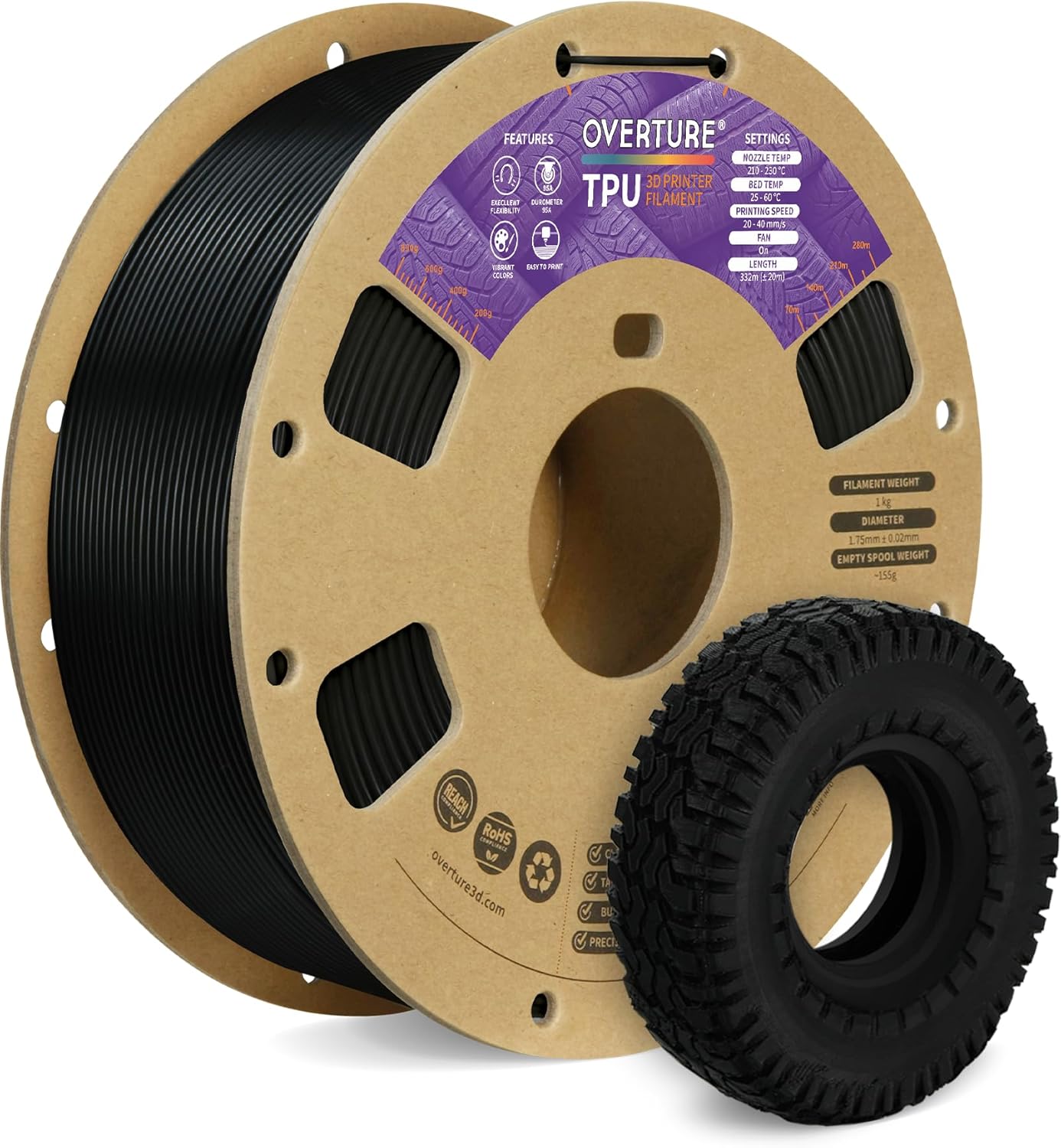
Overture TPU 95A
Overture | 1.75mm | 1kg spools
Overture TPU is the most widely purchased budget-tier 95A on Amazon, with one of the largest review volumes in the category. For anyone who wants to try flexible filament without committing to premium pricing, it is the rational starting point. It prints at standard TPU speeds, adheres well to most build surfaces, and produces functional parts reliably once settings are dialled in. The main trade-off versus Polymaker is consistency: batch-to-batch colour accuracy varies, and surface finish at higher speeds is less clean. Drying is more critical for Overture TPU than for premium brands. The filament is notably hygroscopic, and the difference between a wet and a dry spool is dramatic in print quality terms. Always dry Overture TPU for at least 6 hours at 50 degrees C before printing. The elongation at break specification is 580 percent, which is high for a 95A material, and the material has good chemical resistance to oils and common solvents. It comes in 12 or more colours. It will not win on consistency or technical performance, but at roughly half the price of PolyFlex, it is hard to argue with for prototyping and first-time use.
Best for: First-time TPU users who want to learn the material without premium spend, prototyping flexible parts in high volumes, colour variety on a budget. Always dry thoroughly before printing.
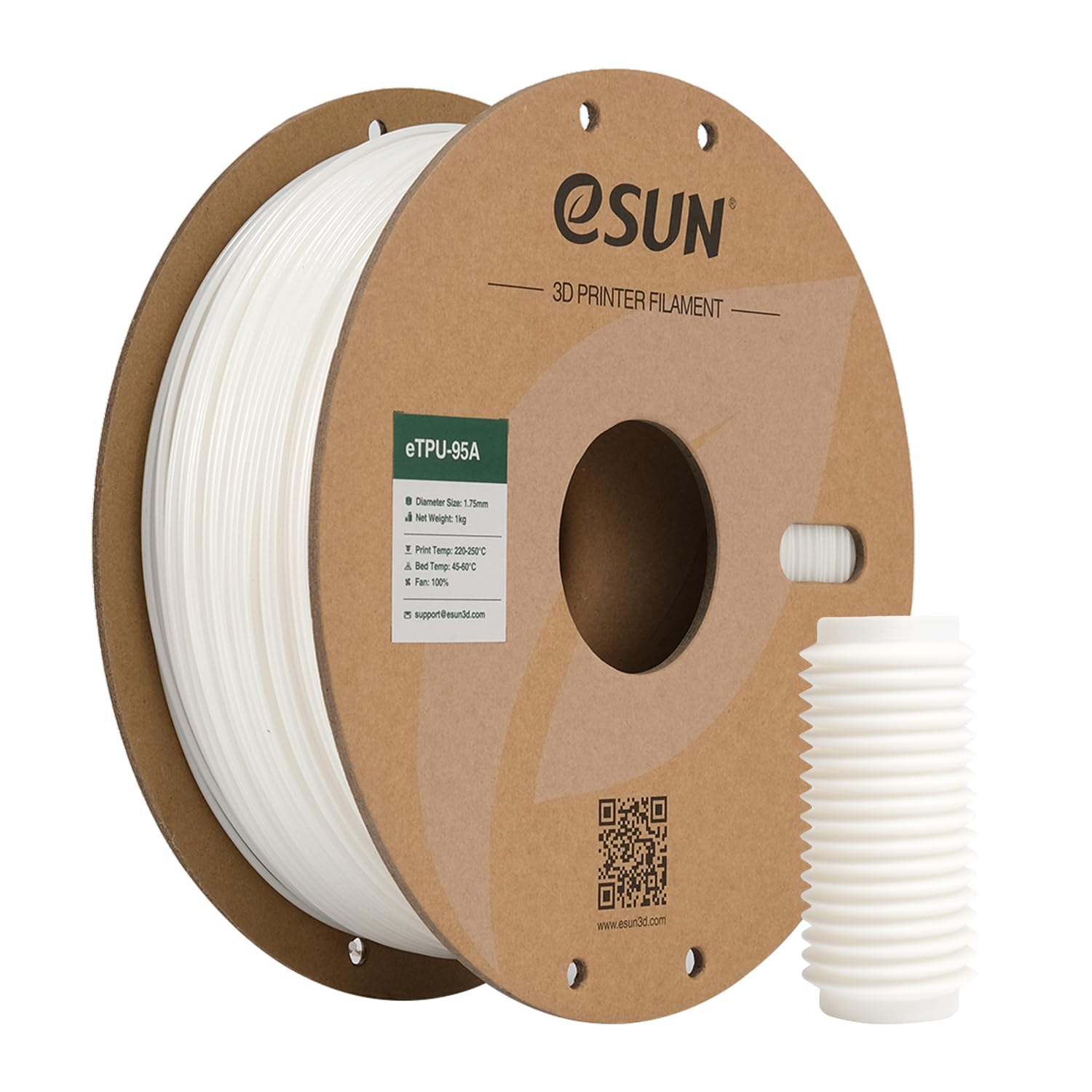
eSUN TPU 95A
eSUN | 1.75mm | 1kg spools
eSUN’s TPU 95A sits alongside Overture as one of the best-value options in the category, and in community comparisons it frequently edges ahead of Overture on consistency. eSUN publishes more detailed technical specifications than most budget brands, including tensile strength (43 MPa), elongation at break (597%), and tear resistance figures. The material has rubberlike properties and excellent resistance to oils, fuels, and common chemicals, which makes it genuinely competitive with more expensive brands for gasket and seal applications where chemical exposure is a concern. Feed reliability on direct-drive printers is good. The colour range includes transparent options, which are difficult to find at this price point in TPU. Print settings are standard for the 95A category. Like all budget TPU, moisture management is critical. Dry before every session at 50 to 55 degrees C. eSUN TPU is pre-dried at the factory, but the packaging is not hermetically sealed, so humidity exposure during shipping and storage is possible.
Best for: Gaskets, seals, and parts with chemical exposure requirements at budget pricing, users who want published mechanical data without paying premium brand prices, transparent colour options at budget cost.
TPU 95A HF: high-flow for fast printers
Standard TPU was formulated for the print speeds that were common when flexible filament first became mainstream, around 20 to 40 mm/s. Modern CoreXY machines running Bambu, Klipper, or RatRig firmware sustain 100 to 200 mm/s on rigid materials and often push 60 to 100 mm/s even on flexible profiles. At those speeds, standard TPU under-extrudes, creates inconsistent walls, and produces blobs, because the material cannot melt and flow fast enough to keep up with the print head.
High-flow TPU addresses this by using lower-viscosity base resins that melt faster at a given temperature. The mechanical properties of the printed part are essentially identical to standard 95A: same shore hardness, same elongation, same abrasion resistance. The difference is purely in how fast the material can be processed. If you have a Bambu X1C, P1S, or similar fast machine, HF TPU is the correct choice. If you have a Prusa MK4 or Ender 3, standard TPU is fine.
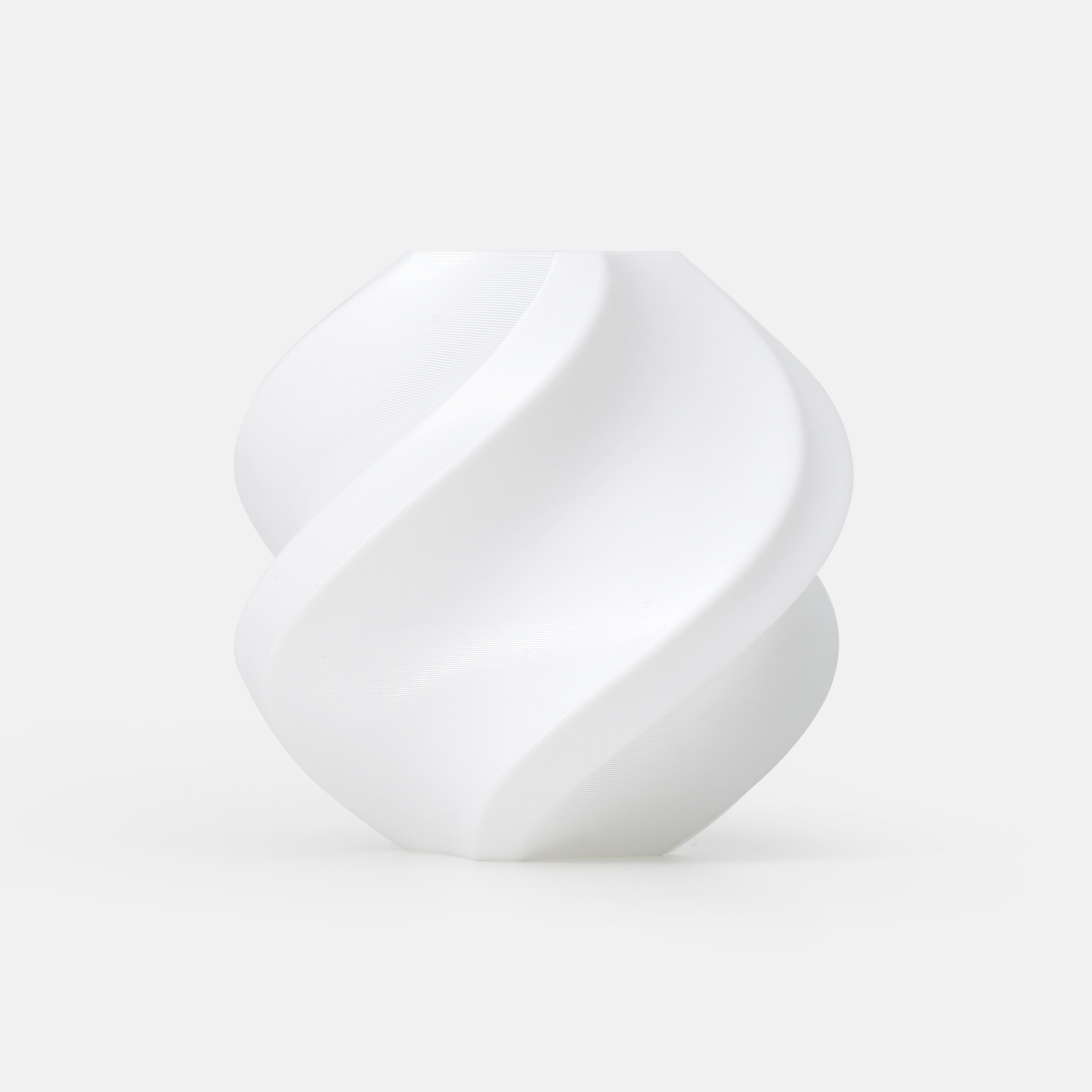
Bambu Lab TPU 95A HF
Bambu Lab | 1.75mm | 1kg spools
Bambu TPU 95A HF prints up to three times faster than standard 95A TPU, making it the practical choice for Bambu X1C, P1S, A1, and A1 Mini users who need flexible parts without the patience tax of slow TPU printing. The filament is RFID-tagged, so Bambu printers detect the spool automatically and load the pre-configured high-flow TPU profile without manual input. Mechanical properties match standard 95A: the parts feel identical in flexibility, abrasion resistance, and tear strength. The high-flow formulation is achieved through a lower-viscosity resin that melts faster, allowing consistent extrusion at speeds that would cause standard TPU to under-extrude. Two important caveats: first, this filament is not compatible with AMS, AMS Lite, or AMS 2 Pro. It must be fed as an external spool directly into the printer. Second, TPU 95A HF is highly hygroscopic and Bambu explicitly recommends drying at 70 degrees C for 8 hours before printing. The diameter tolerance is plus or minus 0.03mm, which is tight for a flexible material. Ships on a high-temperature reusable spool. Available in several colours.
Best for: Bambu Lab X1C, P1S, A1, and A1 Mini users who want high-speed TPU printing with zero profile setup, anyone tired of the slow print speeds of standard TPU on a fast machine. Must be used as external spool, not compatible with AMS.
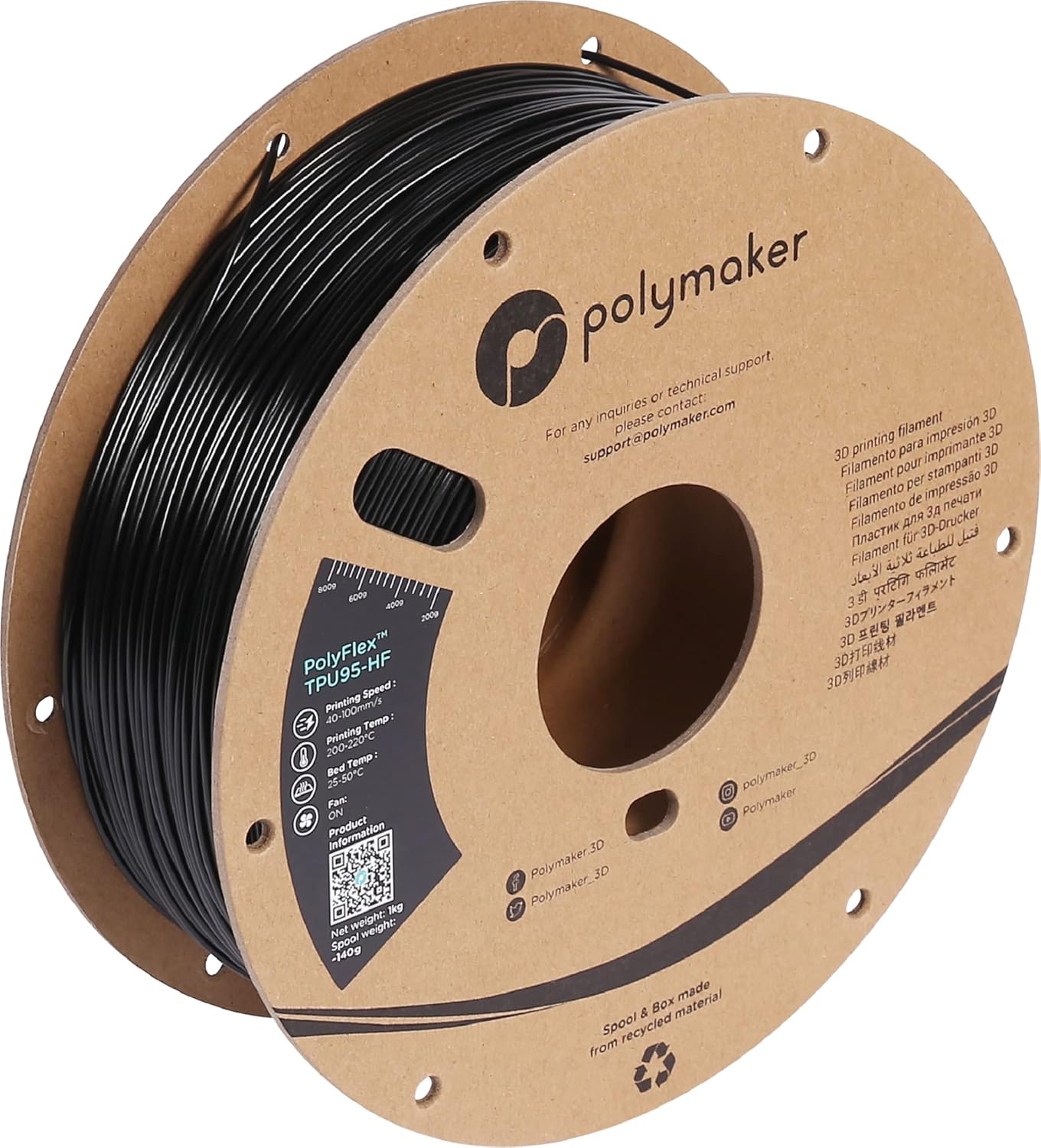
Polymaker PolyFlex TPU95-HF
Polymaker | 1.75mm | 1kg spools
PolyFlex TPU95-HF is developed from Covestro’s Addigy resin family, which was engineered specifically for high-speed industrial TPU processing. The result is a high-flow formulation that can sustain print speeds of 40 to 100 mm/s on a direct-drive machine, well above the 20 to 40 mm/s ceiling of standard TPU. Unlike Bambu TPU 95A HF, PolyFlex TPU95-HF can also be printed on Bowden extruder setups, where its higher stiffness (the actual shore hardness is closer to 98A than 95A, per Polymaker’s own disclosure) gives it enough column strength to feed without buckling. This makes it the high-flow TPU of choice for Voron, RatRig, Prusa XL, and other direct-drive CoreXY machines where no Bambu-specific RFID profile is available. The melt index of TPU95-HF is comparable to PLA, which is why it behaves so differently from standard TPU at speed. UV resistance has been tested at 72 hours accelerated weathering with no perceptible colour change, making it suitable for outdoor-facing parts. Parts have the same rubber-like flexibility and abrasion resistance as standard 95A TPU despite the speed advantage.
Best for: Voron, RatRig, Prusa XL, and other fast direct-drive CoreXY users who need high-speed TPU without Bambu RFID profiles, outdoor-facing flexible parts requiring UV resistance, anyone who wants the only high-flow TPU that also works on Bowden setups.
TPU 85A: genuine rubber feel
Shore 85A is where TPU starts to feel genuinely like rubber rather than firm plastic. The material compresses noticeably under finger pressure, grips surfaces effectively, conforms to organic shapes, and feels soft against skin. The elongation at break increases to 600 to 660 percent, roughly twice the stretch of a 95A part at comparable geometry. These properties make 85A the right choice for shoe insoles, wearable accessories, soft grips, prosthetic interfaces, and any part that must seal against an irregular surface.
The trade-off is printability. At 85A the filament has almost no column strength. It bends sideways the moment the extruder exerts forward pressure, which means it jams in Bowden tubes without exception. Direct drive is required. Even with direct drive, print speeds must be reduced to 15 to 25 mm/s and retraction must be kept minimal (1 to 2 mm) or disabled entirely to prevent grinding. The extruder’s filament path must have no gaps or ledges that the soft filament can fold into. Getting 85A TPU to print reliably requires patience and a well-tuned machine, but the material properties are genuinely unavailable in the 95A tier.
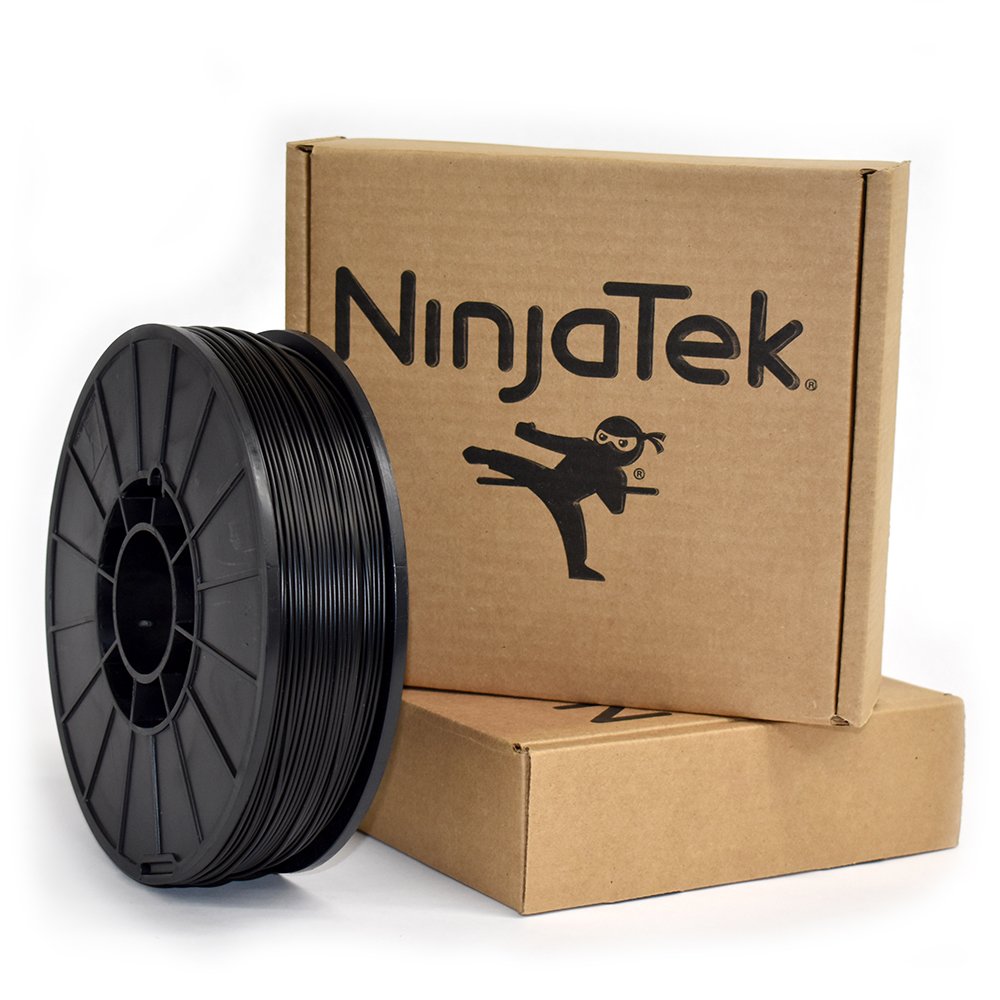
NinjaTek NinjaFlex 85A
NinjaTek (USA) | 1.75mm | 0.5kg and 1kg spools
NinjaFlex is the oldest and most tested 85A TPU on the consumer market, and for most users it remains the reference against which softer TPU options are judged. With a shore hardness of 85A and elongation at break of 660 percent, it is among the most flexible materials printable on a standard FDM machine. NinjaTek’s published abrasion resistance figures are 68 percent better than PLA and 20 percent better than ABS, properties that matter for shoe soles, wheels, and any part that will contact surfaces repeatedly. The surface finish on NinjaFlex prints has a distinctive sheen that looks almost polished when the material is dialled in correctly, and it has genuinely good grip due to the material’s high surface friction coefficient. The main criticisms are practical rather than material-related: NinjaTek does not publish a diameter tolerance specification, community testing has found it can vary more than premium competitors, and the filament ships without vacuum packaging, meaning it often arrives with moisture absorbed and requires drying before printing. It is also priced at a significant premium over budget 95A alternatives. Despite these limitations, for maximum flexibility at 85A hardness with a long track record, NinjaFlex remains the standard recommendation.
Best for: Shoe insoles and soles requiring genuine rubber-like compliance, wearable accessories, soft grips, vibration dampers, gaskets requiring maximum surface conformance, anyone who needs the most flexible material printable on a standard FDM machine. Always dry before printing, ships without vacuum sealing.
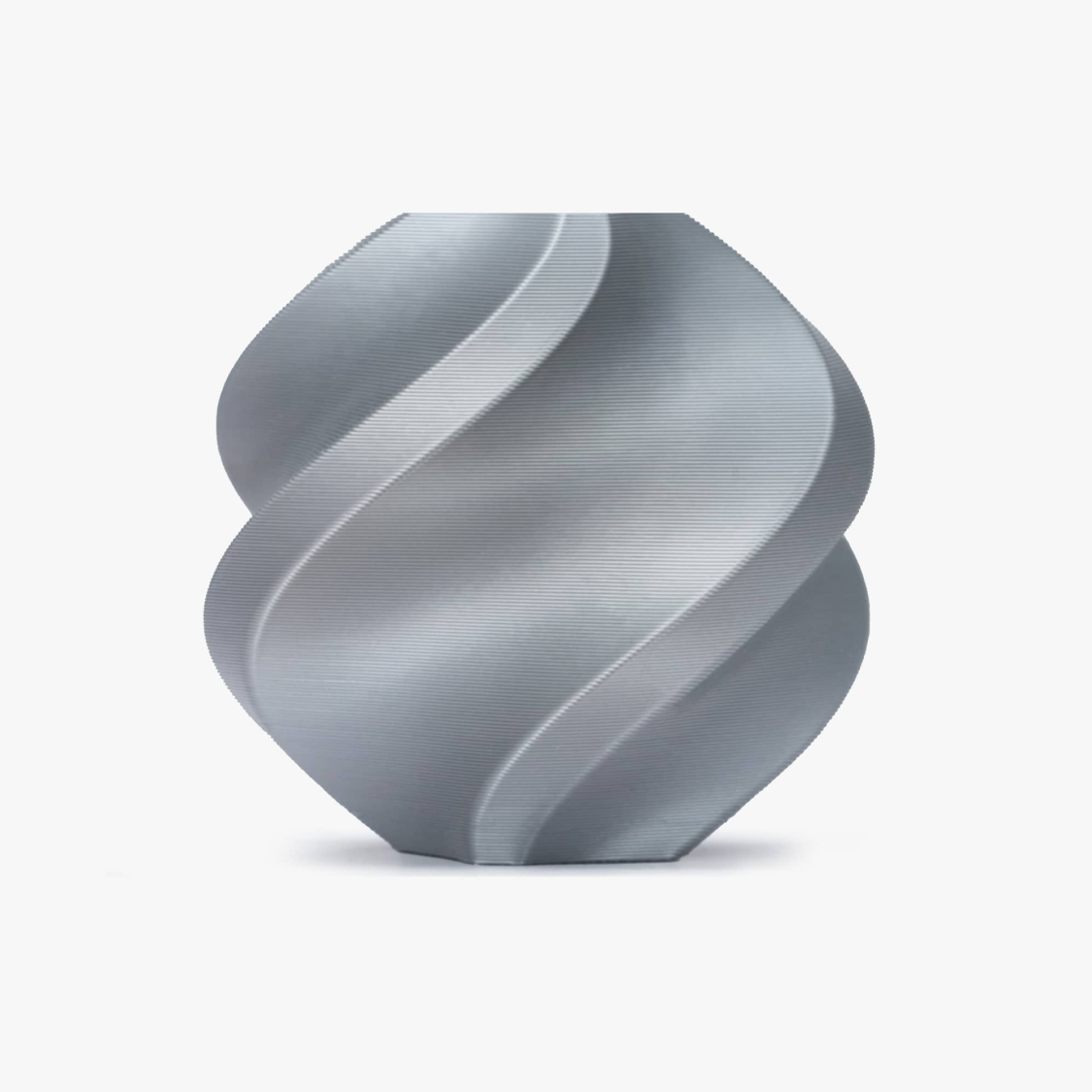
Bambu Lab TPU 85A / 90A
Bambu Lab | 1.75mm | 1kg spools
Bambu Lab TPU 85A and 90A are the soft flexible options from Bambu, designed for use on their X1C, P1S, A1, and A1 Mini printers via external spool feed. Where the TPU 95A HF prioritises print speed at near-standard 95A hardness, the 85A and 90A grades step into genuinely soft flexible territory. The 85A produces parts with rubber-like compliance comparable to NinjaFlex, while the 90A sits between the two extremes and is the most printable of Bambu’s soft TPU range. Both spools are RFID-tagged, so Bambu printers auto-detect the filament and load the correct pre-configured slicer profile, removing the manual settings work that makes soft TPU on other machines so frustrating. Print speeds are lower than the HF variant, expect 20 to 30 mm/s for the 85A in particular, but the profile management is handled automatically. Direct drive feed via the external spool port is required; neither grade is compatible with any AMS model. (Bambu’s AMS-compatible TPU is a separate 68D product, a semi-rigid tough elastomer rather than a soft flexible.) Drying is mandatory before printing: Bambu recommends 70 degrees C for 8 hours for both grades.
Best for: Bambu Lab X1C, P1S, A1, and A1 Mini users who want soft rubber-like flexible prints without manual slicer configuration, wearables and soft grips on Bambu hardware, anyone who wants 85A compliance with RFID auto-detection. Must use external spool, not AMS compatible.
Foaming TPU: tunable hardness in a single spool
Foaming TPU is a distinct sub-category with one product that defines it: colorFabb varioShore. A foaming agent embedded in the base TPU activates at elevated temperatures, causing the material to expand in the melt and produce a cellular structure in the printed part. The higher the nozzle temperature, the more the material expands, and the softer the resulting part. By adjusting temperature between 190 and 250 degrees C, you can produce parts ranging from 92A (no foaming, dense) to approximately 55A (maximum foaming, foam-like). You can even vary hardness within a single print by programming temperature changes between zones.
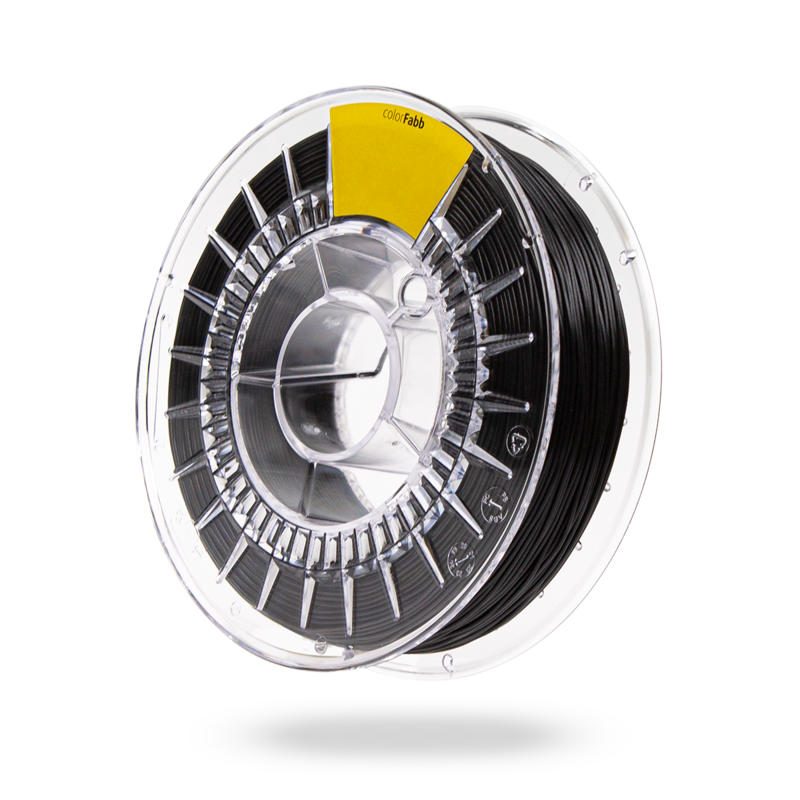
colorFabb varioShore TPU
colorFabb (Netherlands) | 1.75mm | 700g spools
varioShore TPU uses the same foaming technology colorFabb developed for their LW-PLA lightweight filament, applied to a 92A TPU base resin developed in partnership with Lubrizol, one of the largest TPU producers in the world. Between 190 and 200 degrees C the material prints without foaming, producing dense parts with a 92A feel. Between 200 and 250 degrees C the foaming agent activates progressively, expanding the material to 1.4 to 1.6 times its original volume and dropping density to 0.7 to 0.9 g/cm3. At maximum foaming the printed part measures approximately 55A on the Shore scale, genuinely foam-like, comparable to EVA foam in feel. Because the expanding material fills more volume per gram extruded, you must reduce flow rate to 60 to 70 percent when foaming to prevent over-extrusion. The practical implication is that you need multiple slicer profiles at different temperatures if you want to exploit the full hardness range. PrusaSlicer includes a colorFabb varioShore profile; CNC Kitchen has published tested community profiles for additional temperature points. The foaming also makes the material more forgiving on Bowden setups than standard soft TPU. Colour options are limited (natural, black, blue), and the 700g spool at around 50 euros is premium-priced, but for insole, saddle, and cushioning applications there is no alternative.
Best for: Orthopedic insoles and shoe midsoles with graded cushioning, bicycle and motorcycle saddle prototypes, cosplay armour requiring soft impact absorption, prosthetic interface liners, any application requiring different hardness in different zones of a single part.
PEBA: the premium elastic
PEBA (polyether block amide) is a thermoplastic elastomer with a fundamentally different polymer structure to TPU. Where TPU is built around urethane linkages, PEBA alternates hard polyamide blocks with soft polyether blocks at the molecular level. This architecture gives PEBA a combination of properties that TPU cannot match: faster and more complete energy return after deformation (the material springs back rather than slowly recovering), maintenance of flexibility at temperatures well below zero degrees C where TPU becomes progressively stiffer, and superior fatigue resistance over millions of flex cycles.
These are the properties that make PEBA the material of choice for elite running shoe midsoles (Nike ZoomX, Adidas 4D), athletic equipment, and medical devices that must flex reliably over long service lives in variable temperature environments. For desktop FDM printing, PEBA is harder to process than TPU. It requires precise temperature control, is more prone to stringing, and costs significantly more. It is a specialist material for users who have already exhausted what TPU can offer for their application.
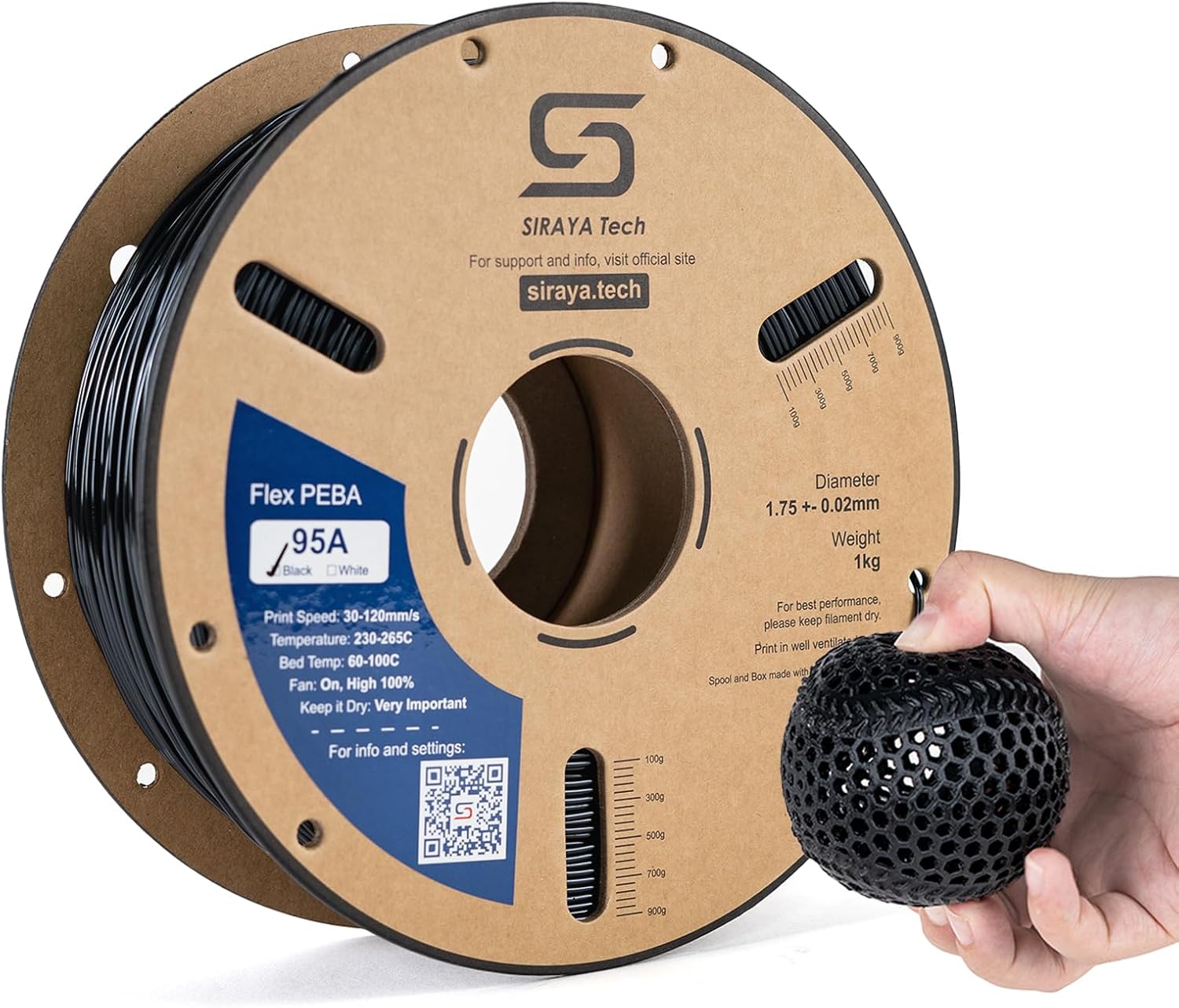
Siraya Tech Rebound PEBA 95A
Siraya Tech | 1.75mm | 0.8kg spools
Siraya Tech PEBA Elastic 95A is the most accessible entry point into desktop PEBA printing, positioned at a price point and with documentation aimed at experienced FDM users rather than industrial processors. At 95A shore hardness the material is at the firmer end of the PEBA range, giving it better print reliability than softer PEBA grades while still delivering the characteristic PEBA properties: noticeably faster energy return than equivalent-hardness TPU, maintenance of flexibility at temperatures down to minus 40 degrees C, and better long-cycle fatigue behaviour. The print behaviour is more demanding than TPU: Siraya recommends precise temperature control and the material requires more careful retraction tuning to manage its oozing tendency. A direct-drive extruder is required. It cannot be printed on Bowden setups. The part feel at 95A PEBA is different from 95A TPU in a way that is immediately noticeable: press a PEBA part and release it, and it snaps back noticeably faster and more completely than TPU. This elastic rebound is the material’s signature property. Siraya also offers softer PEBA grades in the 70A range for users who need more compliance. For footwear prototyping, sports equipment, and any application where the material must flex millions of times or operate in cold environments, PEBA is the correct answer where TPU falls short.
Best for: Footwear midsole prototyping requiring genuine energy return, athletic equipment that must flex millions of times without fatigue failure, parts operating in cold environments where TPU becomes stiff, users who have hit the performance ceiling of TPU and need the next tier of elastic material.
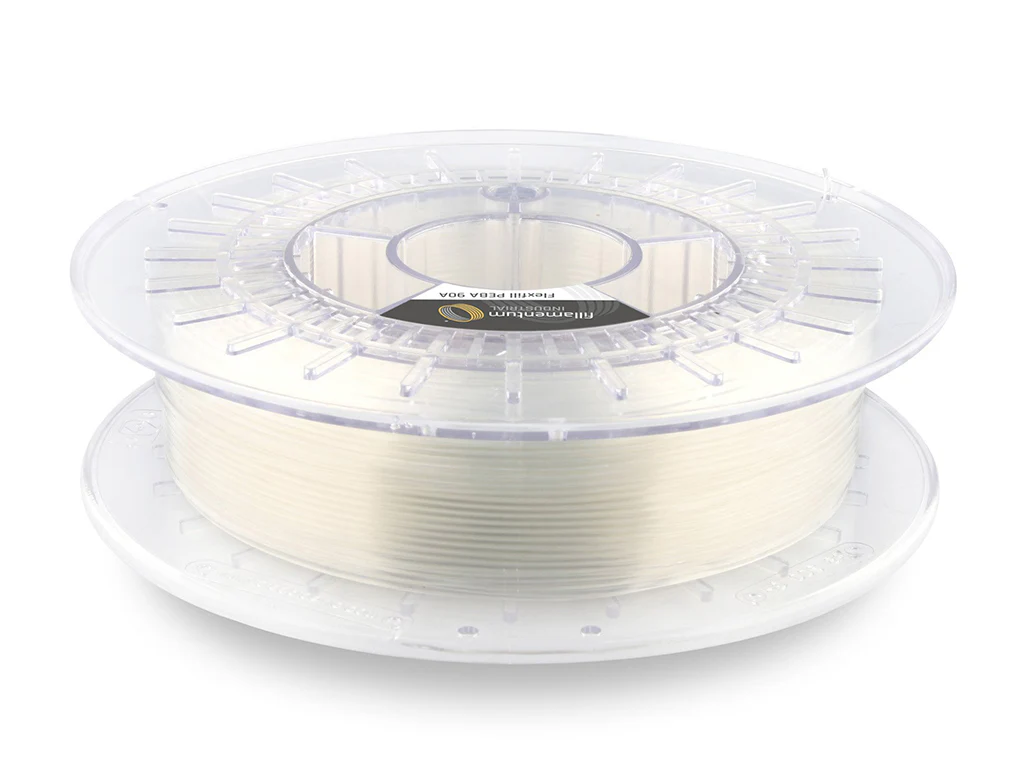
Fillamentum Flexfill PEBA 90A
Fillamentum (Czech Republic) | 1.75mm and 2.85mm | 500g spools
Fillamentum’s Flexfill PEBA 90A is the European premium PEBA option and the only major brand offering PEBA at both 1.75mm and 2.85mm diameters, which matters for Ultimaker owners and other 2.85mm printer users. At 90A shore hardness it sits slightly softer than Siraya’s 95A, producing parts with marginally more compliance while still printing with reasonable reliability. The standout specification is cold flexibility: Fillamentum certifies rebound resilience down to minus 60 degrees C, the lowest figure published in the consumer PEBA category and meaningful for outdoor and freezer-environment applications. Independent testing also confirms PEBA’s exceptional chemical resistance to vehicle fluids (gasoline, diesel, oil), making this the right PEBA for automotive prototyping where parts will see fuel or lubricant exposure. The material is BPA-free and certified safe for food contact, opening applications that most flexible filaments cannot serve. Fillamentum publishes a Process Capability Index (CPK) for every spool batch, similar in concept to Prusament’s batch traceability, giving production users predictable material behaviour. The trade-off is price: Fillamentum PEBA is among the most expensive flexible filaments on the market at roughly 145 dollars per kilogram, well above Siraya and SainSmart alternatives. For European buyers, automotive applications, and users who need food-contact certification or extreme cold flexibility, the price premium is justified.
Best for: European buyers wanting a local premium PEBA, automotive prototyping where parts will see fuel or lubricant exposure, food-contact applications requiring certification, Ultimaker and other 2.85mm printer users, applications where -60°C cold flexibility is required.
Flexible filament comparison table
All 12 filaments compared side by side across the properties that matter most for flexible printing decisions.
Frequently asked questions
Where to go next
Flexible filament needs the right printer to run it: most soft TPU wants a direct-drive extruder, so check our best 3D printers guide before buying. TPU is strongly hygroscopic and prints cleanest straight from a filament dryer, so dry it before long runs. New to printing? Start with what is 3D printing, and keep the 3D printing glossary handy for terms like Shore hardness, TPU, and PEBA. For ventilation and safe handling at higher nozzle temperatures, see our 3D printing safety guide. Ready to pick a spool? Our Best TPU Filament guide ranks specific filaments by Shore hardness.
Explore the filament guides
Some links on this page are affiliate links. If you buy through them we may earn a small commission at no additional cost to you. This never affects which products we feature or how we rank them.