
Composite filaments add a reinforcing filler to a thermoplastic base. The filler is almost always chopped carbon fiber or wood particles, mixed into the resin before extrusion. That single change shifts the character of a printed part in ways that matter: stiffness rises sharply, surfaces become matte and professional-looking, and warping often drops. The base polymer still determines the fundamental personality of the material. The filler changes how sharply that personality shows up.
Chopped fiber vs continuous fiber
Every composite in this guide uses chopped fiber, short segments 0.1 to 0.5mm long, mixed evenly through the resin. This is completely different from continuous fiber reinforcement (as in Markforged hardware), where unbroken strands run the full length of each layer through a dedicated second nozzle. Chopped-fiber filaments are significantly easier to print and available on any machine, but they do not approach the structural performance of continuous-fiber parts. This guide covers chopped-fiber composites only.
Required hardware: hardened steel nozzle
A hardened steel nozzle is mandatory for every carbon fiber material in this guide without exception. Carbon fiber is abrasive enough to visibly erode a standard brass nozzle within 8 to 24 hours of printing. A 0.4mm hardened nozzle is the minimum; 0.6mm is recommended for first-time users as it reduces clog risk and prints faster. Wood composites require 0.5mm or larger for the same reason. If your printer is not already equipped for abrasive composites, our guide to the best 3D printers for carbon fiber and composite filaments covers the machines that handle these materials out of the box.
Jump to menu
Quick picks by category
One standout recommendation per composite filament type.
Carbon fiber PLA: the accessible entry point
CF-PLA is the easiest composite to start with. It prints at standard PLA temperatures, does not require an enclosure or elevated bed, and tolerates most direct-drive setups without special configuration. The carbon fiber content adds meaningful stiffness and a professional matte surface finish that obscures layer lines better than any unfilled PLA. It is the right choice for display models, functional brackets, jigs, fixtures, and any application where rigidity and appearance matter more than toughness.
The one honest caveat: CF addition makes PLA more brittle, not more impact-resistant. A CF-PLA part hit sharply will shatter more suddenly than standard PLA. If you need a part that absorbs impacts or bends before it breaks, CF-PLA is not the right material. CF-Nylon in the next sections is the correct answer for structural toughness. CF-PLA excels at stiffness under load, dimensional stability, and finish quality. If you are deciding between CF-PLA and plain PLA, our Best PLA Filament guide ranks the unfilled spools worth buying.
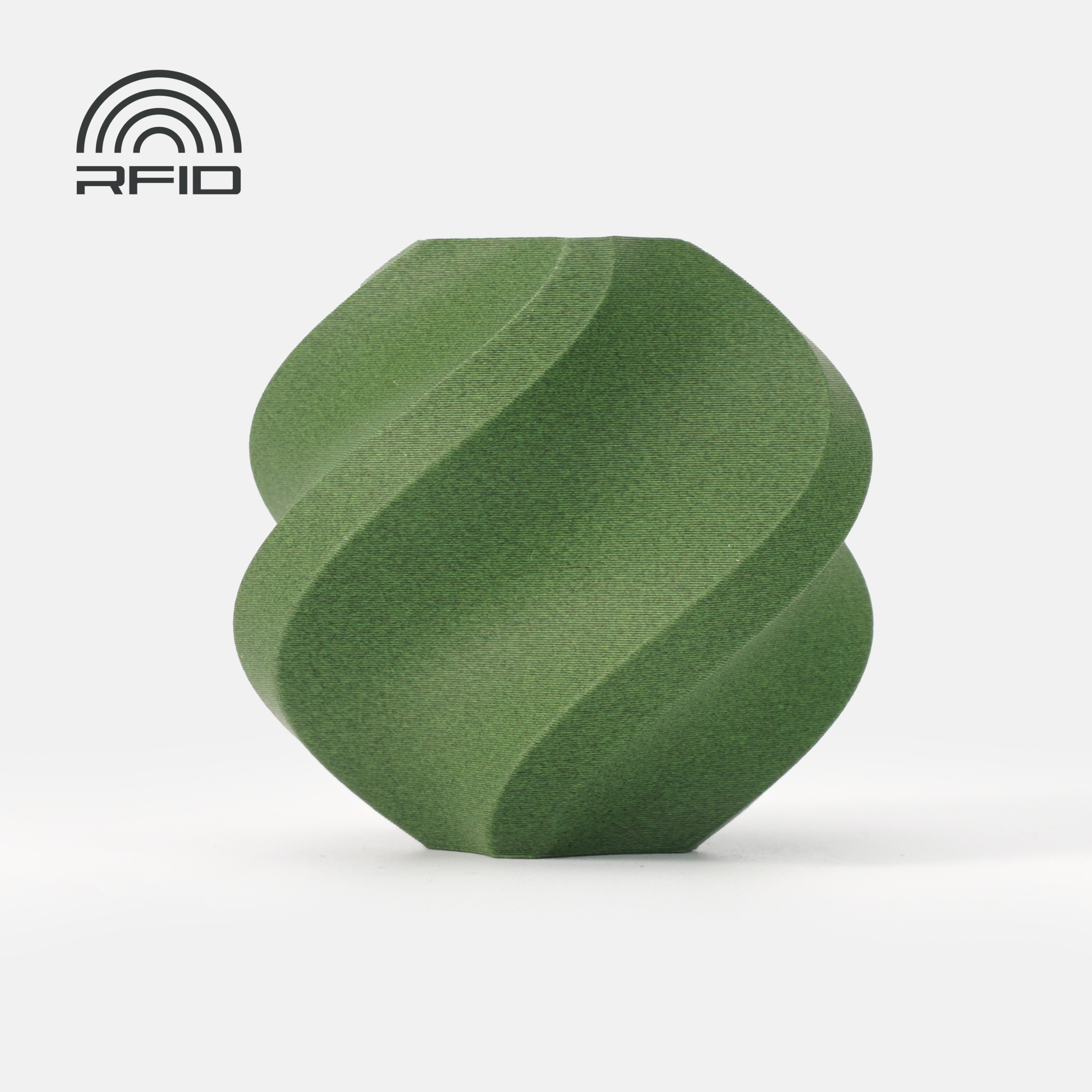
Bambu Lab PLA-CF
Bambu Lab | 1.75mm | 1kg spools
Bambu Lab PLA-CF is the standout recommendation for first-time composite users, particularly anyone on a Bambu printer. The spool is RFID-tagged, so Bambu printers auto-detect it and load a pre-configured CF-PLA profile with the correct flow rate, temperature, and speed settings already dialled in. This eliminates the tuning work that makes composite filaments frustrating on other machines. The filament is also one of the few CF-PLAs compatible with AMS multi-material systems, meaning you can use it in a multi-colour workflow alongside standard PLA without switching to single-spool external feed. The chopped carbon fiber content delivers a clean, uniform matte surface finish that removes visible layer lines at typical print settings. Dimensional stability is excellent: CF-PLA shrinks significantly less than standard PLA, which matters for parts with tight tolerances. The material requires a hardened steel nozzle at 0.4mm or larger. The Bambu brass nozzle will wear rapidly within a few spools. Bambu sells a hardened steel nozzle kit specifically rated for CF materials, and it is a required purchase before printing this filament.
Best for: Bambu Lab printer users wanting their first composite material, functional display models and brackets requiring stiffness and matte finish, AMS multi-material workflows that need a CF option.
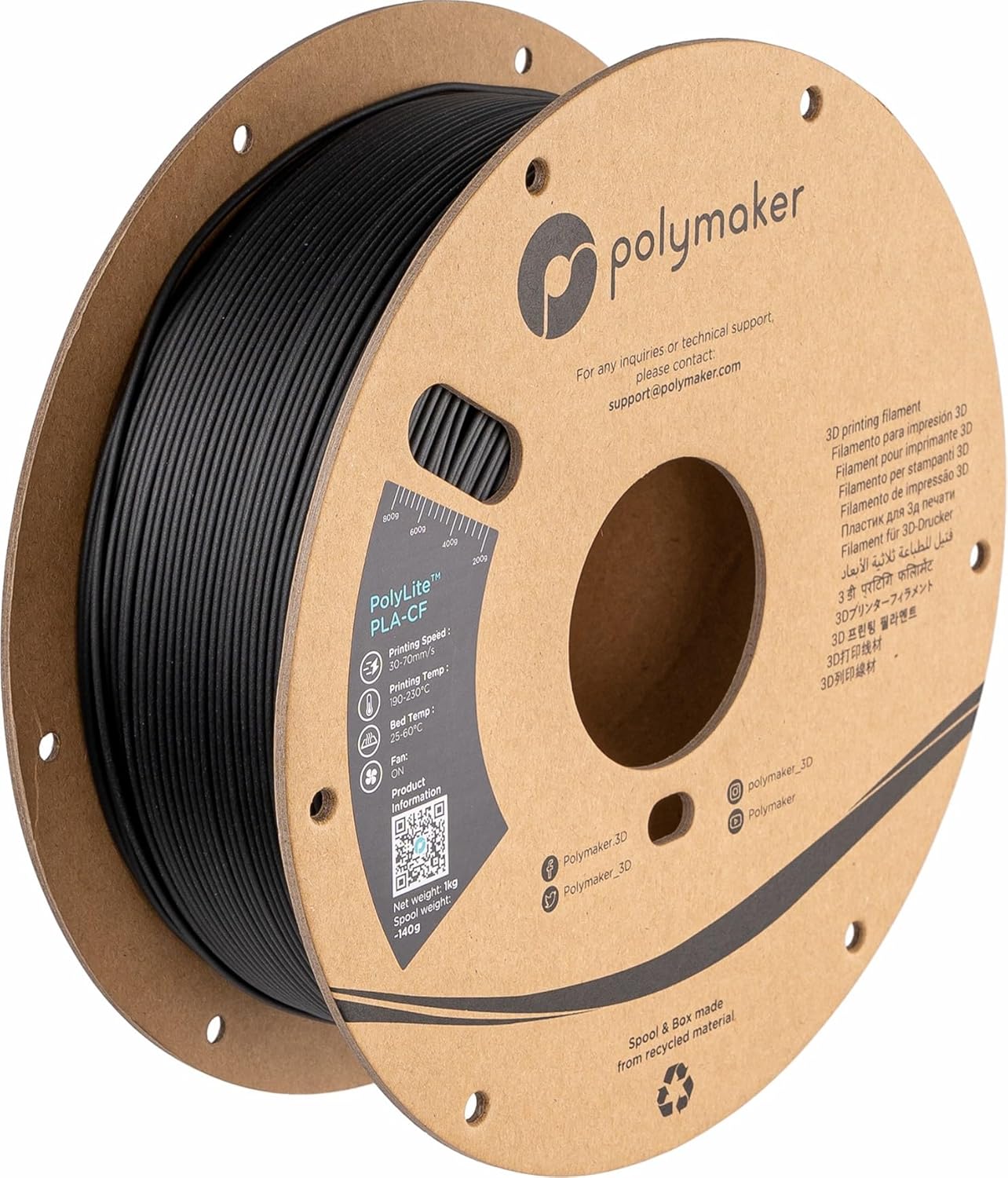
Polymaker PolyLite PLA-CF
Polymaker | 1.75mm | 1kg spools
PolyLite PLA-CF is the CF-PLA to reach for on any printer that is not Bambu, and a strong alternative even for Bambu users who prefer a third-party option. Polymaker’s chopped carbon fiber compound delivers the characteristic CF benefits: significantly improved stiffness, excellent surface matte finish, and reduced warping compared to unfilled PLA. The dimensional accuracy holds to plus or minus 0.05mm across the spool, consistent with the rest of the PolyLite line. The material feeds reliably on all direct-drive setups and has been tested across Prusa, Bambu, Voron, Creality K-series, and Ender platforms without the jamming issues that can affect budget CF-PLA with inconsistent fiber distribution. Surface finish on PolyLite PLA-CF is among the cleanest in the category: the fiber is uniformly distributed and the matte surface does not show the occasional glossy streaks that appear in cheaper CF-PLA when fiber density varies. Available in black only, which is standard for CF composites. Printing at 0.6mm nozzle diameter is recommended for smoother extrusion, though 0.4mm hardened steel works. PrusaSlicer and Bambu Studio both have community-tested profiles available for this material.
Best for: Prusa, Voron, Creality K-series, and other non-Bambu printer users wanting a reliable CF-PLA with consistent fiber distribution, jigs, fixtures, brackets, and display parts requiring a professional matte finish.
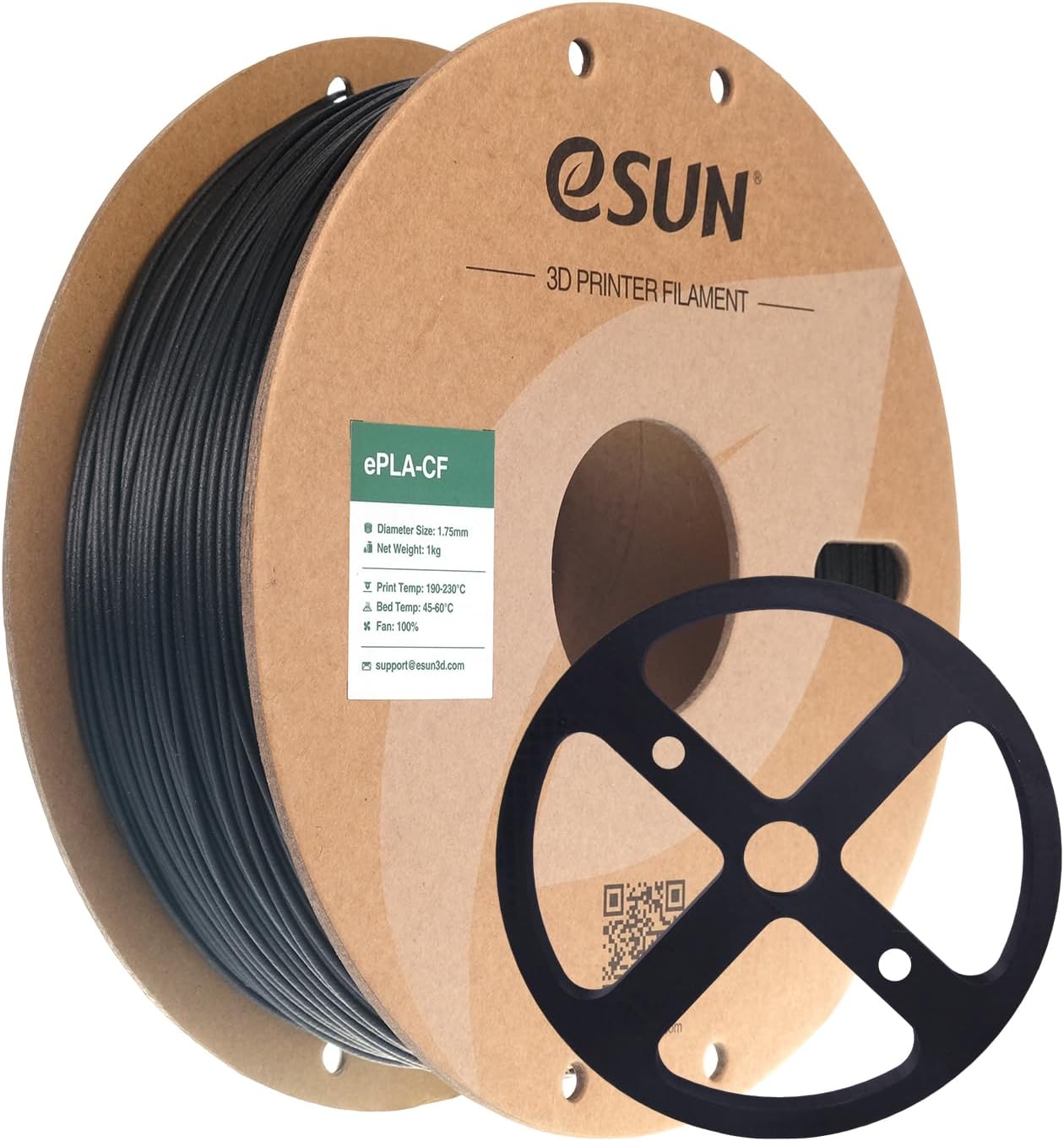
eSUN ePLA-CF
eSUN | 1.75mm | 1kg spools
eSUN ePLA-CF delivers the core CF-PLA value proposition at a price point roughly 30 to 40% below Polymaker and Bambu options. For users who want to experiment with carbon fiber composites without committing to premium pricing, it is the rational starting point. The material prints at standard CF-PLA temperatures and produces the characteristic matte black surface that makes CF-PLA distinctive. eSUN publishes tensile strength data for ePLA-CF (68 MPa along the print axis), which is meaningfully higher than standard PLA (around 45 to 50 MPa) and confirms the stiffness benefit is genuine rather than cosmetic. The main trade-off versus Polymaker is diameter consistency: community reports note occasional diameter spikes in ePLA-CF that cause brief under-extrusion, so print slowly (30 to 40 mm/s) until you know the spool is consistent. Drying for 4 to 6 hours at 50°C before printing is more important for eSUN CF-PLA than for premium alternatives, as the packaging is not hermetically sealed. Within those caveats, ePLA-CF performs well above its price bracket for prototyping and functional parts where high accuracy is not the primary requirement.
Best for: First-time CF-PLA users who want to learn the material at low cost, high-volume prototype printing where CF properties are needed but per-part cost matters, anyone upgrading from standard PLA who wants to test composite settings before investing in premium spools.
Carbon fiber PETG: functional stiffness without an enclosure
CF-PETG sits between CF-PLA and CF-Nylon in terms of both performance and print difficulty. It inherits PETG’s toughness advantage over PLA while the carbon fiber addition brings stiffness, dimensional stability, and that characteristic matte surface finish. The result is more genuinely useful for functional parts than CF-PLA, because PETG’s higher impact resistance and chemical resistance survive real-world conditions better. Heat resistance is meaningfully better too: CF-PETG typically maintains dimensional stability to around 80°C, well above CF-PLA’s 55 to 60°C ceiling.
Unlike CF-Nylon, CF-PETG requires no enclosure and has almost zero warping tendency. You can print it on an open-frame printer with a standard heated bed. This makes it the practical choice for users who want genuine structural composite performance without the additional hardware and environmental controls that nylon demands.
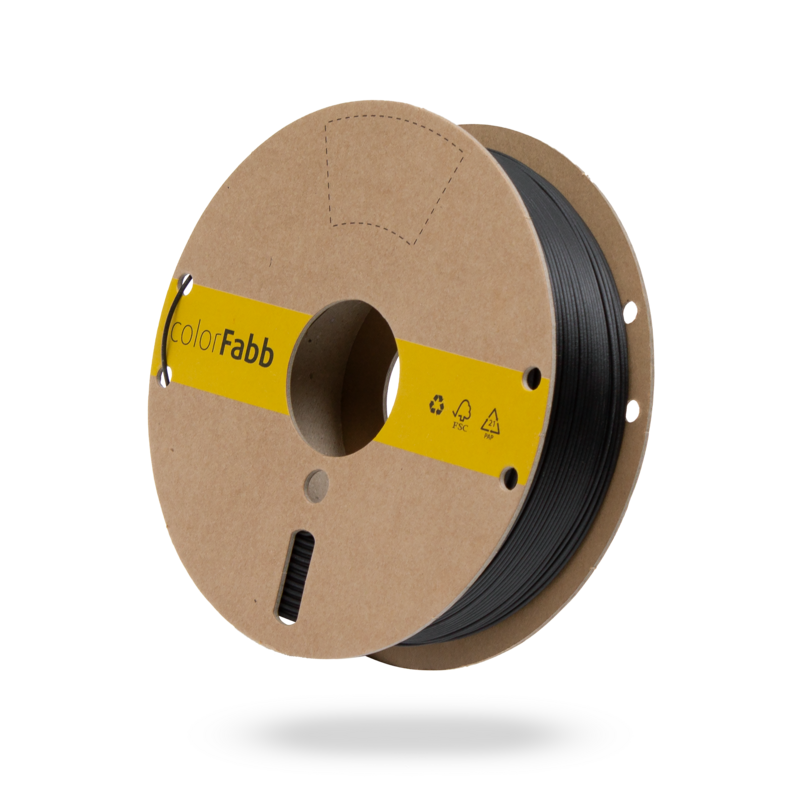
colorFabb XT-CF20
colorFabb (Netherlands) | 1.75mm and 2.85mm | 750g spools
XT-CF20 is the benchmark carbon fiber PETG and has been since its launch. The 20% carbon fiber fill uses high-modulus fiber rather than the lower-grade milled or powdered fiber found in cheaper composites, and the difference in part stiffness is measurable. colorFabb aligns the fiber along the extrusion axis during the compounding process, which means the stiffness benefit is directionally optimised in the most useful direction for printed parts. The result is parts that resist bending under load to a degree that standard PETG cannot approach. Heat deflection temperature sits at approximately 78°C without annealing, which covers most automotive, electronics, and outdoor enclosure applications where CF-PLA’s lower ceiling would be a limitation. Print behaviour is very forgiving for a composite: no enclosure is required, bed adhesion is reliable on PEI or glass with a light prep, and the material has virtually zero warp even on large flat parts. One unusual note: XT-CF20 does not adhere well to PEI sheets without a thin layer of adhesion agent (PVA glue stick or hairspray). Do not print directly onto bare PEI. Available in 2.85mm diameter, which makes it one of the only CF-PETG options for Ultimaker owners.
Best for: Functional enclosures and brackets requiring 70 to 80°C heat resistance, automotive and electronics housings, outdoor-facing structural parts, Ultimaker users needing CF composite in 2.85mm.
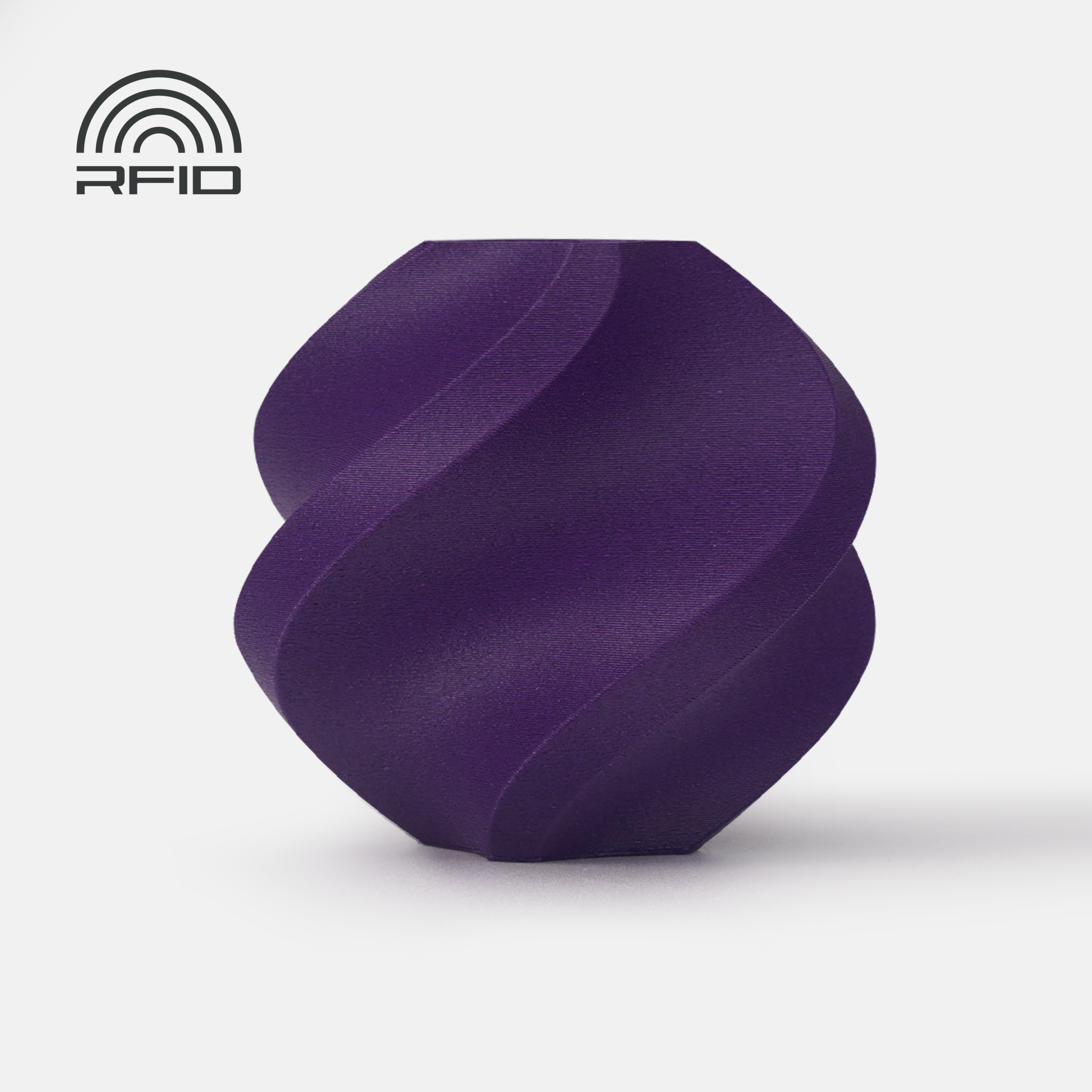
Bambu Lab PETG-CF
Bambu Lab | 1.75mm | 1kg spools
Bambu PETG-CF brings the same RFID auto-detection and pre-configured profile benefits that make Bambu’s PLA-CF so easy to start with, applied to a PETG composite base. For Bambu X1C, P1S, A1, and A1 Mini users who want to step up from CF-PLA to a tougher, higher heat-resistance composite without leaving the Bambu ecosystem, this is the natural next material. The pre-configured slicer profile correctly handles the higher nozzle temperatures and slower print speeds that PETG-CF needs relative to PLA-CF, eliminating the common failure mode of printing PETG-CF too fast and getting under-extrusion. Part properties are broadly comparable to colorFabb XT-CF20: strong stiffness improvement over unfilled PETG, near-zero warp, and better heat resistance than CF-PLA. The AMS compatibility note from the PLA-CF card applies here too: Bambu’s CF-filled materials all require a hardened steel nozzle, which is separate from the standard brass nozzle that ships with the printer.
Best for: Bambu Lab users stepping up from PLA-CF to a tougher, higher heat-resistance composite, structural enclosures and brackets on Bambu hardware, anyone who wants pre-configured profile handling for CF-PETG settings.
Carbon fiber ASA: stiffness that survives the sun
Every other carbon fiber composite in this guide shares one weakness outdoors: the base polymer eventually yellows and embrittles under UV. CF-ASA solves exactly that. It uses an ASA base, the sun-stable styrene that holds color and toughness through years of direct sunlight, and adds chopped carbon fiber for the stiffness, dimensional stability, and matte finish that define the composite category. The result is the one composite built for structural parts that live outside.
It slots between CF-PETG and CF-Nylon in difficulty. The carbon fiber reduces ASA’s warping, so it prints more calmly than unfilled ASA, but it still wants an enclosure, a hardened nozzle, and dry filament. Choose it over CF-PETG when the part faces real sunlight, and over plain ASA when you need the extra rigidity and a cleaner finish.

Polymaker Fiberon ASA-CF08
Polymaker (Fiberon line) | 1.75mm | 500g spools
Fiberon ASA-CF08 is the composite to reach for when a part has to be both stiff and weatherproof. It pairs an ASA base, the UV-stable styrene behind the best outdoor filaments, with roughly 8% chopped carbon fiber for added rigidity, dimensional stability, and a clean matte finish. That combination is the niche: where CF-PETG or CF-Nylon slowly yellow and embrittle in direct sun, ASA-CF holds color and stiffness through years of outdoor exposure, which makes it the natural pick for drone and RC parts, antenna and camera mounts, automotive exterior brackets, and structural parts that live outside. The carbon fiber also tames ASA’s warping tendency, so it prints more calmly than unfilled ASA, though it still rewards an enclosure and a warm chamber. Like every composite here it needs a hardened steel nozzle, and because ASA-CF absorbs moisture it should be dried before printing. At 8% fill the stiffness gain is moderate rather than dramatic; the real reasons to choose it are the UV resistance over CF-PETG and the dimensional stability and finish over plain ASA.
Best for: UV-stable structural parts that live outdoors, drone and RC frames, antenna and camera mounts, automotive exterior brackets, and sun-exposed parts that need stiffness plus weather resistance.
Carbon fiber nylon: peak chopped-fiber performance
CF-Nylon is where composite filaments become genuinely structural. Nylon’s natural toughness, fatigue resistance, and low friction coefficient combine with the stiffness from carbon fiber to produce a material capable of parts that would previously require machined metal or injection-moulded production plastic. Drone frames, robot end effectors, jigs, fixtures, gears, and load-bearing brackets are all legitimate use cases for CF-Nylon that would fail in CF-PLA or CF-PETG under the same conditions.
An important and counterintuitive fact: CF-Nylon is actually easier to print than plain nylon. The carbon fiber reduces the shrinkage and warping that make standard nylon notoriously difficult, giving the material enough dimensional stability to print successfully on an enclosed printer without the elaborate bed preparation that bare nylon demands. The fiber also stiffens the strand during extrusion, which reduces the stringing and blobbing characteristic of plain nylon at speed.
The requirements are real: nozzle temperatures of 240 to 300°C depending on grade, a dry box or sealed drying system (nylon absorbs moisture from air within hours and prints catastrophically wet), and an enclosed heated chamber for most formulations. An all-metal hotend is mandatory. PTFE-lined hotends melt or off-gas at the temperatures CF-Nylon requires. These are not obstacles for serious users, but they set a higher baseline than any other section in this guide.
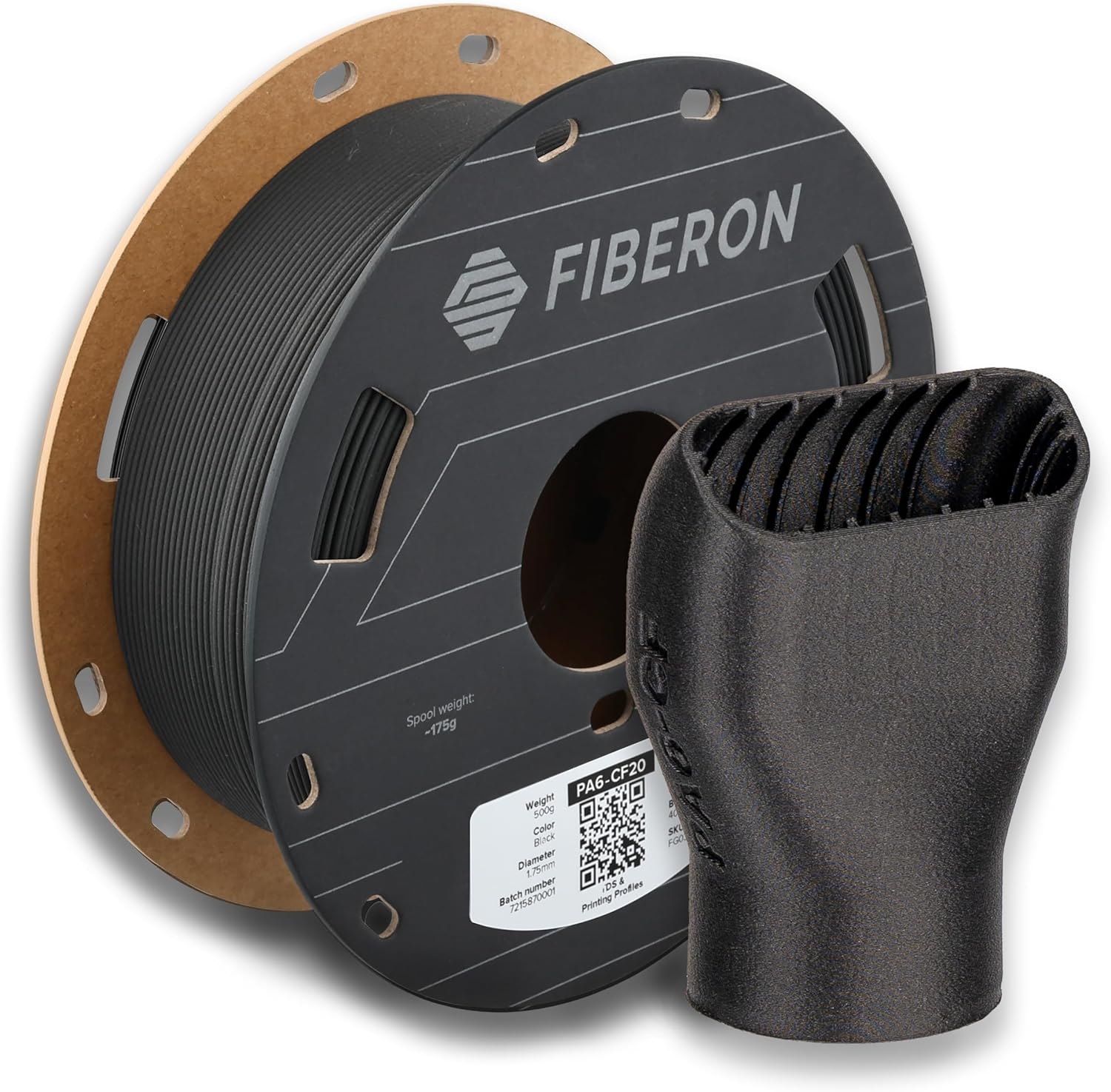
Polymaker Fiberon PA6-CF20
Polymaker | 1.75mm | 0.5kg and 3kg spools
Fiberon PA6-CF20 is the same proven formula as Polymaker’s long-established PolyMide PA6-CF, rebranded under the Fiberon composite line. It posts the strongest published specification set of any accessible CF-Nylon for desktop printing: 109 MPa tensile strength, Young’s modulus over 8.6 GPa, and a heat deflection temperature of 215°C. That HDT figure means parts remain dimensionally stable well into temperatures where CF-PLA, CF-PETG, and standard CF-Nylon grades would distort. The most practically significant property is what sets it apart from every other CF-Nylon on this page: Polymaker’s Warp-Free technology means no enclosure is required. Set the bed to 40 to 50°C (low, not high), leave the chamber doors open, and the material holds. This opens structural CF-Nylon printing to any machine with an all-metal hotend capable of 280 to 300°C, not just enclosed printers. Fibre Adhesion technology ensures strong interlayer bonding. Drying before printing and post-print annealing are both recommended for full mechanical properties. Note that Fiberon spools are only available in 0.5kg and 3kg sizes, Polymaker does not make a 1kg option because CF-filled filament requires a larger core diameter and 1kg would not fit. NylonX from MatterHackers remains the established community reference for CF-Nylon and is worth considering for users whose machines cannot reach 280°C; Fiberon PA6-CF20 is the correct pick when maximum published performance is the goal.
Best for: Structural end-use parts requiring peak chopped-fiber performance, drone frames, robotics, load-bearing brackets, gears, any application where HDT above 150°C and tensile strength above 100 MPa are required. All-metal hotend mandatory. Dry before printing.
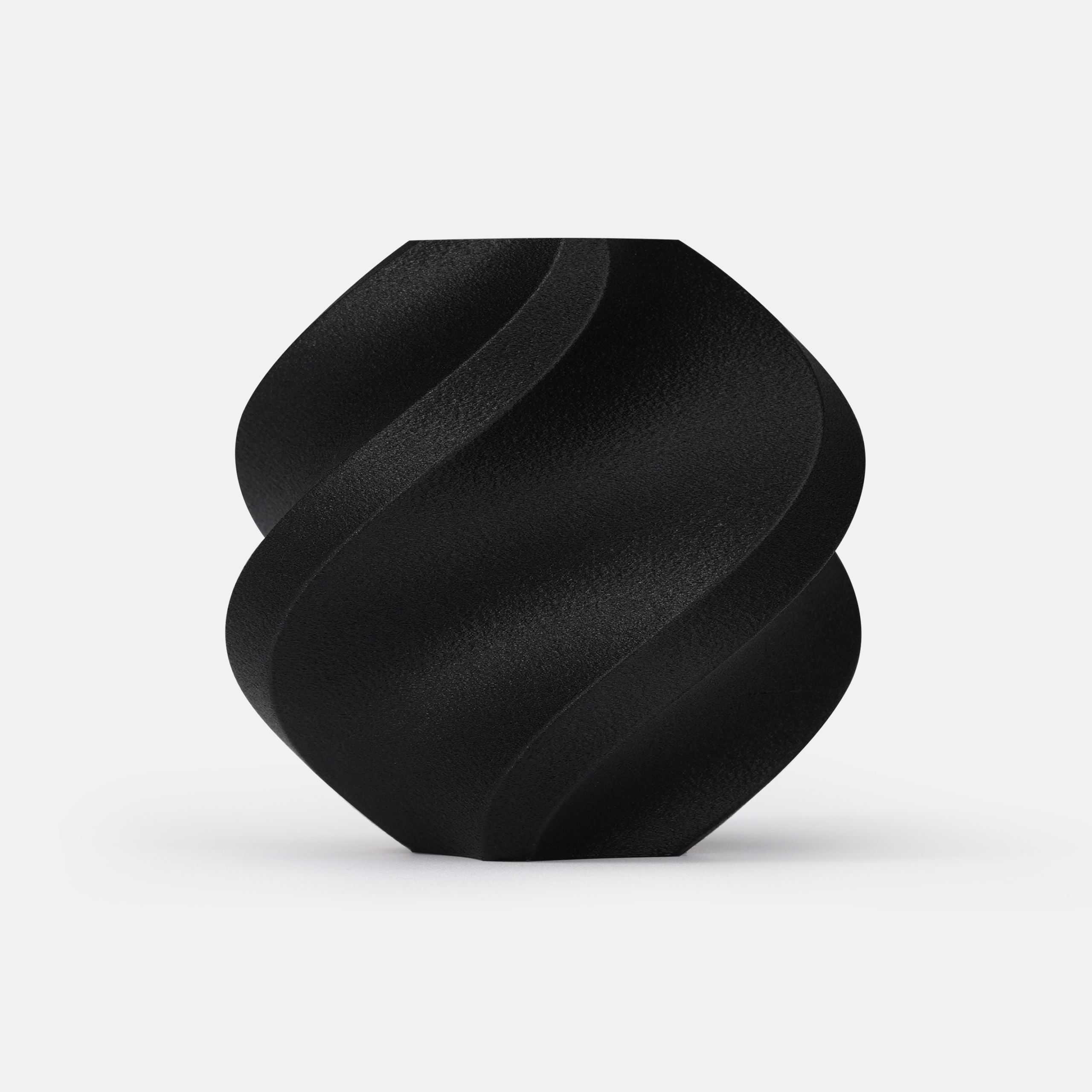
Bambu Lab PA6-CF
Bambu Lab | 1.75mm | 1kg spools
Bambu PA6-CF is covered in depth in our Engineering Filaments guide, where it features as one of the standout picks for serious engineering printing. In the context of this composite guide, the relevant point is that for Bambu X1C and P1S users, PA6-CF is the most accessible route to structural CF-Nylon performance. The RFID-tagged spool loads a pre-configured profile that handles the demanding print requirements automatically: nozzle at 280 to 300°C, heated chamber, correct flow rates for the viscous CF-Nylon melt. The part properties are comparable to NylonX with the added advantage of Bambu’s tightly controlled process ensuring consistent results spool to spool. Bambu’s enclosed heated chamber on the X1C and P1S is genuinely necessary for PA6-CF, it is not a suggestion. Layer bonding in an open printer at these temperatures is significantly weaker, and the warp forces are real. For Bambu users, PA6-CF is the direct answer to “what is the strongest printed part I can make on this machine.” For non-Bambu users, NylonX above is the equivalent recommendation.
Best for: Bambu X1C and P1S users who want the strongest structural parts their printer can produce. Requires hardened nozzle, enclosed heated chamber, and dry storage. Full specifications and print guide in our Engineering Filaments article.
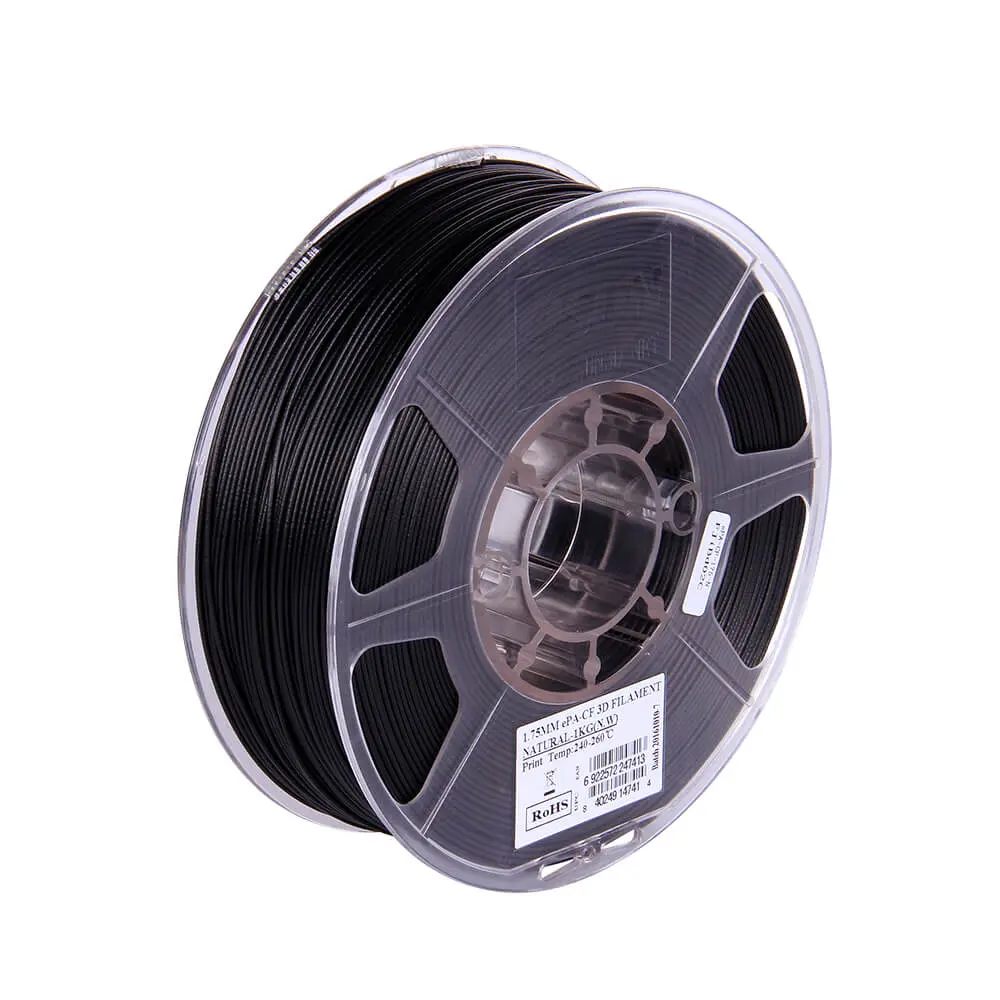
eSUN ePA-CF
eSUN | 1.75mm | 1kg spools
eSUN ePA-CF offers CF-Nylon performance at a noticeably lower price than MatterHackers NylonX, and it prints reliably on any enclosed direct-drive printer capable of reaching 250 to 260°C. eSUN publishes tensile strength data for ePA-CF (95 MPa), which is competitive with NylonX and confirms genuine structural capability rather than cosmetic CF content. The reduced warp relative to standard PA6 is also evident: ePA-CF holds to the bed considerably more reliably than plain nylon at the same bed temperature. Community reviews consistently highlight print reliability as a strength of ePA-CF, noting fewer jams and more consistent extrusion than some competing value PA-CF options. The main limitation relative to NylonX is that eSUN’s packaging is not hermetically sealed, meaning the spool requires thorough drying (70 to 80°C for 6 to 8 hours) before printing regardless of how new it is. Use a proper filament dryer rather than an oven for best results, as consistent drying temperature matters significantly for nylon-based materials.
Best for: Users who want structural CF-Nylon performance at lower per-kilogram cost, high-volume structural prototype printing, enclosed printer users on Voron, RatRig, or Bambu who want a value alternative to premium CF-Nylon brands.
Carbon fiber polycarbonate: the specialist tier
CF-PC sits at the top of what is achievable on a consumer desktop FDM printer. Polycarbonate is already one of the strongest unfilled thermoplastics available, impact resistant, heat stable to around 115°C, and dimensionally consistent under load. Adding carbon fiber raises the stiffness and heat deflection further, pushing the material into territory that overlaps with industrial composites. Parts printed in CF-PC can substitute for aluminium in many jig, fixture, and low-load structural applications where weight and machining time matter.
The requirements match the performance: nozzle temperatures of 260 to 290°C, bed temperatures at 100°C or above, an enclosed and ideally heated chamber, and thorough drying before every session. PC is extremely hygroscopic and even a few hours of exposure to ambient air will degrade print quality noticeably. This is a material for users who have already mastered CF-Nylon printing and want to push further. For most practical applications, CF-Nylon will have already exceeded what you need.
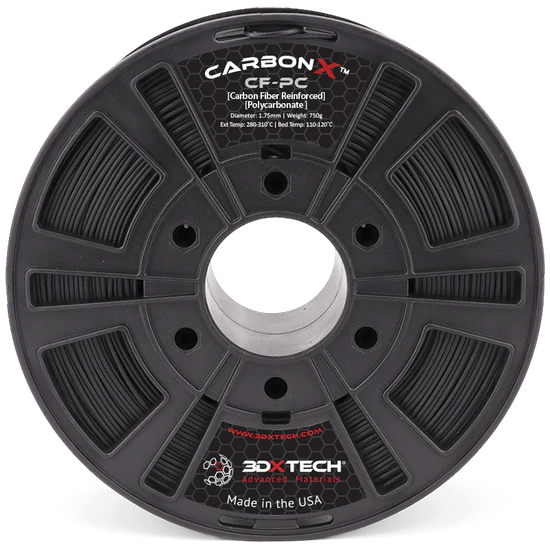
3DXTECH CarbonX PC+CF
3DXTECH (USA) | 1.75mm | 0.75kg and 2kg spools
3DXTECH CarbonX PC+CF is the accessible CF-polycarbonate recommendation for desktop FDM users who have already mastered CF-Nylon and need to step up further. 3DXTECH is an ISO 9001:2015 certified manufacturer based in Grand Rapids, Michigan, and their CarbonX line uses high-modulus carbon fiber throughout rather than the lower-grade milled fiber found in budget composites. Polycarbonate has a Tg of 147°C, and the CF addition raises dimensional stability and stiffness above what plain PC can achieve. The resulting parts resist bending under load to a degree that CF-Nylon cannot match in high-temperature environments. Print settings are demanding: 260 to 280°C at the nozzle, 80 to 120°C at the bed, and a fully enclosed printer. PC is highly hygroscopic and should be dried at 80 to 90°C for 4 to 6 hours before every print session, even a few hours of exposure to ambient humidity will degrade print quality noticeably. 3DXTECH’s nano-polymer adhesive is the recommended bed adhesion solution. The material is also sold as CarbonX ezPC+CF through MatterHackers, which is a reformulated version with the same core properties but slightly improved printability on common consumer machines. Both formulations require an all-metal hotend and hardened steel nozzle.
Best for: Under-hood automotive parts, industrial jigs and fixtures requiring over 120°C heat resistance, high-load structural brackets where CF-Nylon stiffness is insufficient. For advanced users with enclosed printers capable of 120°C bed temperature. Requires thorough drying before every session.
Beyond CF-PC: Polymaker Fiberon PPS-CF10
For applications requiring over 200°C heat resistance, Polymaker’s Fiberon PPS-CF10 raises the ceiling further: HDT above 250°C after annealing, V0 flame retardancy, and chemical resistance to most acids, alkalines, and fuels. The catch is a 310 to 350°C nozzle requirement that exceeds the maximum temperature of most consumer FDM printers including Bambu X1C (300°C) and Prusa XL (290°C). No enclosure is needed, but the material is brittle on the spool and cannot be fed through AMS tubing. It is the right answer for automotive under-hood components, aerospace, and industrial electrical housings where CarbonX PC+CF’s 147°C Tg is insufficient, but only if your printer can reach the required temperature.
Wood composites: organic texture on any printer
Wood composite filaments mix a PLA base with 20 to 40% natural particles, typically pine, bamboo, cedar, coconut, or cork, to produce prints with a matte, fibrous surface that looks and feels like particle board or MDF. Parts can be sanded, stained, painted, waxed, and even scorched to create dark or aged-looking finishes. None of those finishing options are available with standard PLA. The nozzle temperature controls darkness: lower temperatures (170 to 180°C) produce pale finishes; higher temperatures (210 to 220°C) gradually burn the fibers to produce progressively darker, more wood-like tones.
Unlike structural composites, wood PLA requires no special hardware changes beyond nozzle size. A 0.5mm nozzle is the practical minimum to avoid particle-related clogs; 0.6mm is ideal. A brass nozzle is fine for occasional use, though a hardened steel nozzle will last longer given the mild abrasion from wood particles. One critical operational note: remove the filament from the hotend promptly after printing. Wood particles left sitting in a hot nozzle between sessions will scorch and carbonise, creating a blockage that is difficult to clear.
Wood composites are decorative, not structural. A wood-filled part is more brittle than standard PLA and has lower tensile strength. The value is entirely in the surface finish, post-processing potential, and the visual result.
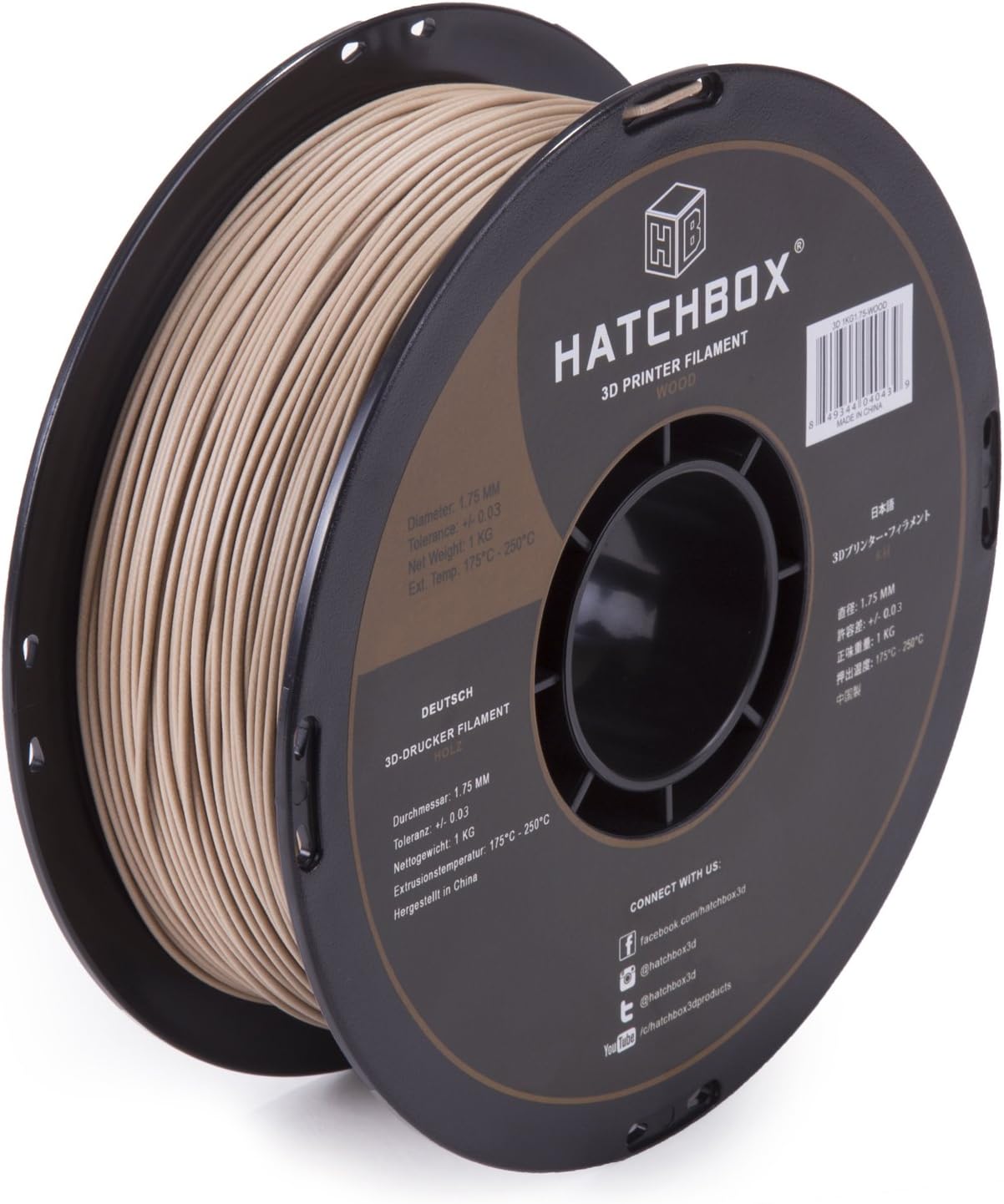
Hatchbox Wood PLA
Hatchbox | 1.75mm | 1kg spools
Hatchbox Wood PLA is the most widely purchased and reviewed wood filament on the market and has maintained that position through consistent print quality, reliable availability, and a price point that does not price out casual users. The formula uses approximately 11% recycled wood particles in a PLA base, which is a lower fill ratio than some competitors but produces more consistent extrusion with fewer clog events. The lower wood content is a practical engineering decision: higher fill ratios produce a more authentic wood feel but increase jam risk on standard 0.4mm nozzles. Hatchbox Wood PLA prints reliably on 0.4mm nozzles if the temperature is kept at the lower end of the range; 0.5mm or 0.6mm is still recommended for best results and longer nozzle life. Surface finish prints a warm tan-brown that looks convincingly like light pine or birch. After sanding to 120 to 180 grit, the surface becomes genuinely convincing as wood, and standard wood stains (Minwax and similar) absorb and darken it correctly. The material also takes to a torch for the scorched wood effect. The smell during printing is mild and woody rather than chemically unpleasant, which is an advantage over materials with synthetic binders.
Best for: Decorative objects, home decor, architectural models, art prints, anyone trying wood filament for the first time. Sand and stain after printing for the most convincing wood finish.
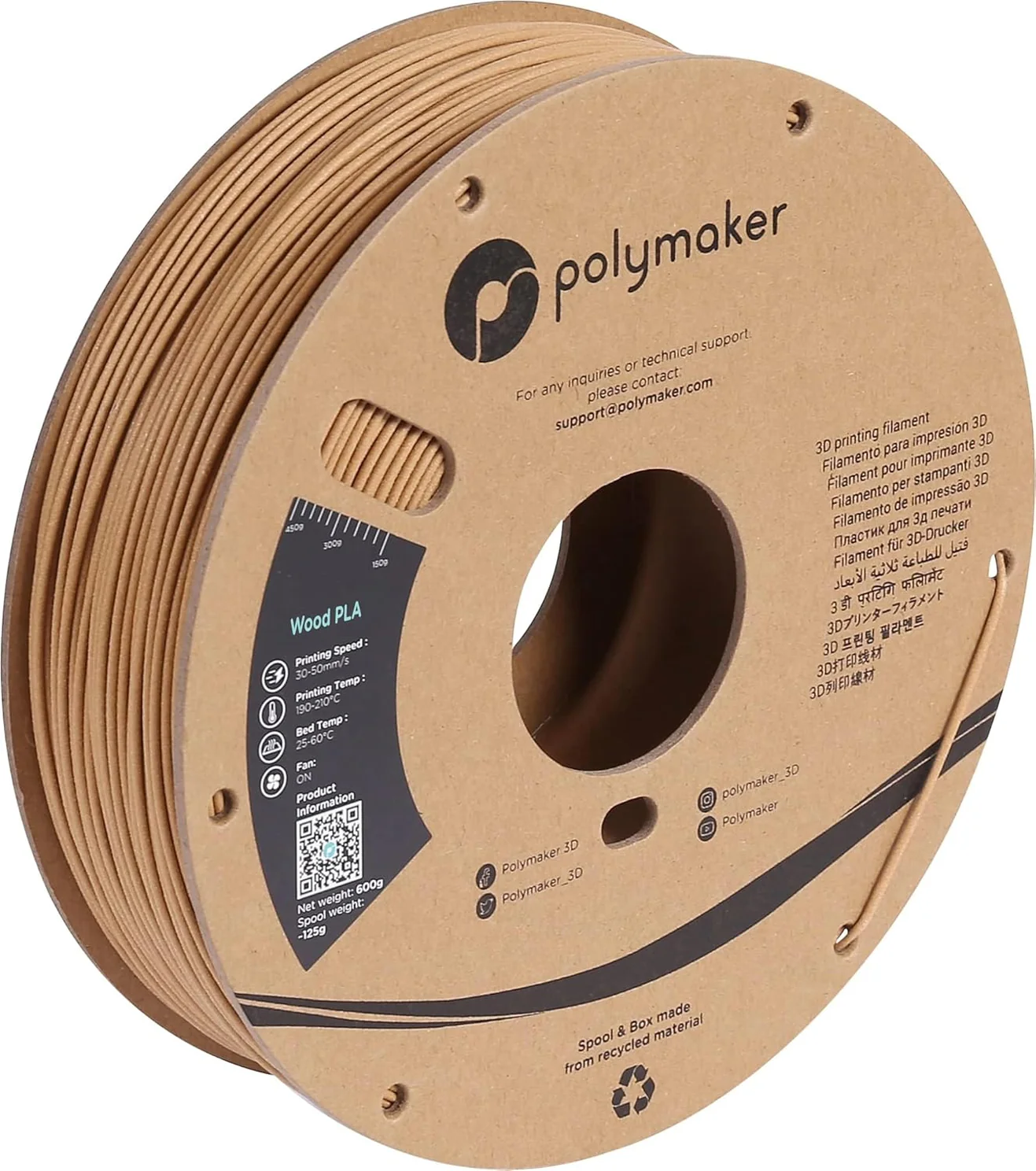
Polymaker Wood PLA
Polymaker | 1.75mm | 1kg spools
Wood PLA is a fundamentally different product from Hatchbox Wood PLA. It contains no actual wood particles. Instead, Polymaker uses a proprietary foam technology embedded in a PLA base that creates a porous, lightweight structure mimicking the texture and density of real wood. The result can be sanded and stained using standard wood finishing products, and parts have a weight and tactile feel comparable to balsa or lightweight pine, which genuine PLA parts cannot replicate. The surface has a subtle grain-like texture from the foam structure. Because there are no particles to clog nozzles, Wood PLA prints on any standard FDM printer at any nozzle size, including 0.25mm, with no jam risk. This makes it the recommended choice for users who want the wood aesthetic but have struggled with particle clogging on 0.4mm nozzles, or who need to print fine details that larger nozzles cannot resolve. The trade-off versus particle-filled wood filaments is authenticity: Wood PLA has no wood smell during printing (the distinctive woody scent is absent), and the foam structure means staining produces a slightly different depth of colour compared to fibrous wood filaments. For purely visual applications, particularly architectural models with fine detail, Wood PLA is often the superior technical choice.
Best for: Detailed architectural models where 0.4mm nozzle particle clogs are a problem, any application requiring the wood look on small or intricate prints, users who want wood aesthetics without the operational risks of particle-filled filaments.
Composite filament comparison table
All 12 composites compared across the properties that matter most for choosing the right material.
Frequently asked questions
Where to go next
Choosing the printer that can run these materials matters as much as the filament: see our best 3D printers guide for machines with the hardened nozzles and enclosed chambers composites need. Carbon fiber and nylon composites are highly hygroscopic, so run them straight from a filament dryer. New to the basics? Start with what is 3D printing, and keep the 3D printing glossary handy for terms like HDT, Tg, and hygroscopic. Carbon fiber and nylon composites carry a dust and fume safety angle, covered in our 3D printing safety guide.
Explore the filament guides
Some links on this page are affiliate links. If you buy through them we may earn a small commission at no additional cost to you. This never affects which products we feature or how we rank them.