
The best TPU filament depends on one number most listings bury: shore hardness. It decides whether a print feels like a skateboard wheel or a stress ball, how fast you can print, and whether your extruder can feed it at all. This guide explains the scale in plain terms, then ranks eight spools across the hardness range, from the forgiving 95A standards every direct-drive printer handles to the genuinely soft 85A grades and the new high-speed formulations that finally make flexible printing quick.
TPU is one branch of the flexible family; if you are deciding between TPU, TPE, and the softer exotics, our flexible filaments guide covers the whole category, and the filament guide places flexibles against every other material.
Jump to menu
Our top TPU picks at a glance
Shore hardness, explained in objects you have held
Shore hardness is the whole personality of a TPU spool. On the A scale: 85A is a soft pencil eraser, squashable between two fingers; 90A is a car tire, flexing under real force; 95A is a skateboard wheel or shoe sole, bendable but firm; and the rare 98A and up barely reads as flexible at all. When a listing just says TPU, it is almost always 95A, the industry default, because it hits the balance of genuinely flexible parts and printability on ordinary hardware.
Softer is not better, it is just softer. Phone cases, bumpers, and wheels actually work better at 95A; gaskets, grips, and wearables justify 90A; and only things that must squash flat, baby-toy soft, need 85A. Every step down the scale roughly doubles the printing difficulty, so pick the firmest grade that still does the job.
Why TPU is hard to print, and what actually fixes it
Pushing flexible filament through an extruder is pushing a rope: any gap in the filament path lets it buckle and bird-nest. That is why direct-drive extruders handle TPU well and long Bowden tubes struggle below 95A, and why the real settings rules are about consistency: print slow (25 to 40mm/s for soft grades, faster only for HF formulations), keep speed constant, reduce or disable retraction, and never print TPU wet, because it absorbs moisture quickly and wet TPU bubbles and strings beyond saving. A filament dryer earns its keep on flexibles alone.
The good news: a tuned profile is repeatable. Get one clean benchy in a given TPU and that spool will behave for its whole life, which is more than PETG can promise.
The best TPU filaments compared
Prices are per kilogram and approximate; they vary by color, bundle, sale period and region, so click through for current pricing.
The 95A standards
The default grade: flexible enough for nearly everything, printable on nearly anything.
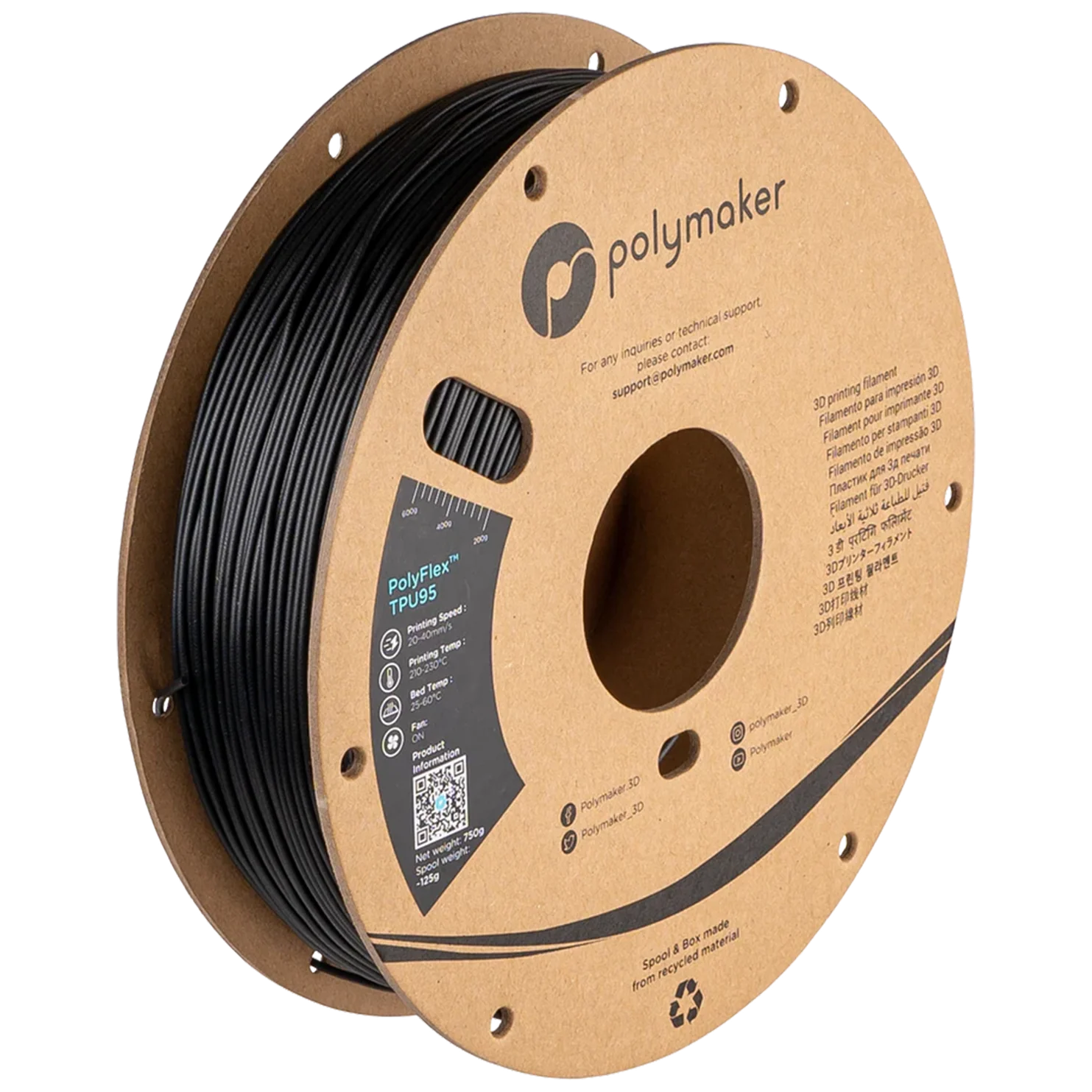
Polymaker PolyFlex TPU95
Best for: the TPU that behaves the same every spool. Diameter consistency is everything in flexible printing, because a thick section jams where rigid filament would just push through, and PolyFlex is the most dimensionally consistent TPU we have run. It feeds reliably on direct drive and on shorter Bowden setups, bonds layers strongly, and the cured parts have the clean rebound of a quality shoe sole. The reference 95A.
Price: ~$30/kg (approximate; varies by color, sale period and region, click through for current pricing)
- Nozzle 210 to 230°C, bed 25 to 60°C; print 25 to 40mm/s
- Best-in-class diameter consistency
- Works on direct drive and careful Bowden setups
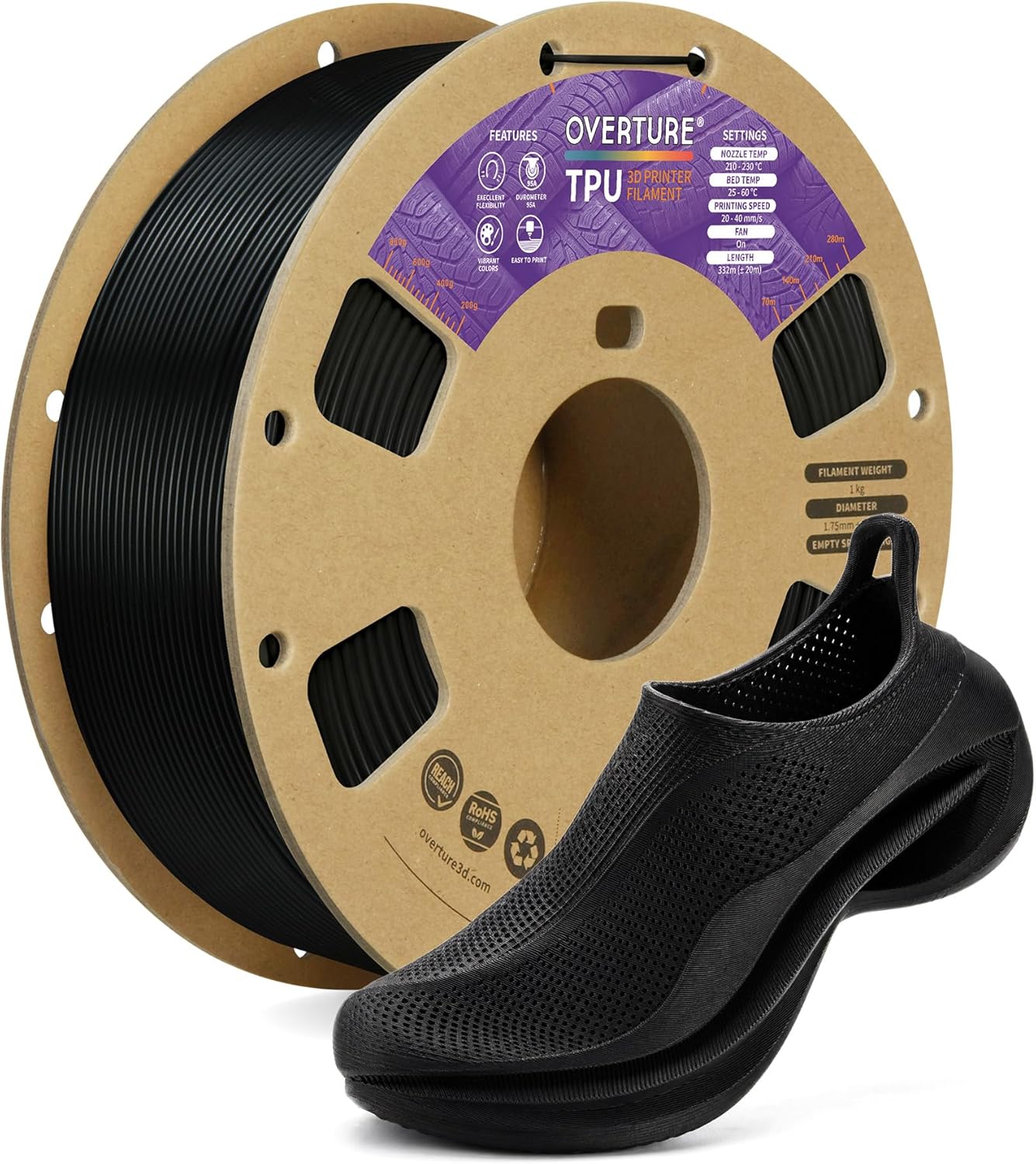
Overture TPU
Best for: flexible printing without the flexible price. Overture’s 95A is the volume seller of the category for a reason: clean winding (a tangle in TPU is a write-off), sane diameter control, and a price that makes experimenting affordable. Surface finish is a touch duller than PolyFlex and very soft single-wall prints show more artifacts, but for cases, bumpers, feet, and straps it simply does the job.
Price: ~$23/kg (approximate; varies by color, sale period and region, click through for current pricing)
- Nozzle 210 to 230°C, bed 25 to 60°C
- Clean winding, low tangle risk
- The affordable way to learn flexible printing
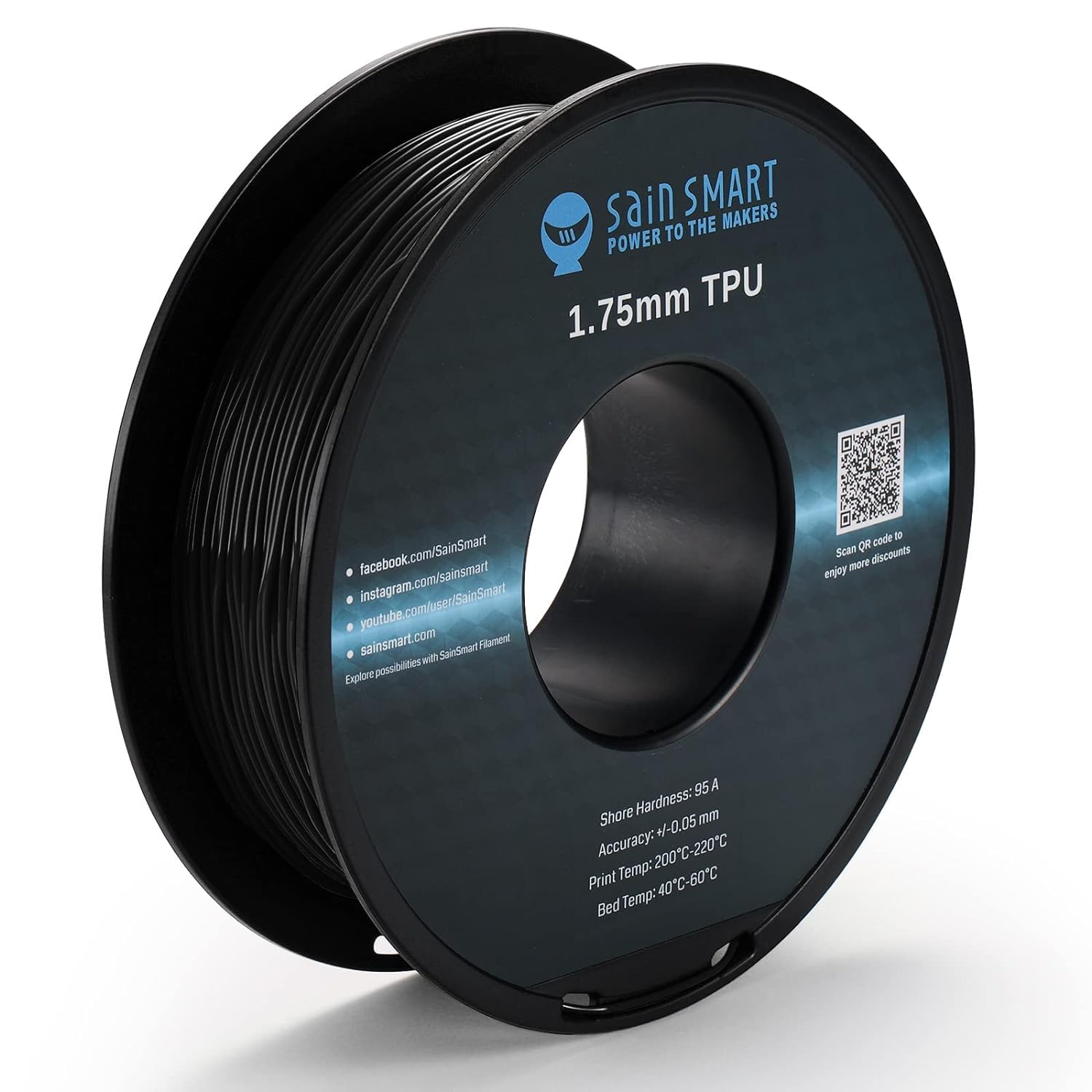
SainSmart TPU
Best for: your first flexible spool. SainSmart’s 95A has the widest tolerance for imperfect settings we have seen in a TPU: over-retract, print a little hot, run it on a stock bed-slinger, and it still produces usable parts, which is exactly what you want while learning the material. It has been the drone-frame and RC community staple for years. Diameter spec is looser than the premium picks, so graduate to PolyFlex when precision starts to matter.
Price: ~$28/kg (approximate; varies by color, sale period and region, click through for current pricing)
- Nozzle 200 to 220°C, bed 25 to 50°C
- Tolerates imperfect settings; great first TPU
- 0.8kg spools standard; drone community staple
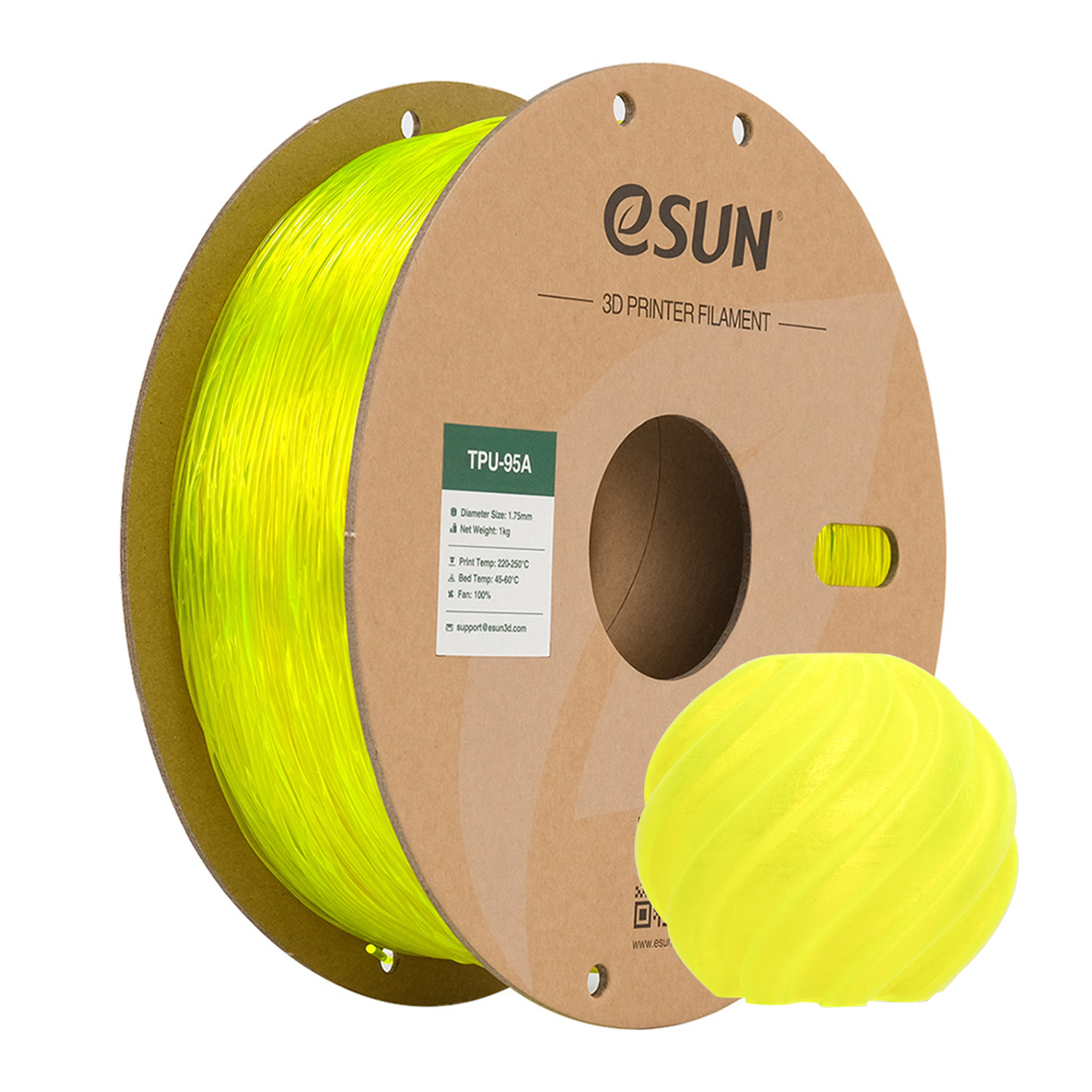
eSUN TPU 95A
Best for: color choice on a budget. eSUN runs the largest color wall in affordable TPU, including translucents that print into pleasingly glassy flexible parts, at the lowest serious price in the category. Quality control is good rather than great: the occasional spool runs a touch thick, so watch the first layers. For colorful cases, bands, and toys, it is the value answer.
Price: ~$20/kg (approximate; varies by color, sale period and region, click through for current pricing)
- Nozzle 210 to 230°C, bed 25 to 60°C
- Largest budget color range, translucents included
- Watch diameter on first layers; dry before use
Best high-speed TPU
The newest fix for TPU’s biggest annoyance: the wait.
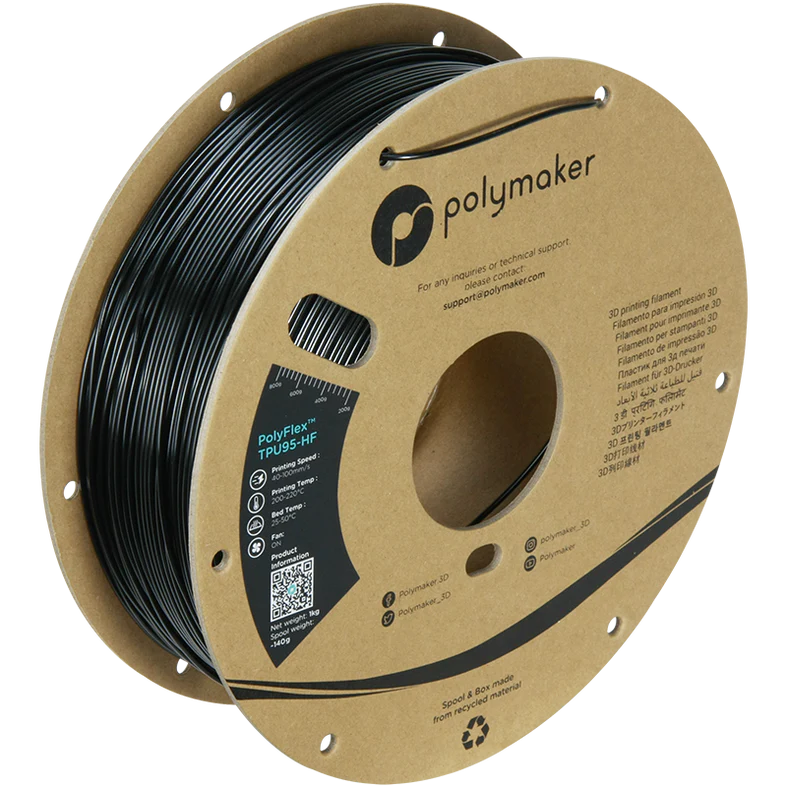
Polymaker PolyFlex TPU95-HF
Best for: flexible parts before lunch. The HF melt formulation feeds and fuses at speeds that break ordinary TPU: we run it at 100mm/s+ where standard 95A demands a third of that, with layer adhesion intact. Same 95A feel as regular PolyFlex, same consistency, noticeably less stringing. If your printer is modern and your patience finite, this replaces the standard spool outright.
Price: ~$35/kg (approximate; varies by color, sale period and region, click through for current pricing)
- Nozzle 220 to 240°C, bed 25 to 60°C; rated to ~120mm/s
- Triple the speed of standard 95A with intact strength
- Less stringing than standard TPU
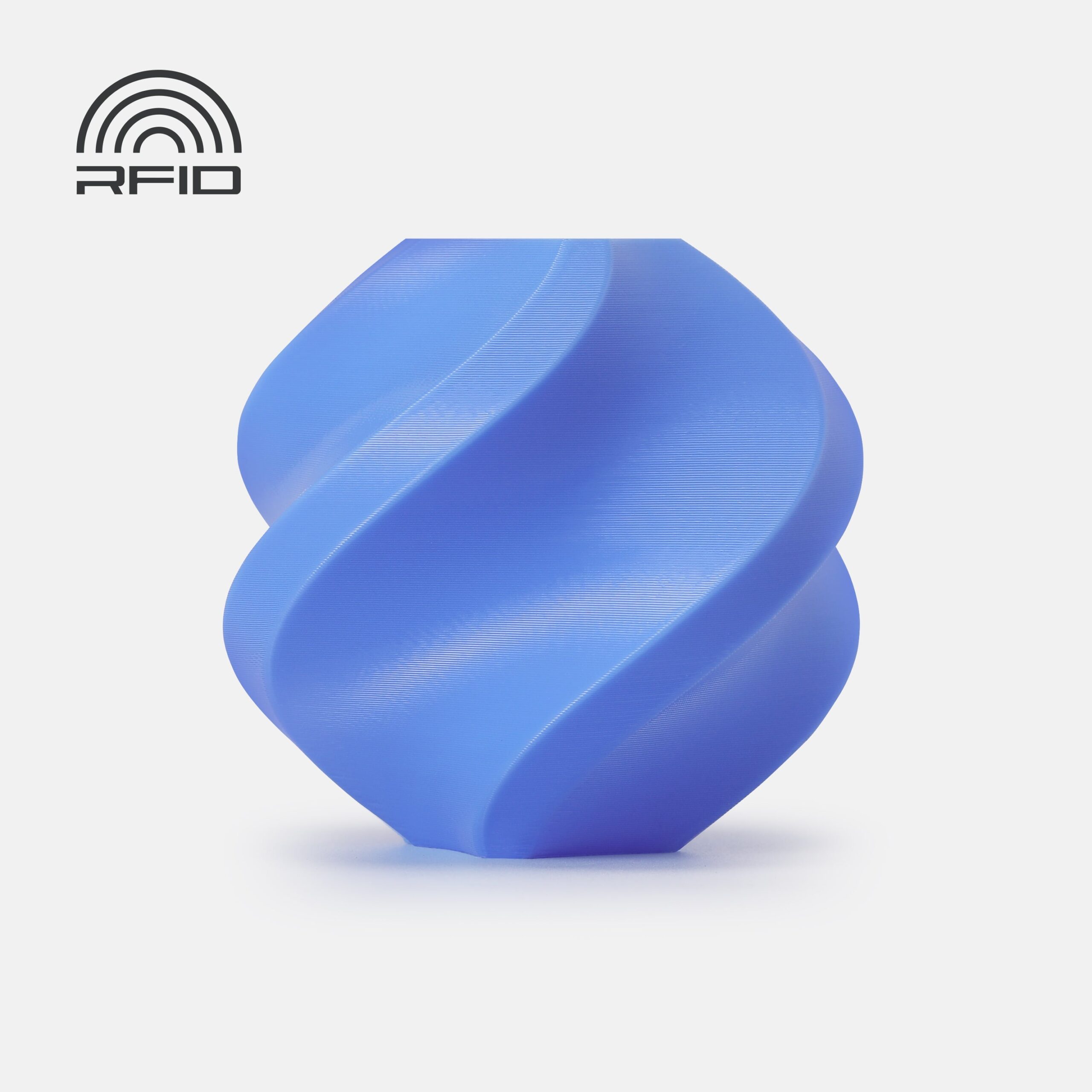
Bambu Lab TPU for AMS
Best for: flexible parts inside a multi-material workflow. Ordinary TPU cannot survive an AMS feed path, so Bambu engineered a firmer grade (it measures around 68D, closer to a stiff 98A feel) that the AMS handles like rigid filament: auto-loading, RFID profiles, multi-color prints with flexible sections. It is the least squashy spool here, more living-hinge than stress-ball, but it is the only way to put flexible features in an automated Bambu job.
Price: ~$35/kg (approximate; varies by bundle, sale period and region, click through for current pricing)
- Nozzle 220 to 240°C; prints near rigid-filament speeds
- The only TPU rated for AMS feeding; RFID profiles
- Firm grade: hinges and bumpers, not squash toys
Softer grades: 90A and 85A
Below 95A, parts stop being firm-flexible and start being genuinely soft; printers start caring a lot more.
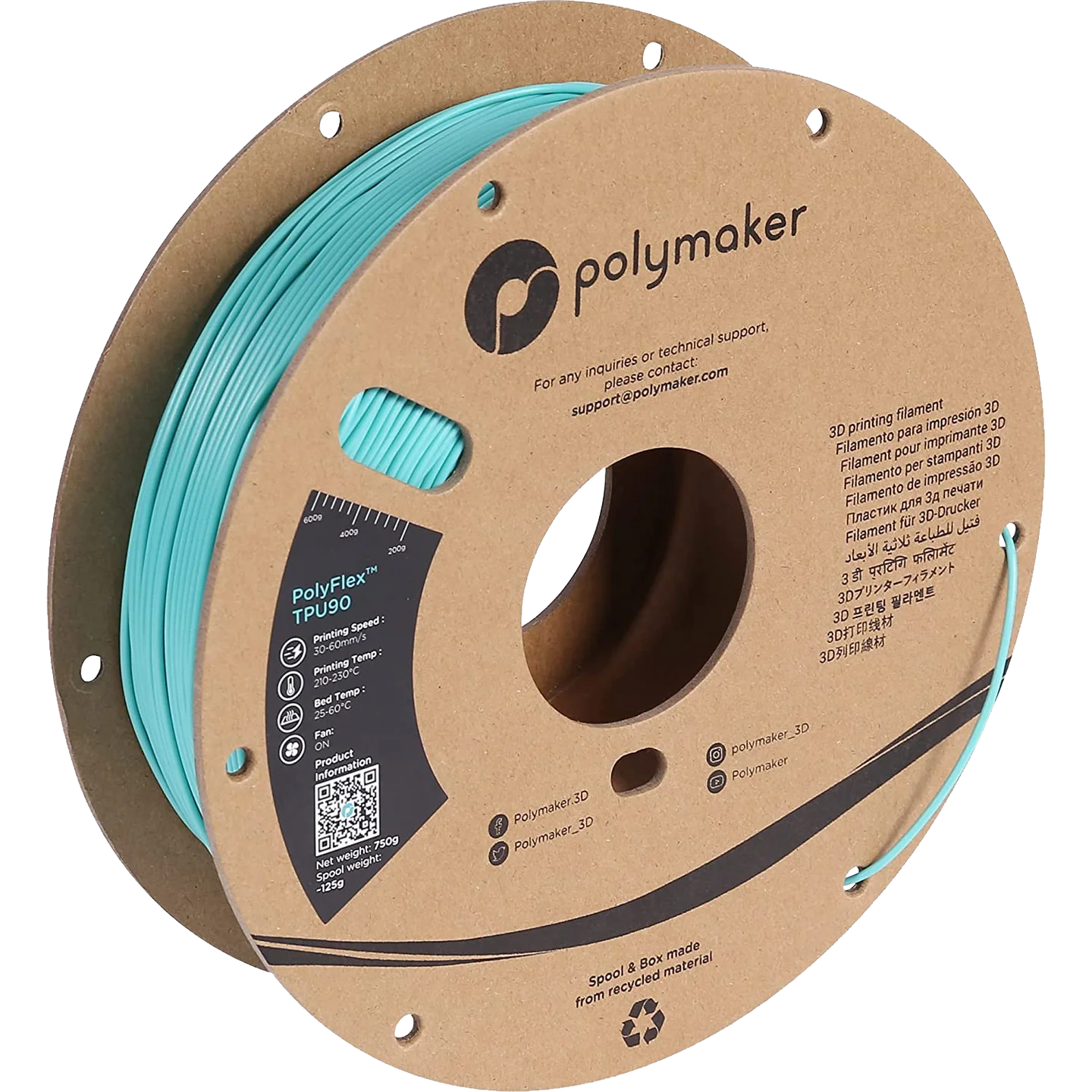
Polymaker PolyFlex TPU90
Best for: the step softer that most direct-drive printers can still handle. 90A is where gaskets seal properly, grips feel grippy, and wearables stop being rigid jewelry, and PolyFlex’s diameter consistency matters even more at this hardness. Slow to 30mm/s, disable retraction, and keep the filament path short. The reward is parts with real squish that still print reliably.
Price: ~$35/kg (approximate; varies by color, sale period and region, click through for current pricing)
- Nozzle 210 to 230°C; 25 to 30mm/s; direct drive
- Real softness with PolyFlex consistency
- Gaskets, grips, wearables, seals
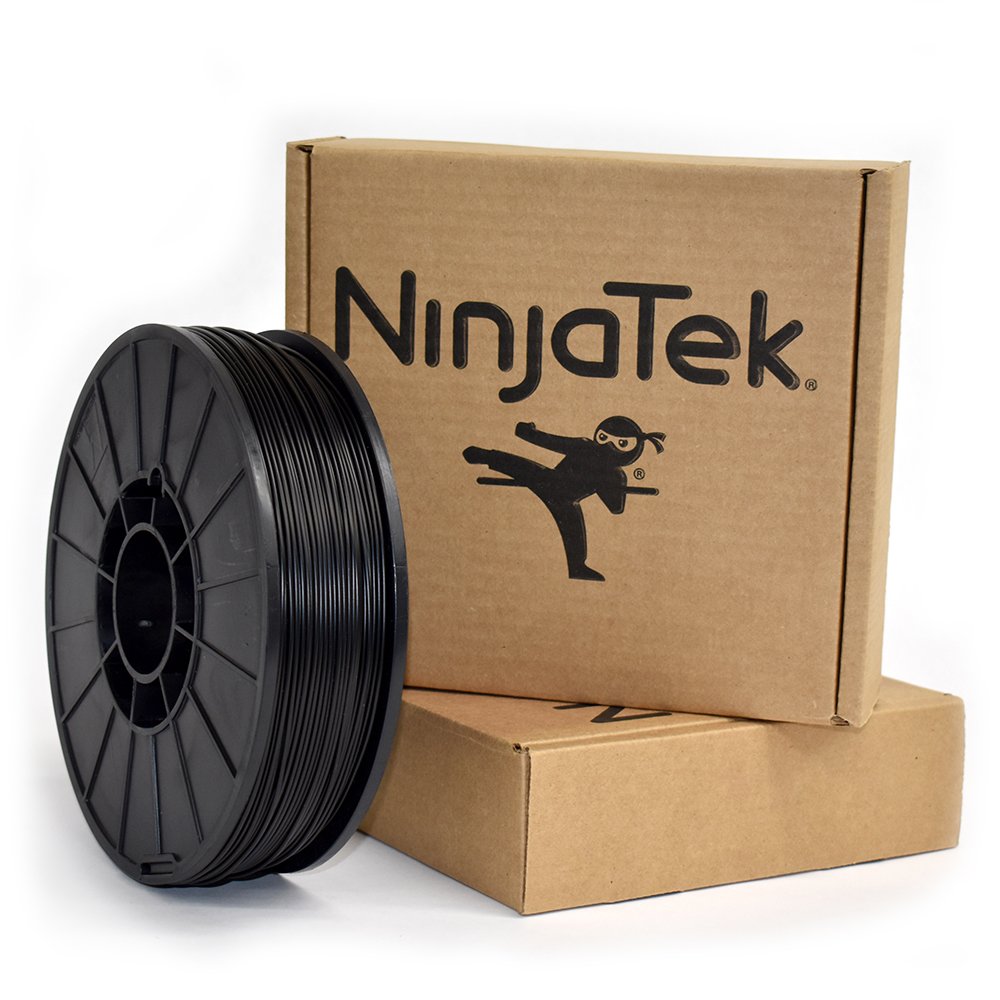
NinjaFlex 85A
Best for: parts that must squash flat and bounce back. NinjaFlex effectively invented consumer flexible printing and its 85A original remains the benchmark soft filament: stress-ball soft, tear-resistant, and consistent. It demands respect, direct drive only, 20 to 25mm/s, zero retraction, dry filament, and it is the most expensive spool on this page. Nothing else prints a truly soft part as reliably.
Price: ~$45/kg (approximate; varies by color, sale period and region, click through for current pricing)
- Nozzle 225 to 250°C; 20 to 25mm/s; direct drive ONLY
- True 85A softness, excellent tear strength
- The category benchmark since flexible printing began
How to choose TPU
Start from your extruder, not the part. Direct drive opens the whole hardness range; a long Bowden path realistically caps you at 95A, and even then favors the most consistent spools. Check which you have before falling in love with an 85A project.
Pick the firmest grade that does the job. Every step softer doubles the fuss: slower speeds, no retraction, more stringing, pickier first layers. A 95A phone case protects better than an 85A one anyway; drop below 95A only when squash is the actual requirement.
Dry it like nylon, not like PLA. TPU drinks moisture, and wet TPU is unprintable: bubbling, stringing, foamy layers. Sealed storage with desiccant and a pre-print drying cycle (4 to 5 hours at 50 to 55°C) should be standard procedure; our dryer guide covers units with TPU presets.
If what your part really needs is rigidity plus a little give, you may want PETG rather than TPU at all; the filament guide and the flexible category guide map the full territory between rigid and rubber.
Frequently asked questions
What shore hardness should I choose for my first TPU?
95A, almost without exception. It is flexible enough for cases, bumpers, wheels, straps, and feet, but firm enough to feed through any direct-drive extruder and most Bowden setups. Go softer only when a part specifically needs to compress, and expect each softer grade to demand slower, fussier printing.
Can I print TPU on a Bowden printer?
95A, yes, with care: slow to 25 to 30mm/s, minimize retraction, and use the most dimensionally consistent spool you can get, because any buckling in that long tube becomes a jam. 90A is the practical floor for Bowden, and 85A is realistically direct-drive only.
Why does my TPU print bubble and string?
Moisture, almost every time. TPU absorbs water within days in open air, and wet TPU steams in the nozzle, leaving bubbles, foam-textured walls, and heavy stringing. Dry the spool for 4 to 5 hours at 50 to 55°C and the same filament usually prints clean. Persistent stringing after drying means the nozzle is running hot.
How slow do I really need to print TPU?
Standard 95A behaves best at 25 to 40mm/s with consistent speed throughout; soft 85A wants 20 to 25mm/s. The exception is high-flow TPU, engineered to feed and fuse at 100mm/s or more. Whatever the grade, constant speed beats clever speed: variation is what causes extruder hiccups.
Is TPU waterproof?
The material itself does not absorb meaningful water once printed, and TPU parts survive soaking, sweat, and weather without degrading, which is why it suits watch bands and outdoor bumpers. A printed part is only as watertight as its walls, though: use 3+ perimeters and slight over-extrusion for genuinely sealed prints.
Why will normal TPU not work in a Bambu AMS?
The AMS feed path includes long tubes and sharp drive engagements that soft filament buckles inside; jamming is near-guaranteed with ordinary 95A. Bambu’s TPU for AMS is a much firmer grade engineered to survive that path. Softer TPUs run fine on Bambu printers via the external spool holder.
Does TPU wear out nozzles or extruders?
No; unlike fiber-filled filaments, TPU is gentle on hardware. The wear point is operator patience. Brass nozzles are fine, stock hotends are fine. If a spool is grinding in the extruder, that is a tension or speed problem, not abrasion.
Where to go next
- Flexible filaments guide: the full category, TPU, TPE and the soft exotics.
- 3D printer filament guide: where flexibles sit among all materials.
- Best PLA filament: for the rigid parts alongside your flexible ones.
- Best filament dryers: TPU is the thirstiest common filament after nylon.
- Best 3D printers: direct-drive machines that make TPU easy.