Medium-sized 3D scanning is the bracket where most real-world work lives: roughly 100mm to 1500mm, covering figures and prototypes through helmets and gear to half-body captures and mid-size mechanical parts. The right scanner for this bracket comes down to three things: enough accuracy for what you will actually do with the scan (visualize, print, or reverse-engineer), a single-capture field of view sized to the object so coverage is not endless, and software that aligns and exports cleanly. This guide breaks down 18 scanners across Revopoint, 3DMakerpro, Einstar / Shining3D, and Creality with the honest specs that matter, current prices, and the trade-offs that are not on the spec sheet.
Independently researched. 14 years of 3D printing and 3D scanning coverage at 3DPrinting.com, including hands-on reviews of the MIRACO, Einstar VEGA, Mole, and 3DMakerpro Seal. Some of the links on this page are affiliate links, and we never recommend a scanner we would not buy ourselves. Prices shown are approximate (the ~$ figure), researched on 2026-05-28, and vary by bundle, sale period, and region; click through to the manufacturer for current pricing.
Our top picks
The fast answer by job. Tap a card for the full breakdown below.
Jump to brand
What makes a scanner right for medium-sized objects
Four things decide it. The first is matching accuracy to the job. For visualization or 3D-printing a likeness, a 0.1mm consumer scanner is fine. For parts that will mate to other parts, or for scan-to-CAD work, you want 0.05mm or better. For inspection, you want a metrology-grade unit with a volumetric (+ X mm/m) figure, not just a local one. Most medium objects do not need metrology, but knowing which job you are doing keeps you from overspending or underbuying.
The second is the surface, and which side of a key divide your work falls on. Plain structured light reads matte, painted, and organic surfaces happily: figures, ceramics, painted prototypes, faces. Cross over into mechanical-parts work (CNC’d aluminum, anodized housings, painted plastic with mold-release sheen, chrome trim) and structured light alone gets old fast, because every dark or glossy face needs matte spray, which slows the workflow and contaminates the part. That is why blue laser scanners (CR-Scan Raptor, MetroX Pro, MetroY Pro) and the new hybrid units (Einstar 2, POP 4) are closer to essential than nice-to-have for parts work. If your work is mostly figures or organic shapes, structured light alone is plenty.
The third is fit to the way you work. Standalone scanners (MIRACO, 3DMakerpro Toucan, Einstar VEGA) need no laptop and travel well; PC-tethered scanners are usually cheaper for the same accuracy and let you process on a powerful workstation. Both are valid; the right call depends on whether the scanner stays at the bench or rides along to the object.
The fourth is matching the scanner to the job, not just the price tier. For prop and figure work, organic shapes scan happily on plain structured light, so the value picks (POP 3 Plus, MIRACO, Moose) win on price-to-result. For reverse engineering mechanical parts, the laser scanners (Raptor, MetroX Pro, MetroY Pro, Einstar 2) earn their premium by skipping the spray-and-clean step on every dark or glossy face. For scanning people, infrared light is the comfort baseline and decent color matters as much as headline accuracy, which makes the Mole, Einstar VEGA, and Einstar 2 the natural picks (the Mole and VEGA in particular). For mid-size archival or product visualization, color quality and scan speed matter as much as geometry, so the Raptor, VEGA, and Einstar 2 stand out.
Revopoint
Revopoint covers the widest price spread on this page, from the $300 INSPIRE 2 up to the $1,759 MetroY Pro metrology unit. They are also the brand most willing to chase new architecture, with the standalone MIRACO and the hybrid POP 4 both pushing the bracket in different directions.
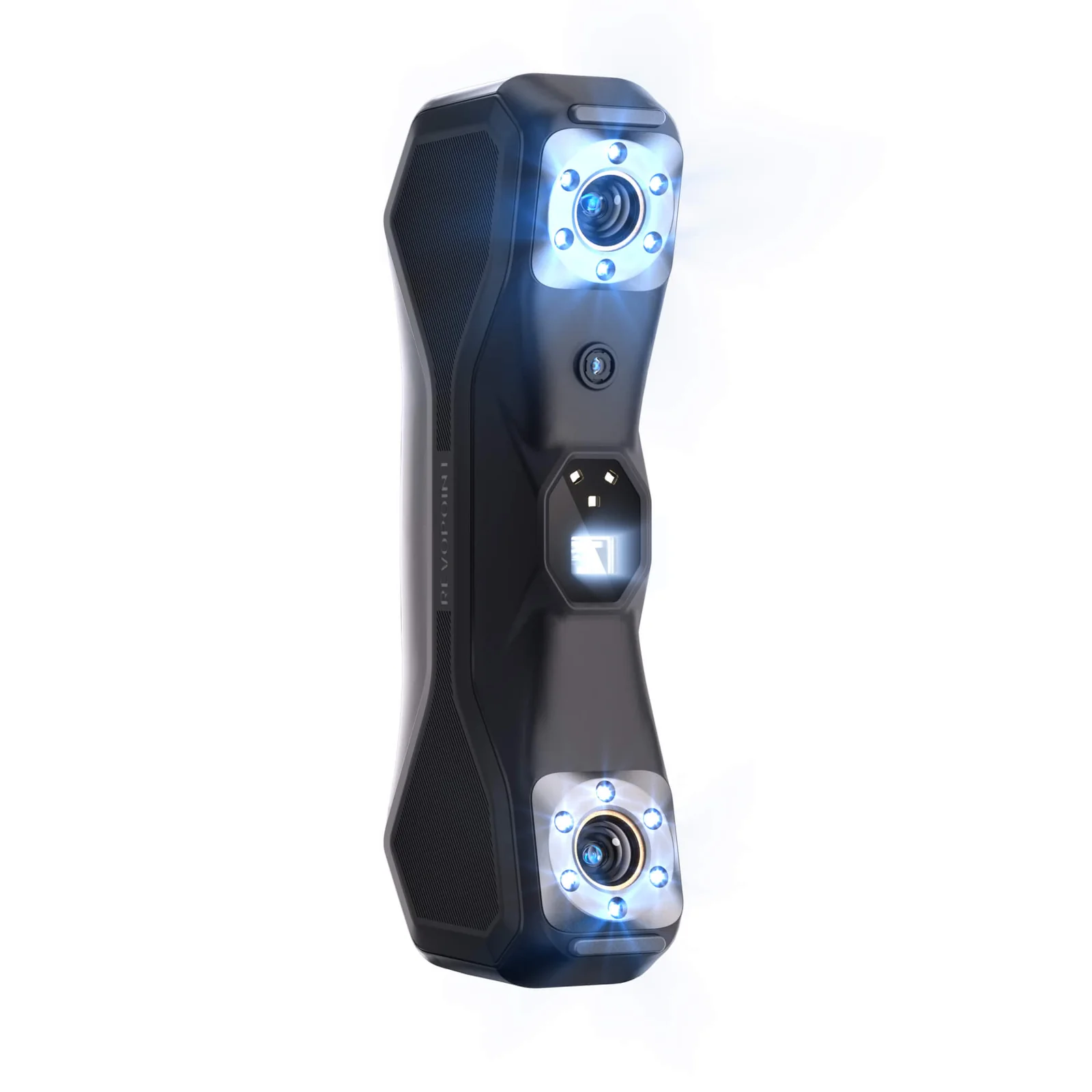
Revopoint MetroX Pro
Best for: dark, reflective, or polished surfaces without spray. The MetroX Pro is the upgraded version of Revopoint’s blue laser handheld, with 30 cross-line lasers (vs 14 on the original MetroX) and 15 parallel lines for finer detail, capture speed up to 2 million points per second, and volumetric accuracy of 0.02mm + 0.04mm/m. The laser light reads black, chrome, and glossy parts marker-free where structured-light scanners need powder. Revopoint now positions the Pro at the original MetroX starting price, so this supersedes the standard MetroX for new buyers.
Price: ~$1,209 (approximate; varies by bundle, sale period and region, click through for current pricing)
- Volumetric accuracy 0.02mm + 0.04mm/m; blue laser
- 30 cross-line lasers + 15 parallel lines; 2M pts/sec
- Objects 50 to 3000mm; 310 x 210mm capture; PC-tethered

Revopoint POP 3 Plus
Best for: a popular all-rounder at a fair price, available now. The POP 3 Plus is the iteration that finally feels solid: 0.05mm precision, dual cameras for stable tracking, full color, and a workflow Revo Scan handles cleanly. Note: Revopoint’s POP 4 below is the successor with hybrid laser + NIR, now in pre-order; the POP 3 Plus is the cheaper buy if you do not need the laser modes.
Price: ~$619 (approximate; varies by bundle, sale period and region, click through for current pricing)
- Accuracy 0.05mm; 18 fps; objects 15 to 4000mm
- Dual cameras for stable tracking; full color
- Free Revo Scan software; PC required
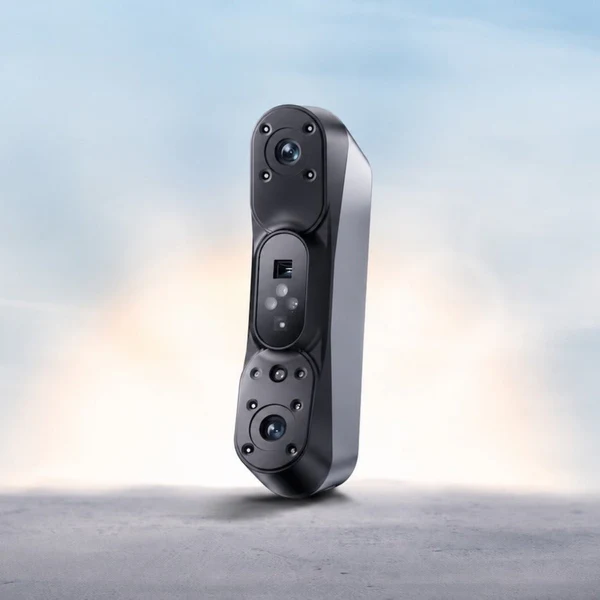
Revopoint POP 4
Best for: the newest medium-format hybrid in the Revopoint lineup. The POP 4 brings blue laser plus near-infrared to the POP price bracket with five scanning modes, covering dark, reflective, and feature-rich surfaces in one device. The Kickstarter campaign closed in May 2026 and pre-orders are now open directly through Revopoint. The POP 3 Plus above is the budget option if you do not need the hybrid laser+NIR; the POP 4 is the step up for mixed-surface medium work.
Price: ~$755 pre-order (10% off the $839 regular price; click through for current pre-order details and bundle options)
- Hybrid blue laser + NIR; five scan modes
- 5500 mAh battery grip; up to 4 hours per charge
- Outdoor capable to 100,000 lux; 3D Gaussian Splatting export
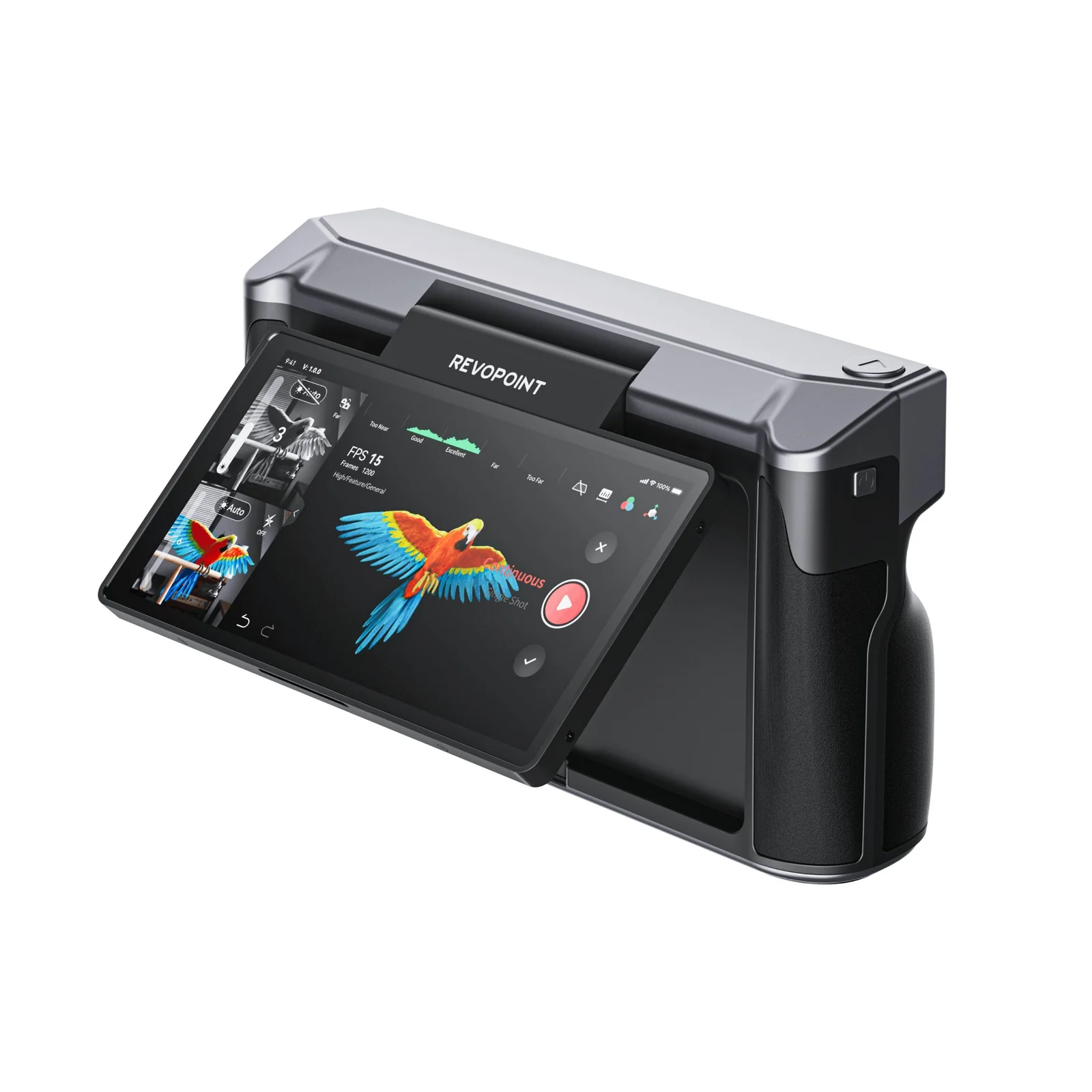
Revopoint MIRACO
Best for: a do-everything medium-format scanner that needs no laptop. The original MIRACO is a fully standalone unit with a touchscreen, onboard processor, and a multi-mode camera array that scans tiny objects through to medium ones, all from the device itself. The MIRACO Plus on the Large guide is the metrology upgrade; this is the one most readers want.
Price: ~$1,499 (approximate; varies by bundle, sale period and region, click through for current pricing)
- Accuracy 0.05mm; objects 10 to 2000mm
- Standalone (no PC); built-in touchscreen
- Multi-mode for small to medium objects
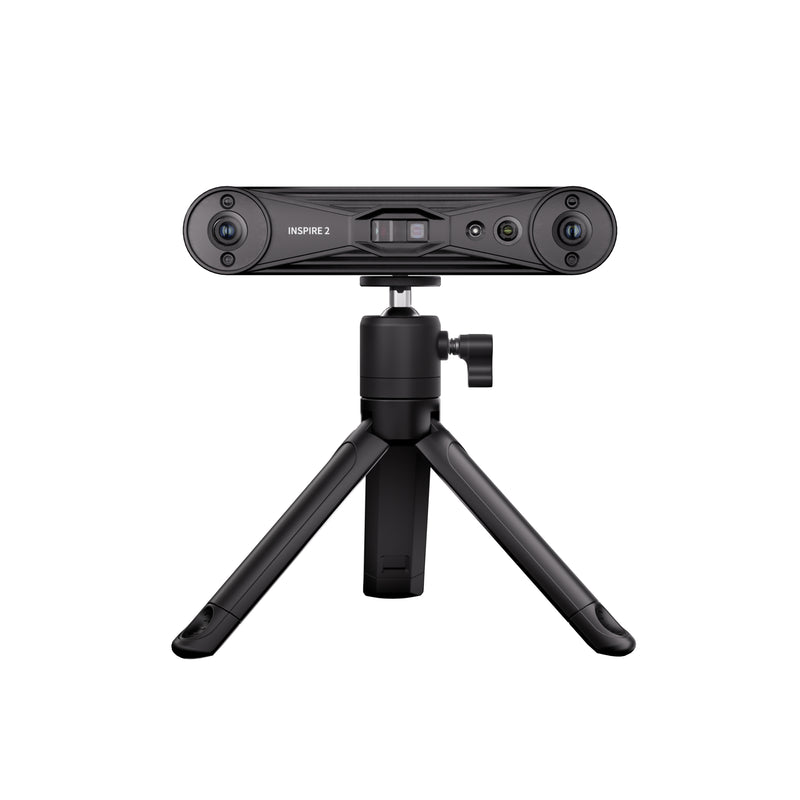
Revopoint INSPIRE 2
Best for: a first scanner that still reaches medium-sized objects. The INSPIRE 2 trades the tight accuracy of pricier picks for a wide capture area, simple software, and a price that puts it in arm’s reach of any 3D printer owner. Honest about what it is: a hobby-grade scanner for capturing shape, not for precision parts.
Price: ~$549 (approximate; varies by bundle, sale period and region, click through for current pricing)
- Accuracy 0.2mm; up to 18 fps; full color
- 235 x 165mm capture; objects 20 to 2000mm
- Beginner-friendly Revo Scan workflow
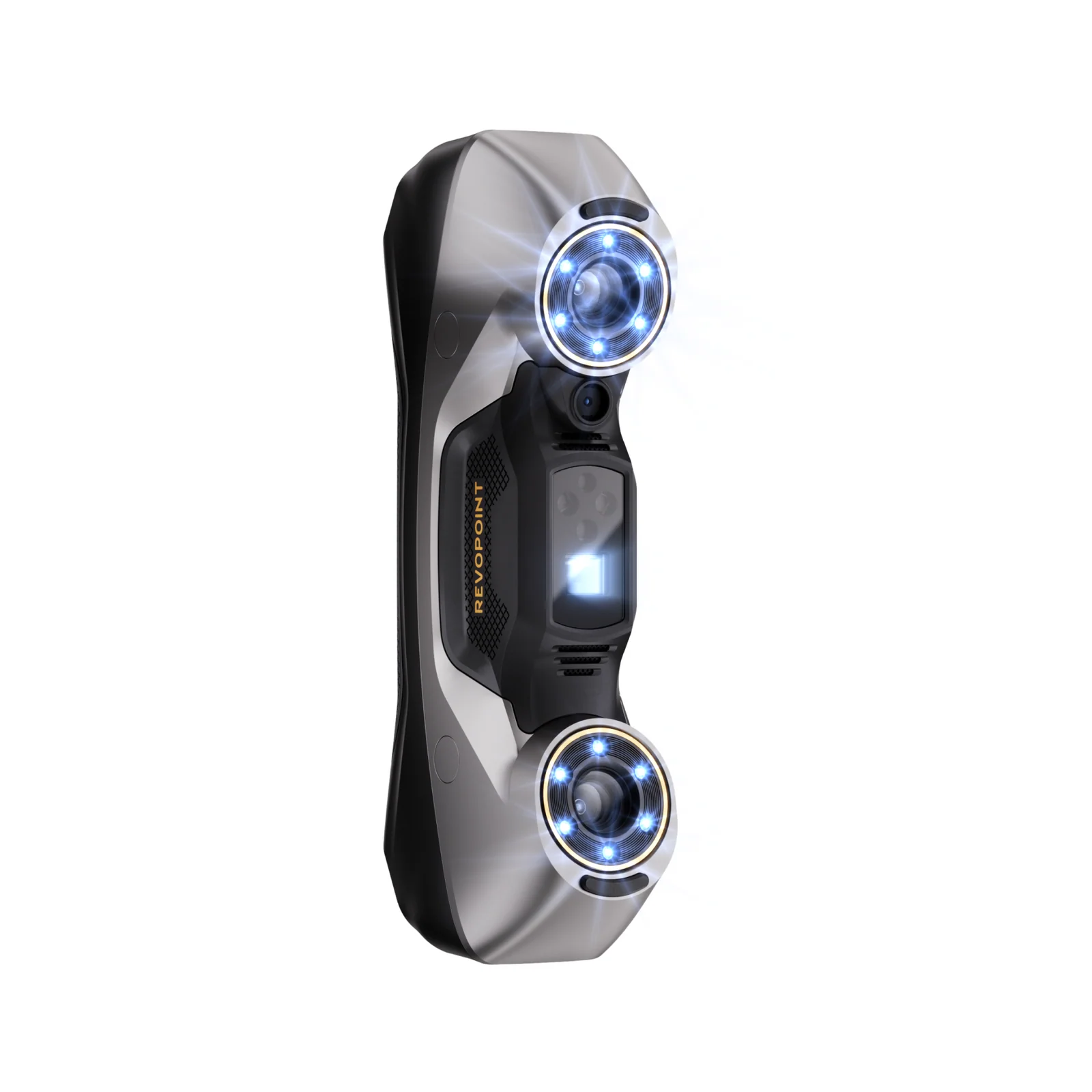
Revopoint MetroY Pro
Best for: when medium-format work needs metrology-grade results, without leaving the prosumer price bracket. The MetroY Pro pushes Revopoint into proper inspection territory with 0.02mm + 0.03mm/m volumetric accuracy, multi-line blue laser capture, wireless operation, and target-based registration. The most demanding pick on this page, and the one to reach for when scan-to-CAD or QC is the actual job.
Price: ~$1,759 (approximate; varies by bundle, sale period and region, click through for current pricing)
- Volumetric 0.02mm + 0.03mm/m; multi-line blue laser
- Wireless; target-based registration for global accuracy
- Up to 3m objects; metrology workflow
3DMakerpro
3DMakerpro is the only brand on this page willing to ship 0.01mm precision under $1,000 (the Seal pair), and as of 2026 also offers a fully standalone all-in-one scanner (the Toucan, new) that takes on the Revopoint MIRACO directly. The Moose and Mole anchor more conventional medium work; the Seal pair sit right at the small-to-medium overlap.
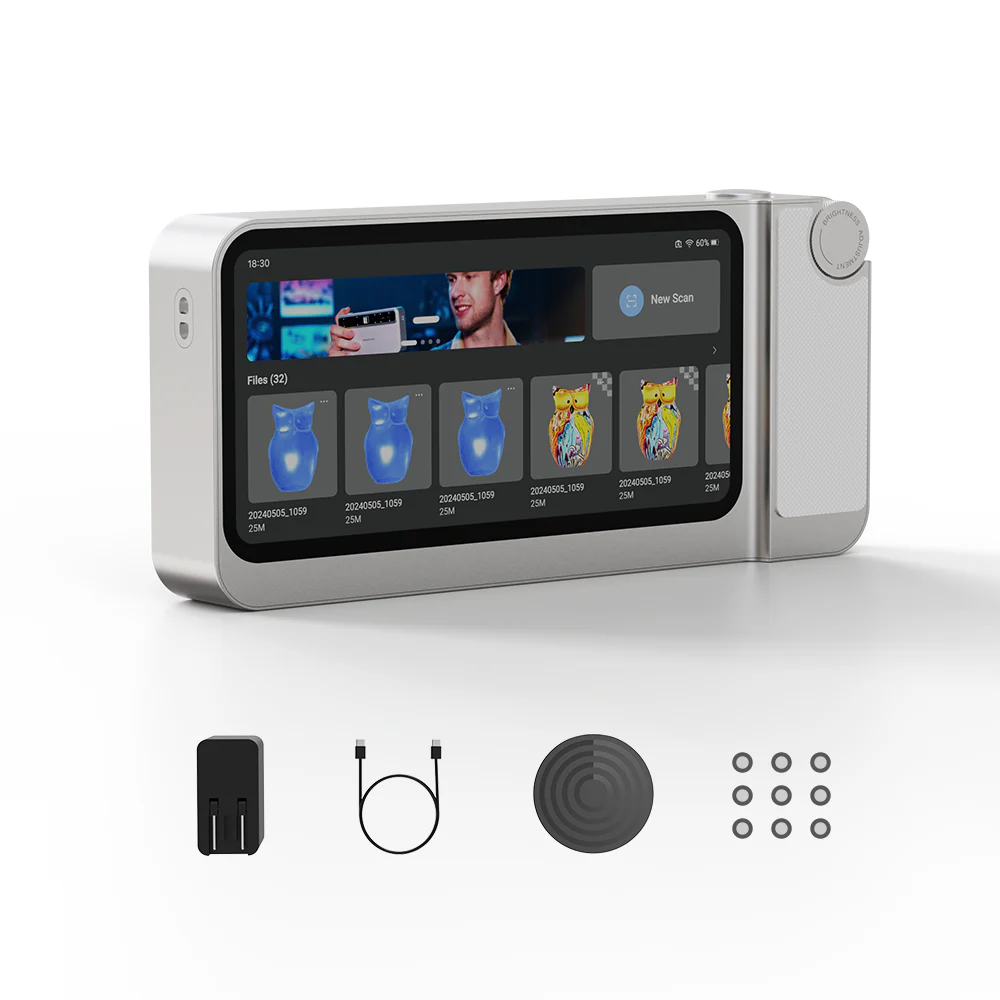
3DMakerpro Toucan
Built for: a fully standalone medium scanner from 3DMakerpro, positioned directly against the Revopoint MIRACO. The Toucan is an all-in-one phase-shifting 3D scanner with a 6-inch AMOLED touchscreen, an 8-core onboard processor, 32GB of DDR4 RAM, 256GB of storage, and a 48MP RGB camera for 8K textures. Accuracy is 0.03mm in Near Mode (0.05mm resolution) and 0.1mm in Far Mode, with FOV up to 1000 x 750mm and a scan volume from 10mm to 4m, all from the device itself without a laptop. New for 2026.
Price: ~$1,499 (approximate; varies by bundle, sale period and region, click through for current pricing)
- Accuracy 0.03mm near / 0.1mm far; phase-shifting MEMS
- Standalone 8-core CPU, 32GB RAM, 256GB storage
- Scan volume 10mm to 4m; 48MP color, 8K textures

3DMakerpro Seal
Best for: small parts that just touch the medium bracket. The Seal’s max object is 300mm, so it sits at the small-to-medium overlap rather than full medium, but within that overlap no other consumer scanner gets to 0.01mm point accuracy. Blue structured light, an aluminum body, and 24-bit color. If your work is consistently under 100mm, see our small-format guide; for the small end of medium where precision matters, this is the pick.
Price: ~$699 (approximate; varies by bundle, sale period and region, click through for current pricing)
- Accuracy 0.01mm; 0.05mm resolution
- Blue structured light; aluminum body
- Objects 5 to 300mm; 24-bit color (small-to-medium overlap)

3DMakerpro Seal Lite
Best for: precision per dollar at the small-to-medium overlap. Like the Seal above, the Lite tops out at ~300mm, so it lives where small-format meets medium rather than full medium. Within that bracket, 0.02mm accuracy at ~$349 has no real competitor. For true medium-format work above ~300mm at budget money, the Ferret Pro below is the better pick.
Price: ~$359 (approximate; varies by bundle, sale period and region, click through for current pricing)
- Accuracy 0.02mm; 10 fps
- Blue structured light; lightweight 225g
- Objects 5 to 300mm; small-to-medium overlap

3DMakerpro Mole
The pick when: you want the widest object-size range on the page. The Mole covers tiny parts through to objects up to 1.5m using near-infrared light that is safe around people and animals, with the free JMStudio software handling alignment and mesh export. It is also on our best 3D scanners for large objects guide, but its real sweet spot is right here in the medium bracket, and infrared makes it one of the better picks for scanning people too.
Price: ~$649 (approximate; varies by bundle, sale period and region, click through for current pricing)
- Accuracy 0.05mm; resolution 0.1mm
- NIR light source; markerless; color (Luxury kit)
- Objects 15 to 1500mm; comfortable on people
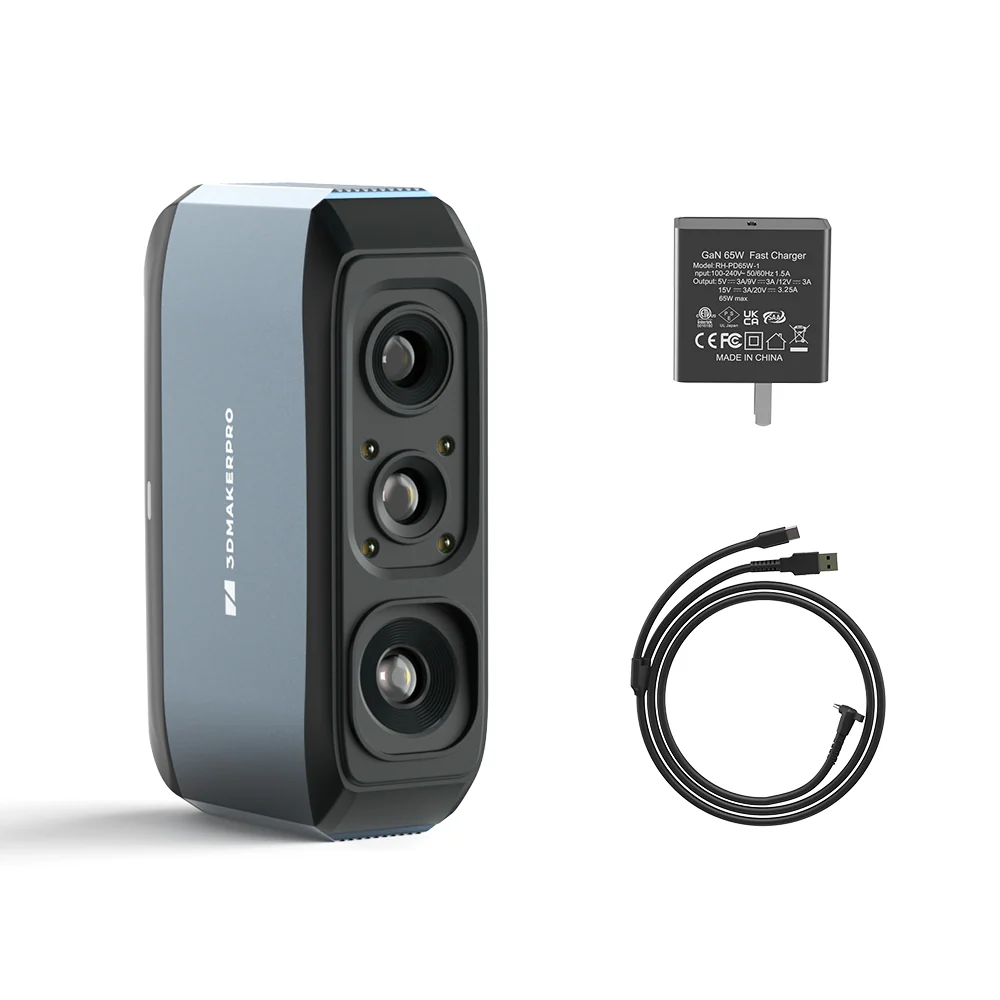
3DMakerpro Moose
Built for: a balanced mid-priced workhorse. The Moose sits between the budget picks and the precision picks, with 0.05mm accuracy across a broad object range, in a familiar markerless workflow. A safe pick when you want one scanner to handle most medium jobs without specialising.
Price: ~$699 (approximate; varies by bundle, sale period and region, click through for current pricing)
- Accuracy 0.05mm; markerless tracking
- Objects 15 to 1500mm
- Free JMStudio software
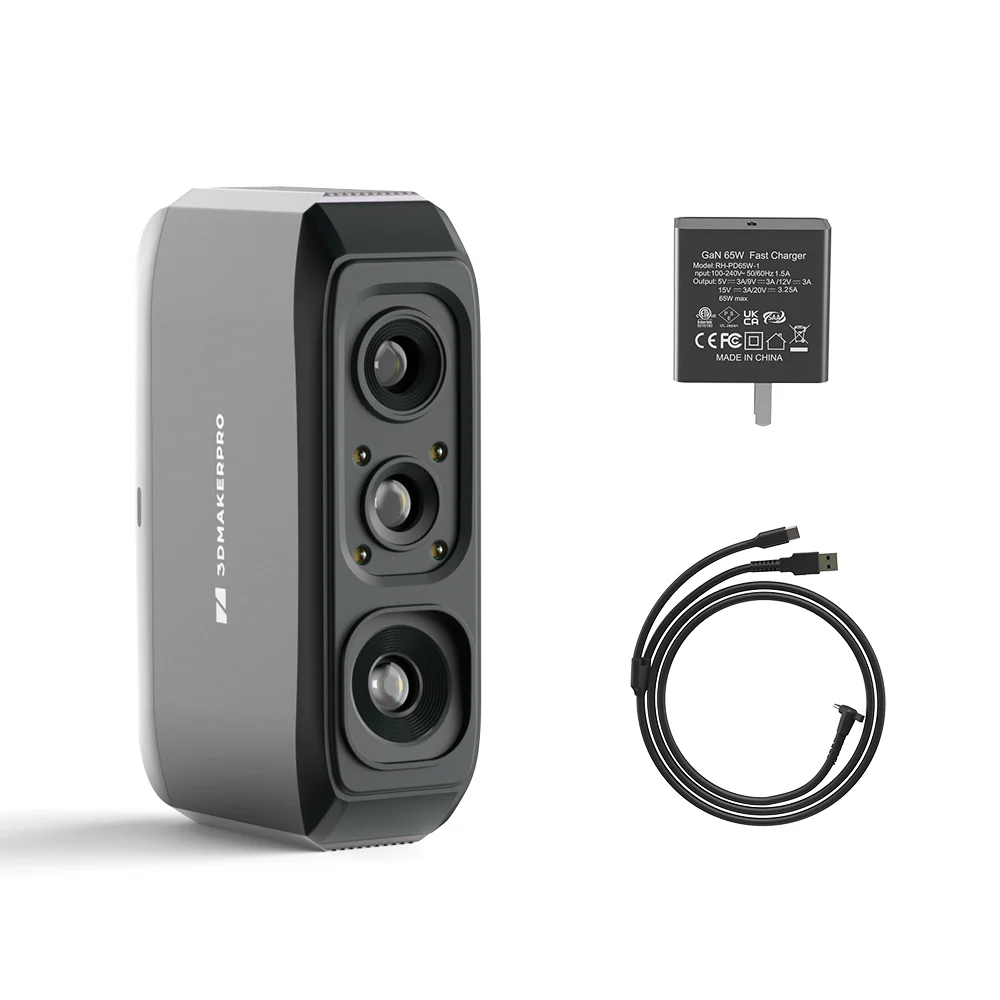
3DMakerpro Moose Lite
Best for: a starter Moose at a lower price. The Moose Lite swaps the higher-end optics for a 0.1mm spec at meaningfully less money, while keeping the same workflow and object range. Honest budget entry, the same caveat as other 0.1mm scanners applies: great for capturing shape, less so for parts that need dimensional accuracy.
Price: ~$399 (approximate; varies by bundle, sale period and region, click through for current pricing)
- Accuracy 0.1mm; markerless tracking
- Objects 15 to 1500mm
- Same JMStudio workflow as Moose
Einstar / Shining3D
Einstar is Shining3D’s consumer line, which carries over 20 years of pro 3D-scanning engineering at consumer prices. Three picks here: the original Einstar, the substantially-upgraded hybrid laser Einstar 2, and the fully standalone wireless VEGA.
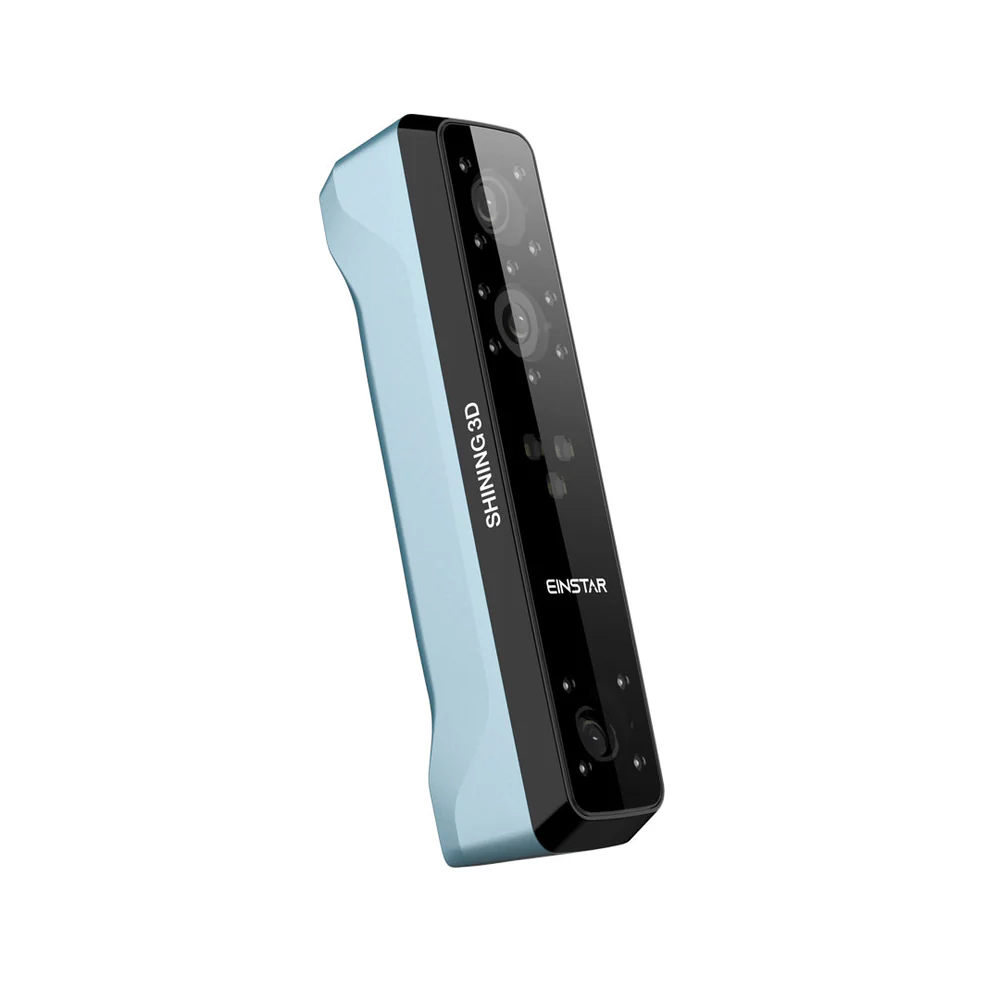
Einstar
Best for: a proven mainstream pick at a fair price. The original Einstar gave Shining3D’s pro pedigree (the company behind EinScan) a consumer-friendly entry, and after several years it remains one of the most reliable medium-format choices, especially on people and organic shapes.
Price: ~$959 (approximate; varies by bundle, sale period and region, click through for current pricing)
- Accuracy 0.1mm; up to 14 fps
- 448 x 374mm capture; full color
- Backed by Shining3D’s pro engineering
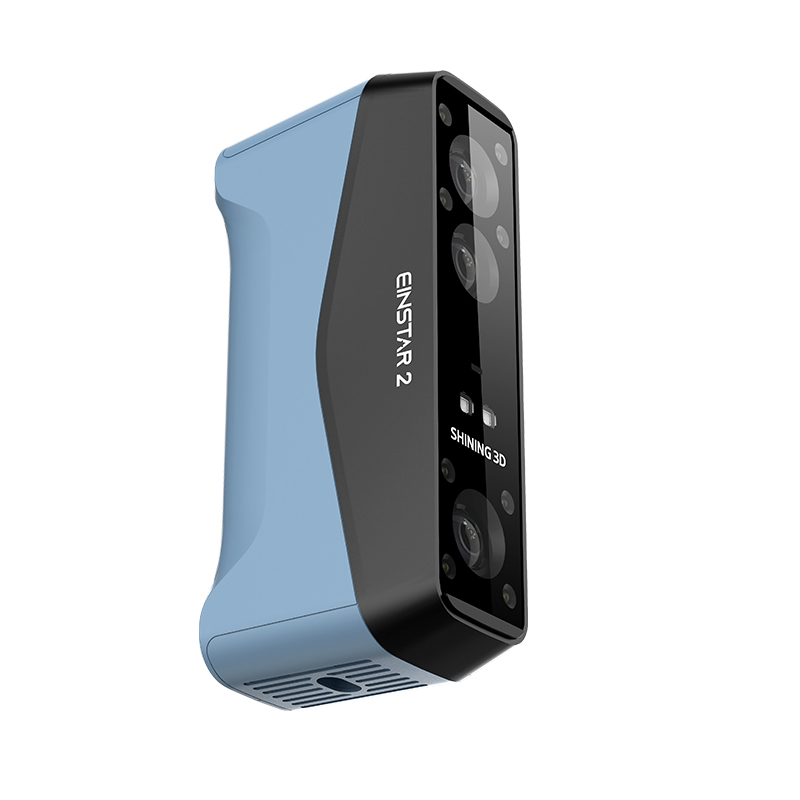
Einstar 2
Best for: a substantial upgrade over the original Einstar, especially on dark or polished surfaces. The Einstar 2 is actually a hybrid laser plus IR scanner rather than the original’s pure structured-light setup, with 17 parallel blue laser lines for fine detail and an IR VCSEL rapid mode for wide coverage. Resolution down to 0.05mm at the laser end, FOV reaches 490 x 580mm in laser HD and 1170 x 1385mm in IR rapid, and the laser mode runs up to 90 fps. A meaningful step up if the original Einstar hit its limits on parts or dark surfaces.
Price: ~$1,299 (approximate; varies by bundle, sale period and region, click through for current pricing)
- Hybrid: 17 parallel blue laser lines + IR VCSEL rapid
- Laser HD 490 x 580mm; IR rapid 1170 x 1385mm
- Up to 90 fps laser / 40 fps IR; Wi-Fi; 2.5M pts/s
Einstar VEGA
Best for: a fully standalone medium scanner you can pick up and carry. The VEGA is the only fully wireless standalone pick on this page, with a touchscreen, 32GB of RAM, and modes that range from tabletop detail to outdoor large-area capture. The premium choice if a tethered laptop is the friction you want gone, and infrared light makes it comfortable for scanning people too.
Price: ~$1,999 (approximate; varies by bundle, sale period and region, click through for current pricing)
- VCSEL Fast (to 1500mm, sunlight) + MEMS HD
- Fully standalone wireless; 48MP color; Wi-Fi 6
- IR comfort for scanning people
Creality
Creality’s scanner line has grown into a credible Revopoint and 3DMakerpro alternative, anchored by the multi-mode CR-Scan Raptor (the best value on the page) and the wide-range CR-Scan Otter. The new Raptor Pro is the step up when 0.02mm precision matters on a featured part, and the Sermoon S1 takes it further with a four-mode hybrid (single laser, parallel laser, crossed laser, and NIR) for bench-mounted pro work. The Ferret Pro is the honest budget pick for true medium-format work.

Creality CR-Scan Otter
The pick when: you want the widest practical object range in Creality’s lineup. The Otter’s four-lens dual-stereo system covers small and medium objects with one device, hits 0.02mm point accuracy, and tolerates dark or metallic surfaces (high-gloss chrome will still want a matte coat).
Price: ~$899 (approximate; varies by bundle, sale period and region, click through for current pricing)
- Accuracy 0.02mm; resolution 0.05mm; up to 20fps
- Long + short lens for small and medium
- Tolerant of dark/metallic (chrome still wants spray); anti-shake
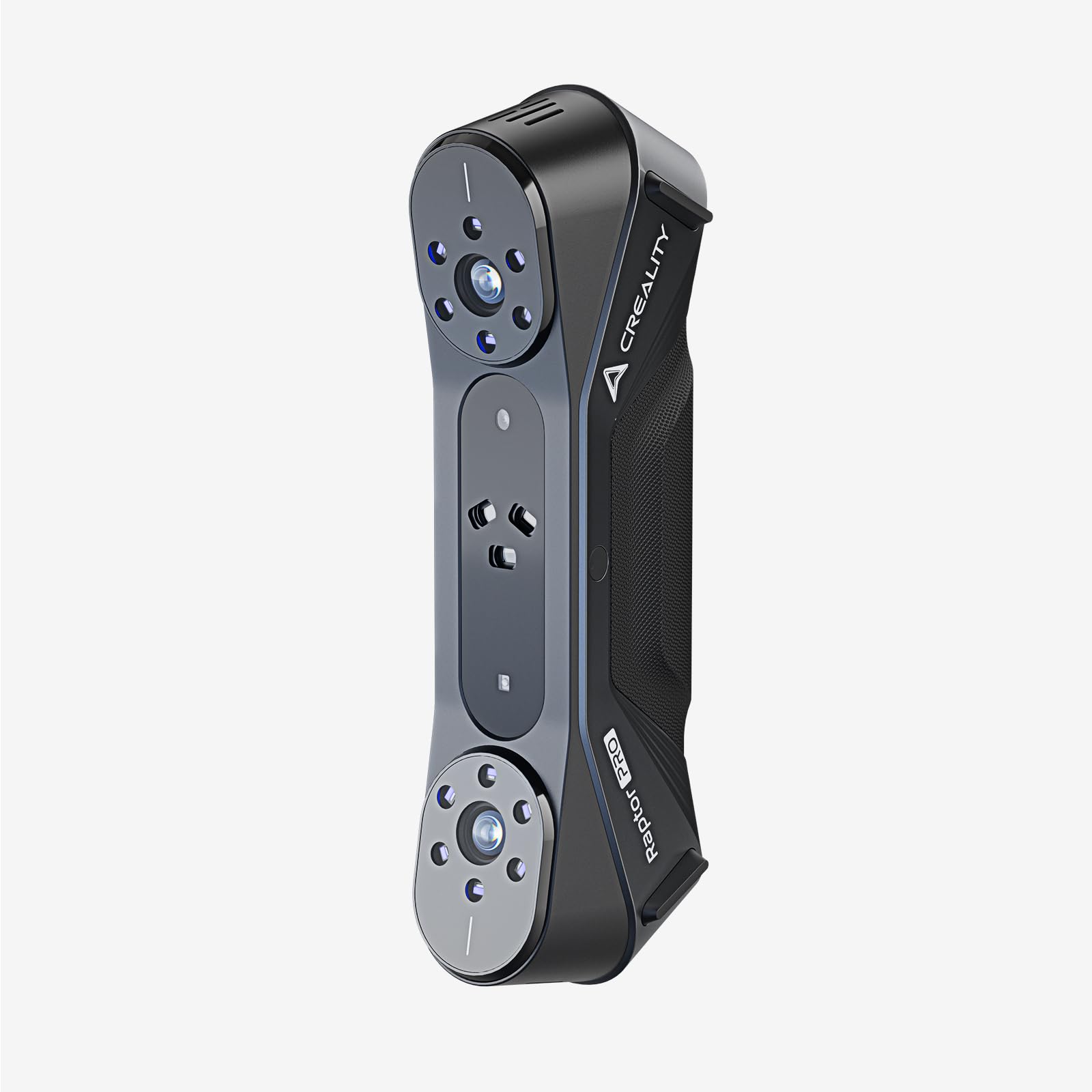
Creality CR-Scan Raptor
Best for: the most capability per dollar on this page, especially for mechanical parts. Blue laser handles dark and reflective parts without spray, NIR opens a wide capture area for medium objects, 0.02mm point accuracy at up to 60fps, all at around $999. On big featureless parts you will still want targets to keep the far end of the scan true, but on most medium work this is the parts-work value benchmark.
Price: ~$1,099 (approximate; varies by bundle, sale period and region, click through for current pricing)
- Accuracy 0.02mm (blue laser); up to 60fps
- Blue laser FOV 397 x 290mm; NIR FOV 630 x 550mm
- Objects 5 to 4000mm; 24-bit color; parts-friendly
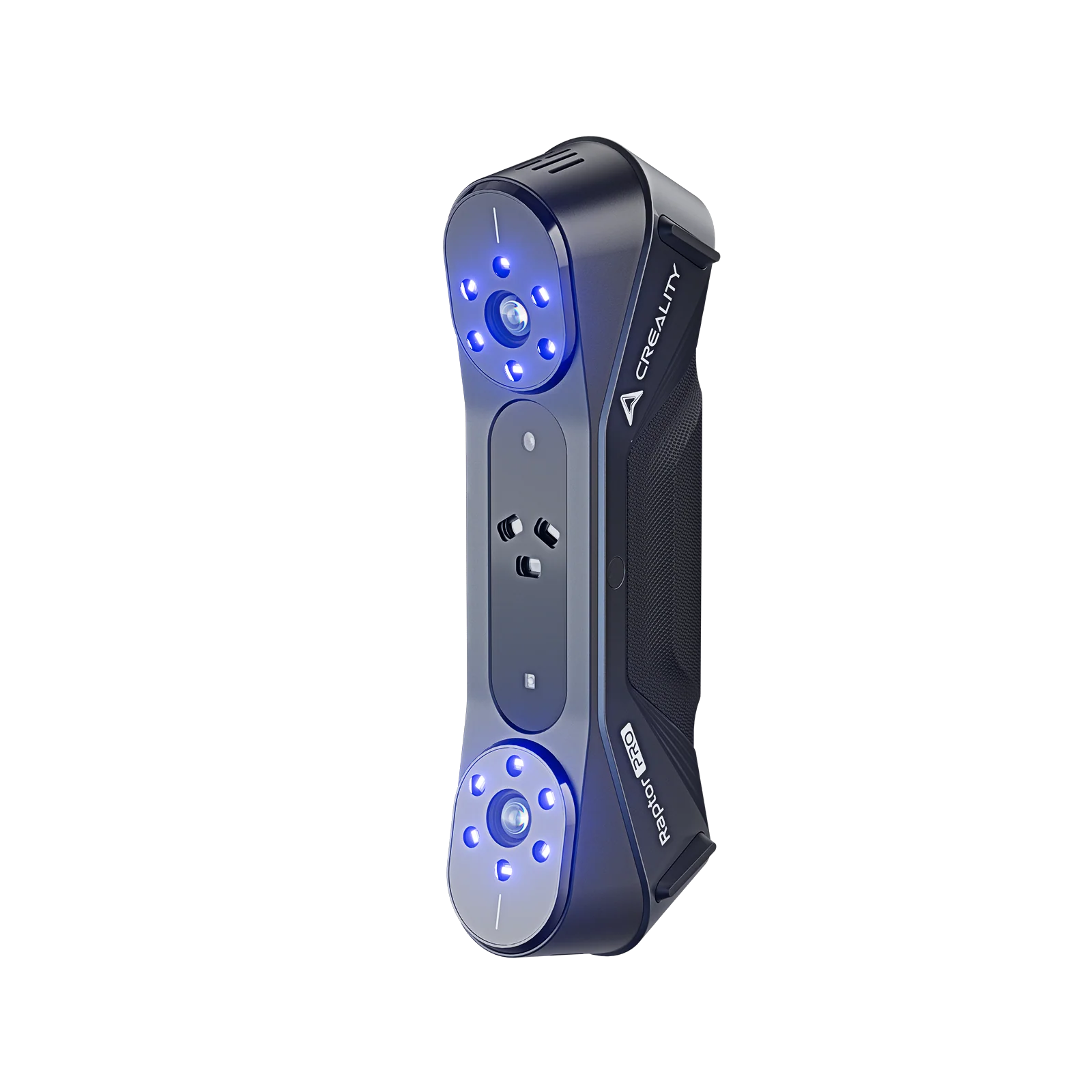
Creality Raptor Pro
Best for: the buyer who wants tighter Raptor specs and is happy to spend a tier up. Creality drops the CR-Scan branding here: 22 cross blue laser lines at up to 60fps with 0.02mm accuracy and full-color capture, spray-free on dark and metallic surfaces. The natural step up from the CR-Scan Raptor above when 0.02mm consistency on featured parts matters.
Price: ~$1,899 (approximate; varies by bundle, sale period and region, click through for current pricing)
- Accuracy 0.02mm; 22 cross blue laser lines; 60fps
- Full color; spray-free on dark and metallic surfaces
- Pairs with QuickSurface and Geomagic Design X
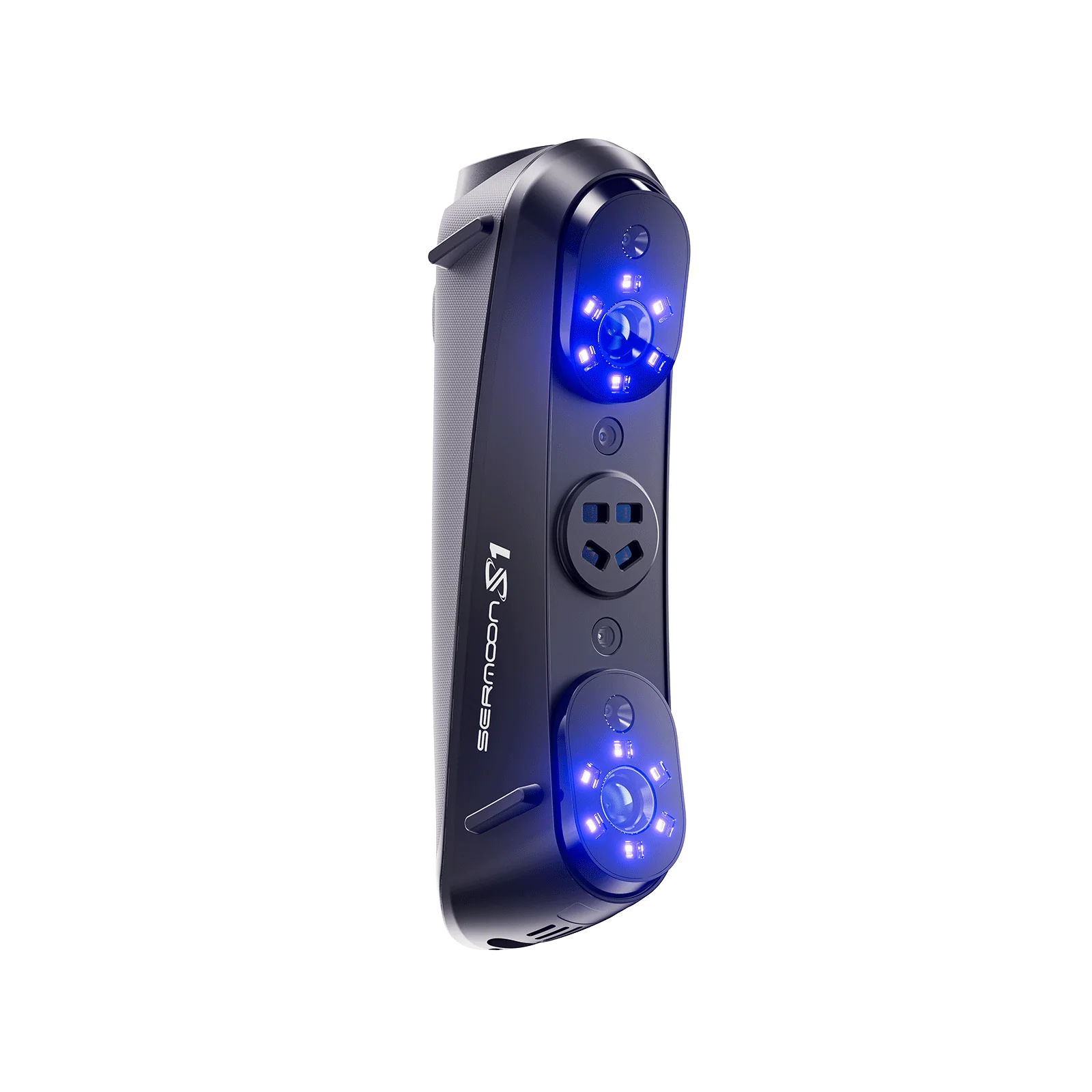
Creality Sermoon S1
Best for: the buyer who outgrows the Raptor Pro and wants a single bench tool for medium-bracket work that also reaches small detail and large-object capture. Four light modes cover everything: single-line blue laser for deep holes and narrow gaps, 7 parallel laser lines at 0.1mm resolution for HD detail, 34 crossed lines for fast mid-to-large capture, and NIR structured light at 4.6M pts/s for markerless large-object and body scanning. 0.02mm accuracy, 90fps, 5mm to 4m range.
Price: ~$2,699 (approximate; varies by bundle, sale period and region, click through for current pricing)
- Accuracy 0.02mm; volumetric 0.02mm + 0.08mm/m; up to 90fps
- Four-mode hybrid: 1 + 7 + 34 blue laser lines + NIR structured light
- NIR markerless mode (4.6M pts/s) for large objects and body scanning
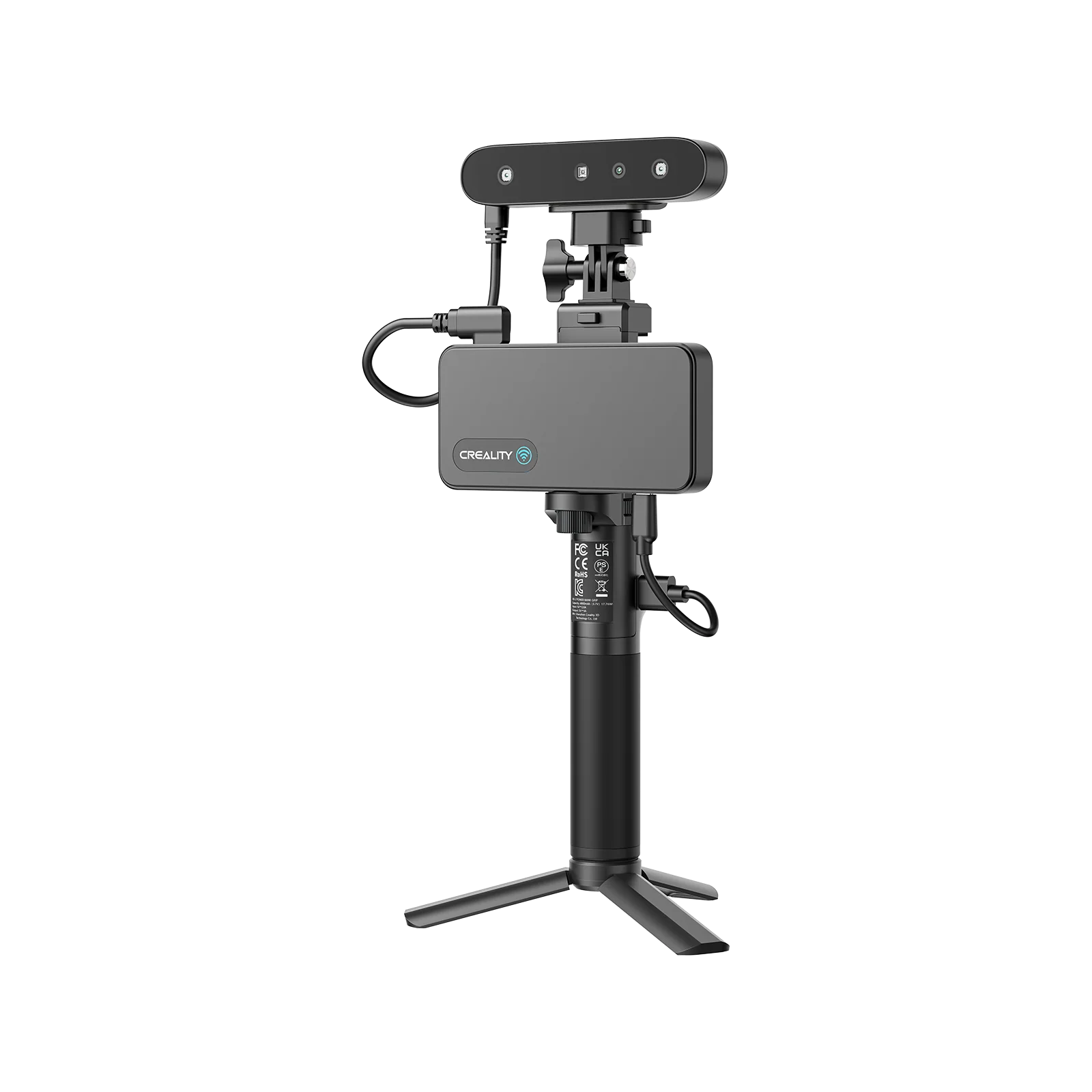
Creality CR-Scan Ferret Pro
Best for: the most honest budget pick for true medium-format work. The Pro tightens accuracy to 0.05mm over the base Ferret, improves tracking on featureless surfaces, and adds a quality mode for finer detail, while keeping the entry-level price bracket. Unlike the Seal pair (which top out at 300mm), the Ferret Pro actually covers the full medium bracket up to ~2m.
Price: ~$359 (approximate; varies by bundle, sale period and region, click through for current pricing)
- Accuracy 0.05mm; improved tracking
- Quality mode for finer detail
- Wireless mobile mode preserved
Medium-format scanners compared
Every pick on the specs that decide medium work. Scroll sideways on a phone. Click any scanner name to jump to its detail card. Prices are approximate.
Reading the table: Accuracy figures with a “+ X mm/m” term are volumetric (error across distance, decisive on bigger objects); a single figure is local single-frame accuracy under ideal conditions and is mostly what matters on medium objects. All numbers are manufacturer specs and vary in the real world with operator, surface, and registration method. Prices are approximate as of 2026-05-28 and vary by bundle, sale period, and region; click through for current pricing.
When your object is bigger or smaller than this guide covers
Above 1.5m, you cross into large-object territory, where the spec that decides the job is global accuracy across distance rather than single-frame precision. The Revopoint MIRACO Plus and Trackit, the EinScan Rigil, and the 3DMakerpro Whale are the picks that hold up on cars, sofas, and full-body work. For rooms, building facades, or vehicles measured to inspection tolerances, the tooling shifts again to long-range laser or LiDAR scanners (Creaform MetraSCAN, 3DMakerpro Eagle, Artec Ray II, FARO Focus, Leica BLK360, Matterport). Our best 3D scanners for large objects guide covers all of that.
Below 100mm, you are in small-format and budget territory: jewellery, coins, dental models, small mechanical parts. The picks change too, smaller capture areas, tighter resolution, and very different price brackets. The Seal pair on this page sit at the small-to-medium overlap and are reasonable bridges. Our best small-format and budget 3D scanners guide is the right next stop if your real object is closer to a fist than a torso.
How to choose a medium-object scanner
Start with the accuracy you actually need. For visualization, animation, or 3D printing a likeness, 0.1mm scanners (INSPIRE 2, Moose Lite) get the job done at hobby money. For functional parts, scan-to-CAD, and most prosumer work, 0.05mm gets you there (POP 3 Plus, MIRACO, Moose, Ferret Pro, Einstar 2). For tight parts and inspection-adjacent work, the Seal at 0.01mm or the MetroX Pro / MetroY Pro with their + mm/m volumetric figures are the picks that actually hold up.
Then think about the surfaces. Matte, organic, feature-rich shapes scan fine on plain structured light. Dark, glossy, or chrome surfaces want a blue laser mode (MetroX Pro, MetroY Pro, CR-Scan Raptor) or a hybrid laser+IR unit (Einstar 2, POP 4) so you do not have to powder-coat everything before scanning. Markers are not a fallback either: on featureless panels they are the standard professional way to lock accuracy in, and the scanners here that support targets give you that option when you need it.
Decide standalone versus PC. Field and on-site jobs reward standalone units (MIRACO, 3DMakerpro Toucan, Einstar VEGA) that need no laptop; bench and studio work can happily use a PC-tethered scanner and benefit from a serious workstation for post-processing. If you will scan in one place 90% of the time, the tether is not the friction it looks like in product photos.
Finally, look hard at the software, because on medium-format work it decides as much as the hardware does. Our 3D scanner software guide walks capture, mesh cleanup, and scan-to-CAD tool by tool. The realistic prosumer pipeline is the scanner’s bundled suite (Revo Scan for Revopoint, JMStudio for 3DMakerpro, Creality Scan for Creality, EXStar for Einstar / Shining3D) doing the capture and alignment, mesh cleanup in Meshmixer or Blender, then export to your 3D printing slicer or basic CAD (Fusion 360, FreeCAD, Onshape). For hobby reverse-engineering you can stop there. For industrial inspection you step up to paid suites such as Geomagic or Control X, but most medium-format buyers genuinely do not need them. Check that the bundled software handles your file formats and lets you measure deviation between scans before assuming you will outgrow it.
Where to go next
For the full picture across all brackets and price tiers, start with our complete 3D Scanner Buyer’s Guide 2026. Scanning smaller or larger? Companion bracket guides: small-format and budget, large objects, and professional and industrial. For the software pipeline see our 3D scanner software guide; for the buy-or-hire decision see 3D scanning service vs buying a 3D scanner. Hands-on impressions in our 3DMakerpro Mole, Revopoint MIRACO Plus, and Einstar VEGA reviews. Planning to print what you scan? Start with the best 3D printers of 2026.
Frequently asked questions
What size objects count as “medium,” and how do I know I am in this bracket?
On this page, medium covers objects roughly 100mm to 1500mm: figures and props, mid-sized mechanical parts and product prototypes, ceramics, helmets and gear, automotive sub-assemblies, and half-body or torso captures. If your object is closer to a coin or a piece of jewellery, see our small-format guide. If it is closer to a sofa, a car, or a room, see our large-object and professional guides.
Do I need a multi-mode scanner (blue laser plus structured light), or is plain structured light enough?
It depends on your surfaces. Plain structured light handles matte, painted, and organic surfaces happily, so for figure or prop work it is plenty. For mechanical-parts work (CNC’d aluminum, anodized housings, painted plastic, chrome trim), structured light alone gets old fast because every dark or glossy face needs matte spray. Blue laser (Raptor, MetroX Pro, MetroY Pro) and hybrid laser+IR units (POP 4, Einstar 2) skip the spray-and-clean step, which makes them closer to essential than nice-to-have for parts work.
Can I scan dark, shiny, or reflective surfaces without spray?
With the right scanner, mostly yes. Blue laser scanners (MetroX Pro, Raptor, MetroY Pro) and hybrid laser+IR units (POP 4, Einstar 2) read dark and metallic surfaces marker-free. The Otter tolerates dark and metallic but high-gloss chrome will still want a matte coat. Pure structured-light scanners (POP 3 Plus, MIRACO, INSPIRE 2, Moose family, original Einstar, Ferret Pro) still need spray on the worst surfaces. Save spray as a fallback for the hardest cases rather than a default.
Is marker-free tracking reliable on medium objects?
On feature-rich shapes like figures, faces, helmets, or sculpted parts, yes. On smooth, featureless objects (plain panels, polished bowls, large flat surfaces) marker-free tracking can lose its place, and either targets or hybrid tracking solves it. Most medium objects are feature-rich enough to scan markerless cleanly.
Standalone scanner or PC-tethered, which fits a workshop better?
Standalone scanners (MIRACO, 3DMakerpro Toucan, Einstar VEGA) are nicer for moving around and on-site work; no laptop, no cables. PC-tethered scanners can be cheaper or more powerful for heavy datasets, and they let you process scans on a serious workstation. For pure benchwork the tether barely matters; for jobs you do away from the desk, standalone earns its premium.
What is the cheapest scanner that is actually good for true medium-format work?
Around the $300 to $500 bracket the honest picks for the full 100-1500mm range are the Creality CR-Scan Ferret Pro (~$359, 0.05mm) and the 3DMakerpro Moose Lite (~$399, 0.1mm). The Ferret Pro is the best of these for the money. The Seal pair sit at $359 to $699 but their max object is ~300mm, so they overlap into small-format rather than covering full medium. The Revopoint INSPIRE 2 (~$300, 0.2mm) is the easiest to live with for true beginners; all of these capture shape well, none are metrology-grade.
Can I scan medium objects with just my phone or a free app?
For visualization, yes, sometimes. iPhone Pro models with LiDAR plus apps like Scaniverse or Polycam produce surprisingly good captures of medium objects, especially indoors. They are not dimensionally accurate enough for parts work or 3D printing tight tolerances, but for visualizing furniture or rooms or capturing a likeness, free phone scanning is often enough before spending on a dedicated scanner.