Every 3D scanner ships with a capture suite, but the workflow rarely stops there. This is 3DPrinting.com’s complete guide to 3D scanner software in 2026: 23 picks across five categories (capture, mesh cleanup, scan-to-CAD, inspection, and phone apps), with affiliate-linked options at every tier from free to enterprise.
Independently researched. 14 years of 3D printing and 3D scanning coverage at 3DPrinting.com. The picks here are organised by what they actually do in a real scan-to-output workflow, with current pricing as of June 2026. Some links on this page are affiliate links; we never recommend software we would not use ourselves. For the hardware side of the workflow, see our Best 3D Scanners 2026 hub.
Capture and processing suites (bundled, free)
Every scanner ships with its own capture suite that handles the live scan, alignment, and basic mesh export. These are free with the hardware and usually enough for 3D-printing workflows.
Revo Scan 5

JMStudio
Creality Scan
EXScan S / EinStar

Artec Studio
Mesh cleanup, repair, and prep for 3D printing
Once a scan is captured the mesh almost always needs cleaning before it 3D-prints reliably. Closing holes, removing noise, decimating, retopologising, and orienting for the print bed. So these tools handle the handoff between scanner and slicer. For the full landscape (including paid tools), see our STL repair software guide.

Blender
MeshLab
PrusaSlicer

Bambu Studio

OrcaSlicer
Scan-to-CAD (reverse engineering)
When a scan needs to become an editable CAD model (for redesign, manufacturing, or parts replacement), scan-to-CAD software handles the leap from mesh to parametric surfaces. The six picks below run from free to enterprise, depending on how heavily you reverse-engineer.
Revo Design
Revo Design Personal
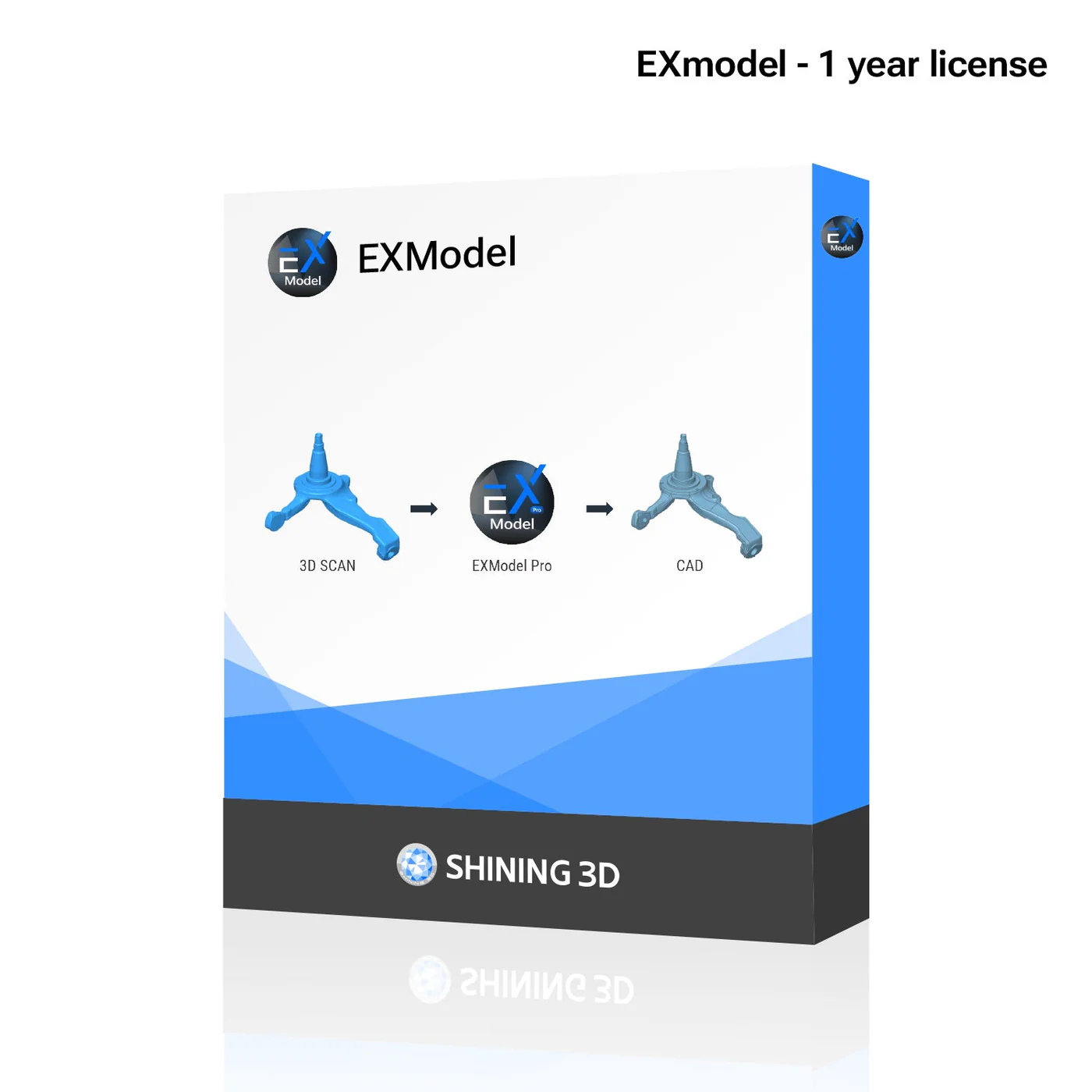
EXModel
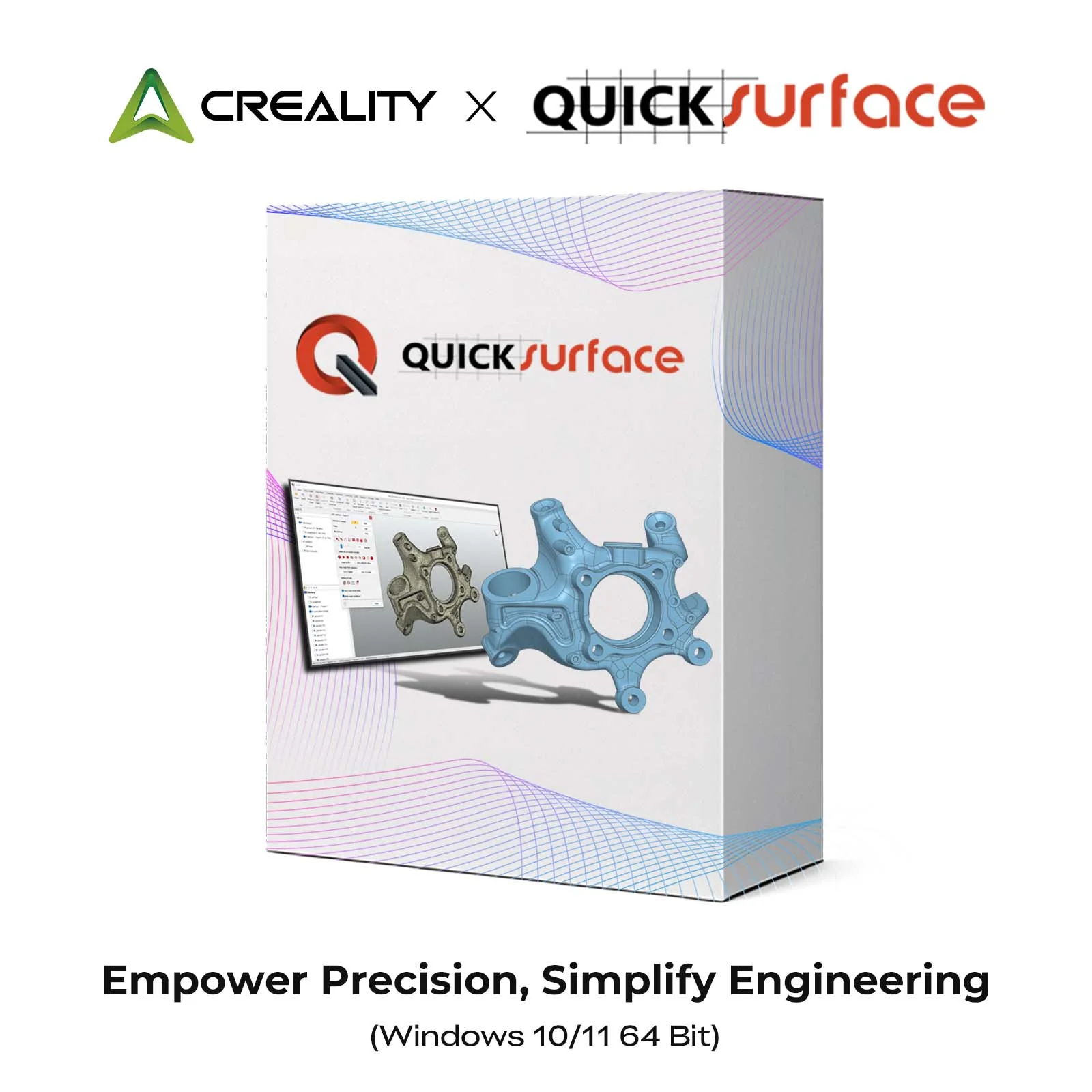
Creality QUICKSURFACE Lite/Pro
peel.CAD
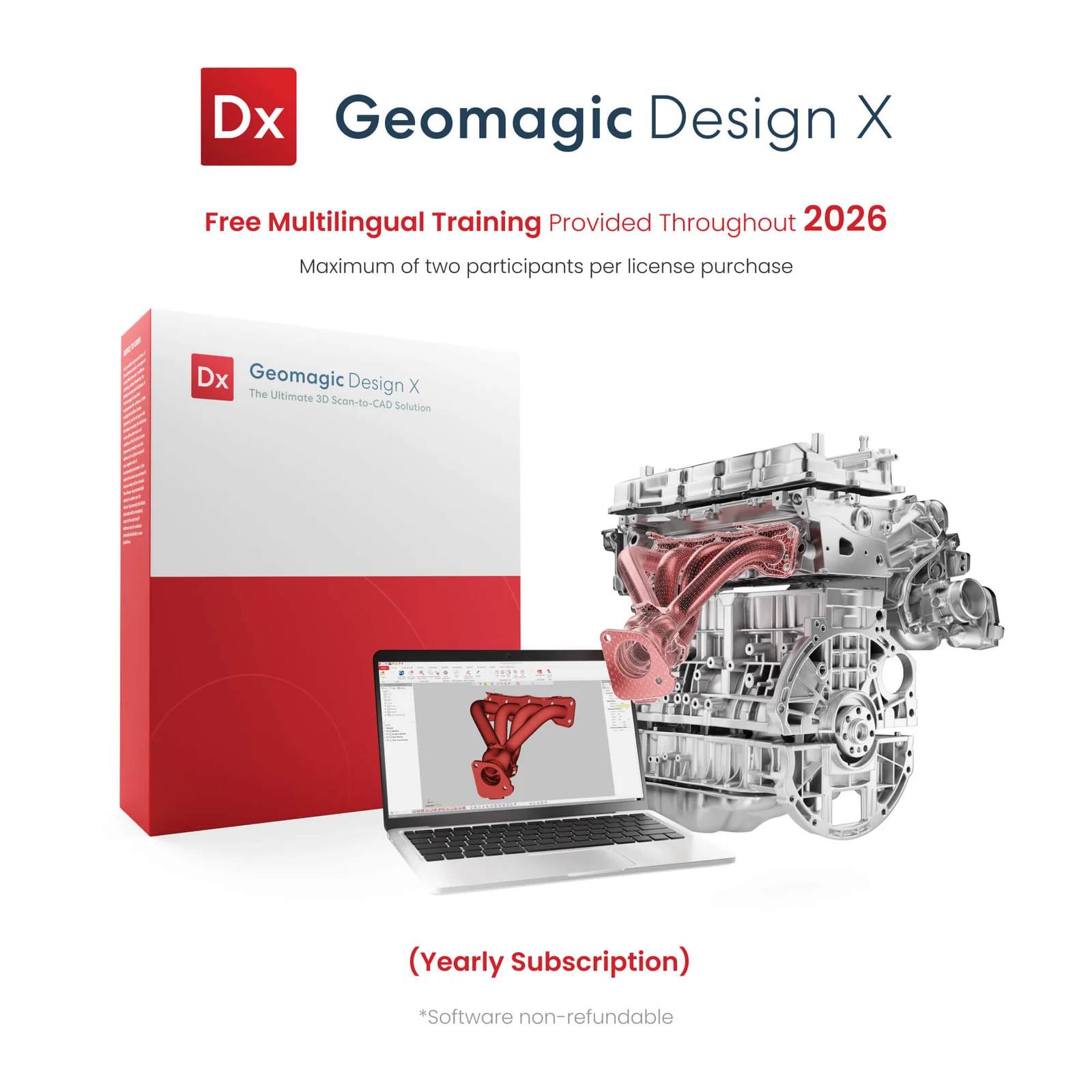
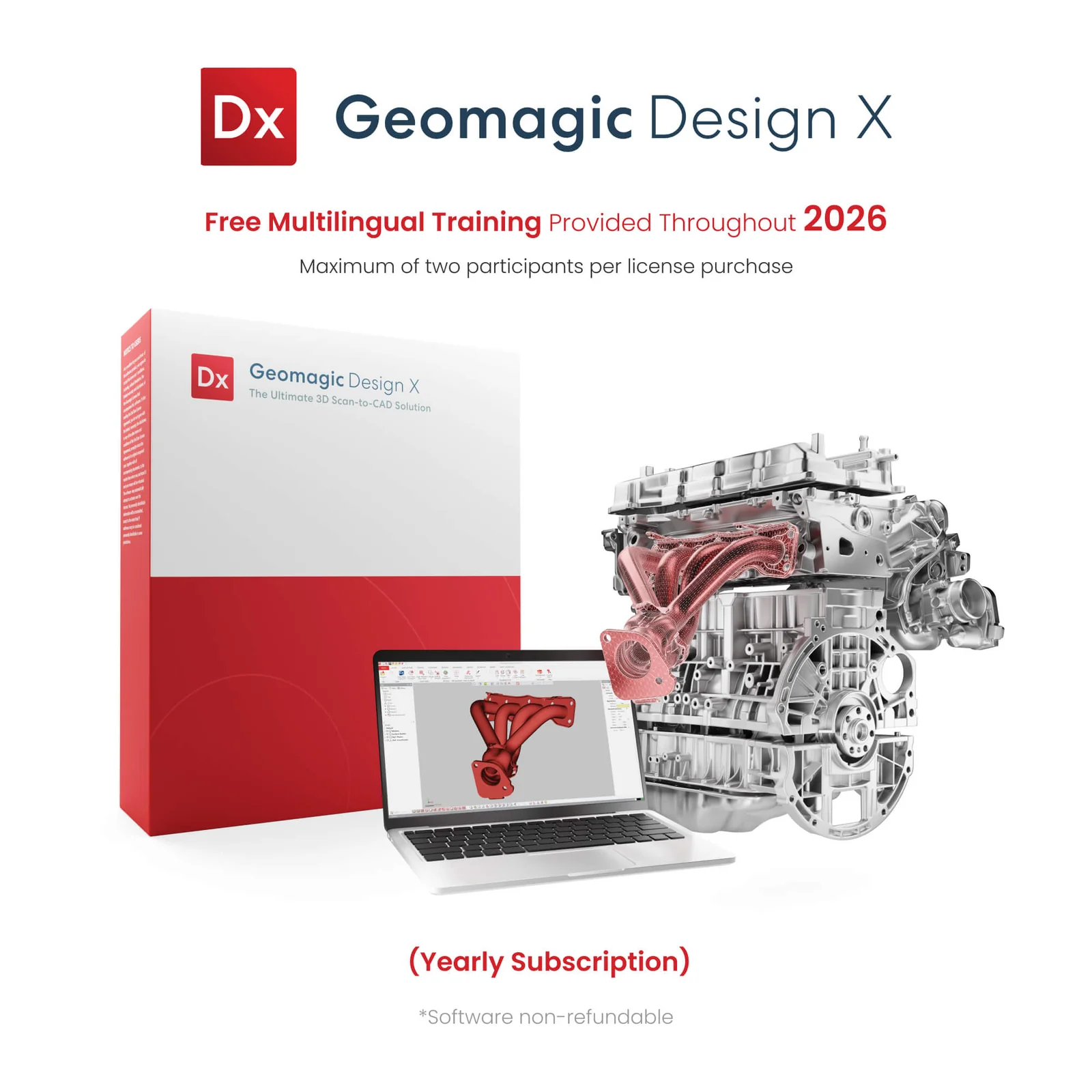
Geomagic Design X (Revopoint bundle)
Inspection and metrology
For quality control and certified inspection, a scan is compared against an original CAD reference, and deviations are flagged. Revopoint’s Revo Measure brings this into prosumer pricing; the enterprise suites (Geomagic Control X, PolyWorks, ZEISS INSPECT) remain the standard for industrial-tier scanners like the Shining3D FreeScan UE Pro2, Creaform HandySCAN, and ZEISS T-SCAN hawk 2.
Revo Measure
Geomagic Control X
InnovMetric PolyWorks

ZEISS INSPECT
Phone-based capture apps
In 2026, phones can act as 3D scanners for larger objects and room-scale captures, via photogrammetry, LiDAR (on iPhone Pro models), and Gaussian Splatting. Not the right tool for jewellery-scale detail (see how 3D scanners work for the full discussion), but capable for visualisation, vehicles, and scenes.
Polycam

Scaniverse

KIRI Engine
Frequently asked questions
What 3D scanner software do I need?
At a minimum, the capture suite that ships with your scanner. For Revopoint hardware it is Revo Scan 5; for 3DMakerpro, JMStudio; for Creality, Creality Scan; for Einstar and EinScan, EXScan S or the onboard standalone apps; for Artec, Artec Studio. Beyond capture, the software you add depends on what you do with the scan: mesh cleanup (Blender, MeshLab, or your slicer for 3D printing), scan-to-CAD (Revo Design, EXModel, QUICKSURFACE, peel.CAD, or Geomagic) for reverse engineering, inspection software (Revo Measure or the enterprise suites) for QC. Most scanner owners use one capture suite plus one mesh-cleanup tool and never need more.
What is the best free 3D scanner software?
The capture suite that ships with your scanner is the obvious one (Revo Scan 5, JMStudio, Creality Scan, or EXScan S). For mesh cleanup, Blender and MeshLab are free and capable. PrusaSlicer, Bambu Studio, and OrcaSlicer all have built-in mesh repair tools that handle most scan-to-print fixes without leaving your slicer. For phone-based capture, Polycam, Scaniverse, and KIRI Engine all have free tiers. For scan-to-CAD, Revo Design ships free with Revopoint scanners. Together, that’s a complete free workflow from scan to print.
What is scan-to-CAD software and do I need it?
Scan-to-CAD software turns a scanned mesh into editable parametric CAD geometry: features, sketches, and dimensions you can modify. You need it for reverse engineering (recreating a part you do not have CAD files for), for redesigning a scanned object, or for prepping a model for manufacturing. You do not need it for 3D printing (a mesh prints fine), for visualisation, or for inspection (which compares the mesh directly to a CAD reference). The picks run from free (Revo Design with Revopoint scanners) up through prosumer ($225-$2,000: Revo Design Personal, EXModel, QUICKSURFACE Lite/Pro, peel.CAD) to enterprise (Geomagic Design X at $15,000+, or the Revopoint Maker bundle at $1,900).
Can I use a phone to 3D scan instead of buying a scanner?
For large objects and room-scale captures, yes, with caveats. Polycam, Scaniverse, and KIRI Engine all turn an iPhone or Android into a serviceable 3D scanner using photogrammetry and (on iPhone Pro models) LiDAR. For jewellery-scale detail or anything under 100mm, phone scanning is not the right tool; the resolution is too low. For more on the decision between phone, dedicated scanner, and service, see our 3D scanning service vs buying a 3D scanner guide.
What is AI-assisted mesh cleanup and which tools have it?
AI-assisted mesh cleanup uses machine learning to detect and fix common scan artefacts (holes, dropouts, noise) automatically, doing in seconds what used to take an evening of manual editing. In 2026 it ships built into Revo Scan 5 (Revopoint) and JMStudio (3DMakerpro), both as one-click features. The output is not always production-perfect, but for hobbyist 3D printing and most prosumer work it is genuinely good enough.
Which inspection software pairs with which scanner?
Revo Measure pairs with Revopoint’s MetroX Pro, MetroY Pro, and MetroY Ultra at the prosumer tier. Geomagic Control X pairs with most pro and industrial scanners and is the industry default. PolyWorks pairs heavily with the Shining 3D FreeScan UE Pro2 and Creaform HandySCAN BLACK in automotive and aerospace QC. ZEISS INSPECT pairs with the ZEISS T-SCAN hawk 2 hardware as the matched-vendor stack. For ad-hoc inspection without enterprise tooling, Revo Measure is the realistic entry point.
Where to go next
The software pipeline only matters once you have the right scanner. See our Best 3D Scanners 2026 hub for the four buyer brackets and price tiers. Going straight to a bracket? Small format for jewellery and miniatures, medium for figures and prototypes, large for cars and sculpture, professional for industrial and metrology. Not sure if you should buy at all? Our 3D scanning service vs buying a 3D scanner guide walks through the decision.