
Miniatures are the category where the printer decides the ceiling before you open a single STL. The best 3D printer for miniatures is, with very few exceptions, a resin printer: the liquid-resin process resolves faces, chainmail and cloak folds at 28 mm scale in a way filament machines cannot approach. FDM has a real role here too, but a supporting one: terrain, props and board-game pieces. We cover it further down without pretending a $199 filament printer paints up like a Mars.
One thing to settle before the picks, because it will save you money: past roughly 20 microns, the resolution race is marketing. An 8K screen at 22 microns and a 16K screen at 14 x 19 microns produce painted 28 mm figures that nobody can tell apart; what separates a shelf-ready squad from a disappointing one is resin choice, support placement and cure discipline, all covered below. So the best resin 3D printer for miniatures is rarely the one with the biggest number on the box. This page is part of our printer series; the wider resin market lives in our best resin 3D printers guide, and the whole market in our main best 3D printers guide.
Jump to menu
Our top miniature printer picks at a glance
The resin picks: five printers, five budgets
If your search was really for the best resin 3D printer for miniatures, this section is the answer. Five machines cover the field from first printer to production studio. The price ladder runs from $269 to $3,499 on purpose; miniatures is a hobby where most of the market sits under $600, and we only recommend spending past it when printing becomes a business. Every plate size below is quoted because it decides whether you print one hero at a time or a full 28 to 32 mm squad per run, with 75 mm and larger busts needing the tall end.
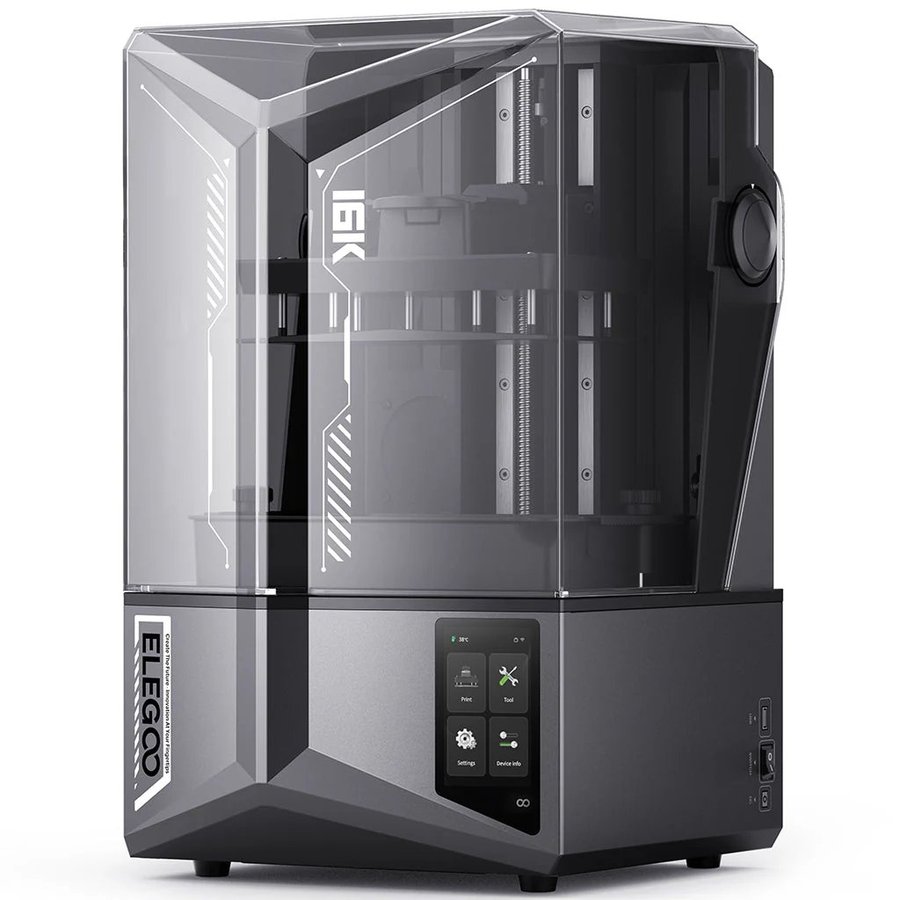
Elegoo Saturn 4 Ultra 16K
The all-rounder we would put in most hobbyists' corners, and the same machine that tops our resin cornerstone. The 211.68 x 118.37 x 220 mm plate batches a whole 28 to 32 mm squad with bases in one run, and the 220 mm of height stands a 75 mm bust upright without slicing it into parts. The 16K screen's 14 x 19 micron pixels sit comfortably past the point where painted figures stop showing differences, so what you are really paying for is the workflow: tank heating holds resin at 30C in cold rooms, an AI camera watches for failures mid-print, and the tilt vat keeps peel forces gentle on spear tips and banner poles.
Price: ~$549 to $599 (approximate; varies by bundle, sale period and region, click through for current pricing)
- Plate fits a full squad per run; height handles 75 mm+ busts
- Tank heating and AI failure detection remove the babysitting
- Overkill plate if you only ever paint one figure at a time
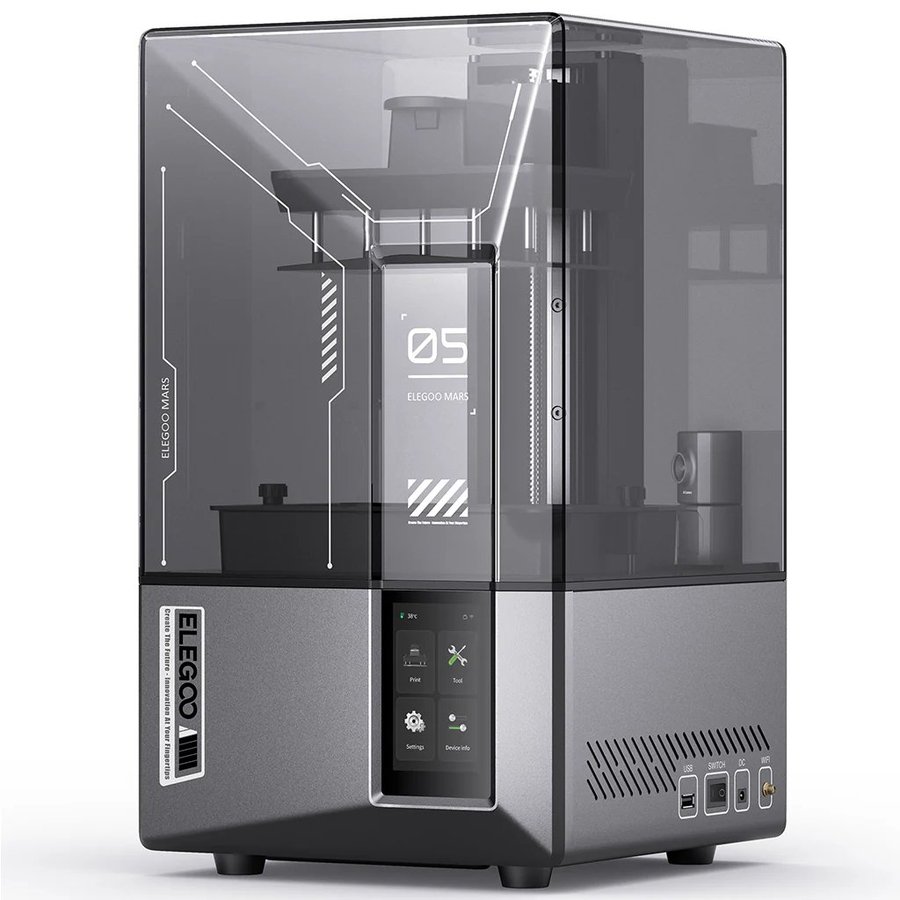
Elegoo Mars 5 Ultra
The friendliest first resin printer for miniature work. The tilt-vat mechanism releases each layer with low peel force, which removes the classic new-user failure of prints stuck to the FEP film instead of the plate, and there is no manual leveling pass at all: unbox, pour, print. The 9K screen resolves 18 microns in XY, already finer than paint preserves, and the 153 x 77 x 165 mm plate covers a handful of 28 to 32 mm figures per run. When squads outgrow the plate, the Saturn above is the natural upgrade; the learning carries over directly.
Price: ~$269 to $338 (approximate; varies by bundle, sale period and region, click through for current pricing)
- Tilt vat and zero leveling: the gentlest resin learning curve
- 18 micron XY is plenty for painted tabletop figures
- Small plate caps batches at a few figures per run
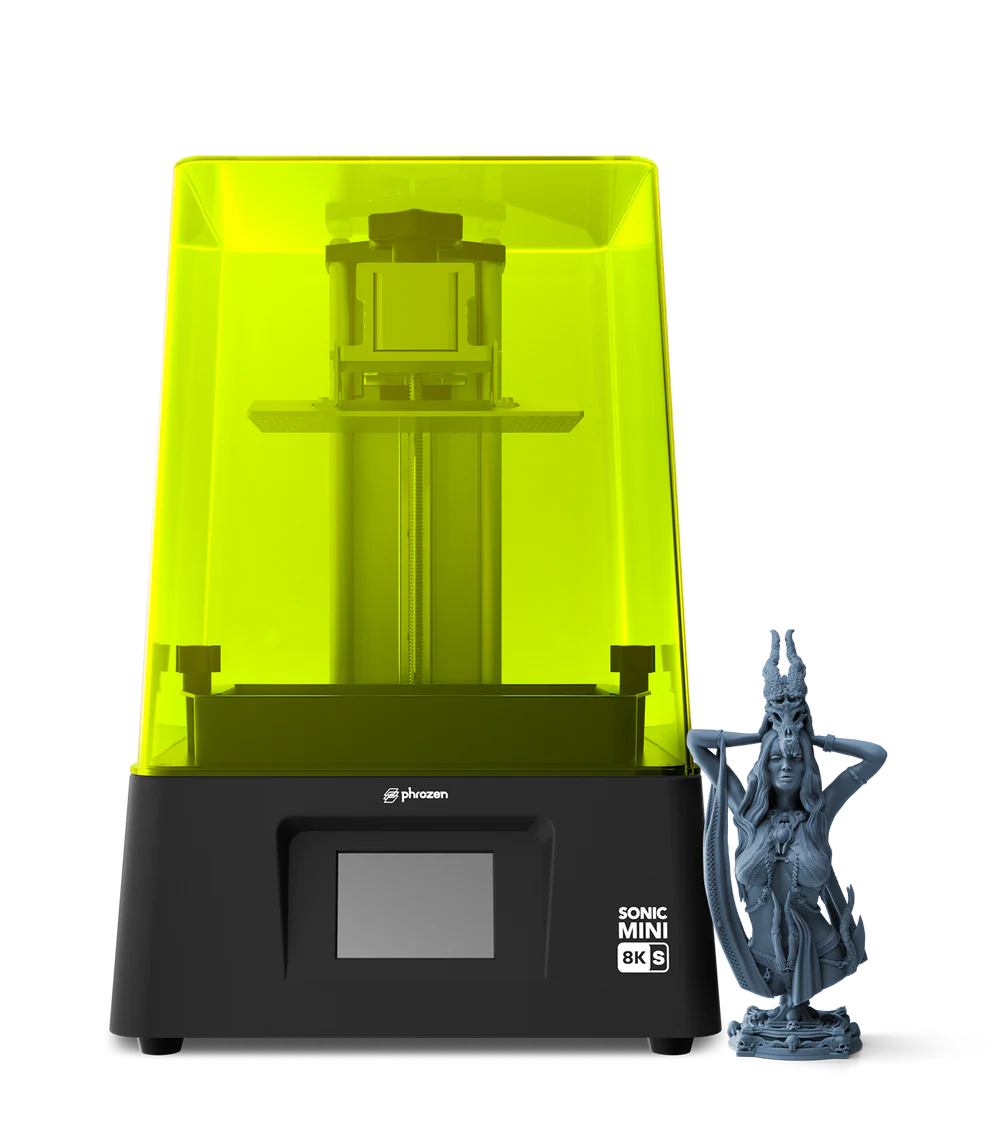
Phrozen Sonic Mini 8K S
The machine painters name when the question is pure detail. Its 8K screen resolves 22 microns in XY, and two product cycles of tabletop use have made it the consensus pick in communities like r/resinprinting, with FauxHammer's testing reaching the same verdict for painted display work. We lean on that community record rather than our own bench here, and it is a deep one. The 165 x 72 x 180 mm plate suits heroes and small groups rather than army batching, leveling is a one-time manual pass, and slicer support spans Chitubox, Lychee and the rest. Newer screens post smaller numbers; on a primed figure, nobody has shown the difference.
Price: ~$349 (approximate; varies by bundle, sale period and region, click through for current pricing)
- 22 micron XY and years of community consensus behind it
- Broad third-party slicer support, mature documentation
- Small plate and manual first leveling; no batching ambitions
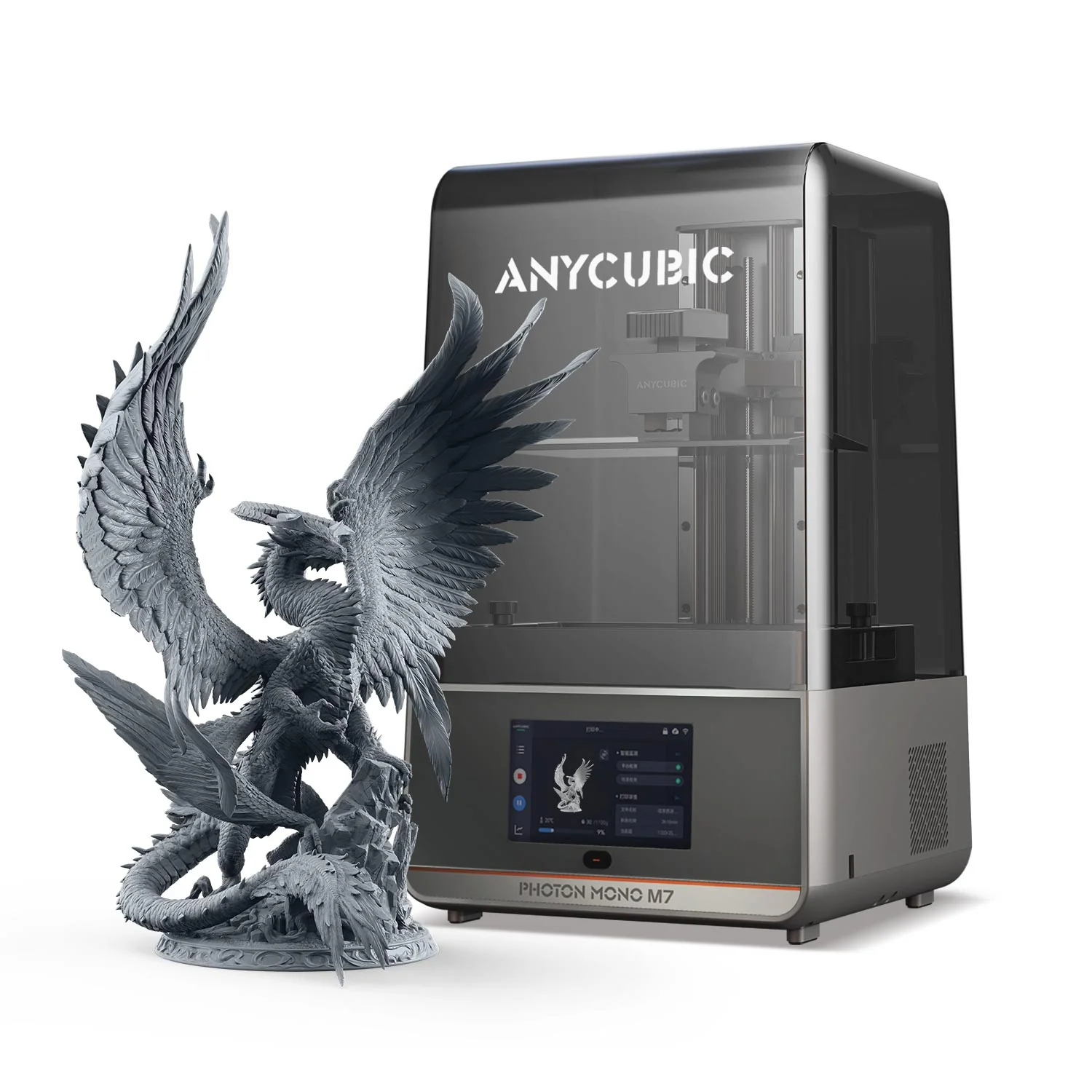
Anycubic Photon Mono M7
Our budget pick undercuts the Saturn without giving up the batching plate. $279 buys a 14K screen with 16 x 24 micron pixels over a 223 x 126 x 230 mm build area, which is squad-scale territory for barely more than half the Saturn's price. What the money skips is the pampering: no tank heating, no failure camera, so keep it in a room that stays warm and check the first layers yourself. Anycubic's step-up Photon Mono M7 Pro adds automatic resin refill and a vat heater for batch-night convenience, and the older Photon Mono 4 sits below this card as the entry model; between the three, the standard M7 is where the miniature value peaks.
Price: ~$279 (approximate; varies by bundle, sale period and region, click through for current pricing)
- Squad-sized plate and 14K screen at a starter price
- 16 x 24 micron pixels: past the visible threshold for painted minis
- No tank heating or AI camera; cold rooms need planning
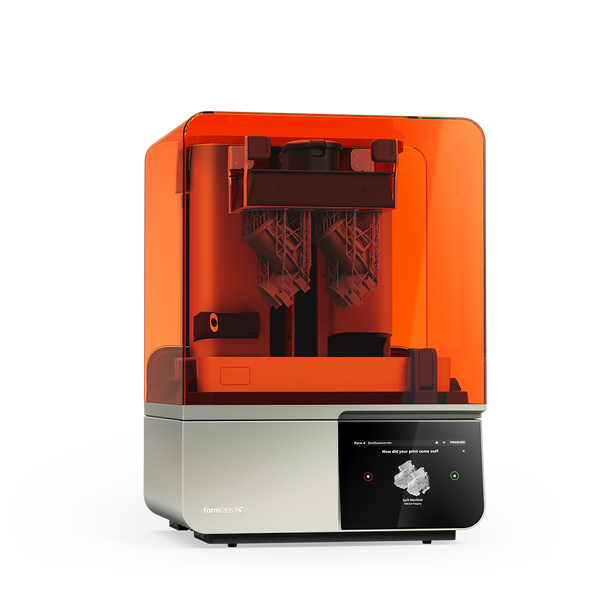
Formlabs Form 4
The machine for studios and Patreon creators whose miniatures pay rent. The Form 4's Low Force Display engine prints at up to 100 mm per hour with a 99 percent print success rate by Formlabs' own fleet numbers, and that reliability, not raw detail, is the product: when a monthly release means hundreds of masters and casts on a deadline, failed plates cost more than hardware. The 200 x 125 x 210 mm build area batches like the Saturn, PreForm and the Dashboard cloud run fleets of machines, and the Open Material Mode upgrade (~$875) unlocks third-party resins when Formlabs' own $150 to $200 per litre bottles start to sting. For hobby printing it is more machine than the figures will ever show.
Price: ~$3,499 (approximate; varies by bundle, sale period and region, click through for current pricing)
- 99 percent print success rate: built for deadline production
- Fleet software and material ecosystem no hobby brand matches
- Resin costs and price only make sense when minis are income
FDM for terrain, props and board-game pieces
Now the honest part. A 28 mm face printed on even an excellent filament machine shows layer lines under primer, and no nozzle swap changes that; the figures themselves stay resin's job. Where FDM earns a place in a miniatures hobby is everything around the figures: hills, ruins, dungeon tiles, scatter terrain and vehicle-scale props, printed big, cheap and tough in PLA. Board-game-scale pieces, chunkier sculpts around 40 mm and up with stylized detail, also come out well, especially with a fine nozzle. Multicolor FDM sweetens the deal for terrain in particular, printing tiles and scenery pre-colored straight off the plate; our best multicolor 3D printers guide covers that category in full. Three machines cover those jobs.
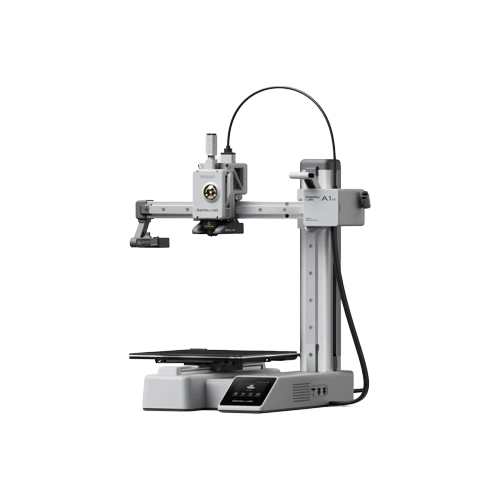
Bambu Lab A1 mini
Cheap, dependable terrain on tap for the gaming table. The A1 mini's 180 x 180 x 180 mm plate handles dungeon tiles, scatter pieces and small ruins, and Bambu ships an official 0.2 mm stainless hotend for the A1 series that roughly halves line widths for board-game-scale pieces and stylized chunky sculpts. Setup is the hands-off Bambu experience, and running costs are pennies in PLA. The limit is the one this whole section carries: it is a terrain and props machine, and 28 to 32 mm figures with faces are not its job.
Price: ~$199 (approximate; varies by bundle, sale period and region, click through for current pricing)
- Official 0.2 mm hotend sharpens tiles and board-game-scale pieces
- Hands-off setup; cheap PLA keeps terrain output flowing
- Terrain, props and big stylized pieces only; no 28 mm faces
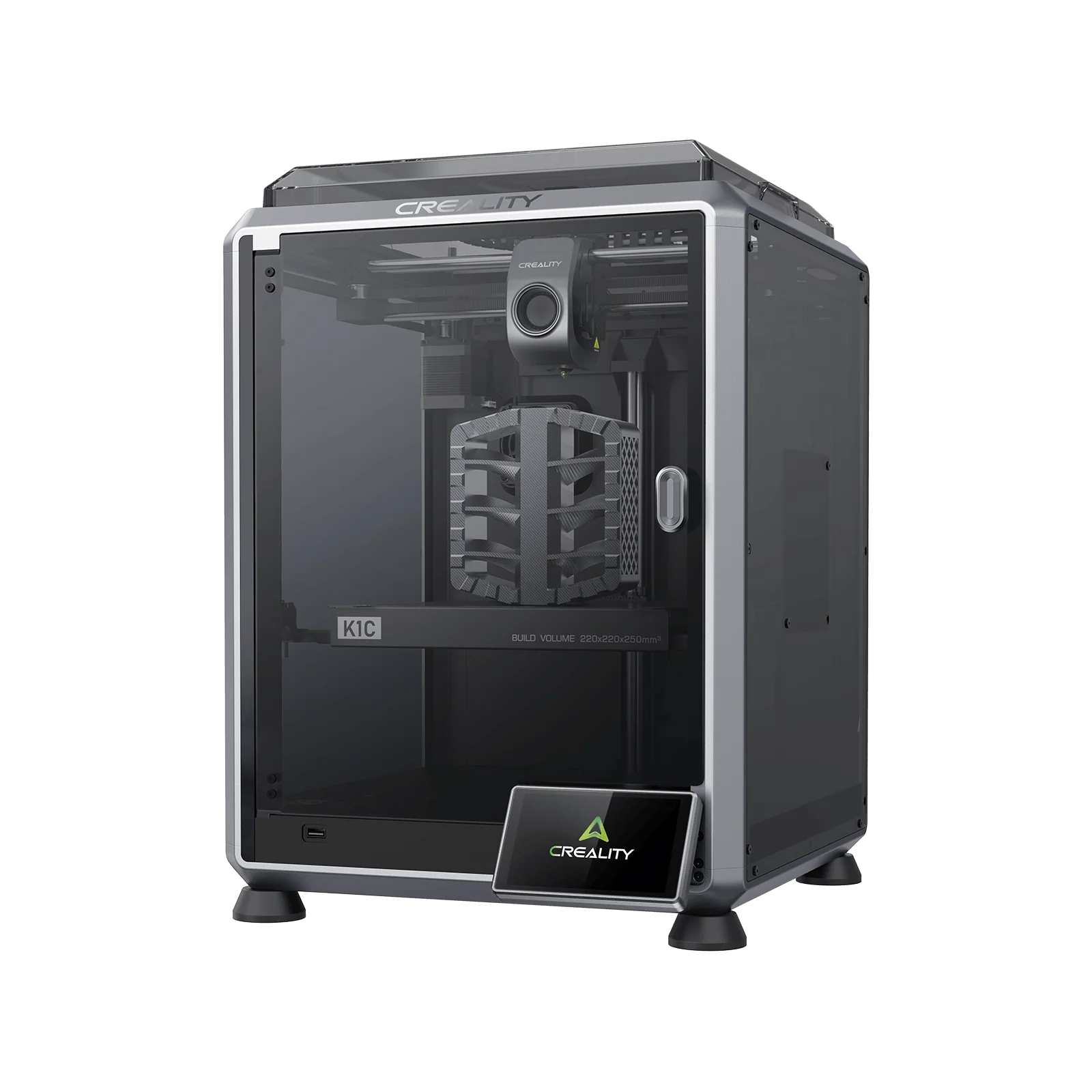
Creality K1C
When the terrain gets ambitious, so should the printer. The K1C is an enclosed CoreXY machine with a 220 x 220 x 250 mm build volume and 600 mm/s class speeds, so a table's worth of ruins or a large scenery centrepiece prints in an evening instead of a weekend. The enclosure and hardened extruder open up tougher filaments, including carbon-fiber blends for props that get handled hard, and the built-in carbon filter keeps the hobby room civil. Same guardrail as above: buy it for terrain, props and scenery batches at board-game scale and larger, and let the resin section handle the figures.
Price: ~$369 (approximate; varies by bundle, sale period and region, click through for current pricing)
- Enclosed CoreXY speed: big terrain batches in an evening
- Handles carbon-fiber and tougher filaments for hard-wearing props
- A terrain and props machine; figure detail stays with resin
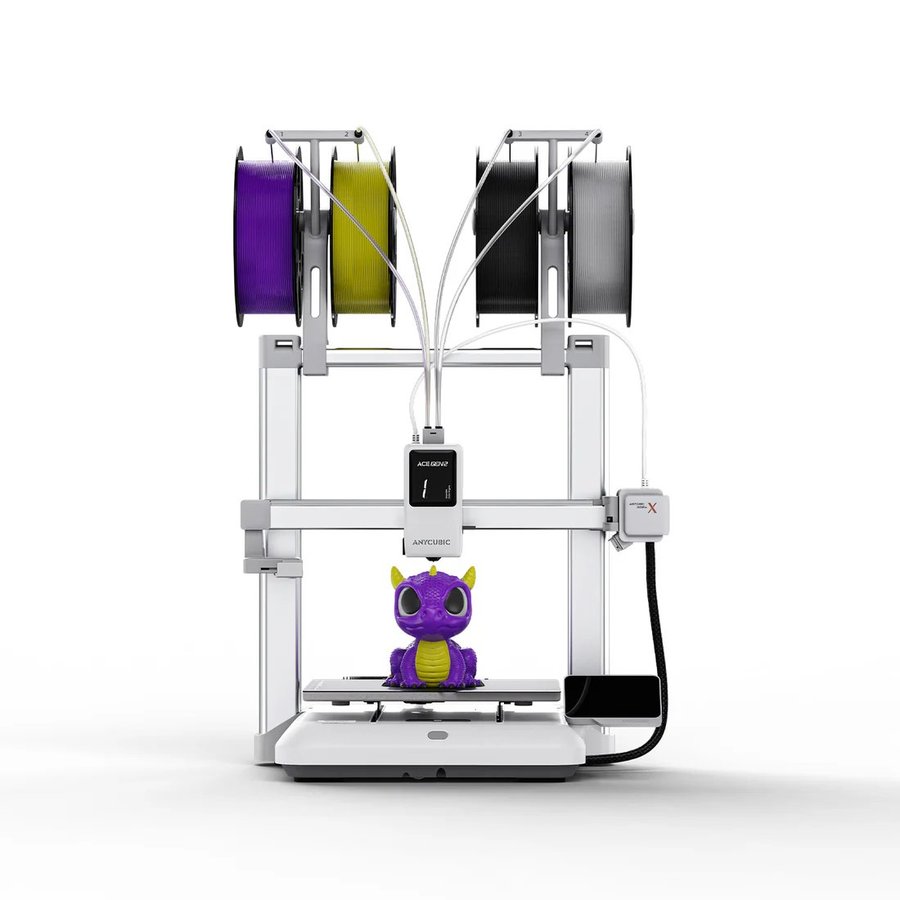
Anycubic Kobra X
The reason multicolor FDM belongs on a miniatures page at all. The Kobra X is a bedslinger with Anycubic's ACE Gen 2 color system built into the toolhead, four colors native and expandable to 19, so dungeon tiles, ruins and scatter pieces come off the plate already colored, with no painting step between print and table. Speeds peak at 600 mm/s, the hardened steel nozzle handles abrasive filaments, and the 260 x 260 x 260 mm build volume is the largest in this section, enough for serious scenery centrepieces. The section's guardrail holds here too: pre-colored terrain, props and board-game-scale pieces are the job, and mini-figure faces still belong to the resin picks above.
Price: ~$299 (approximate; varies by bundle, sale period and region, click through for current pricing)
- Four-color ACE Gen 2 toolhead prints terrain pre-colored, no painting
- 600 mm/s peak and the biggest plate in the FDM section
- Terrain, props and board-game scale only; figure faces stay with resin
What actually decides miniature quality
Start with the spec sheets' favourite distraction. A resin printer's XY detail comes from the pixel size of its LCD screen, and its vertical detail from the layer height you slice at, usually 30 to 50 microns for minis. Every printer on this page resolves finer than primer and paint preserve, which is the community's hard-won conclusion: painters who test these machines side by side, FauxHammer among them, keep finding that an 8K and a 16K print of the same 28 mm figure are indistinguishable once painted. Buy plate size, workflow and reliability; the resolution is already there.
What does show on the finished figure is support strategy. Miniatures are all overhangs, chins, outstretched arms, sword tips, so support placement decides where the tiny contact scars land; the craft is putting them on backs, under bases and along edges you will never see. Pre-supported files sidestep the learning curve entirely, and most paid miniature STLs ship that way. Resin choice matters just as much: figures with thin parts want a blend with some give so swords survive the trip to the table, and our best resin for miniatures guide compares the paint-ready options.
The last third of quality happens after the printer stops. Every resin print needs a wash and cure cycle, an IPA bath to strip uncured resin and a UV session to finish hardening, and minis punish sloppiness at both ends: under-washed figures blur their own detail under a film of cured residue, and over-cured ones turn brittle exactly at the thin parts. Get the routine right and a $279 printer beats a $3,499 one run carelessly.
The complete setup: what else you actually need
Budget for the workflow, not just the printer. The full kit for miniature-grade results:
- A wash and cure station; our wash and cure stations guide picks the right size for each printer above
- 99 percent IPA for washing, plus a sealed container to reuse it
- Nitrile gloves and paper towels within arm's reach, every session
- A ventilation plan for the printer room; the 3D printing safety guide covers resin handling and airflow
Where the miniatures come from
The printer is half the hobby; the sculpts are the other half. MyMiniFactory hosts the largest curated miniatures catalogue, free and paid, with tabletop licensing clearly marked. Cults3D runs a broad marketplace with a strong indie sculptor scene. The subscription world lives on Patreon, where sculpting studios release themed monthly packs, often an army's worth of figures for the price of two boxed minis. And HeroForge generates custom character STLs from a web builder, the fastest route from a character sheet to a printable hero. Most paid files arrive pre-supported and test-printed, which is exactly what a new resin printer owner should start with.
The best 3D printers for miniatures compared
Prices are approximate; they shift with bundles, sale periods and region, so click through for current pricing. One shopping note: some product links open a brand's US store; every brand here also runs regional stores, so if the landing page does not match your region, use the store's own region or country switcher and your cart carries on from there.
How to choose a 3D printer for miniatures
Three questions settle it.
- Figures or scenery? Figures mean resin, full stop. Terrain, props and board-game-scale pieces are the FDM section's territory, and many hobbyists eventually run one of each.
- One hero or whole squads? Plate size is the spec that changes your week. Small plates (Mars, Sonic Mini) print figures a few at a time; the Saturn and M7 batch a full squad per run, and since resin print time depends on height rather than plate coverage, ten minis take barely longer than one.
- Hobby or income? The jump from the $549 Saturn to the $3,499 Form 4 is deliberate; miniatures is a budget-heavy category, and between those two prices no machine changes painted results enough to earn a slot. Cross that gap only when reliability at production volume starts paying for itself.
Still weighing resin against filament more broadly, or shopping outside the miniatures bracket? Our full best 3D printers guide compares every category in one place.
Explore the guides
This guide is part of our printer series. Our overall best 3D printers guide covers the whole market and the best resin 3D printers guide the whole resin category; for the rest of the miniatures workflow, see the best resin for miniatures and wash and cure stations guides, plus the 3D printing safety guide before the first pour.
Frequently asked questions
Should I buy a resin or an FDM printer for miniatures?
Resin, if the figures themselves are the point. Resin printers resolve faces, weapon edges and cloth folds at 28 mm scale in a way filament extrusion cannot, and every figure pick on this page is a resin machine. An FDM printer earns its place for terrain, scenery, props and board-game-scale pieces, where layer lines disappear under texture and cheap PLA volume matters more than fine detail. If you are buying one machine for miniatures, make it resin.
Do 12K and 16K printers make better miniatures than 8K printers?
Not visibly, once pixels drop below roughly 20 microns. An 8K machine at 22 microns and a 16K machine at 14 x 19 microns both resolve finer detail than primer and paint preserve on a 28 mm figure, which is why communities like r/resinprinting and reviewers like FauxHammer still recommend the 8K-era Sonic Mini 8K S for competition-grade work. Resolution numbers sell printers; resin choice, support placement and cure discipline decide how your painted miniatures actually look.
What is the best printer for printing whole squads or armies?
The one with the biggest plate you can afford, because build area decides batch size. The Saturn 4 Ultra 16K's 211.68 x 118.37 x 220 mm plate fits a full 28 to 32 mm squad with bases in one run, and the Photon Mono M7 offers a similar area for less money. Resin print time depends on the height of the tallest object, not on how full the plate is, so a plate of ten minis takes barely longer than a single figure.
What resin should I use for miniatures?
A miniature-focused blend rather than the cheapest standard bottle. Figures with thin swords, spears and banner poles want a resin with a little flex so parts survive handling, and a matte grey finish that shows detail and takes primer well. Standard resin is fine for display pieces that never leave the shelf. Our best resin for miniatures guide compares the paint-ready options, including the mini-specific blends we would start with.
Do resin printers need ventilation?
Yes. Liquid resin gives off fumes and is a skin sensitizer, so the printer belongs in a room with airflow to the outside, and nitrile gloves belong on your hands for every pour, wash and support-clipping session. None of it is difficult, but none of it is optional either; our 3D printing safety guide covers room setup, handling and resin disposal in detail.
How much does it cost to print a miniature?
Less than most people expect once the printer is on the desk. A 28 to 32 mm figure uses a few milliliters of resin including supports, so a $30 to $40 one-litre bottle yields well over a hundred figures, putting material cost around 25 to 50 cents per mini. Add a little for isopropyl alcohol, gloves and the occasional release-film replacement. Compared with buying boxed miniatures, a printing habit usually pays for the machine within an army or two.
Can you sell miniatures you print?
Only when the license says so. STL files, free or paid, come with a personal-use license by default; selling physical prints requires a commercial or merchant license from the sculptor. MyMiniFactory and Cults3D both run merchant programs, and many Patreon sculpting studios sell merchant tiers alongside their regular subscriptions. Two hard limits: files based on another company's IP can never be sold no matter who sculpted them, and HeroForge customs are licensed for personal use only. If selling is the plan, read the license before you print, not after.