
A beginner 3D printer should print straight out of the box and not require a weekend of forum threads before the first model comes off the bed. The best 3D printers for beginners in 2026 are split by technology. FDM printers melt a spool of plastic filament through a hot nozzle and lay it down layer by layer; the technology is cheaper, less messy, and where most beginners should start. Resin printers cure a vat of liquid resin layer by layer with UV light, which produces sharper detail for things like miniatures or jewellery models, at the cost of a more involved workflow with gloves, ventilation, and a curing station. Each technology gets a main lineup under $500, plus a small group of higher-priced upgrades for buyers ready to spend more. Shopping by price rather than by experience level? Our best budget 3D printers guide ranks the $169 to $399 tier for any buyer.
New to 3D printing entirely? Our what is 3D printing guide covers the basics, and the broader best 3D printers roundup spans every level.
Shopping beyond your first machine? This guide ranks the best beginner 3D printers specifically. For the full cross-level ranking covering budget, mid-range, multicolor, large format, prosumer, and resin, see our main best 3D printers guide.
What to look for in your first 3D printer
- Auto-leveling. The printer measures the tiny gap between its nozzle and the print bed automatically before each print. Without it you set that gap by hand with small thumbscrews, and getting it wrong is the most common reason a beginner’s first prints fail.
- Mostly assembled out of the box. Look for “ships assembled” or “ready to print in 15 minutes” in the spec sheet. If the printer arrives in dozens of pieces, it’s a learning project, not a starter machine.
- A guided setup wizard. The printer should walk you through calibration on its own touchscreen or in a phone app. No firmware flashing, no editing config files.
- An active community and current support. Pick a brand still actively shipping units in 2026 with replacement parts available. Replacement nozzles and build plates are normal wear items; you want a maker that still sells them.
- Beginner-friendly materials supported out of the box. For FDM that means PLA (the easiest filament to print) and PETG (a slightly tougher general-purpose option). For resin that means standard greyscale or “rapid” resin. Specialty materials can come later.
What to avoid as a first-time buyer
- Cheap kits without auto-leveling. A $150 printer that arrives in 200 pieces and asks you to level the bed by hand is a maker project, not a first machine. The Creality Ender-3 V3 SE on this list is the cheapest model we recommend for a reason.
- Discontinued or unsupported brands. AnkerMake, for example, has effectively exited consumer 3D printing. A great deal on a printer with no parts pipeline is not actually a great deal.
- Top-tier flagships as a first machine. Toolchangers, dual-extruder rigs, and prosumer CoreXY printers over $1,000 do more than a beginner needs and cost more than a beginner should risk on a hobby they might not stick with.
- Resin printing without ventilation. Uncured resin is a skin and respiratory irritant. If you do not have a window, a fume hood, or a filtered enclosure for your workspace, start with FDM and add a resin printer later.
- Buying the multicolor combo on day one. Multicolor systems (Bambu’s AMS Lite, Anycubic’s ACE Pro, Elegoo’s CANVAS) add reliability questions on top of the basic printer learning curve. Get comfortable with single-color first; the multicolor add-on can almost always be bought separately later.
Jump to section
Quick picks at a glance
One standout per category.
Best beginner FDM 3D printers (under $500)
Six picks that all share the same beginner promise: open the box, run the calibration wizard, load filament, print. Five are bedslingers (the print bed moves on the Y axis); the Centauri Carbon 2 is CoreXY (the bed stays still and the toolhead moves), which is generally faster and quieter.
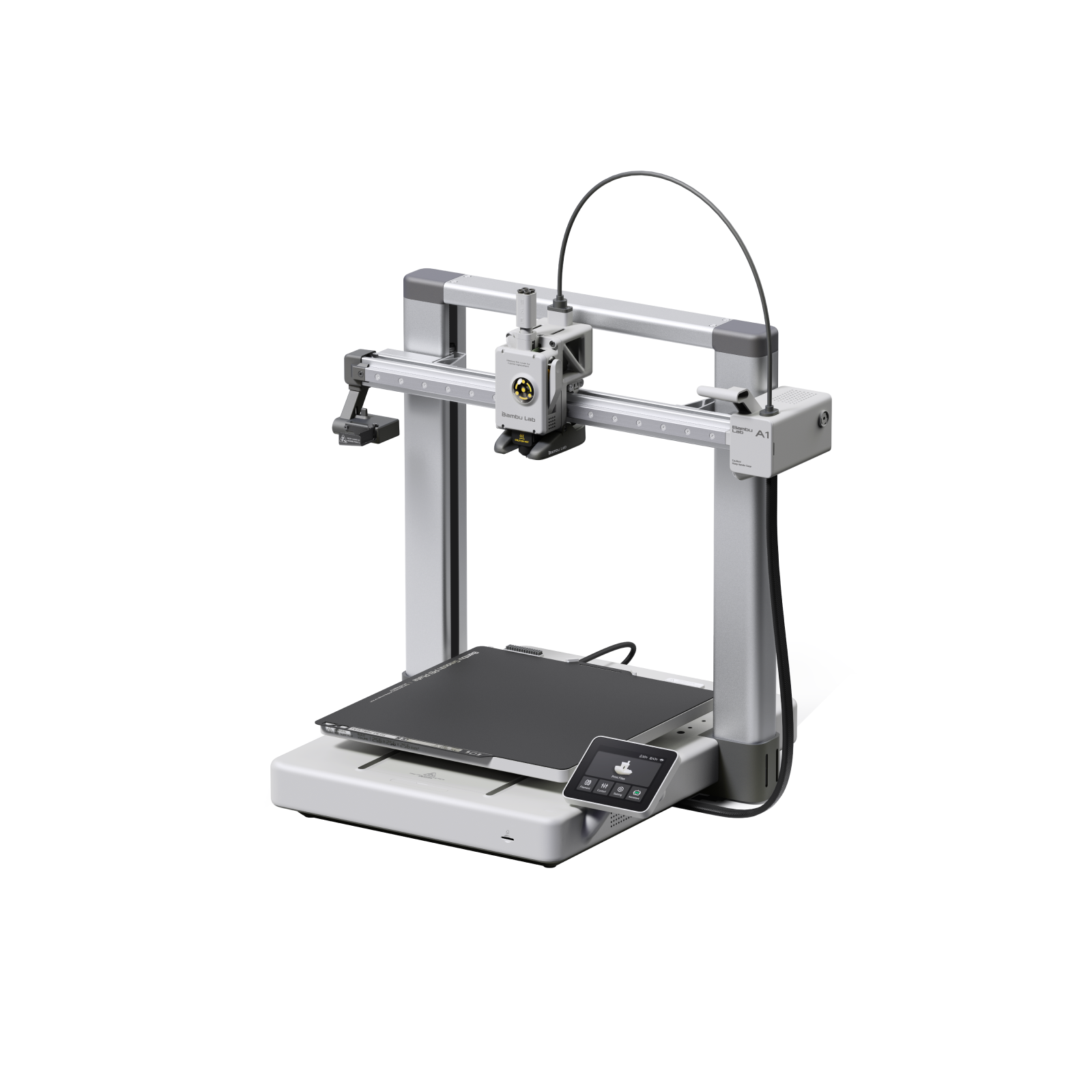
Bambu Lab A1
Bambu Lab | 256 x 256 x 256 mm bedslinger | $299 standalone, $499 Combo
The A1 is the cleanest first-printer story in 2026. The setup wizard takes about 15 minutes from box-open to first print, full auto-calibration runs without intervention, and the optional AMS Lite turns it into a four-color machine without any kit-build experience. The 2024 heatbed cable recall and the later power-board issue are both fully resolved; units shipping in 2026 are the revised hardware with very low failure rates (Bambu cites 0.05%). The trade-offs are real but few: closed ecosystem, cloud-tied workflow, and Bambu’s preference for its own slicer over Cura or PrusaSlicer. For most beginners, those trade-offs are worth it.
Best for: first-time buyers who want a 256mm build plate, real auto-calibration, and a path into multicolor without a kit project.
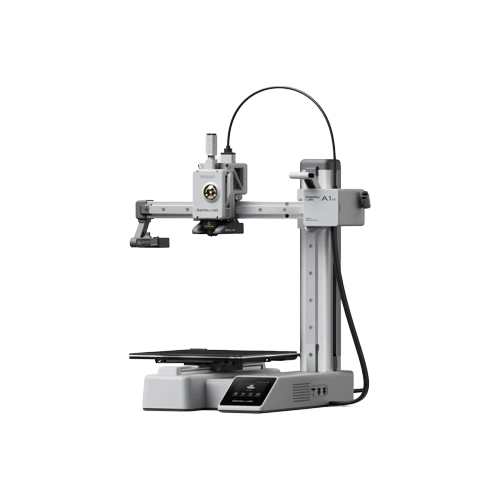
Bambu Lab A1 mini
Bambu Lab | 180 x 180 x 180 mm bedslinger | $199 standalone, $299 Combo
The A1 mini is the cheapest credible path into the Bambu ecosystem and the printer most often recommended to first-time buyers in 2026 review roundups. Setup runs about 15 minutes from box-open to first print, the bed levels itself, and the Combo version adds 4-color printing for $100 more. The 180mm cube footprint means it lives on a desk or a shelf rather than a workshop bench, which is exactly the appeal for buyers who do not yet know how much they will print. The hotend (the hot brass tip that melts the filament) is the main wear part; replacements take about ten minutes and are user-serviceable.
Best for: kids, classrooms, dorm rooms, gift-givers, anyone unsure whether 3D printing will stick. Cheapest “appliance printer” in 2026.
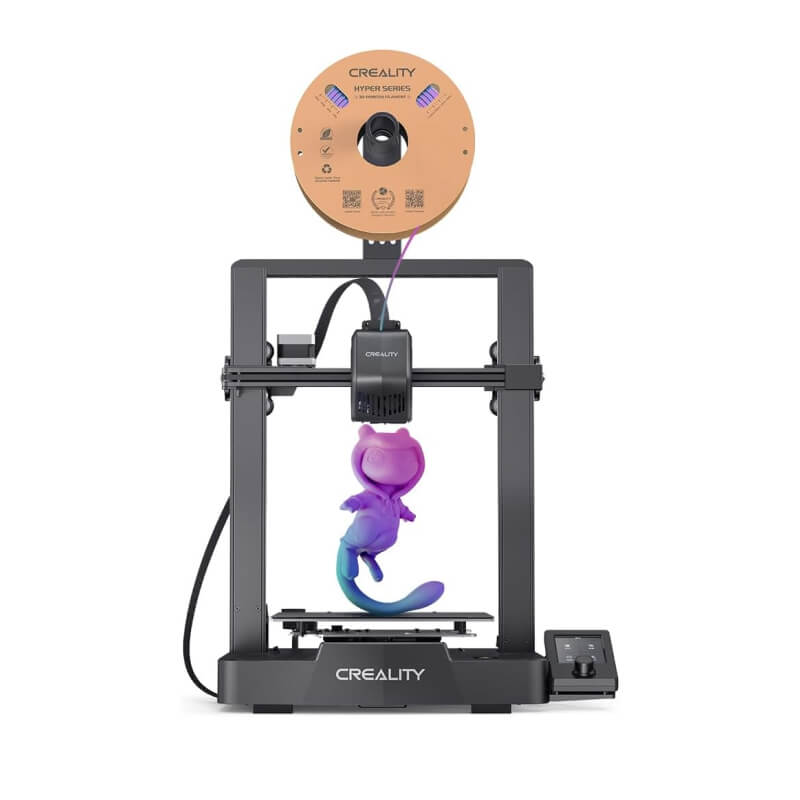
Creality Ender-3 V3 SE
Creality | 220 x 220 x 250 mm bedslinger | $199 to $249
The Ender-3 V3 SE is the cheapest 2026 printer we are willing to recommend without caveats. Auto-leveling, direct drive (the motor that pushes filament sits right above the nozzle, which makes feeding more reliable), all-metal hotend, mostly pre-assembled. Setup runs 15 to 30 minutes. There is no app, no built-in camera, no remote control, and no multicolor path; what you get is a print engine, an SD card slot, and the entire weight of the Ender-3 community behind you when something needs troubleshooting. If the Bambu A1 mini is sold out or out of budget, this is the fallback that keeps you in business.
Best for: tight budgets, buyers who want the largest possible community knowledge base, and anyone happy to print over USB or SD card.
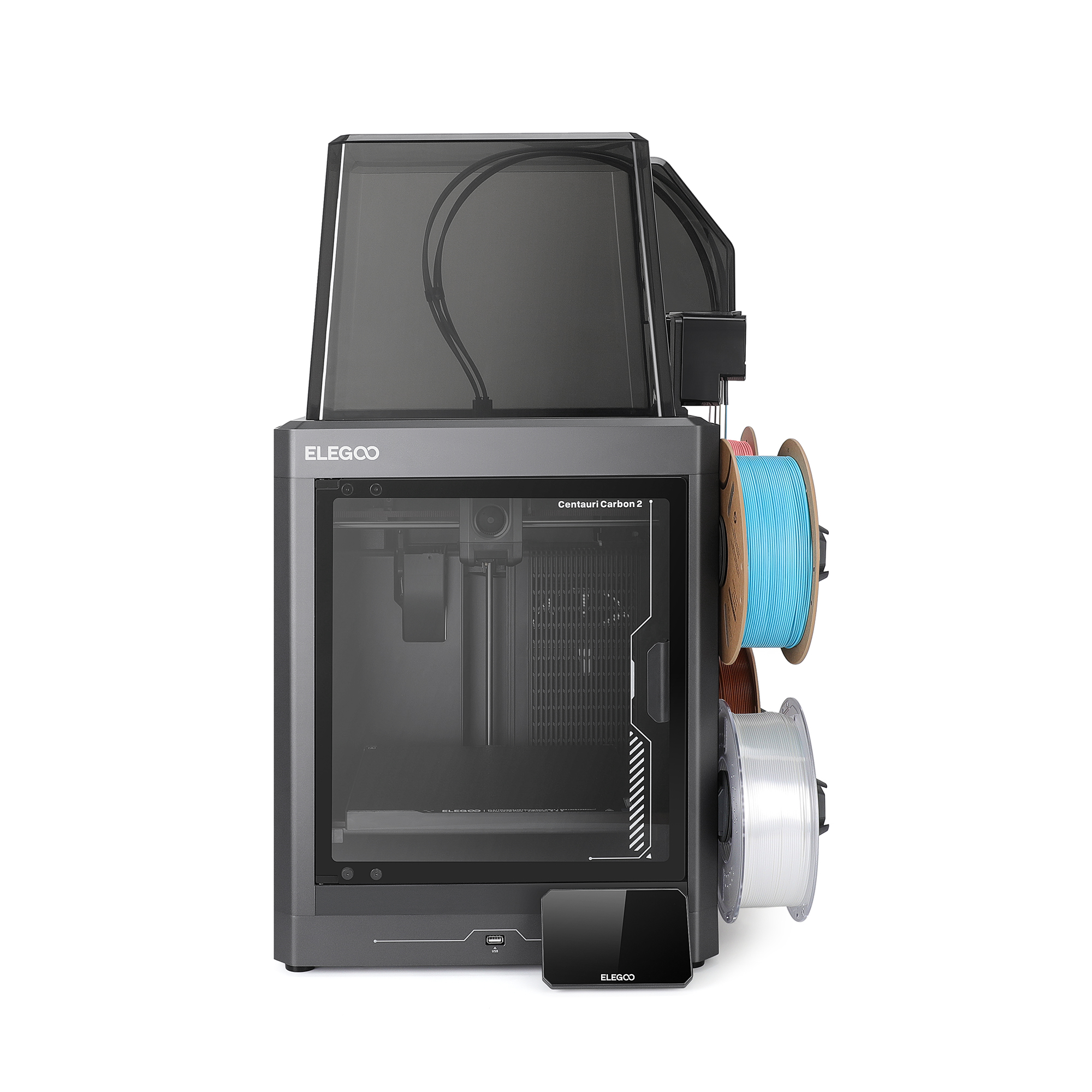
Elegoo Centauri Carbon 2 Combo
Elegoo | 256 x 256 x 256 mm enclosed CoreXY | $419 to $449
The Centauri Carbon 2 Combo is the surprise of 2026: a fully enclosed CoreXY printer (faster and quieter than a bedslinger because the print bed stays still) with 4-color CANVAS multicolor for $449 from Elegoo direct. The chamber temperature handles ABS, ASA, and PETG comfortably. Setup is genuinely beginner-friendly with one-click auto-leveling and a guided wizard. Reviewer consensus across Tom’s Hardware, TechRadar, and 3D Printed Decor is that this is the most beginner-accessible CoreXY of the year. The trade-off is ecosystem maturity: Elegoo is best known for resin printers, so the slicer profiles, custom mods, and accessory marketplace are younger than Bambu’s.
Best for: buyers who want enclosed printing for ABS or ASA plus multicolor without crossing the $500 line. Strongest Bambu alternative at this price point.
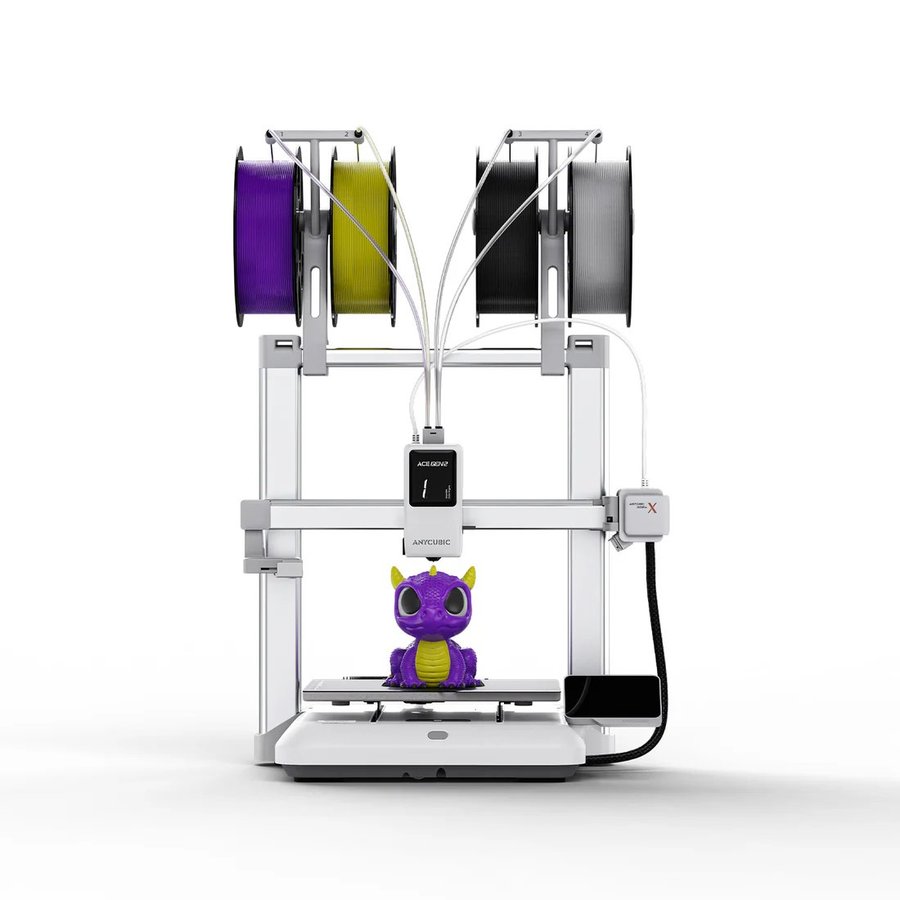
Anycubic Kobra X
Anycubic | 260 x 260 x 260 mm bedslinger | $299 early bird, ~$399 to $449 MSRP
The Kobra X is Anycubic’s direct response to the Bambu A1 and the strongest non-Bambu open-frame multicolor pick at this price. The headline change from earlier Kobra models is that the ACE Gen 2 multicolor system is built into the toolhead instead of being an external add-on, which fixes the fiddly multicolor experience that frustrated reviewers on the older Kobra 3 V2. Four colours out of the box, expandable to nineteen with additional ACE units. The 300C hotend opens the door to ASA, nylon, and carbon-fibre composites later if you grow into them. 600 mm/s top speed, active noise reduction, and a guided touchscreen setup. Tom’s Hardware named it Editor’s Choice for Best Budget Multicolor Printer of 2026.
Best for: open-frame buyers who want a Bambu A1 alternative with built-in 4-color multicolor and a 300C hotend for material flexibility down the road.
US store →EU store →Global store →
Anycubic ships from regional stores; pick the store that matches your delivery address so pricing, tax and shipping are correct.

Anycubic Kobra 4 Combo
Anycubic | 260 x 260 x 260 mm bedslinger | $379 Combo, $499 list
The Kobra 4 Combo is the Kobra X’s sibling for buyers who would rather have the filament dryer than the in-toolhead trick. Same 260 mm build cube and the same 600 mm/s ceiling (300 mm/s is the recommended everyday speed), but the color system is the external ACE 2 Pro: four spools, eight with a second unit, and 65C drying that runs while the printer prints, which heads off the stringy, brittle prints that damp filament causes in a beginner’s first humid month. The 720p camera watches for spaghetti failures and objects left on the bed, LeviQ 3.0 runs 49-point leveling plus flow and vibration calibration on its own, and the hardened steel nozzle is a quick-release part. Assembly is a 15-minute job. The trade-off is the conventional swapper purge on every color change, which the Kobra X’s in-head system cuts down, and 48 dB of noise in standard mode (45 dB in silent mode).
Best for: first-time buyers who want color from day one and live somewhere humid: the included dryer solves the problem the other budget combos leave to you.
FDM picks if you have a bigger budget (over $500)
For buyers who already know they want enclosed printing (the chamber is sealed so the air inside stays warm, which is needed for ABS and ASA), multicolor with active filament drying, or the longest reliability track record on the market.
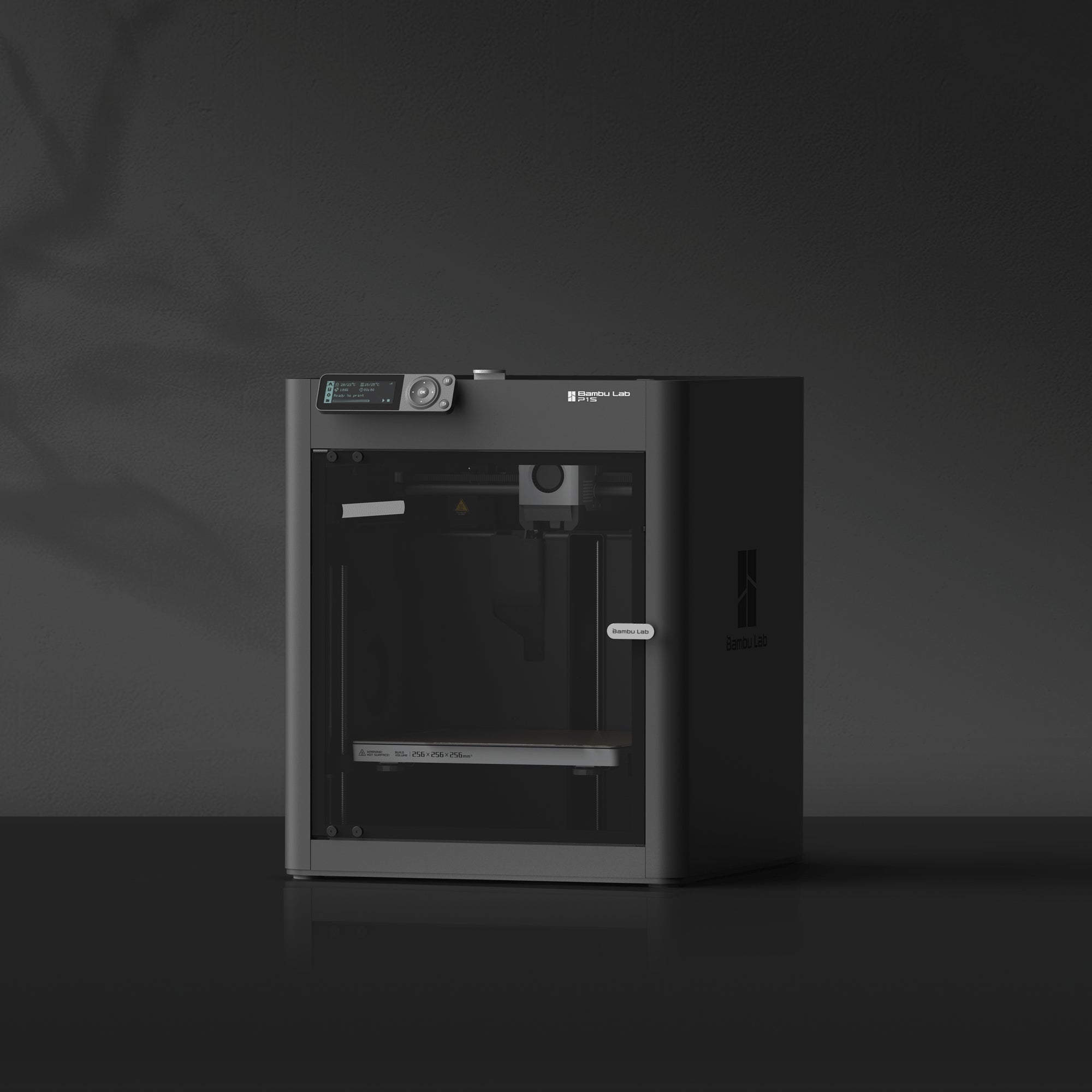
Bambu Lab P1S
Bambu Lab | 256 x 256 x 256 mm enclosed CoreXY | discontinued
The P1S has been phased out and replaced by the Bambu Lab P2S below. For two years it was the printer the community called “the one that just works,” so remaining clearance stock is still a capable enclosed CoreXY, but new buyers should choose the P2S: it adds active filament drying (the single biggest reliability win for a new owner), a touchscreen, a quick-swap nozzle, and Active Airflow for printing ABS and ASA with the door closed, for only a small premium over the P1S’s old price.
Status: Discontinued (was $399 to $699 depending on sale). Buy the P2S instead.
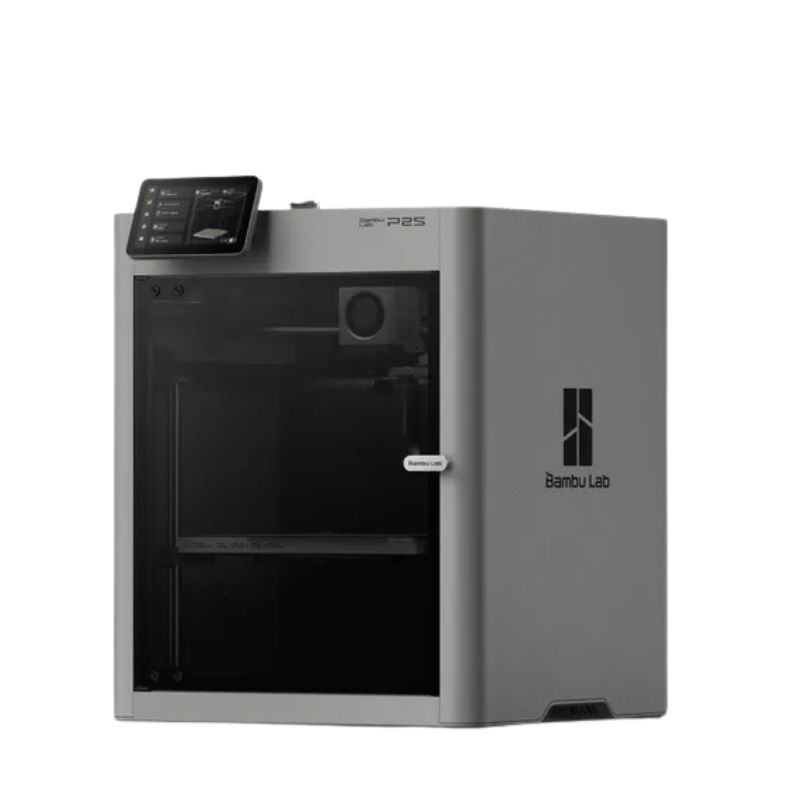
Bambu Lab P2S
Bambu Lab | 256 x 256 x 256 mm enclosed CoreXY | $549 standalone, $799 Combo
The P2S is the refined P1S: same build volume, same enclosed CoreXY platform, but with a 5-inch touchscreen, a quick-swap nozzle that takes about 30 seconds, adaptive airflow that cools the chamber without opening the door, and AMS 2 Pro with active filament drying. The drying alone solves the moisture problem most beginners run into within their first month (filament absorbs water from the air, which makes prints rough and stringy). Tom’s Hardware reviewed it as a worthwhile $50 to $100 premium over the P1S for new buyers. The Combo crosses out of typical “first printer” budget territory at $799, but for buyers who know they want set-and-forget multicolor printing it is the most polished option in the price band.
Best for: buyers with a bigger budget who want the current-model story plus active filament drying built in.

Flashforge Adventurer 5M Pro
Flashforge | 220 x 220 x 250 mm enclosed CoreXY | $449 to $499
The Adventurer 5M Pro wins on a single feature most bigger-budget picks ignore: a built-in dual-layer HEPA and activated carbon filter rated to block 99% of particulates and VOCs (the airborne plastic fumes released during printing). That makes it the print-anywhere pick for apartments, classrooms, dorm rooms, and shared offices where ventilation is limited. Setup takes about 10 minutes. The 220mm build cube and 600 mm/s top speed are competitive with the rest of this lineup. There is no native multicolor and no built-in camera, both of which are now standard at this price, so the Adventurer 5M Pro has to win on the filtration story.
Best for: apartments, classrooms, and shared spaces where the filter matters more than multicolor or camera features.

Anycubic Kobra S1 ACE 2 Pro Combo
Anycubic | 250 x 250 x 250 mm enclosed CoreXY | $574 Combo
The Kobra S1 ACE 2 Pro Combo is Anycubic’s answer to the P1S and P2S combos: a fully enclosed CoreXY with a 250 mm cube, a 320C hotend and a 120C bed, so ABS and ASA are on the menu from the first week, bundled with the ACE 2 Pro color unit and its built-in 65C dryer for $574. Four colors in the box, up to 16 with four units. A 480p camera, AI spaghetti detection and belt-tension monitoring cover the unattended overnight prints, and the enclosure keeps noise to 46 dB (44 dB in quiet mode). It replaces the original S1 Combo, which is on clearance while stock lasts; the only change is the dryer-equipped ACE 2 Pro in place of the first-generation unit. The trade-off against the Bambu pair is ecosystem depth: slicer profiles, community mods and accessories are thinner. At 18 kg it also wants a sturdy shelf.
Best for: buyers who want the enclosed-plus-multicolor package of a P2S Combo for $225 less and do not need the Bambu ecosystem.
Best beginner resin 3D printers (under $500)
A short safety note before the cards. Resin printing is messier than FDM. Plan for nitrile gloves, a ventilated room or filtered enclosure, isopropyl alcohol for washing prints, a wash and cure station (a small UV lamp box that finishes hardening prints after they come off the printer), and a separate workspace away from food prep. The picks below all minimise the parts of the workflow that frustrate beginners (manual leveling, peel forces, vat film changes), but they do not remove the need for proper handling. For the full resin printer range beyond these starter picks, see our best resin 3D printers guide.
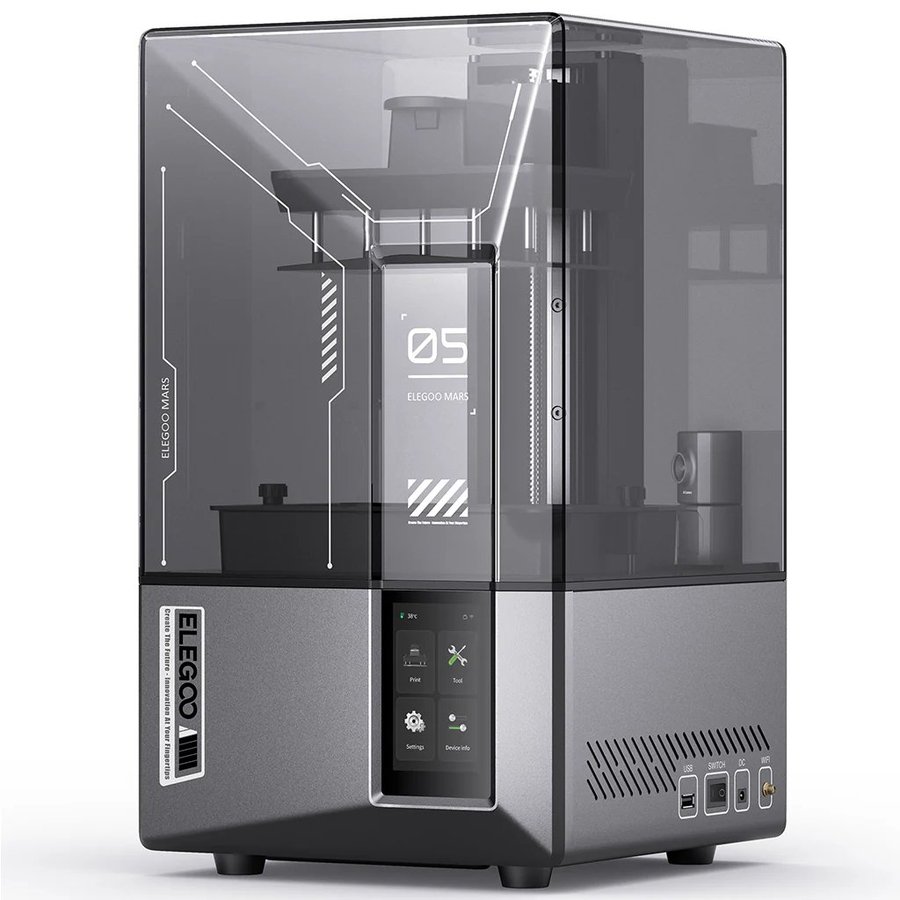
Elegoo Mars 5 Ultra
Elegoo | 153 x 77 x 165 mm, 9K | $269 to $338
The Mars 5 Ultra is the clearest first-resin recommendation in 2026. The headline feature is a tilt-vat mechanism that releases each layer with low peel force (the force used to separate the part from the bottom of the resin tank). That eliminates the failure mode that frustrates new resin users most: prints sticking to the FEP film at the bottom of the vat instead of the build plate. There is no manual bed-leveling pass. The 9K screen delivers 18-micron XY resolution, which is plenty for tabletop miniatures and detail work. Tom’s Hardware names it the gaming-miniatures pick of 2026, and reviewers across the board call the tilt mechanism alone enough to justify the price over the older Mars 4 Ultra.
Best for: first-time resin buyers who want minis-grade detail without manual leveling or peel-force tuning. The default starter pick.
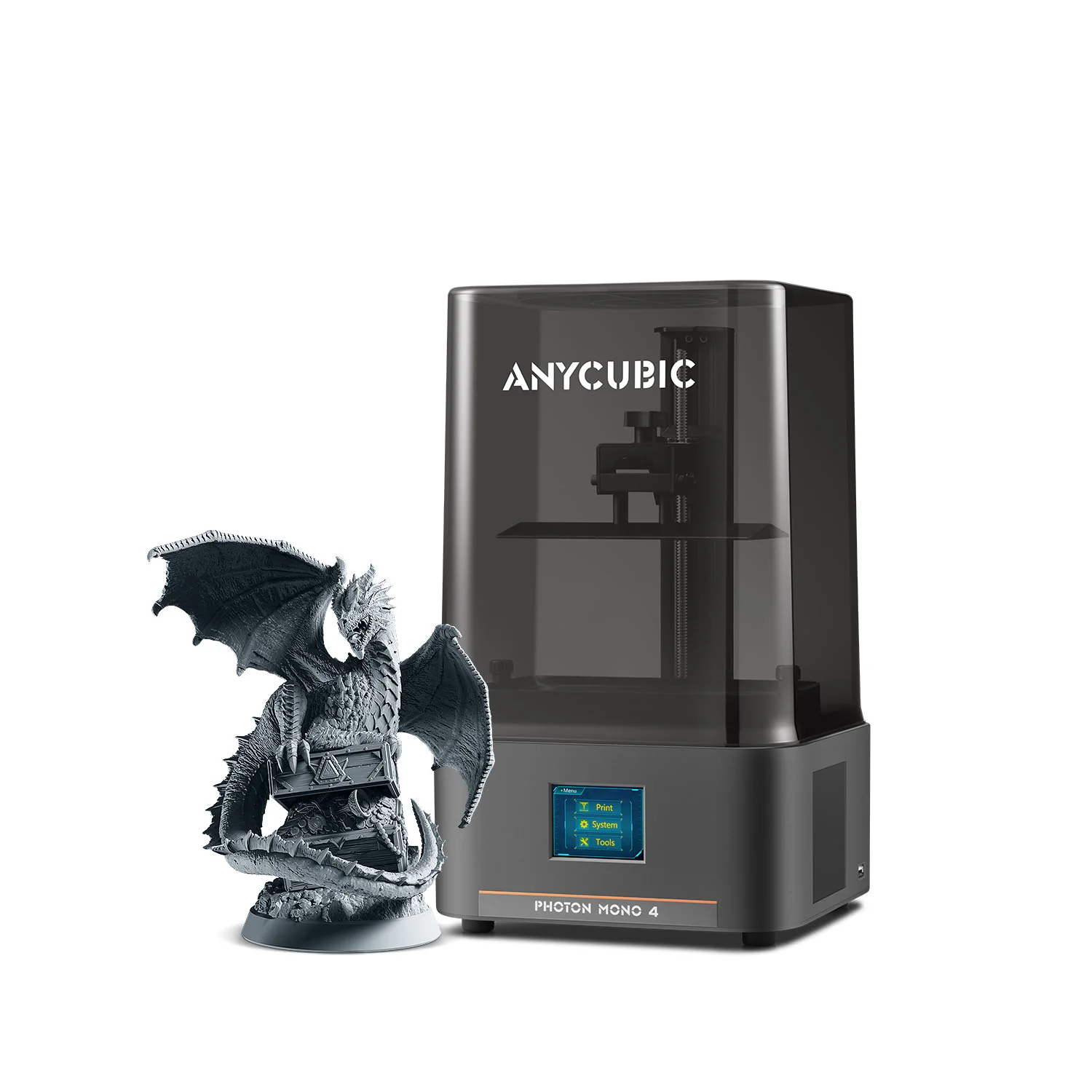
Anycubic Photon Mono 4
Anycubic | 153 x 77 x 165 mm, 10K | $169 to $189
If keeping the resin budget under $200 is the priority, the Photon Mono 4 is the printer to buy. 10K resolution on a 7-inch screen, a small vat (less wasted resin while you learn), and Anycubic’s standard slicer ecosystem. The Mono 4 ships pre-calibrated with 4-point levelling that takes a few minutes the first time and never needs to be repeated. Anycubic positioned this model squarely at first-time resin users; the design choices match. The trade-off versus the Mars 5 Ultra is the absence of the tilt-vat mechanism, which means slightly higher peel forces on the FEP film. At less than half the Mars 5 Ultra’s price, that is a reasonable trade.
Best for: tightest resin budget, smallest footprint, anyone wanting to test whether resin is for them before committing more.

Phrozen Sonic Mini 8K S
Phrozen | 165 x 72 x 180 mm, 8K | ~$349
The long-running miniatures favourite. The Sonic Mini 8K S has been on tabletop and jewellery printers’ desks for two product cycles, and it earned that loyalty with 22-micron precision, third-party slicer compatibility (Chitubox, Lychee), and Phrozen’s solid documentation. It is also the only pick in this section with a meaningful following among jewellery casters. The Mars 5 Ultra has leapfrogged it on workflow ergonomics with the tilt mechanism, but Phrozen still owns the “I print competition-grade minis” niche.
Best for: tabletop miniatures, jewellery casting, anyone wanting Phrozen’s long-running ecosystem and slicer flexibility.
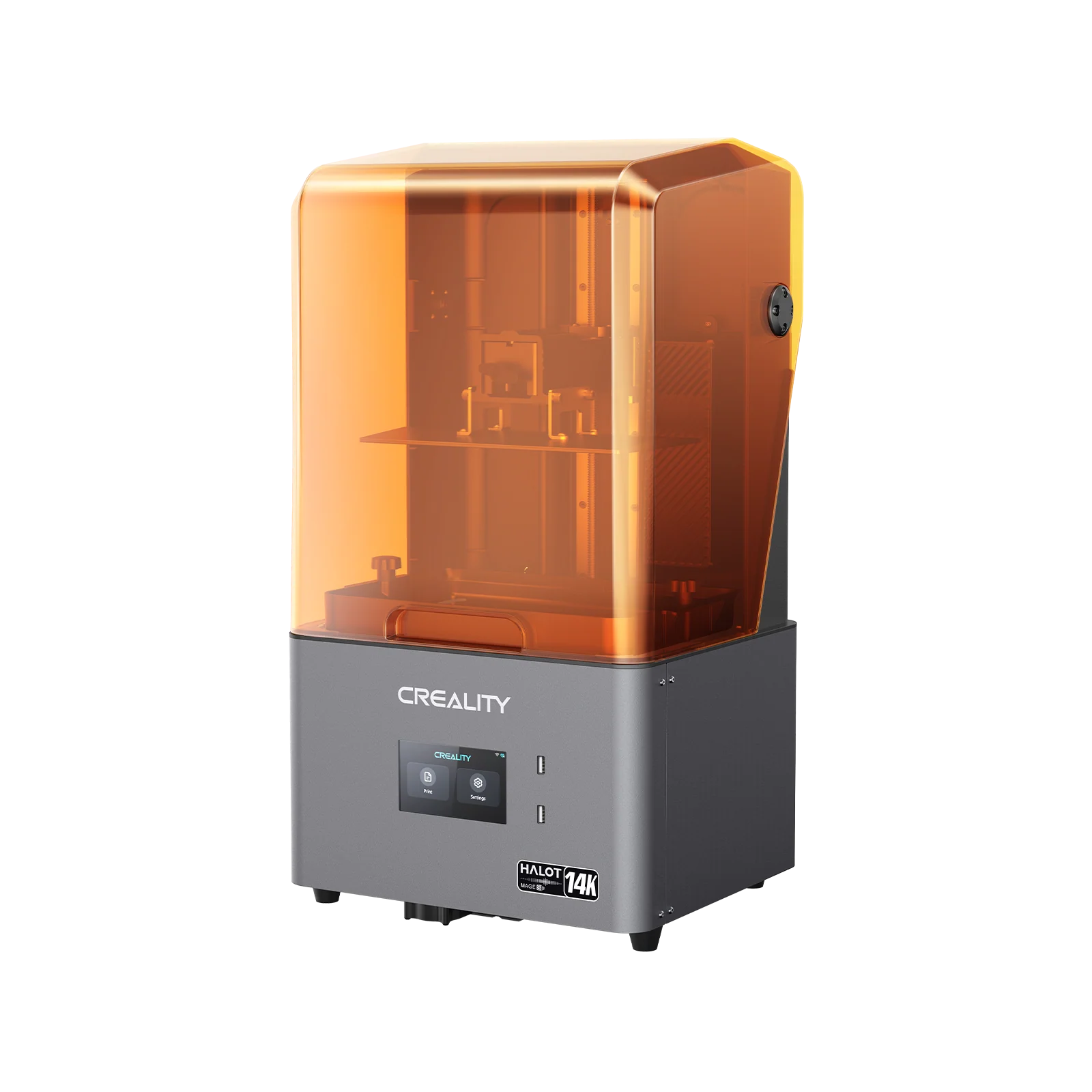
Creality Halot Mage S
Creality | 218 x 123 x 200 mm, 8K | $419 to $449
The Halot Mage S is the larger plate option in this price band. The 10.1-inch 8K screen and 218mm tall vat give it more room than the Mars-class printers, with strong contrast and uniform exposure across the bed. It is less universally recommended than the Anycubic and Elegoo machines at this price point, mostly because the slicer ecosystem (Halot Box) is rougher than Chitubox or Lychee, but owners who buy it tend to keep it. Plan to use Chitubox in production.
Best for: buyers who want a bigger build plate than Mars-class machines and are happy to use Chitubox. Strong fit for tabletop terrain.
Resin picks if you have a bigger budget (over $500)
For buyers ready to commit to resin and who already know whether they want a bigger plate, more resolution, or premium reliability.
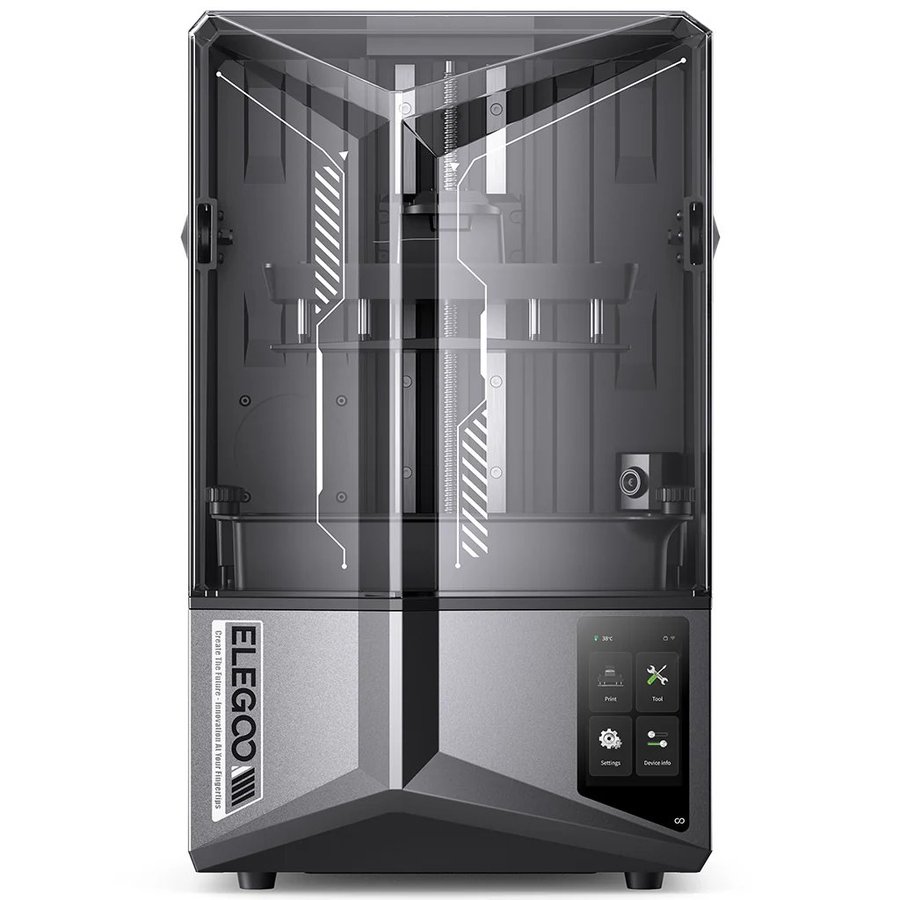
Elegoo Saturn 4 Ultra
Elegoo | 218 x 123 x 200 mm, 16K | $499 to $549
The Saturn 4 Ultra is the bigger plate everyone eventually wants, and it carries the same tilt mechanism as the Mars 5 Ultra so the workflow benefits scale up too. 16K screen, fast prints, mature slicer support. Tom’s Hardware lists it across 2026 best-resin roundups as the most popular larger-format pick at the price. The honest caveat is consumables: a larger build plate means more resin per print, which means higher running costs while you learn what works and what does not.
Best for: buyers who want the Mars 5 Ultra workflow on a bigger plate. Most-recommended large-format resin pick of 2026.
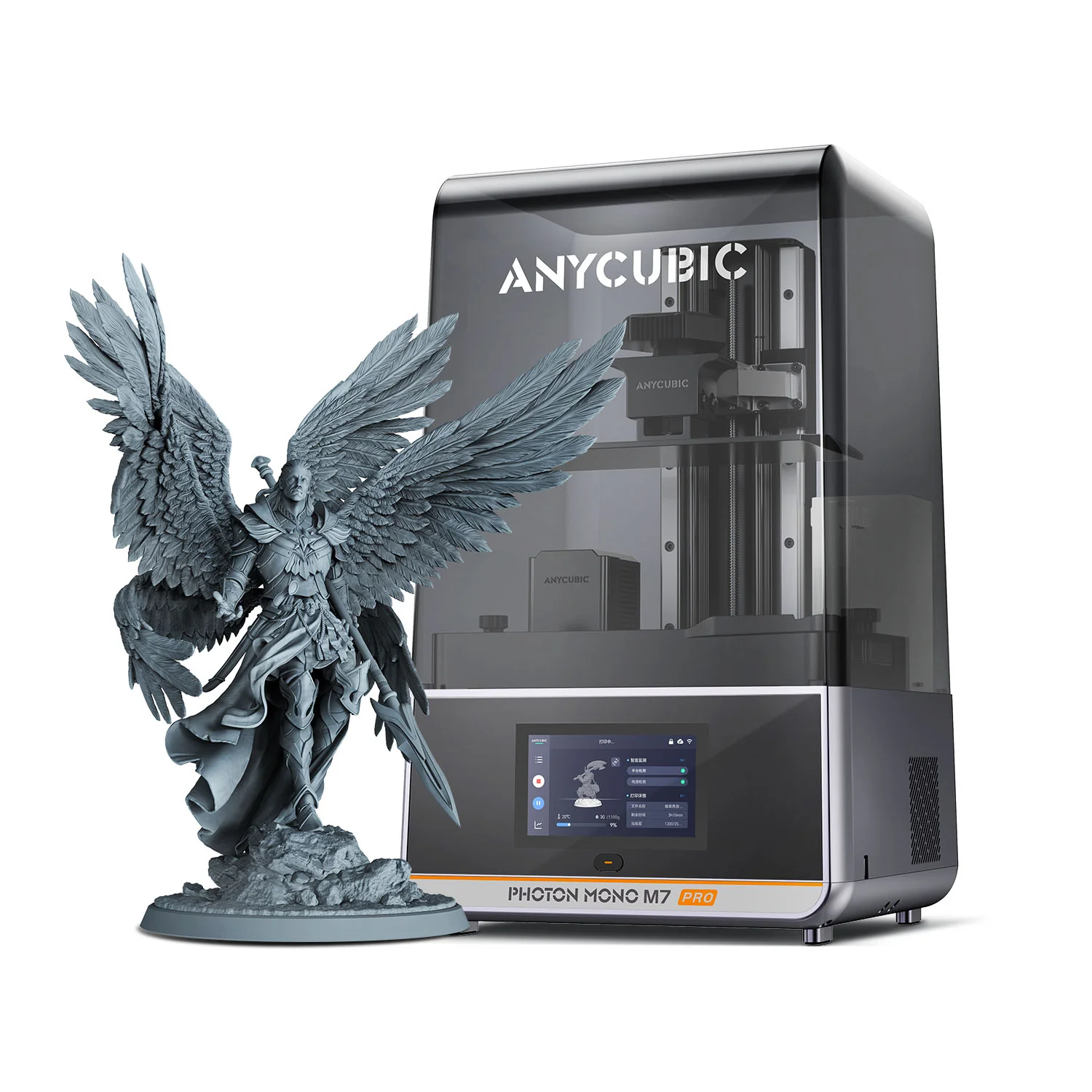
Anycubic Photon Mono M7 Pro
Anycubic | 198 x 122 x 200 mm, 14K | $549 to $599
The M7 Pro is the resolution and speed pick at this price. 14K screen, auto-resin refill, auto-adaptive temperature control, and meaningful print-time reductions of 40 to 50 percent over standard machines on most jobs. Tom’s Hardware called it “super fast resin.” The honest framing: this is a printer best appreciated by someone who has done a few resin prints already. A true first-timer will not yet see the value of the resolution jump or the speed; they will see the price tag.
Best for: buyers stepping up from a first resin printer who want higher resolution, auto resin handling, and faster print times.

Anycubic Photon P1
Anycubic | 223 x 126 x 230 mm, 14K | $689, $755 list
The Photon P1 is Anycubic’s 2026 resin platform, and it removes most of the manual steps that put beginners off resin. Auto-leveling 3.0 with feedback replaces the paper-and-screws routine, the heated vat holds the resin between 20 and 40C so winter prints do not fail on cold resin, and the AI checks confirm the plate is seated, the bottom layers have stuck, the resin level is right and the vat is clean before and during a job. The 10.1-inch 14K screen prints at 16.8 x 24.8 micron pixels across a 6.5 L volume, about a third more than the Mono M7 Pro, and the Wave Release film with a ball-screw Z axis keeps it at 25 to 35 mm per hour. An optional Dual-Material Print Kit adds a second vat and plate for two colors or two resins in one job. It costs more than the M7 Pro; the extra buys the bigger plate and the automation.
Best for: first resin buyers who want the fewest manual steps in this band, or a bigger plate than the M7 Pro without moving up to a 14-inch machine.

Phrozen Sonic Mighty Revo 16K
Phrozen | 218 x 123 x 235 mm, 16K | $700-plus depending on configuration
The premium reliability pick. The Sonic Mighty Revo uses an aerospace-grade aluminium frame, dual linear rails on the Z axis paired with a ball screw, a sealed base, residue detection, and auto plate leveling. The Revo community is small but vocal about long-term durability: owners report multi-year service without major intervention. The trade-off is total system cost: at this print volume, a wash and cure station stops being optional. Plan for the full setup, not just the printer.
Best for: serious hobbyists prioritising long-term reliability over up-front cost. Buy the wash and cure station with it.
Buying guide for first-time 3D printer buyers
The questions that actually come up before the first purchase, in the order they tend to come up.
FDM or resin: which one should I start with?
FDM is more forgiving and less messy, with a wider material range; resin wins for miniatures, dental, and jewellery models where surface detail beats strength, but adds gloves, ventilation, and a curing station. Most beginners start with FDM and add resin later. Full breakdown in our FDM vs resin comparison and the best 3D printers buying guide.
What does “plug and play” actually mean in 2026?
Auto-leveling, near-fully-assembled out of the box, single-cable power-on, no firmware flashing, app or cloud-based slicing, and a guided setup wizard that gets you to the first print in under an hour. Use this as a checklist when comparing models. Anything missing from the list is a manual step you will eventually have to learn.
Do I need an enclosed printer?
Only if you plan to print ABS, ASA, polycarbonate, or fibre-reinforced nylons. PLA and PETG print fine on open-frame machines, and enclosures also cut noise and keep hands and pets away from the hot end. See the heated-chamber rundown in our best 3D printers buying guide.
The hidden cost of resin printing
Budget another $150 to $200 for consumables in the first six months: nitrile gloves, paper towels, isopropyl alcohol, replacement FEP films, and a wash and cure station. A failed print on FDM costs you a few cents of filament; a failed print on resin can spill a vat. Plan the workspace around easy cleanup. Our 3D printing cost guide breaks down the real first-year numbers.
Multicolor: is it worth paying for as a first-time buyer?
Probably not for the first month. Single-color printing has its own learning curve (bed adhesion, retraction, supports, slicer settings). Once those are stable, multicolor is mostly a software problem. AMS Lite, ACE Pro, and CANVAS units can usually be added later as upgrades, so do not feel obligated to buy the combo on day one.
Build volume: how much do you actually need?
Most beginner projects fit inside a 200 mm cube. Larger plates print bigger objects, not better ones; the exception is functional parts, replacement parts, and cosplay. See the build-volume guidance in our best 3D printers buying guide.
What about Bambu’s 2024 A1 recall?
Resolved. The original heatbed cable issue was recalled and addressed in 2024 with a free repair or replacement programme; a separate power-board issue was identified later and addressed in Q3 2025 with revised hardware. Failure rates on units shipping in 2026 are very low (Bambu cites 0.052%). The A1 you would buy today is the revised version, and the recall handling is widely regarded as one of the better consumer hardware recall responses in recent memory.
Why does Bambu Lab not always win?
Closed ecosystem, cloud-tied workflow, and a slicer that strongly prefers Bambu’s own profiles. For most beginners the trade-offs are worth it. For buyers who care about open-source firmware, local-only printing, or who already use Cura or PrusaSlicer in production, Centauri Carbon 2, Prusa MK4S, and the Anycubic Kobra line all offer paths that do not depend on Bambu’s cloud.
What about toolchangers like the Snapmaker U1?
Real, well-reviewed, and a credible alternative to AMS-style multicolor for buyers who do not want filament purges (the small amount of plastic wasted each time the printer changes colour). At $999 retail it sits above the price ceiling for this guide, but it is the right question to revisit as a second printer once you understand what you actually print.
Software and slicers
A slicer is the program that converts a 3D model file into the exact path the printer will follow. Bambu Studio, Orca Slicer, Cura, PrusaSlicer (FDM), and Chitubox or Lychee (resin) are all free. Pick one and stick with it for the first three months. Our best 3D printer slicers guide compares the main options. The temptation to A/B test slicers early is the fastest way to learn nothing well.
Filament and resin: what to buy first
For FDM, start with PLA in a single colour from a reputable brand (Polymaker, Bambu, Sunlu, Overture). Skip exotics until your prints come out clean. For resin, start with standard greyscale or beige; tough resins, water-washable resins, and dental specialty resins all add variables that beginners do not need yet.
Warranty, support, and brand reality check
Bambu, Prusa, Anycubic, Elegoo, and Flashforge all run working RMA processes in 2026. Creality is more uneven, but the Ender community is the largest knowledge base in 3D printing and tends to solve problems faster than support tickets. Phrozen and Sovol are smaller; expect slightly longer turnaround.
Explore the other 3D printer guides
This guide is part of our printer series. The flagship best 3D printers guide covers the whole market; the sibling guides pick the best resin 3D printers, the best carbon fiber 3D printers, and the right machines for kids and schools.
Frequently asked questions