
Snapmaker has launched a free online tool that turns a photo into a color panel you can 3D print and light from behind.

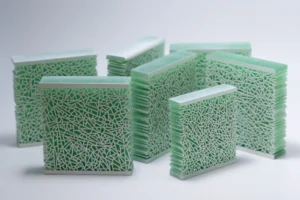
That kind of panel is called a lithophane. Its picture only shows when light shines through it, because thicker spots let less light pass and look darker, while thinner spots glow brighter. Most 3D printed lithophanes use a single color. The new Snapmaker Color Lithophane Generator instead stacks cyan, magenta, yellow and white plastic, so the light comes through in color.
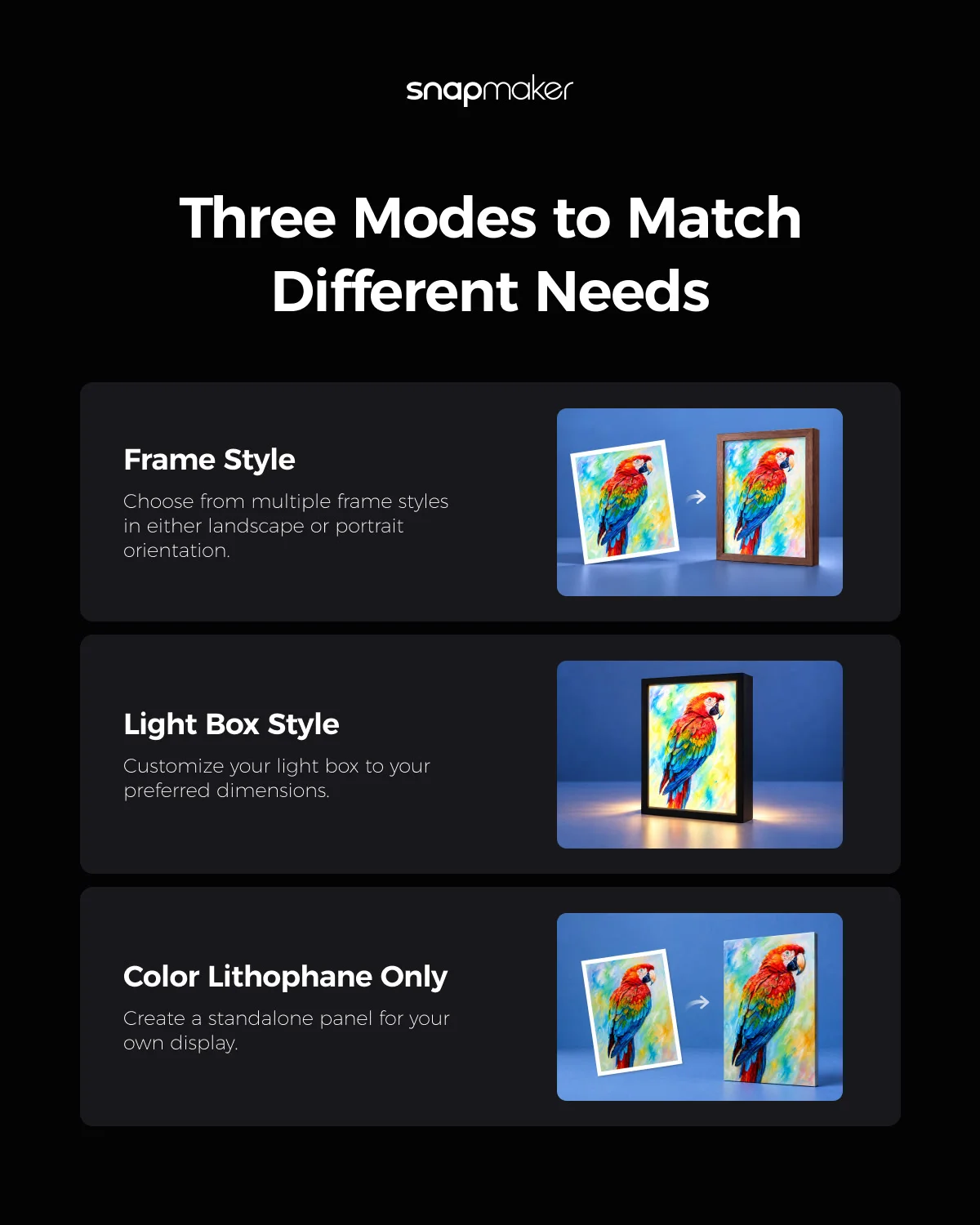
The tool is now live in Snapmaker Lab, part of the company’s Snapmaker Space platform, and needs no modeling skills. Users upload a photo, choose a display style, then adjust the crop before generating the model. There are three styles, a panel in a frame, one in a light box or a standalone panel. JPG, JPEG, PNG and WebP images up to 20 MB work. A photo with a clear subject, balanced exposure and a simple background gives the best result.
Out comes a 3MF file, a print-ready project that holds the model along with print settings tuned for lithophanes. It opens in Snapmaker Orca, the company’s slicer, with the four filament colors already matched. Scaling the model afterwards is best avoided, since its thickness controls how the colors mix, so a different size means generating a new file.
For the plastic, Snapmaker recommends its SnapSpeed PLA CMYK Lithophane Filament Bundle, a 4 kg set of four spools. At the time of writing, its US store lists the bundle at $69.99, down from $89.00. Print profiles for the Snapmaker U1 are built into Snapmaker Orca, and RFID tags let the U1 load the filament settings by itself. Other FDM printers also work, though they may need manual tuning. Because each color has to be loaded in the printer, the job needs a machine that can print with all four filaments. A 0.2 mm nozzle gives finer detail than a 0.4 mm one.
The bundle does not include a frame, light box, backlight or power supply. The generator models the frame or light box for you to print. The backlight, however, is sold separately and runs from a 5V USB-C source such as a charger or power bank. Colors will also not exactly match the original photo, since filament, slicer and generator settings all play a part.
Snapmaker Lab is still in beta, and Image to 3D and more modeling tools are listed as coming soon.
Source: Snapmaker forum